Emacs Extensions for
GE Smallworld Magik Development
Screen-casts, tutorials, and productivity tools for Magik programmers who use Emacs. From tab-mode and code folding to the Magik Debugger and object inspector — explore features built by a developer, for developers.
Learn MoreNine screen-casts published between November 2010 and January 2011 — covering everything from ECB mode to the Tree Item GUI control. Read the story behind the project →
Get in Touch
A Magik developer’s guide to the Emacs help system
The Emacs help system puts its documentation a few keystrokes away from the code being edited. Its help buffers, Info manuals, completion routines and source links turn a question such as “what arguments does this method accept?” into a short navigation exercise. That model suits Magik particularly well, where a developer may work across procedural methods, object templates, collections and package-level state in the same editing session.
The useful distinction is between Emacs’ native help, which understands Lisp symbols, and the Magik-aware layer supplied by a Magik Emacs extension. Magik methods are not automatically Emacs Lisp functions, so describe-function does not expose a Smallworld method merely because its name appears in Magik source. A dependable workflow combines native Emacs help for editing commands and modes with Magik symbol lookup, source navigation and generated reference information.
Why help matters in Magik development
Magik development happens inside a rich object model, so the useful answer is often more than a signature. A method may depend on a template, a package variable, a collection query or a companion method in another package. Context-sensitive help shortens the path from a confusing runtime result to the definition, its callers and the surrounding documentation.
It also supports deliberate code review. When a developer can reach the source of a method from the help buffer, an unfamiliar name becomes inspectable rather than mysterious. The same habit works for Magik-Emacs key bindings, folding commands and debugging actions, because Emacs describes a binding through the command that implements it.
This is valuable for Australian teams as well. Developers in Sydney, Melbourne and Brisbane often support colleagues in Perth, Adelaide and other regional sites. UTC timestamps, Australian Eastern Standard Time and daylight-saving changes can make a stored trace harder to read; a help entry that identifies the package and version gives the team a stable point of reference.
Opening the right kind of help
The quickest native entry is C-h f, or describe-function. Type a command or function name, press Return, and Emacs opens a buffer with its documentation, arguments, any associated key bindings and often a source link. Nearby commands cover different jobs: C-h v describes a variable, C-h k describes a key sequence, C-h m describes the current major mode and C-h ? explains the help system itself.
For a Magik method, start with the fully qualified method name and the Magik-aware lookup in the installed extension. In releases that provide magik-describe-method, entering the exact name there queries Magik symbols rather than the Emacs Lisp function table. Using describe-function for the same name can produce a “void-function” message, which means Emacs searched the wrong namespace, not that the Smallworld method has disappeared.
A good Magik help entry should identify the defining package, argument list, return value, inherited or overriding behaviour, and source location. If those details are missing, check that the package is loaded, the extension has indexed it, and the name matches the spelling used in the source. Rebuilding the index and reloading the package often refresh an entry that predates a method change.
Searching documentation with less guesswork
C-h a opens Emacs’ apropos search. Enter a distinctive fragment, such as a method family or business term, and the results connect names to short descriptions. M-x apropos provides the same search as an ordinary command, while apropos-doc and apropos-symbol can narrow a broad investigation. For Magik, search across the extension’s index when the exact method spelling is uncertain, then inspect the strongest match instead of guessing at prefixes.
The Info reader, reached with C-h i, remains valuable for manuals that explain behaviour across several methods. Use completion to locate a package or topic, then use Info’s search facilities for wording that differs from the command name. A Magik reference manual can answer architectural questions, while the Emacs Lisp manual explains helper functions and editing conventions that appear in the extension.
Readers who want a wider set of examples can consult the broader documentation workflow for advice on combining command descriptions, package documentation and search. Keep the two information layers distinct: an Emacs manual node explains the editor, whereas a Magik entry should explain the Smallworld object or method. Mixing them produces confident answers at the wrong level.
Help also travels well in the rhythm of Australian commuting. Many developers in Sydney and Melbourne pass through underground sections on trains or trams, where an online search can fail; Opal and Myki cards are everyday fixtures for those journeys. An exported Info manual, cached package reference or small offline abbreviation sheet can keep terminology available, although confidential code and customer data should remain on approved, access-controlled devices. A reliable offline index gives a train journey purpose without turning a lost connection into lost context.
Connecting reference material to Magik source
Help becomes more useful when it leads back to editable code. Emacs’ M-x find-function works well for Lisp helpers used by the extension, while a Magik-aware source action should open the Smallworld method in its original package. Follow that link, read nearby comments and search for callers. This route reveals whether a surprising result comes from the current implementation, an inherited template method or a call in a different package.
Source discovery depends on a clean local setup. Confirm that Emacs knows the Magik package source directory and that the extension has loaded or indexed the intended version. The Magik Emacs site’s symbol search example provides another place to test the habit of treating names as navigational anchors: an unfamiliar symbol should lead to its definition, documentation and surrounding implementation. Once found, mark the package version in a note so later source comparisons remain meaningful.
When a method has been renamed, moved or reimplemented, stale help can be more damaging than no help. Reload the Magik package, rebuild the extension’s reference index if required, and compare the entry against the current source. Retain the old trace only as evidence for the earlier run, and record the replacement method in the incident note. This prevents a convincing but obsolete description from steering debugging in the wrong direction.
Putting the help workflow to work
Use the same sequence for recurring questions: search for the symbol, open its Magik help, follow the source link, then inspect callers and related package documentation. For editor questions, use C-h k to identify the command behind a shortcut. For Magik concepts, check the package manual after the symbol lookup. Repeating one path across both layers makes the cost of learning a new method predictable, especially when a developer is moving between code, debugger and collection analysis.
Turn useful discoveries into shared material rather than private memory. Add concise method notes to the project repository, include the Smallworld and Magik-Emacs versions, and record any custom key bindings in the team configuration. Australian organisations using Smallworld in mining, infrastructure, utilities and land management often rely on internal developers alongside specialist consultants. Consistent local documentation lets those teams exchange fixes without requiring everyone to rediscover package quirks.
Privacy belongs in this workflow too. If a help example, trace or source note contains personal information, Australian teams whose handling is covered by the Privacy Act 1988 must follow the Australian Privacy Principles and their organisation’s controls. Use synthetic values in examples and avoid copying production records into shared buffers. The same care protects source code and commercial data when teams work across client boundaries.
Make the next session a practical test of this workflow. Open the Magik file you currently maintain, select one method whose behaviour you cannot explain from memory, and search for it with M-x apropos. Open its Magik-aware help entry, follow the source link, and check the package and version shown. Save the useful explanation beside the code, then repeat the process for one Magik Emacs key binding with C-h k. Teams can scale the same routine by recording extension versions, package paths and agreed documentation conventions, with HydePark Consulting available to support standardisation across internal developers and specialist consultants. Start in the editor, keep each verified explanation beside the Smallworld code, and build a reference path the whole team can follow.
Core Features
Tab Mode & ECB
Quick tab switching and Emacs Code Browsing mode for navigating Magik codebases efficiently.
Magik Smeller
Code analysis tool that helps identify potential issues in Magik source files.
Code Folding
Hide/Show mode for collapsing and expanding Magik code blocks to focus on what matters.
Visual Bookmarks
Quick visual bookmarks for jumping between key locations in your Smallworld session buffers.
Object Inspector
Inspect Magik objects and display them in an Emacs Deep Print buffer for detailed examination.
Magik Debugger
Set breakpoints and monitor slots and variables directly from within Emacs.
Development Tools
Direct links between Emacs and the Smallworld Development Tools application, including Click Monitor.
Screen-casts & Tutorials
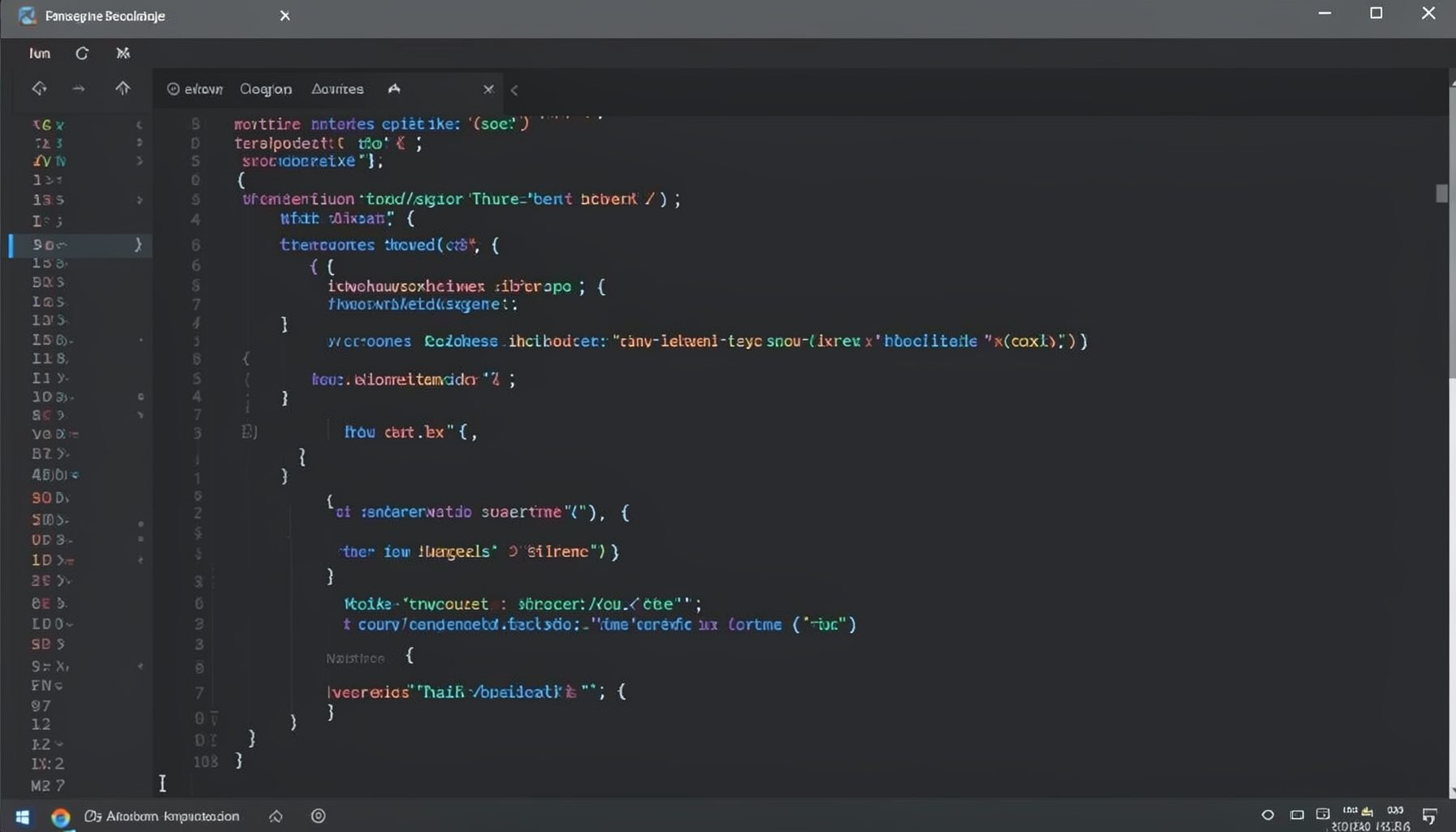
Screen-cast 1: Tab Mode, ECB & More
Covers tab-mode, ECB, Magik Smeller, code folding, visual bookmarks, pragma toggling, moving code, external editor, and MS Explorer.
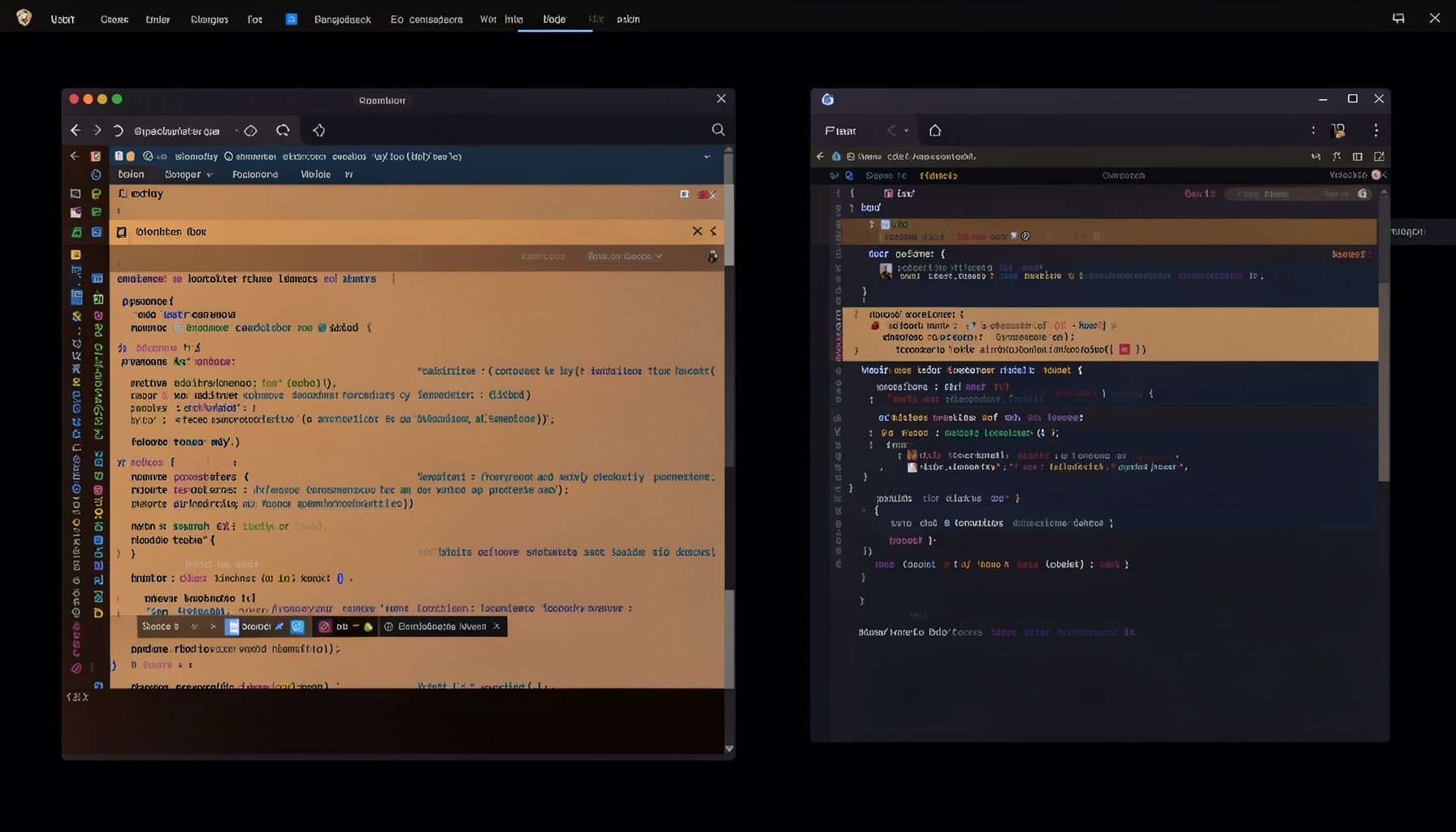
Screen-cast 5: Object Inspection & Deep Print
Inspect a Magik object, prompt for an expression evaluated within a Smallworld session, and display results in a Deep Print buffer.
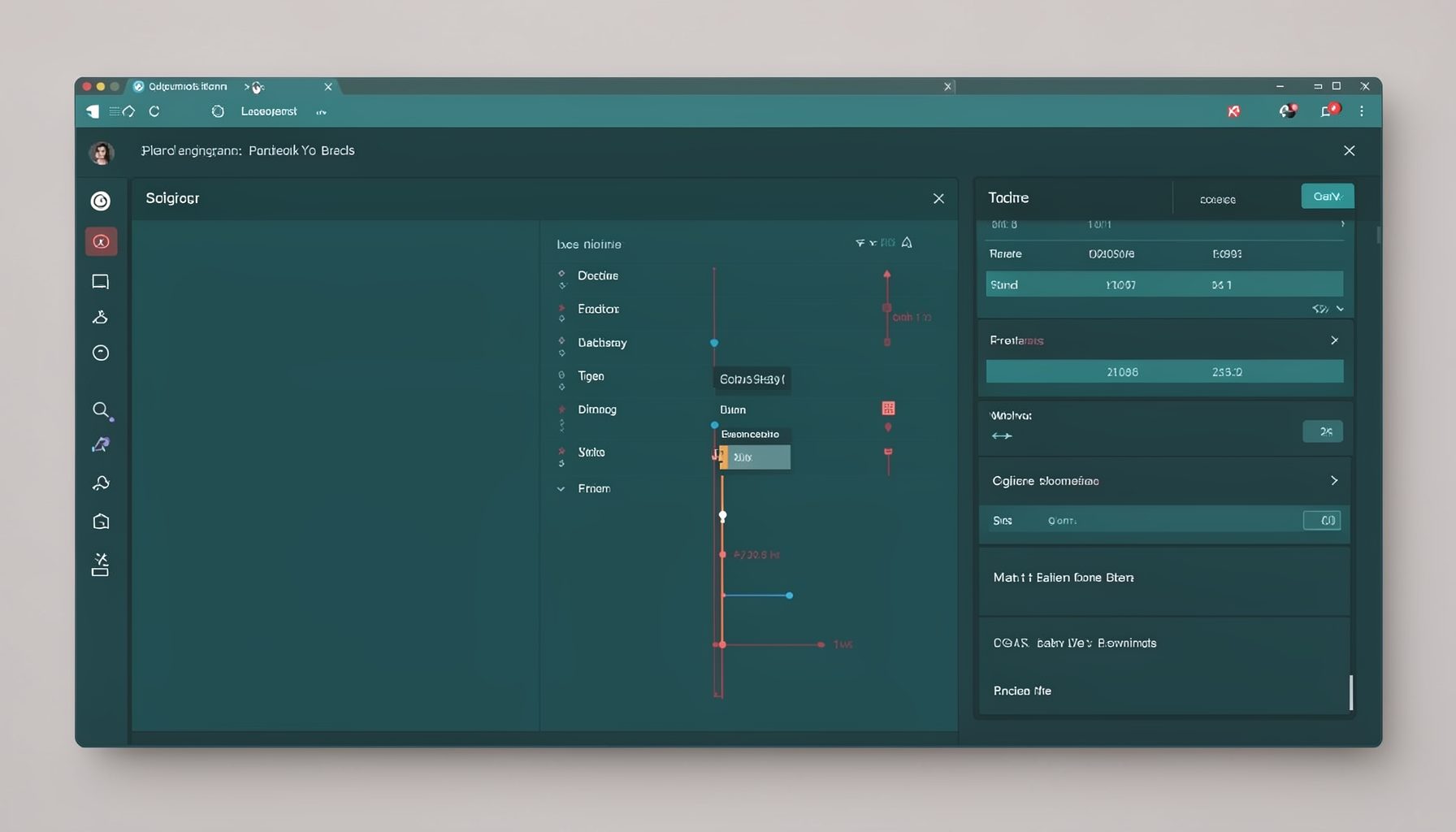
Screen-cast 7: Magik Debugger
Useful tools for application developers: Object Inspector and Magik Debugger with breakpoints and slot/variable monitoring.

Screen-cast 9: Tree Item GUI Control
Tree Item is a GUI control providing extensive facilities for displaying lists with rows, columns, trees, and in-place editing.