Emacs Extensions for
GE Smallworld Magik Development
Screen-casts, tutorials, and productivity tools for Magik programmers who use Emacs. From tab-mode and code folding to the Magik Debugger and object inspector — explore features built by a developer, for developers.
Learn MoreNine screen-casts published between November 2010 and January 2011 — covering everything from ECB mode to the Tree Item GUI control. Read the story behind the project →
Get in Touch
Automating Magik Refactoring with Emacs' Smerge
Refactoring Magik code can look harmless in a diff: rename one method, extract a helper, or tighten an access declaration. In a live Smallworld estate, the same edit may reach package-loading code, method dispatch, tests, and operational documentation. Treating that edit as a blind search-and-replace therefore trades a visible syntax error for a harder runtime surprise.
Smerge gives Emacs a three-way merge view for text that has evolved along two paths. It compares an ancestor with a current version and a proposed version, aligns matching regions, and exposes overlapping changes as conflicts. For Magik, that makes it useful as the review stage in an automated refactoring pipeline, particularly when independent maintenance edits and the proposed transformation touch the same file.
The goal should be controlled repetition rather than hands-off code mutation. A script can recover the baseline, produce the candidate transformation, launch Smerge and run validation; a developer can focus on the ambiguous regions. This division suits Australian engineering teams spread across Sydney, Melbourne, Brisbane and Perth, where morning handovers and distributed change windows are ordinary parts of release coordination.
There is an important boundary. Smerge understands text structure and regional changes, not Magik inheritance, dispatch rules or runtime data. Its output remains a proposed source file that needs compilation, targeted tests and business-owner review. Used with those gates, Smerge can make repetitive refactorings faster and more reviewable.
Why three-way merging fits Magik changes
A three-way merge has three roles. The ancestor is the committed source before either branch changed; the current version contains work already present in the team's branch; the proposed version contains the refactoring. If one branch changes a method body and the other changes a nearby comment, Smerge can present them separately instead of declaring the entire file conflicted.
This separation matters in Magik packages where definitions and call sites live in different files but also in single files containing tightly related methods. A rename can move through a definition and several callers, while an extraction changes the original body and adds a helper. Smerge's region-based view helps the reviewer see which edits overlap and which are complementary.
Its structural view is still textual. Smerge does not know that method names are overloaded, that a shared declaration alters visibility, or that changing an argument list affects dynamic calls. Keep semantic checks outside Smerge: compile the merged package, run focused tests, and compare generated or catalogue metadata where the local Magik toolchain supports it.
Designing a reproducible merge workspace
Every automated merge needs immutable inputs. Check the historical ancestor out of version control, copy the working file into a temporary directory, and generate the proposed file from that same ancestor. Label the three artefacts clearly and record their revision identifiers; never let a “current” file silently drift while the transformation is running.
A small shell wrapper can establish that workspace:
work=$(mktemp -d)
git show "${BASE_REF}:${MAGIK_FILE}" > "$work/ancestor.magik"
cp "$MAGIK_FILE" "$work/current.magik"
site-magik-refactor "$work/ancestor.magik" "$work/proposed.magik"
emacs -nw --eval "(progn (require 'smerge) (smerge-start))"
Here site-magik-refactor represents an approved transformer, or you can replace it with output copied from a clean worktree. The final command opens Smerge so its prompts can select the prepared files.
Treat the workspace as a review record rather than a permanent source tree. Keep it until the compiler and tests have run, then remove it under the team's retention policy. If an artefact came from production configuration, check for credentials and personal information before any external service sees it.
Driving Smerge from Emacs
The useful part of the integration is not a hidden non-interactive merge switch. Smerge is designed for a person to inspect differing regions and choose a resolution. Automation should prepare the inputs, open the review and collect evidence, while leaving semantic conflict decisions with the developer.
An Emacs Lisp command can provide a stable entry point:
(require 'smerge)

(defun magik-smerge-review ()
  (interactive)
  (require 'smerge)
  (call-interactively #'smerge-start))
Bind that command in the team's development configuration and launch it from the wrapper script. A working copy of each artefact can be opened first, so comments and nearby methods remain available without leaving Emacs.
During review, use Smerge's difference and conflict navigation commands rather than scrolling through a large buffer. After saving, invoke the site's Magik compiler from compilation-mode and attach its output to the review record. A CI job can then reject unresolved conflict markers or a failed compile, preventing an ambiguous Smerge session from becoming a release candidate.
Handling large, generated and mixed-platform files
Generated Magik should usually be regenerated, not merged. If a generator changes alongside hand-written source, merge the source and rerun the generator in a clean environment. Compare its output with the proposed artefact to expose toolchain differences. This avoids teaching Smerge to reconcile artefacts whose order, timestamps or formatting may have no source-level meaning.
Large source files need a different tactic. Review logical regions, preserve meaningful whitespace, and exclude only changes proven irrelevant, such as a generated banner. Normalise line endings before comparison on mixed Windows and Unix estates. On a managed Windows workstation, a developer may find a checksum tool through desktop utility download sites, but internal approval and malware scanning should come before installation.
The Australian Privacy Act 1988 and the Australian Privacy Principles add a clear reason to keep merge workspaces local. Customer details, employee records, site locations or access credentials can appear in comments, fixtures and configuration embedded in Magik packages. Restrict temporary-file permissions, avoid uploading source to hosted merge services, and follow the organisation's incident and retention procedures if sensitive material is exposed.
Choosing the right merge strategy
git merge-file is useful when a fully automatic result is acceptable, but it does not provide the same guided review surface. Smerge brings conflict navigation and side-by-side inspection into Emacs, which is valuable when the two changes are substantial. The cost is a human step, so automation must deliver clean inputs to make that step worthwhile.
Magik-aware tooling can solve a different layer of the problem. A parser-based renamer may update calls with greater semantic confidence; a code generator may rebuild a package; an LSP server may expose diagnostics. Smerge remains valuable when those tools emit source edits that must be combined with concurrent branch work. The two approaches complement each other rather than compete.
Distributed review timing is another practical factor. Teams based in Adelaide and Perth have a stable half-hour offset, with neither city changing clocks for daylight saving, while Sydney, Melbourne and Brisbane shift seasonally. A shared merge queue can therefore become the least convenient part of the workflow. Record whether a conflict was caused by refactoring overlap or branch age, then schedule urgent semantic conflicts when the relevant engineers can meet promptly.
Making the workflow repeatable across a team
Start with a narrow class of transformation, such as renaming private helper methods within one package, and define the required inputs and validations before expanding it. Store the wrapper, compiler command and test selection in the team's standard development environment. A short runbook should explain which file is the ancestor, how proposed changes are produced and how a failed merge is discarded.
The commercial context matters as much as the tooling. Australian organisations using Smallworld often support infrastructure, assets or field operations where releases are governed by change windows and continuity plans. In a Sydney or Melbourne engineering team, an auditable merge record can sit beside the deployment record; in a regional support office, the same record clarifies which code and validation evidence were used.
Measure outcomes that reflect review quality: time spent in each Smerge conflict, the proportion of proposed files that compile cleanly, and the number of semantic defects caught by tests. Keep the human gate even when metrics look good. If a refactoring rule generates unsafe edits, improve its input constraints or disable that rule rather than training the merge process to hide the problem.
Start with one low-risk Magik package and run a method rename through the ancestor, current and proposed workflow. Preserve the generated artefacts, the Smerge resolution and the compiler result as the first auditable trial.
Make that trial the team's next automation experiment: bind the review command, place it behind the existing release checks and agree on the point at which a conflict must be escalated. Repeating the same controlled cycle turns a useful Emacs technique into dependable engineering practice.
Core Features
Tab Mode & ECB
Quick tab switching and Emacs Code Browsing mode for navigating Magik codebases efficiently.
Magik Smeller
Code analysis tool that helps identify potential issues in Magik source files.
Code Folding
Hide/Show mode for collapsing and expanding Magik code blocks to focus on what matters.
Visual Bookmarks
Quick visual bookmarks for jumping between key locations in your Smallworld session buffers.
Object Inspector
Inspect Magik objects and display them in an Emacs Deep Print buffer for detailed examination.
Magik Debugger
Set breakpoints and monitor slots and variables directly from within Emacs.
Development Tools
Direct links between Emacs and the Smallworld Development Tools application, including Click Monitor.
Screen-casts & Tutorials
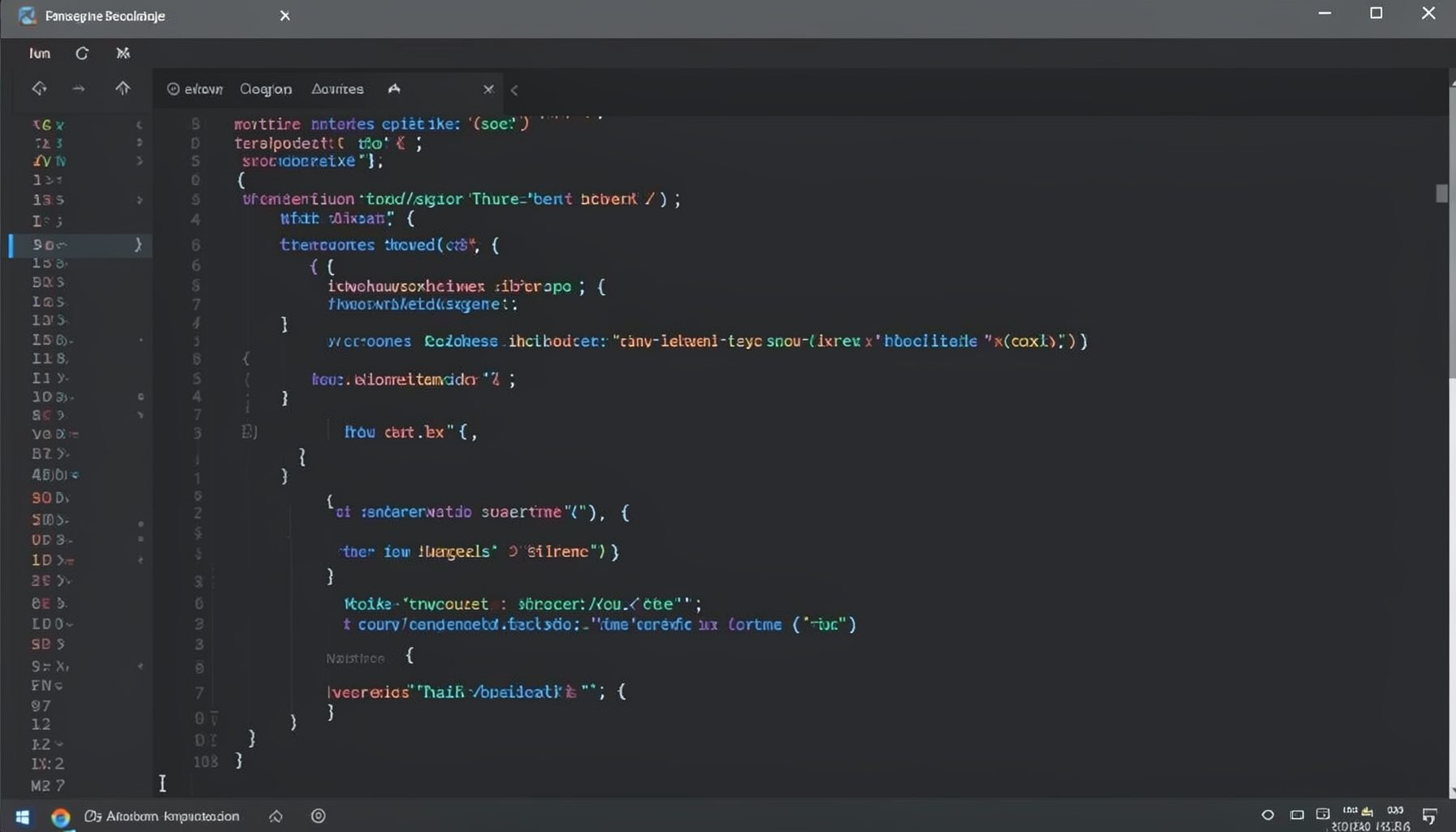
Screen-cast 1: Tab Mode, ECB & More
Covers tab-mode, ECB, Magik Smeller, code folding, visual bookmarks, pragma toggling, moving code, external editor, and MS Explorer.
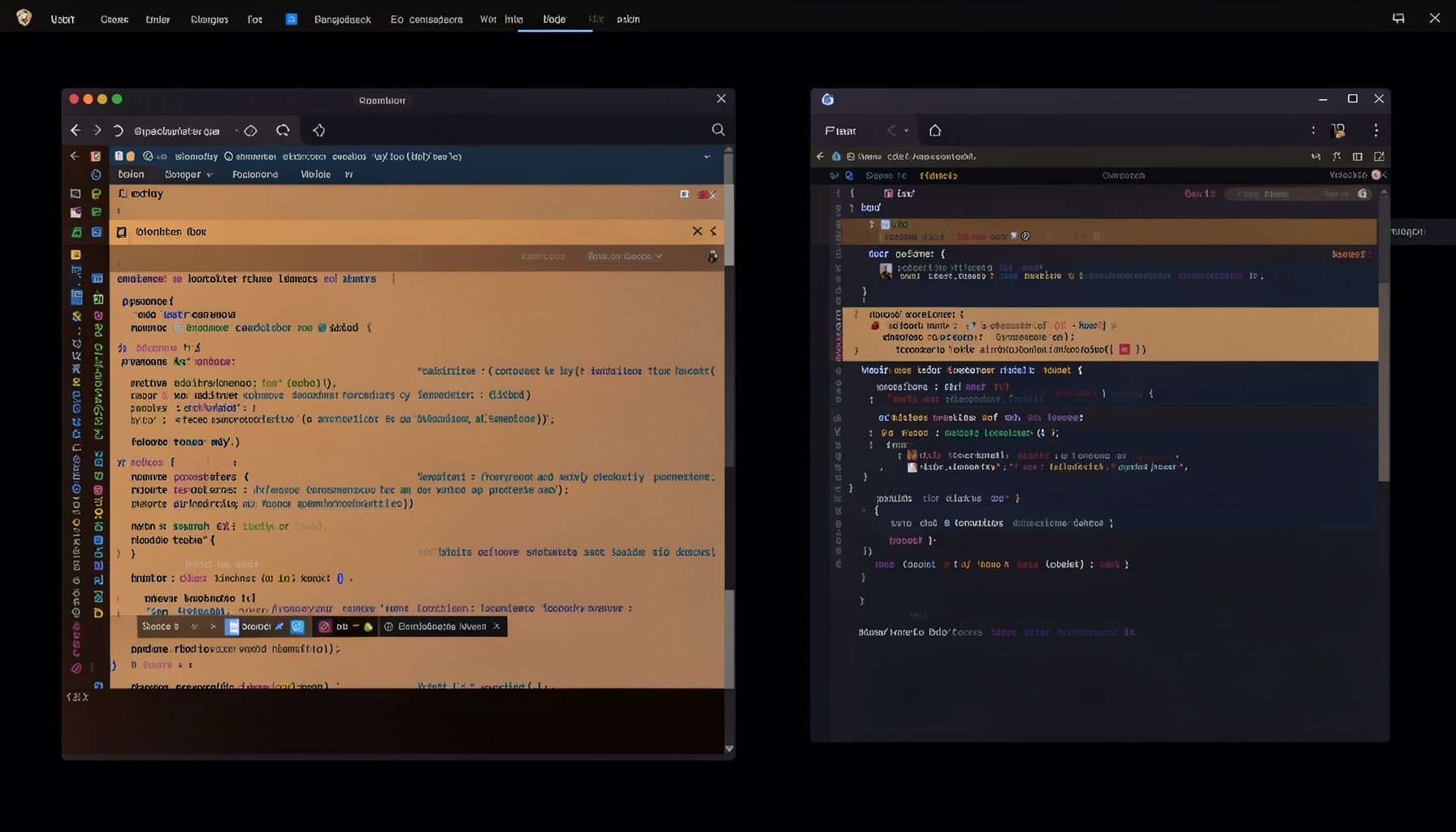
Screen-cast 5: Object Inspection & Deep Print
Inspect a Magik object, prompt for an expression evaluated within a Smallworld session, and display results in a Deep Print buffer.
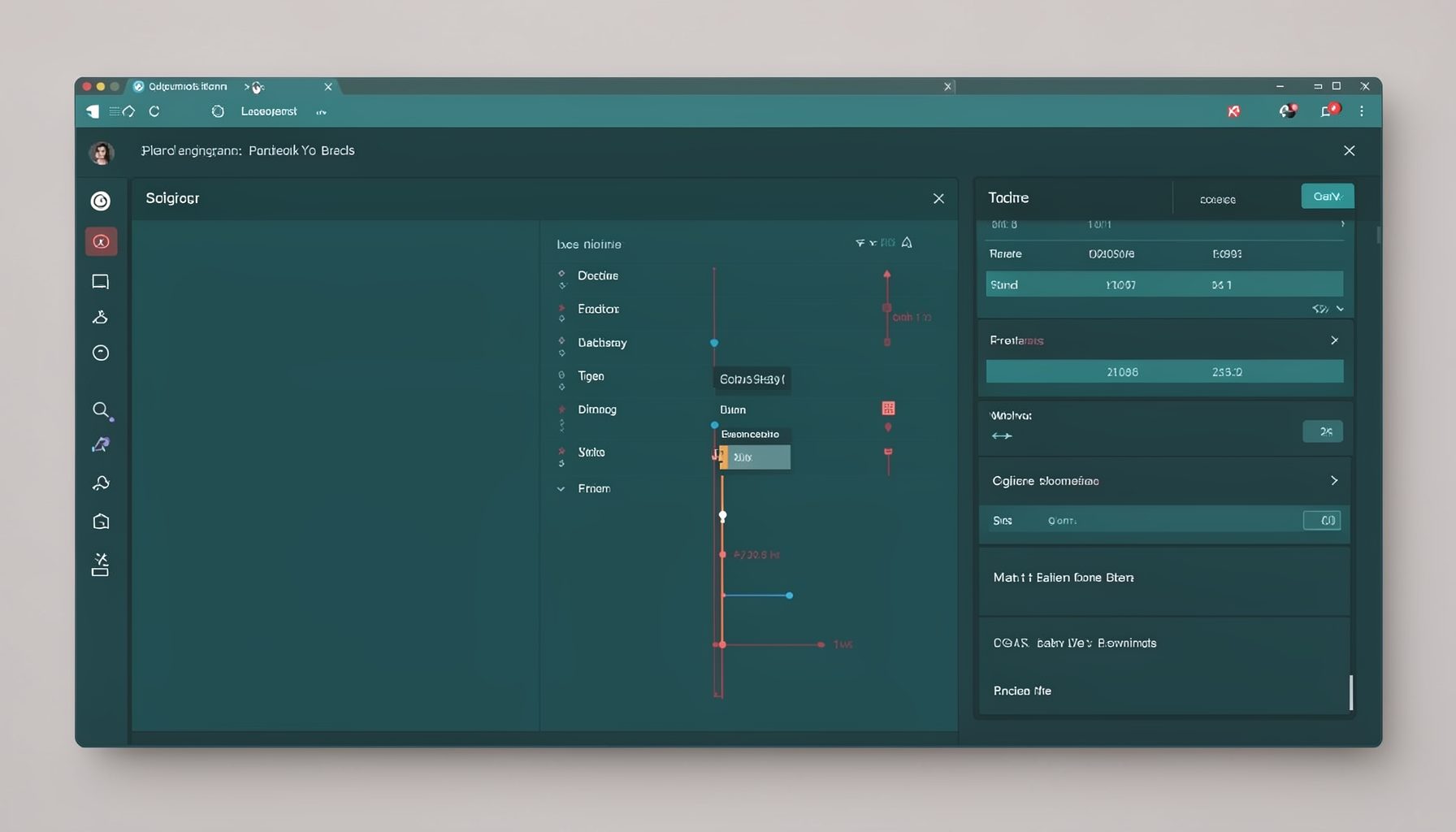
Screen-cast 7: Magik Debugger
Useful tools for application developers: Object Inspector and Magik Debugger with breakpoints and slot/variable monitoring.

Screen-cast 9: Tree Item GUI Control
Tree Item is a GUI control providing extensive facilities for displaying lists with rows, columns, trees, and in-place editing.