Emacs Extensions for
GE Smallworld Magik Development
Screen-casts, tutorials, and productivity tools for Magik programmers who use Emacs. From tab-mode and code folding to the Magik Debugger and object inspector — explore features built by a developer, for developers.
Learn MoreNine screen-casts published between November 2010 and January 2011 — covering everything from ECB mode to the Tree Item GUI control. Read the story behind the project →
Get in Touch
Clean Magik variable alignment with Emacs align-regexp
Magik’s explicit variable initialisation syntax is easy to read when each declaration has a consistent shape. In a method, a private variable commonly looks like _total << 0 >>, with the opening and closing markers enclosing its value. Once names differ in length, those markers drift out of line. Emacs’ align-regexp command can restore a readable column by matching a regular expression and aligning the captured text; it changes whitespace only and leaves the Magik program’s meaning intact.
The useful workflow is narrow: select one declaration block, choose a pattern that identifies the intended column, and inspect the resulting diff. That approach suits Australian development teams spread across Sydney, Melbourne, Brisbane and Perth, where a shared Emacs configuration and a focused Git commit are often easier to maintain than a buffer-wide formatting rule. It also leaves surrounding GE Smallworld code untouched, which matters in systems containing generated files, legacy methods and several layers of indentation.
Why Magik declarations lose their shape
Consider two declarations in the same method:
    _short << 1 >>
    _much_longer_name << 2 >>
The values are irrelevant to formatting; the visual problem is that << and >> occupy different columns. Consistent spacing gives a reviewer one vertical edge to follow, especially while comparing initial values or tracing a later change.
Magik’s underscore-prefixed names are commonly used for private or local data, while the << ... >> form performs initialisation. align-regexp is not a Magik parser and does not know that distinction. It sees characters selected by an Emacs regular expression, so the safest rule is one that describes the construct you intend to format and nothing broader.
Generated code can make the need more obvious. A batch of collection, vector or numeric declarations may arrive with padded and unpadded lines mixed together. Cleaning only that batch produces a smaller review than reformatting an entire package, and it avoids obscuring a functional change with unrelated whitespace churn.
Prepare a narrow and predictable region
Begin in the actual method buffer, but experiment in a copy if the method is unfamiliar. Emacs does not need a dedicated Magik major mode for this operation: syntax colouring helps you see declarations, yet the alignment command works on ordinary text and an explicit regular expression.
Select only declarations at the same nesting level. A block inside one method and another inside a nested procedure need not share a column, and a region that crosses unrelated comments can make the result harder to read. A Brisbane developer preparing a change for a Melbourne team, for example, can format each method separately before exchanging the patch.
Before running the command, save the file and confirm that the selected text is the intended region. Keep the change in Git so whitespace can be inspected separately from behavioural edits. If the file uses tabs for indentation, accept the alignment spacing prompt that matches the project; mixing tabs and spaces can make even a visually tidy result unstable.
Align the initialisation markers with align-regexp
Select the declaration lines and run M-x align-regexp. For a simple marker column, enter \(<<\) at the regular-expression prompt and choose group 1. The parentheses form a capturing group around the literal opening marker. Emacs then uses that captured marker as the alignment point, producing a result such as:
    _short            << 1 >>
    _much_longer_name << 2 >>
The spaces inside << ... >> remain untouched, so this is a formatting operation rather than a reconstruction of the Magik expression.
A stricter expression can require a declaration-like prefix: ^[[:space:]]*[[:alnum:]_]+[[:space:]]*\(<<\). Here the only capture is still the opening marker, while the anchored prefix limits matches to simple identifier declarations. This is useful when the same region also contains comparisons, strings or comments containing angle brackets.
Different cleanup jobs call for different Emacs tools.
| Approach | Best suited to | Main control | Common limitation |
|---|---|---|---|
M-x align-regexp |
Syntax-shaped columns | A captured regexp group | Requires a tested pattern |
M-x align-text |
Fixed, known columns | Explicit separators or columns | Less aware of Magik syntax |
whitespace-style |
Buffer-wide house style | Configured whitespace rules | Can affect unrelated code |
| Manual spacing | One or two lines | Human judgement | Scales poorly and invites drift |
For most Magik declaration blocks, align-regexp is the more expressive choice because the pattern describes the syntax you recognise. Prefer align-text when columns are already known and stable, or whitespace-style when a project has deliberately adopted buffer-wide spacing conventions. Manual edits remain sensible for a single line, but repeating them soon creates inconsistent review noise.
Handle comments, values and nested code
Real source files complicate neat examples. A comment may mention <<, a value may contain a quoted string, and a method may mix declaration styles inherited from different authors. Before aligning, read the selected region and decide whether the match should cover every opening marker or only simple declarations. The stricter anchored pattern is conservative, while the broad marker pattern is faster when the region is known to be homogeneous.
Emacs can run more than one alignment pass over the same block. Matching \(>>\) can place closing markers in a column when that improves the local layout, although initial values of different lengths may make that result less natural. Aligning the opening markers alone usually gives the clearest scan path because each value then begins after a stable delimiter.
Selective formatting also reflects a broader Emacs habit: keep each change bounded and reviewable. This note on precise region editing illustrates that bounded-change approach, which pairs naturally with selecting declaration lines rather than reformatting a whole Smallworld method.
Make the cleanup repeatable in Emacs
To avoid re-entering the pattern, define a small region command:
(defun magik-align-declarations (start end)
  (interactive "r")
  (save-excursion
    (align-regexp start end "\\(<<\\)" 1)))
The function accepts the active region, delegates the alignment to Emacs’ built-in command and restores the point afterwards. In a Lisp string, each backslash is doubled, which is why the expression differs slightly from the version entered interactively.
Bind it to a free key sequence in your Emacs initialisation file, for example:
(global-set-key (kbd "C-c C-a") #'magik-align-declarations)
Then select a method and invoke the binding. Check that the chosen chord has not been claimed by another package, and keep the binding in the same configuration repository used for your other developer tools.
Do not attach the command to every Magik buffer automatically. Automatic formatting can combine with indentation rules, save hooks and generated regions, producing changes a programmer did not request. A deliberate command makes the operation repeatable while preserving review control. For hybrid teams in Sydney and Melbourne, committing the wrapper and key binding in a shared dotfiles repository gives everyone the same behaviour without changing application code.
Put the cleaned pattern into practice
Screen-casts and example files deserve one extra check. A Magik dataset can contain customer identifiers, land parcels, network geometry or other operational details. Under Australia’s Privacy Act 1988, covered organisations must handle personal information in line with the Australian Privacy Principles. Blurring or replacing names and coordinates before recording an alignment demonstration reduces the chance of exposing sensitive material, even when the code itself is public.
The local market reinforces that care. Australian mining, infrastructure, utility and land-management work can place sensitive spatial or operational data in the hands of Smallworld teams, including projects connected with Perth and the Pilbara. Teams in Brisbane, Melbourne, Sydney and Perth should also compare diffs across time zones: daylight-saving changes affect Sydney and Melbourne, while Brisbane and Perth remain on different offsets. A formatting handoff is easier when the receiving reviewer has a clear window to inspect it.
Open a scratch Magik method, add several declarations with deliberately uneven spacing, select that block and run the command. Inspect the whitespace diff, then try the stricter expression on a block containing comments. Once the result is stable, share the wrapper with the team’s Emacs configuration and record the chosen expression in the project’s formatting notes. Run the pattern on one method, verify the diff, and commit the proven wrapper as a shared team default.
Core Features
Tab Mode & ECB
Quick tab switching and Emacs Code Browsing mode for navigating Magik codebases efficiently.
Magik Smeller
Code analysis tool that helps identify potential issues in Magik source files.
Code Folding
Hide/Show mode for collapsing and expanding Magik code blocks to focus on what matters.
Visual Bookmarks
Quick visual bookmarks for jumping between key locations in your Smallworld session buffers.
Object Inspector
Inspect Magik objects and display them in an Emacs Deep Print buffer for detailed examination.
Magik Debugger
Set breakpoints and monitor slots and variables directly from within Emacs.
Development Tools
Direct links between Emacs and the Smallworld Development Tools application, including Click Monitor.
Screen-casts & Tutorials
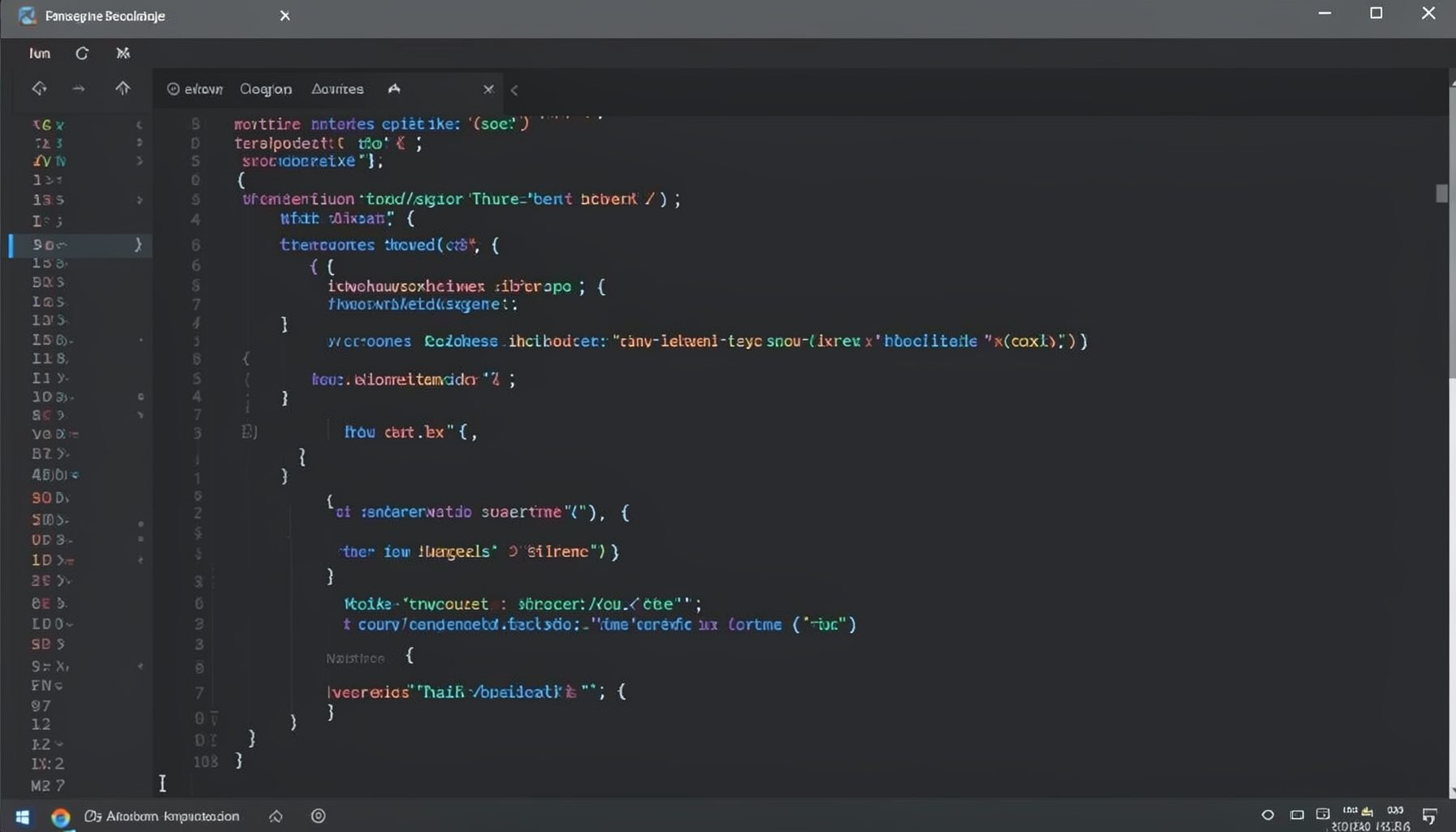
Screen-cast 1: Tab Mode, ECB & More
Covers tab-mode, ECB, Magik Smeller, code folding, visual bookmarks, pragma toggling, moving code, external editor, and MS Explorer.
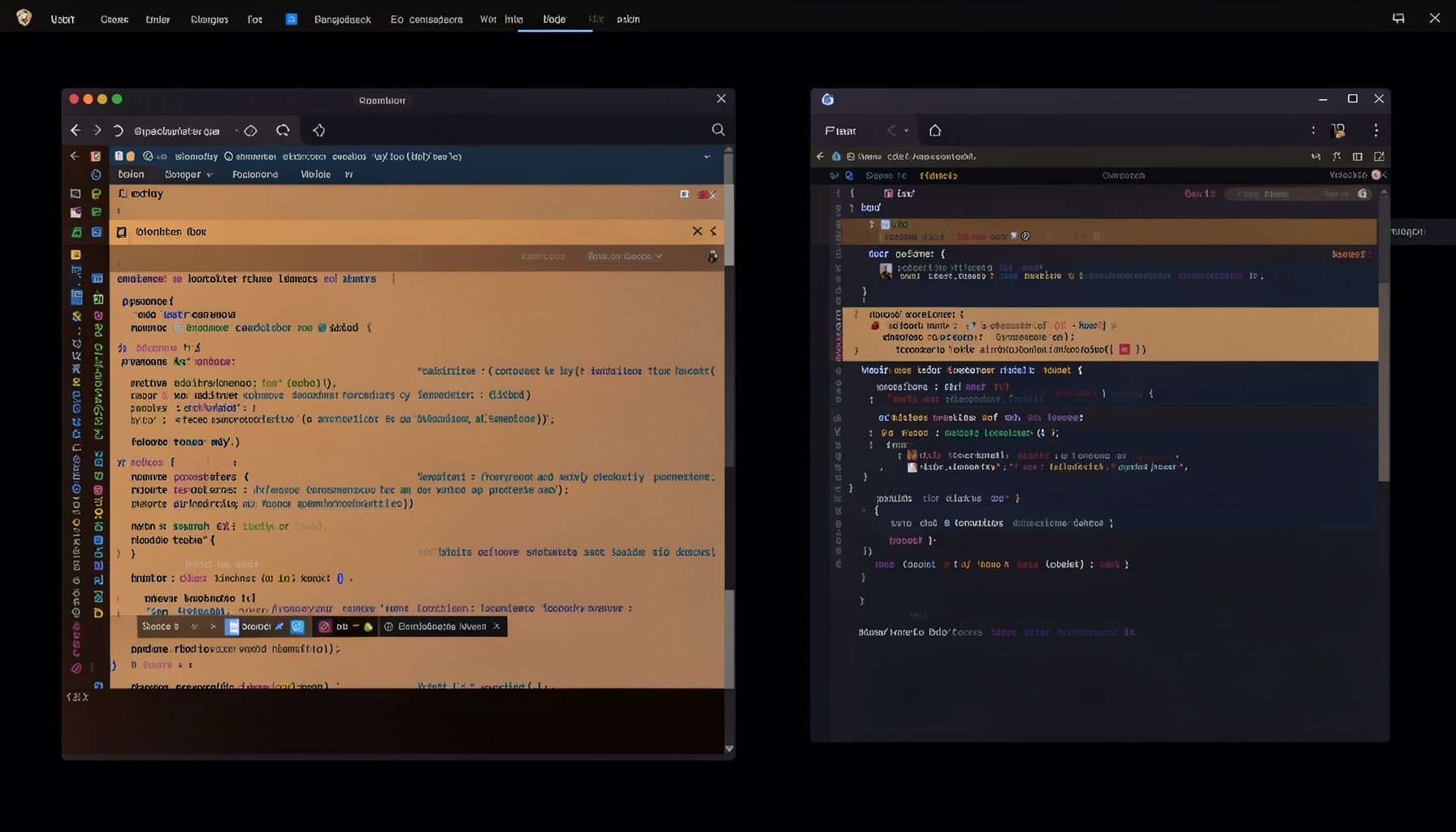
Screen-cast 5: Object Inspection & Deep Print
Inspect a Magik object, prompt for an expression evaluated within a Smallworld session, and display results in a Deep Print buffer.
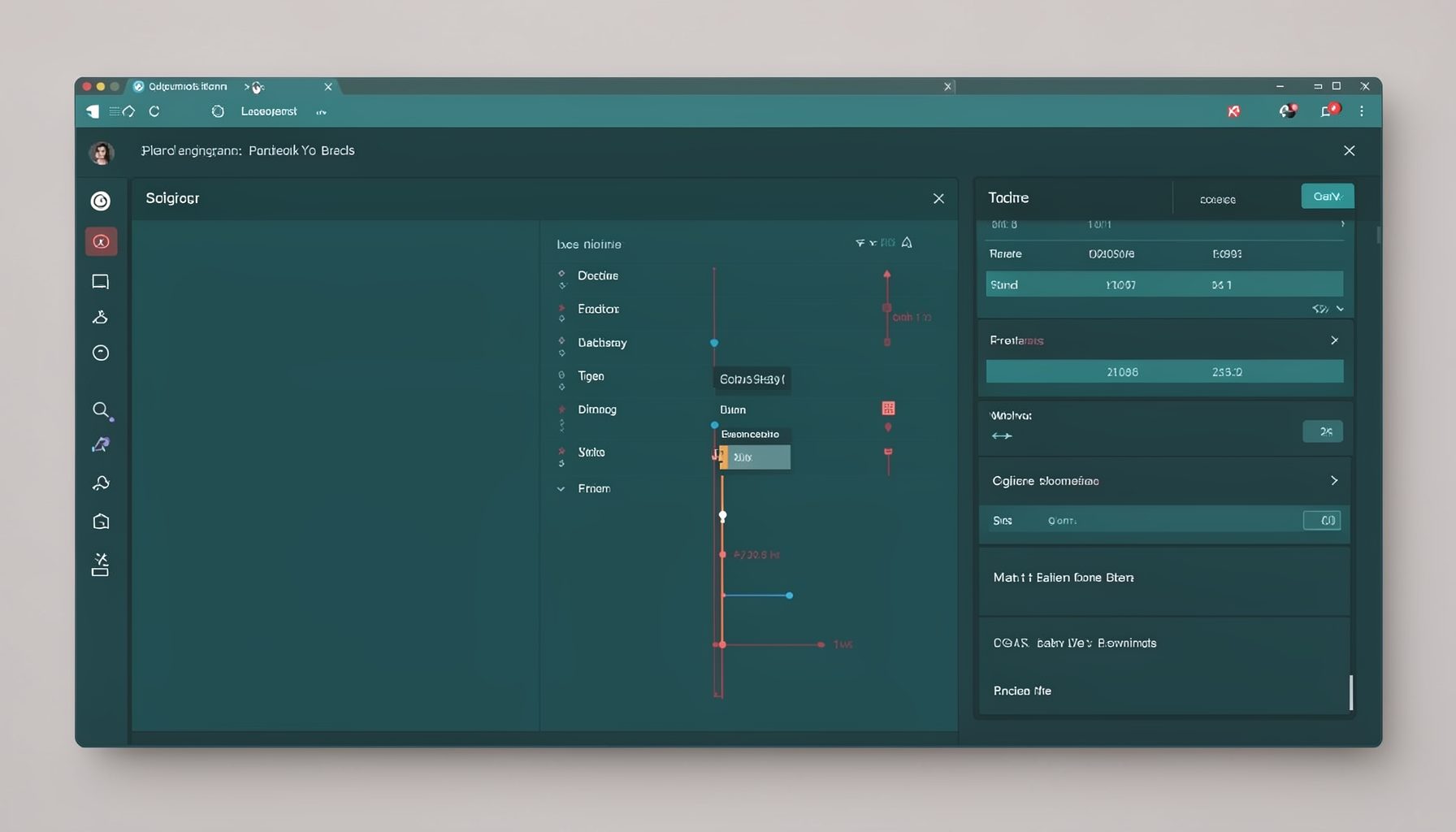
Screen-cast 7: Magik Debugger
Useful tools for application developers: Object Inspector and Magik Debugger with breakpoints and slot/variable monitoring.

Screen-cast 9: Tree Item GUI Control
Tree Item is a GUI control providing extensive facilities for displaying lists with rows, columns, trees, and in-place editing.