Emacs Extensions for
GE Smallworld Magik Development
Screen-casts, tutorials, and productivity tools for Magik programmers who use Emacs. From tab-mode and code folding to the Magik Debugger and object inspector — explore features built by a developer, for developers.
Learn MoreNine screen-casts published between November 2010 and January 2011 — covering everything from ECB mode to the Tree Item GUI control. Read the story behind the project →
Get in Touch
Emacs' Dired for Magik file management and batch operations
Magik codebases often spread methods, templates, test fixtures and generated artefacts across several directories. A developer may need to locate a recently changed method, compare two copies, or rename a group of files without leaving Emacs. Dired gives that directory-level view a keyboard-driven interface, while Magik modes retain editor facilities such as folding, syntax highlighting and method navigation.
Dired is Emacs' built-in directory editor, not a replacement for Smallworld's compiler, repository tools or collection browsers. Used well, it becomes a practical bridge between the filesystem and the Magik editing session. It can filter and mark files, open selected sources, compare them and apply guarded batch operations, reducing context switching for teams that already keep Magik code beside their Smallworld installations.
Why Dired suits Magik development
A Magik developer usually thinks in both source and object terms. Method files have names, locations and modification times, while loaded methods also have names, owners and runtime metadata. Dired handles the first layer cleanly: it shows a directory as an editable buffer, records deliberate selections and makes the scope of an operation visible before it runs.
That visibility is especially useful when a procedure is partly file-based. A batch may update source files, collect reports or prepare inputs for a Smallworld script, but its results still need checking against live objects. Dired can organise the inputs; Magik Emacs features such as object inspection and collection analysis can then help verify the outcome.
The distinction prevents a common category error. A directory listing cannot tell whether a .magik file compiles, whether a method is current in the running partition, or whether a collection query returned the expected records. Treat Dired as the staging area for controlled work, then use the appropriate Smallworld tooling for semantic validation.
Opening and filtering Magik directories
Invoke dired with C-x dired, or dired-other-window with C-x C-d, and enter a directory. The resulting buffer lists files and subdirectories; movement, marking and commands all operate in that buffer. g refreshes the listing after changes made elsewhere, which is handy when a build process or another developer updates the same directory.
Mark only what the operation should affect. Dired's marking commands can select by extension or regular expression, with additional commands for files in a subdirectory, and marks can be added, removed or inverted. To concentrate on Magik sources, the dired-mark-extension command can select .magik files. For source filenames with a shared suffix, dired-mark-regexp is more precise. Keep unselected files visibly unmarked instead of relying on a broad shell wildcard.
For routine listings, a small local configuration can make the buffer more informative:
(add-hook 'dired-mode-hook
  (lambda ()
    (setq-local dired-listing-switches "-la")
    (setq-local dired-delete-by-moving-to-trash t)))
The ls options are platform-dependent, and network volumes may not support trash deletion, so test the settings on each workstation. If generated backups obscure the source set, use dired-omit-files cautiously and record the pattern. Omission changes visibility, not necessarily what a later recursive command will process.
Editing and comparing Magik sources
From a Dired buffer, a marked Magik file can be opened for editing, while another marked file can be viewed without changing the working buffer. Commands that find multiple files are useful for a set of methods that must be reviewed together, although very large selections can make Emacs consume considerable memory. A focused selection keeps the buffer predictable and preserves a clear audit trail.
Once a source is open, Magik mode supplies the more specialised tools: code folding can hide large procedures, method navigation can jump to definitions, and structured inspection can connect source context with runtime objects. These features complement Dired rather than duplicate it. Dired decides which files are relevant; the Magik environment helps the developer understand what is inside them.
Dired can also compare marked files through its diff commands, and the version-control commands can refresh repository status before edits begin. Filename filtering is not content search: use dired-isearch-filter to narrow the listing, but use Emacs' search, grep or ripgrep integration when the target is text within a method. This distinction avoids mistaking a short file list for proof that a symbol is absent from the codebase.
For a method inventory, Dired can be more than a launcher. Sort the buffer by name, extension, date or size, then use marks to build a review set. The available columns can expose ownership, permissions and possible near-duplicates, while a buffer-local dired-listing-switches value can tailor the presentation. These signals help decide which files deserve inspection, but they do not establish semantic equivalence.
Performing batch file operations
Dired's copy, move, rename and delete commands work on marks, and its rename command supports regular-expression-based transformations. These are useful for tidying a fixture directory or applying a consistent naming convention across generated examples. Before executing any change, inspect the marked rows and the destination path. A transformation that looks correct in one directory can produce accidental collisions in another.
Shell commands extend the model to measurements and validation. The Dired shell-command prompt can expand %, * and ? to current or marked filenames, all directory entries, or names matching the active filter. Counting lines, listing file types or running a read-only syntax check can reveal anomalies before an edit. Quote paths that contain spaces, and review the command preview carefully because each placeholder has a different expansion meaning.
For repeatable work, put the policy in version control and make the destructive step explicit. A safer sequence is to mark candidates, copy them to a review directory, open the copies in Magik mode and compile them where the relevant Smallworld environment is available. Dired records shell commands in its buffer log, but that log is not a substitute for an approved change record. It is a useful session-level trace, not a complete audit trail.
Batch operations become easier to trust when they are decomposed. A copy can be tested and reviewed before the old set is retired; a move can be performed only after references are checked; a rename can be limited by a tightly chosen regular expression. Keep old and new names in the change note so another developer can map one to the other without reconstructing your Dired session.
Working safely across Australian teams
Australian Smallworld teams are commonly found in mining, infrastructure, utilities and engineering consultancies, and developers in Sydney, Melbourne, Brisbane and Perth may work against shared Windows or Unix repositories through a VPN. Directory operations on a mounted network share can be slower than local disk operations and may fail differently under load. Confirm that each developer sees the same canonical path before renaming files used by a shared procedure.
Keep a recoverable copy and use the team's version-control or backup process before a batch mutation. A Smallworld method's filename may not define its runtime method name, but scripts, generated artefacts or documentation may still refer to that filename. Do not assume that successful file movement proves the Smallworld load procedure remains correct; compile and exercise the affected workflow in its intended environment.
Clock and privacy details deserve attention too. Dired timestamps rely on the filesystem's displayed zone and locale: daylight-saving changes in Sydney and Melbourne shift clocks between AEST and AEDT, while Perth does not observe that change. Australian teams also commonly read dd/mm/yyyy, so keep exported reports unambiguous. If listings, logs or batch scripts contain personal information, apply the Privacy Act 1988 and the Australian Privacy Principles where applicable, limiting copies and retaining only what the task requires.
Magik Emacs is operated by HydePark Consulting for organisations using Smallworld and Magik. Its documentation-oriented approach fits a staged Dired workflow: discover the directory, mark a conservative set, inspect and validate, then commit the change through the same controls used for source code. The result is less file churn and a more traceable path from a Magik edit to the deployed Smallworld behaviour.
Start with a non-production Magik directory and make the first pass read-only. Filter the listing, mark a small group and use Dired's information, diff and shell commands to understand it. Once the operation is routine, encode the selection pattern and review steps in the team's normal change process. This approach makes Dired useful immediately without turning a powerful bulk editor into an accidental script runner.
Try the workflow against the kinds of directories used by your team: method libraries, fixture sets, generated artefacts and deployment inputs. Pair Dired with Magik mode for source navigation and the runtime inspection tools for verification, then document any platform-specific listing settings. Explore the core Emacs features and adapt the Dired workflow to your Smallworld development practice, starting with a single controlled directory.
Core Features
Tab Mode & ECB
Quick tab switching and Emacs Code Browsing mode for navigating Magik codebases efficiently.
Magik Smeller
Code analysis tool that helps identify potential issues in Magik source files.
Code Folding
Hide/Show mode for collapsing and expanding Magik code blocks to focus on what matters.
Visual Bookmarks
Quick visual bookmarks for jumping between key locations in your Smallworld session buffers.
Object Inspector
Inspect Magik objects and display them in an Emacs Deep Print buffer for detailed examination.
Magik Debugger
Set breakpoints and monitor slots and variables directly from within Emacs.
Development Tools
Direct links between Emacs and the Smallworld Development Tools application, including Click Monitor.
Screen-casts & Tutorials
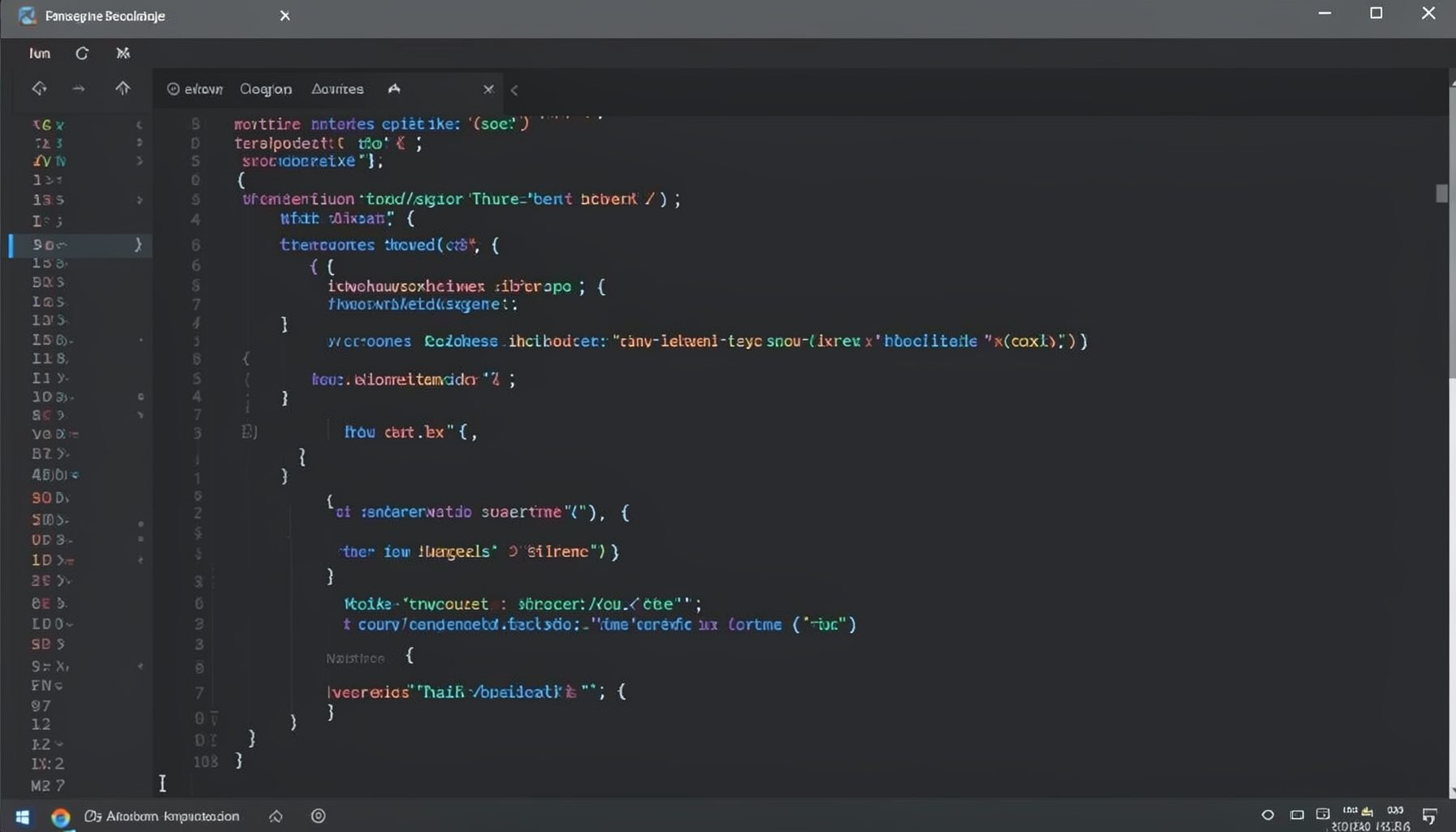
Screen-cast 1: Tab Mode, ECB & More
Covers tab-mode, ECB, Magik Smeller, code folding, visual bookmarks, pragma toggling, moving code, external editor, and MS Explorer.
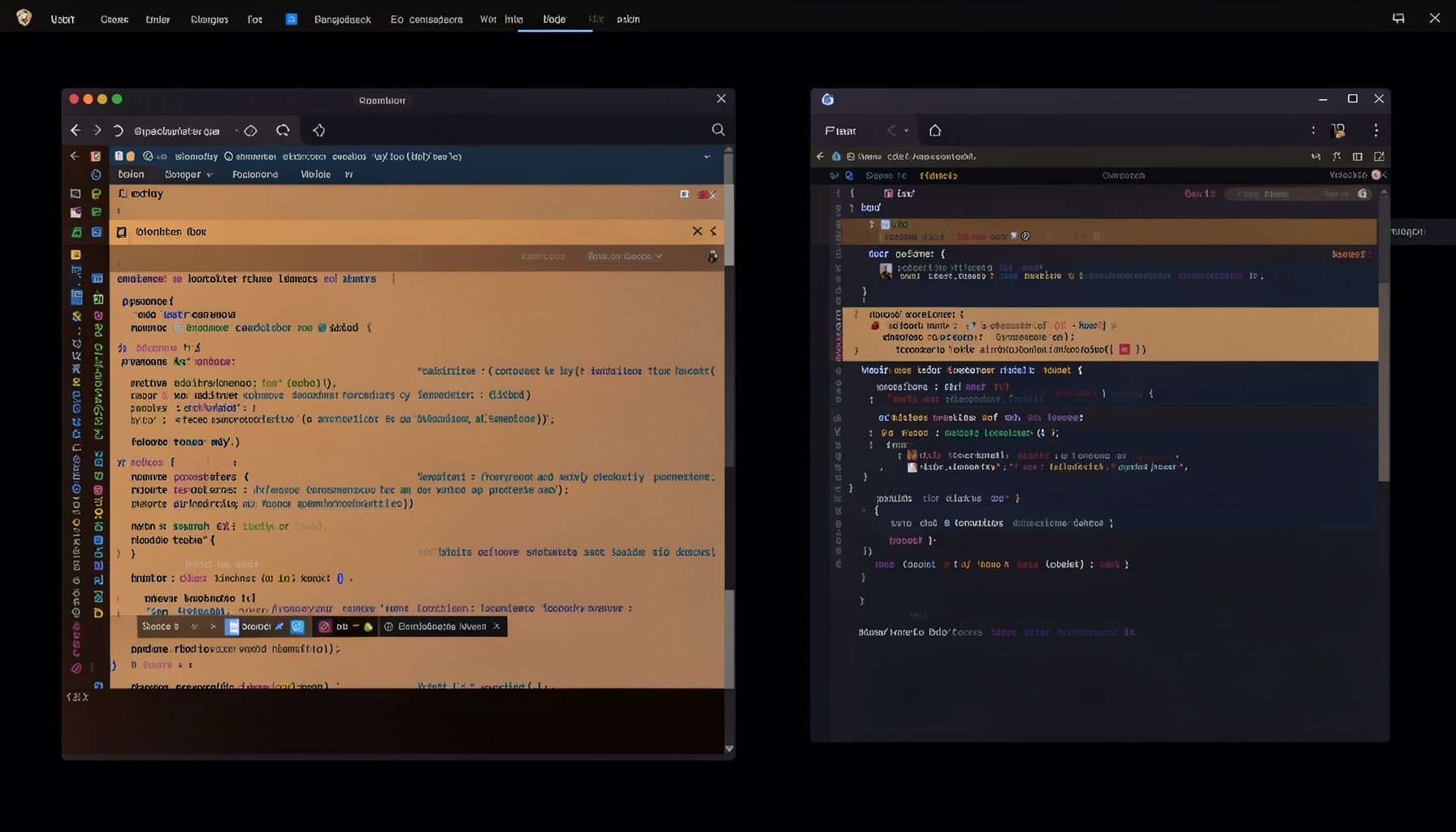
Screen-cast 5: Object Inspection & Deep Print
Inspect a Magik object, prompt for an expression evaluated within a Smallworld session, and display results in a Deep Print buffer.
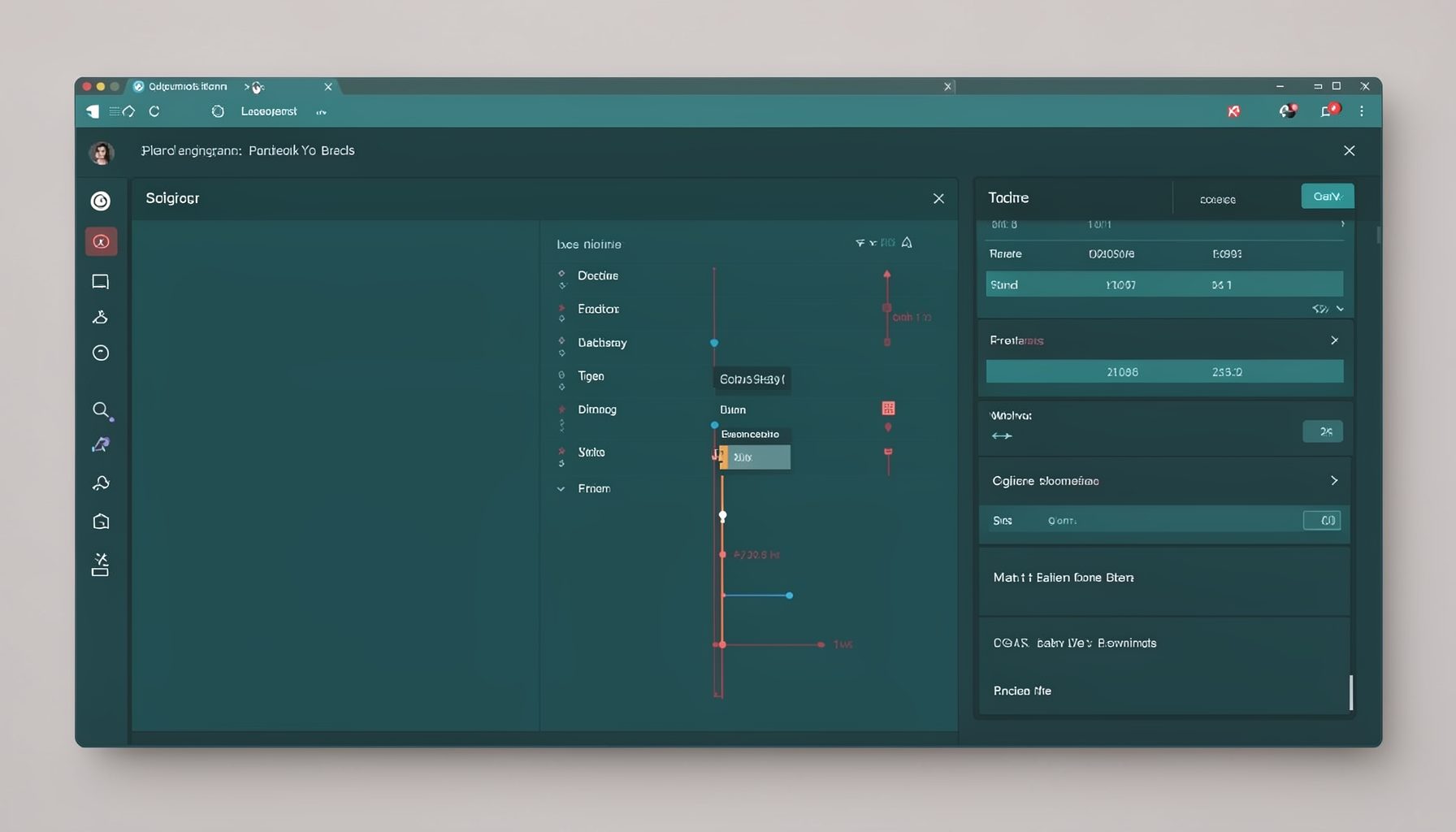
Screen-cast 7: Magik Debugger
Useful tools for application developers: Object Inspector and Magik Debugger with breakpoints and slot/variable monitoring.

Screen-cast 9: Tree Item GUI Control
Tree Item is a GUI control providing extensive facilities for displaying lists with rows, columns, trees, and in-place editing.