Emacs Extensions for
GE Smallworld Magik Development
Screen-casts, tutorials, and productivity tools for Magik programmers who use Emacs. From tab-mode and code folding to the Magik Debugger and object inspector — explore features built by a developer, for developers.
Learn MoreNine screen-casts published between November 2010 and January 2011 — covering everything from ECB mode to the Tree Item GUI control. Read the story behind the project →
Get in Touch
Emacs automatic pairing for Magik brackets and quotes
Magik code often packs significant structure into parentheses, brackets and quoted strings. Emacs can create the closing delimiter as soon as the opening one is typed, reducing small omissions without altering Magik syntax. That is the purpose of electric-pair-mode: a minor mode that inserts a matching character and can move across an existing closing character.
For Smallworld developers, the benefit appears in routine maintenance rather than a dramatic change. A missed ) can turn a method call into a transpiler error, while an unclosed quote can make the following Magik lines look like part of a string. In the Australian market, where estates are commonly supported by in-house teams and consultants working around Sydney, Melbourne and Brisbane, a predictable editor setup is valuable across shared procedures.
The important distinction is that automatic pairing is an editing convenience, not a Magik parser. It can preserve balanced-looking punctuation while a deeper mistake remains, and its treatment of quotes depends on Emacs syntax rules and the active major mode. A Magik-specific setup gives you useful defaults without changing unrelated buffers.
What electric pairing changes
electric-pair-mode operates on the character at point. With round, square and curly brackets configured, typing ( produces () and leaves the cursor between the characters. Typing the closing character again moves over the generated partner rather than adding a second one. The same pattern can cover double quotes, although quote handling often receives extra scrutiny in programming modes.
For Magik, this removes a repeated two-keystroke operation from method calls, procedures and expressions that use brackets. It is particularly handy when a long call is assembled across several lines: the buffer shows both sides of the delimiter immediately, and the intended nesting is easier to inspect. Pairs can also make a selected expression or a quoted message easier to retype consistently.
The mode does not calculate indentation, decide whether an expression is valid, or replace Magik’s compiler diagnostics. It also does not prove that the intended delimiter was used; ( and [ may both look balanced while selecting different language constructs. Keep show-paren-mode or the transpiler in the workflow, and treat automatic pairing as a fast first line of defence against missing characters.
Configure pairing for Magik buffers
First inspect what your current Magik mode already does. Open a Magik file, run M-x describe-mode, and check whether Electric Pair mode is listed. C-h v electric-pair-pairs shows the active pair definitions. If the existing mode handles Magik delimiters correctly, changing its global defaults may be unnecessary.
A local hook is a dependable way to establish a deliberate set of pairs. For example, the following configuration enables the mode and assigns matching characters within Magik buffers:
(defun magik-setup-electric-pairs ()
  "Enable Magik-friendly automatic delimiter pairing."
  (interactive)
  (electric-pair-mode 1)
  (setq-local electric-pair-pairs
        '((?\( . ?\))
          (?\[ . ?\]))
          (?{ . ?})
          (?\" . ?\"))))

(add-hook 'magik-mode-hook #'magik-setup-electric-pairs)
Each entry in electric-pair-pairs maps an opening character to its closing character. setq-local keeps the list attached to the current Magik buffer instead of changing Lisp editing or other project modes. Add the hook after the Magik major mode has been loaded; if your installation uses a different mode name, substitute its hook.
Review the list rather than accepting every convenience. Keep curly-bracket pairing if your codebase uses braces in collection expressions or embedded syntax, and remove it if those characters are only documentation. The configuration deliberately omits the apostrophe. Pairing ' can create stray characters in comments containing contractions and may be unsuitable for Magik symbol conventions, so add it only after checking the syntax your team actually uses.
Handle quotes, comments and nested forms
Magik strings need particular care because their contents are read as text until the closing quote. Automatic quote pairing is useful when composing messages for _error or diagnostic procedures: type the opening quote, write the message, then accept the generated closing quote. If the buffer inserts a second pair when the closing quote is typed, the quote is being treated as ordinary text rather than as a pair boundary.
Comments expose another useful test. Pairing may be suppressed or behave differently when point is inside a # comment, depending on the syntax table supplied by the Magik major mode. Type a comment containing parentheses, brackets and an apostrophe, then move into a string and repeat the test. This makes any mode-specific exception visible before it appears in a procedure shared across a Smallworld project.
Australian English adds a modest amount of real text to those tests. Comments and messages may contain “initialise”, “behaviour” or “licence”, and a configuration that pairs apostrophes can make such wording look malformed. An Australian PC keyboard also often places the backslash key near Enter, which matters when Magik files refer to Windows Smallworld paths such as C:\Smallworld. Backslash is not included in the sample pairing list, so path text remains untouched.
Test the behaviour before adopting it
Test in a scratch Magik buffer with real constructs from the project. Type ( and [, then verify that each produces a matching closing character. Type the closing character while the cursor sits immediately before it and confirm that Emacs advances rather than duplicates it. Repeat the sequence for a double quote, inside a comment and inside a string. This small sequence checks the basic contract in the exact major mode used by the team.
Balance checking remains useful after pairing. M-x check-parens can report unmatched parentheses, while show-paren-mode highlights them as the cursor moves. Exercise undo after an automatic insertion and check that the generated partner is removed in the way your team expects. Also test pasted code, because pairing normally acts on typed input and should not rewrite an existing balanced block.
Avoid stacking tools until their responsibilities are clear. Paredit, Smartparens or another structural editor may provide its own insertion and deletion rules, while an IDE or source formatter may have separate preferences. Choose one owner for automatic insertion, then let the parser, formatter and code review perform their own checks. When a development portal adds a rewards layer, keep it separate from the editor: this description of the TopFollow coin system explains how that application handles its own coins, providing a useful reminder not to confuse application-specific credits with literal delimiter characters.
Roll out the setup with your team
Put the function in the shared Emacs configuration used for Magik development, but stage the change on a branch and record the tested behaviour in the team’s notes. Include the Emacs version, the Magik mode name and any custom pair choices. That small record saves another developer from rediscovering whether quotes are suppressed in comments, whether undo treats the pair as one edit and which buffer-local defaults apply.
Cross-country review adds another reason to compare generated code deliberately. Brisbane remains on Australian Eastern Standard Time while southern states shift for daylight saving, and Perth is further behind, so a hurried review can easily overlap with an unattended workstation. The Magik Emacs article on comparing Magik branches shows how ediff can place two branch versions side by side, making delimiter and quoting differences easier to identify before a merge.
Now enable the hook in a scratch Magik buffer and run the same short checks used during the trial. Once the result is stable, copy the tested setup into the team configuration, compare a representative procedure across branches and share the exact snippet and any mode-specific caveats with colleagues. Keeping the configuration small, local and documented gives Magik programmers faster editing without turning Emacs into an opaque source of project rules.
Core Features
Tab Mode & ECB
Quick tab switching and Emacs Code Browsing mode for navigating Magik codebases efficiently.
Magik Smeller
Code analysis tool that helps identify potential issues in Magik source files.
Code Folding
Hide/Show mode for collapsing and expanding Magik code blocks to focus on what matters.
Visual Bookmarks
Quick visual bookmarks for jumping between key locations in your Smallworld session buffers.
Object Inspector
Inspect Magik objects and display them in an Emacs Deep Print buffer for detailed examination.
Magik Debugger
Set breakpoints and monitor slots and variables directly from within Emacs.
Development Tools
Direct links between Emacs and the Smallworld Development Tools application, including Click Monitor.
Screen-casts & Tutorials
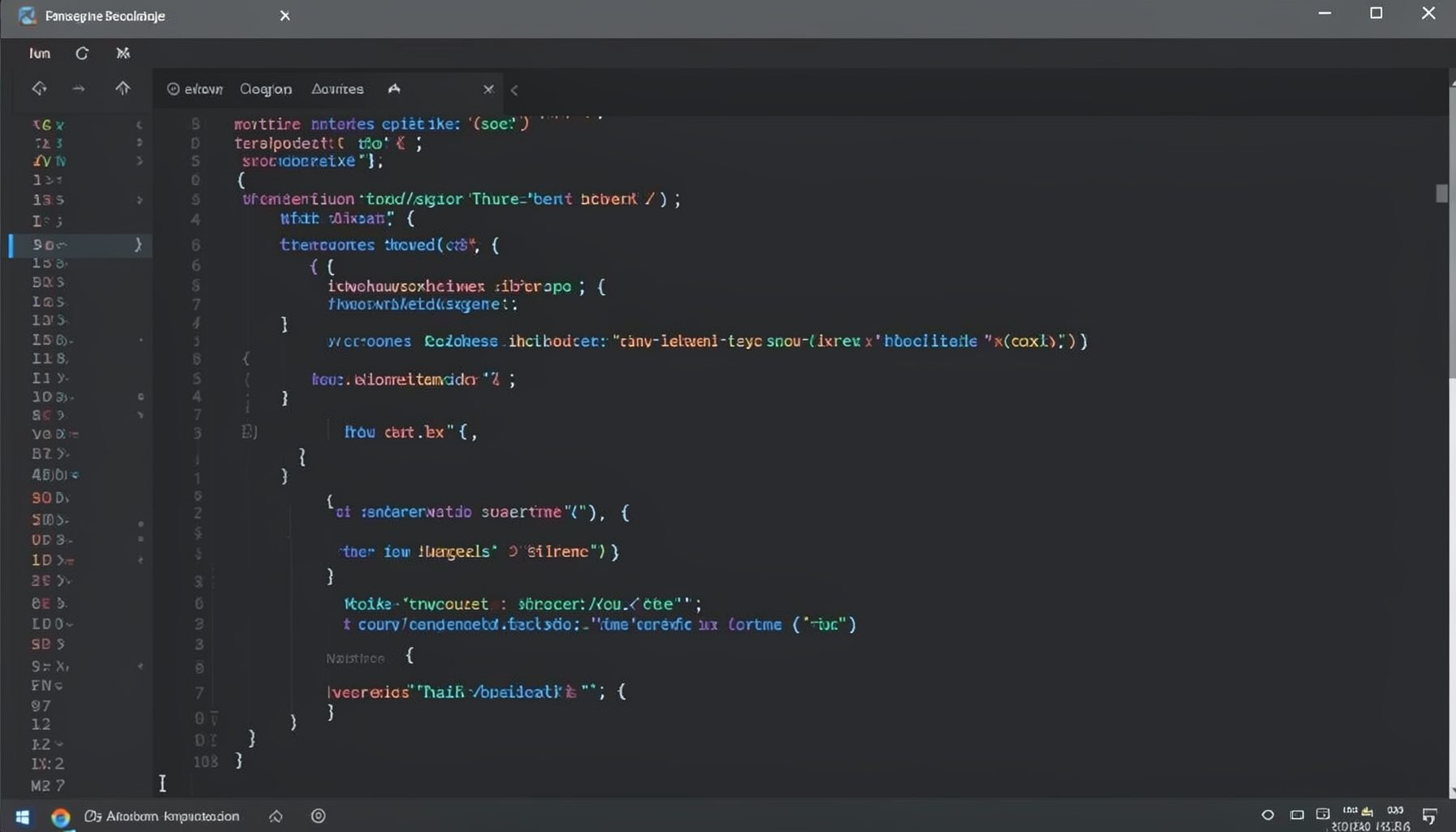
Screen-cast 1: Tab Mode, ECB & More
Covers tab-mode, ECB, Magik Smeller, code folding, visual bookmarks, pragma toggling, moving code, external editor, and MS Explorer.
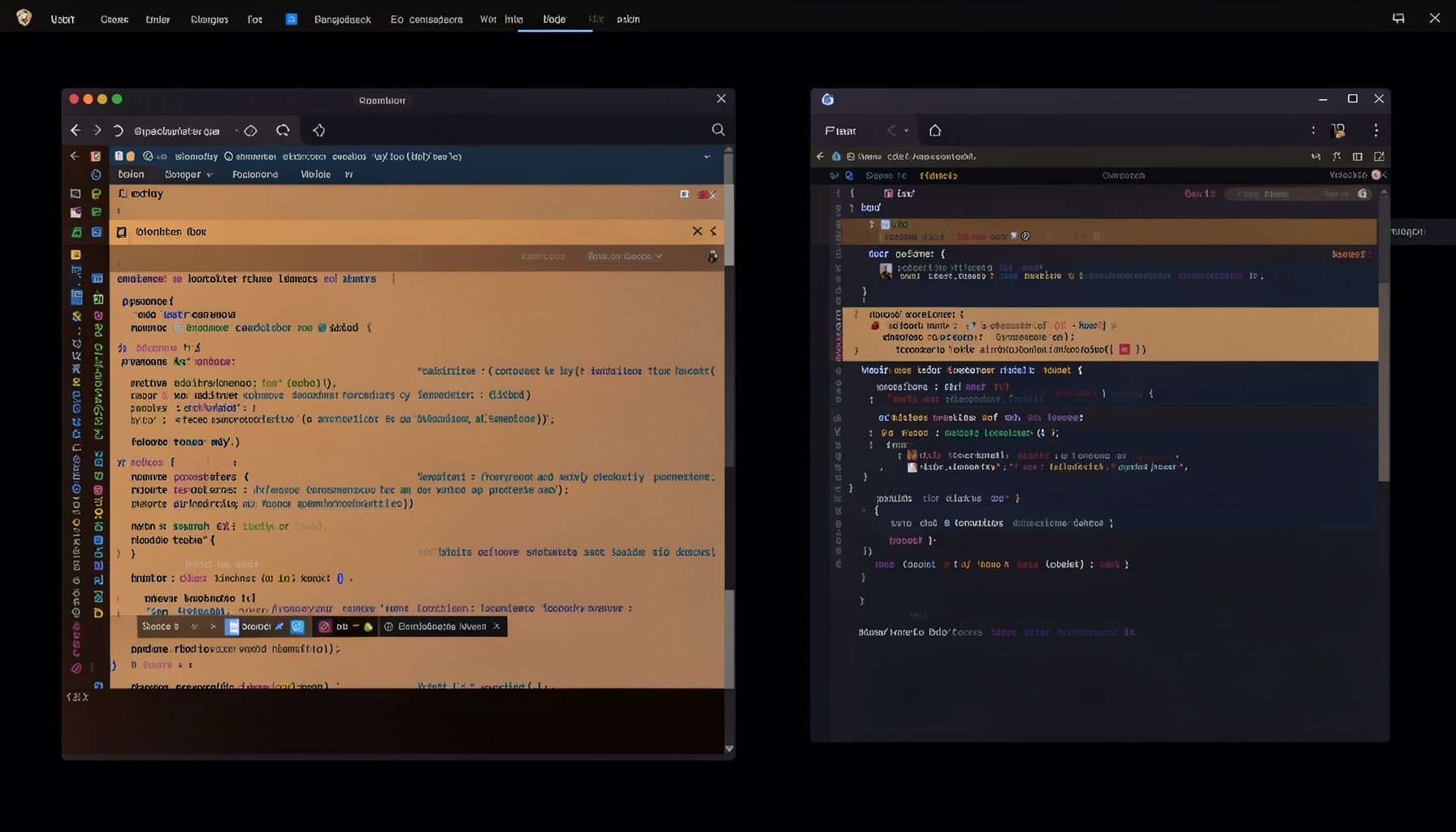
Screen-cast 5: Object Inspection & Deep Print
Inspect a Magik object, prompt for an expression evaluated within a Smallworld session, and display results in a Deep Print buffer.
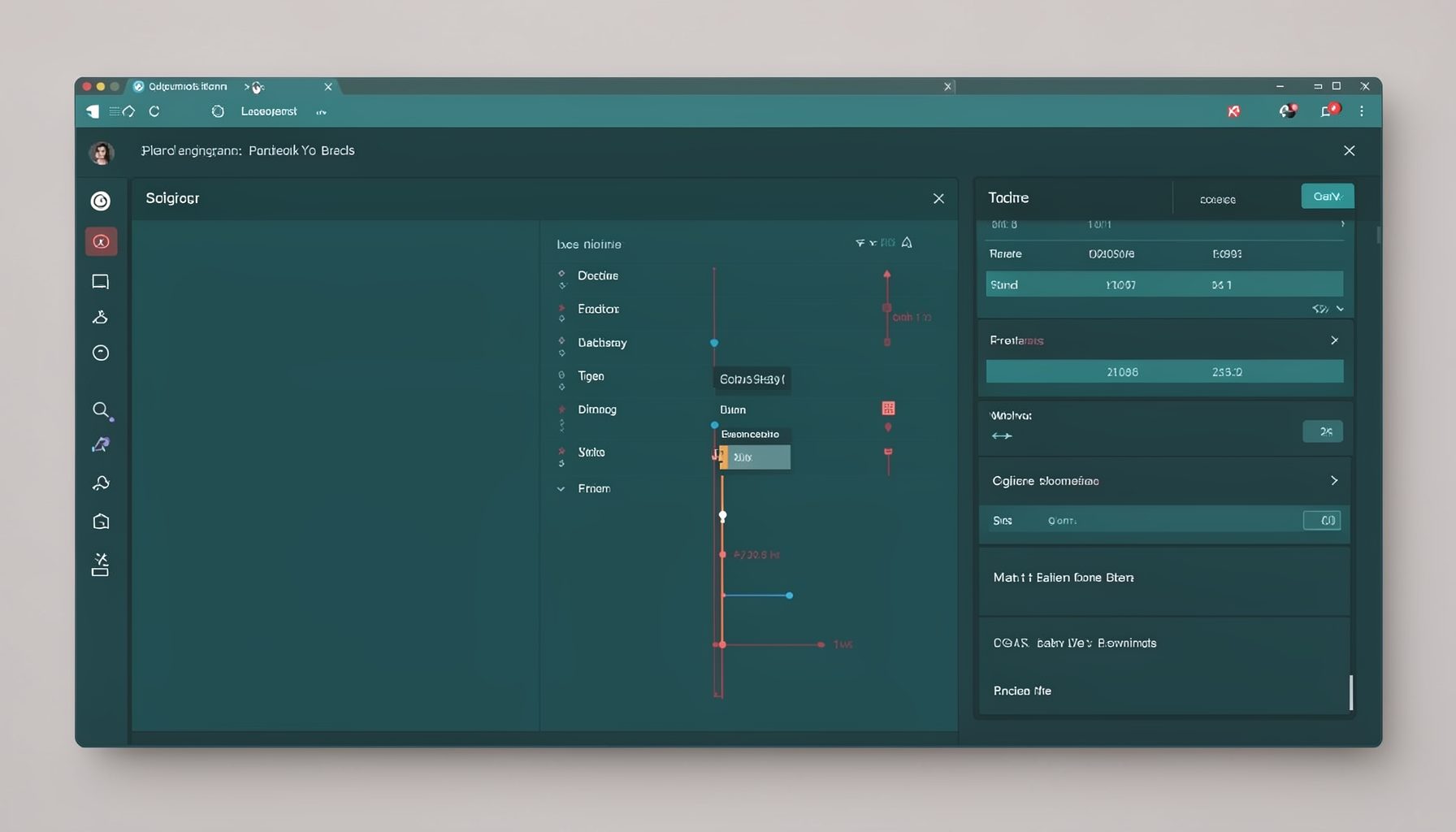
Screen-cast 7: Magik Debugger
Useful tools for application developers: Object Inspector and Magik Debugger with breakpoints and slot/variable monitoring.

Screen-cast 9: Tree Item GUI Control
Tree Item is a GUI control providing extensive facilities for displaying lists with rows, columns, trees, and in-place editing.