Emacs Extensions for
GE Smallworld Magik Development
Screen-casts, tutorials, and productivity tools for Magik programmers who use Emacs. From tab-mode and code folding to the Magik Debugger and object inspector — explore features built by a developer, for developers.
Learn MoreNine screen-casts published between November 2010 and January 2011 — covering everything from ECB mode to the Tree Item GUI control. Read the story behind the project →
Get in Touch
Emacs' Flycheck for Real-Time Magik Syntax Validation
Flycheck is Emacs’ framework for running language-aware checks while a buffer is being edited. It can place diagnostics beside source text, separate errors from warnings, and move directly to the next problem. Flycheck does not include a Magik checker, though; the missing piece is a backend that feeds stable, machine-readable results from a Magik parser or analyser into Emacs.
For real-time syntax validation, a useful implementation should validate the current buffer, including unsaved changes, without trying to impersonate the Smallworld compiler. It can catch malformed delimiters, unterminated literals or comments, bad block structure, and other grammar faults. Database state, method resolution, object types, and other semantic questions belong in a separate, opt-in check because Magik’s dynamic features can make them misleading outside a running Smallworld environment.
Why Flycheck suits Magik editing
Flycheck already provides the editor-side machinery a Magik tool needs: debounced checks, asynchronous processes, overlays, a diagnostic list, and navigation commands. The Magik-specific work stays in a backend rather than being mixed into every keypress. That separation keeps Emacs responsive while a parser examines a large method or a collection-processing routine.
The framework is also independent of the eventual validation depth. A lightweight lexer can report unmatched parentheses and brackets, while a fuller parser can identify malformed _if and _endif pairs or invalid tokens. Teams can later add a Smallworld-aware semantic checker without redesigning how developers see or navigate results.
For teams accustomed to Smallworld development, immediate feedback shortens the loop between an edit and a compiler or runtime failure. It also complements existing Magik tooling: folding can hide stable regions while diagnostics remain visible, and navigation from a method definition to its caller can coexist with a precise error location. Flycheck does not replace those tools; it adds a fast checking layer around them.
Define a trustworthy syntax-checking boundary
Start by deciding what the checker is responsible for. Its core should be lexical and grammatical validation: balanced (), [], and {} delimiters, terminated strings and comments, legal keywords, valid definition forms, and matched control structures such as _if/_endif and _proc/_endproc. These checks can be deterministic and do not need a database connection.
The next layer can use a real Magik grammar to report a token in the wrong place, a missing terminator, or a malformed method declaration. Each result should carry a severity, a one-based line and column, a concise message, and preferably a stable error code. A code such as MAGIK001 is easier to suppress, document, and search than a prose message alone.
Do not turn uncertainty into a red error. Unresolved methods, dynamic properties, collection contents, and database-backed values may be legitimate when the code runs inside Smallworld. A checker that lacks runtime context should report these as informational, omit them, or leave them to the authoritative build. This conservative policy prevents a noisy Flycheck overlay from eroding trust in genuine syntax errors.
Connect Magik analysis to Flycheck
The simplest backend is a small command-line wrapper around an existing Magik parser. Flycheck starts it with a temporary copy of the edited buffer, then parses diagnostics from standard output. The name magik-lint below is illustrative: it is not supplied by Flycheck or Smallworld and must point to a tool your organisation controls.
(require 'flycheck)

(flycheck-define-checker flycheck-magik
  "Validate Magik with a local analyser."
  :source-extension "magik"
  :command ("magik-lint" "--language" "magik" "--flycheck" source)
  :error-patterns
  ((error line-start (line-start-pos)
    (:regexp "[0-9]+:[0-9]+: error: ")
    (message (one-or-more (not (any-of newline)))))
   (warning line-start (line-start-pos)
    (:regexp "[0-9]+:[0-9]+: warning: ")
    (message (one-or-more (not (any-of newline))))))
For this pattern, the wrapper emits one result per line, for example 17:9: error: unmatched closing parenthesis. The source placeholder makes Flycheck validate unsaved buffer contents; the explicit language option prevents a temporary filename from confusing the analyser. If the tool insists on a .magik suffix, use a temporary file with that suffix rather than switching to source-original, which can miss recent edits. Reserve non-zero process exit codes for a failed check, not for ordinary findings, and let Flycheck report the findings themselves.
An in-process Emacs Lisp checker is another option when a trustworthy Magik parser already runs inside Emacs. The command approach is often easier to isolate: a parser crash cannot lock the editor, and the same executable can run in continuous integration. Whichever route you choose, keep diagnostic ordering deterministic, write one finding per line, and avoid embedding untrusted file contents in shell commands.
Tune diagnostics for everyday editing
Enable the backend from the Magik major-mode hook. The following plain Emacs Lisp works with use-package installations as well as a conventional init file:
(require 'flycheck)
(require 'flycheck-magik)

(add-hook 'magik-mode-hook #'flycheck-mode)
(setq flycheck-diagnostic-show-mode 3
      flycheck-defer-after 0.35)
If the local Magik mode has another name, substitute its hook rather than enabling Flycheck globally. A short deferral stops a parser process from being launched after every keystroke, while the next check still covers the whole edited buffer. For very large generated files, use a project-specific exclusion or a buffer-local policy instead of turning diagnostics off across the repository.
M-x flycheck-buffer runs a check on demand, M-x flycheck-list-errors opens the findings summary, and M-x flycheck-next-error moves through them. A manual check is useful before a commit, while the automatic pass catches the common typo during editing. If results appear at the beginning of a line, improve the wrapper to report a byte range or integrate the parser directly so Flycheck can underline the exact token.
Measure both accuracy and responsiveness. Record the time from save to diagnostic on representative files, count false positives, and test how the checker behaves during a long paste or generated-code update. These numbers will tell you whether the delay is sensible and whether a particular diagnostic class belongs in the default editor pass or in a slower project command.
Deploy checks in Australian enterprise settings
Magik estates are commonly tied to on-premises Smallworld installations, so a local analyser has practical value in Australia. A utility office in Melbourne, a council team in Brisbane, or a resource system in the Pilbara may operate under rules that prevent source methods from travelling to a hosted linting service. Running the parser on the developer’s machine keeps code inside the approved network and avoids making every edit depend on internet access.
Geography adds another constraint. A developer in Perth or Adelaide should not wait for a checker hosted in Sydney, particularly when a mine-site or remote office has uneven connectivity. Flycheck’s local process avoids that wide-area network round trip. The same design also limits exposure of database-oriented Smallworld code because the syntax checker needs neither live objects nor credentials for a production collection.
Australian enterprise buying also tends to favour a measured pilot, local support, and a product that can live inside long-lived systems. A practical rollout lets two developers “have a go” with the checker while the team compares results against known compiler faults. Keep user-facing wording in Australian English, such as organisation and licence, but retain language-neutral diagnostic codes. Package artefacts should be pinned, checksummed or signed where possible, and installed through the same change-control process as other development tooling.
Pilot, measure, and standardise the checker
Begin with a corpus the team trusts: known-good methods, files containing deliberate syntax errors, and examples of valid dynamic Magik that a naive checker might reject. Record what the parser catches, what it misses, and what it reports incorrectly. Publish those results alongside the expected severity for each error class, then decide which checks are safe for automatic display and which need a command-line run.
Keep the checker configuration in the repository and install the custom backend as a reviewed package rather than copying Elisp between laptops. Pin the Flycheck and parser versions used by the team. Continuous integration can invoke the same analyser directly, producing consistent output even though CI does not need Flycheck itself. A small fixture suite in CI should prove that malformed files fail and valid files do not.
Set ownership for the backend, the parser, and the error-code catalogue. Review new diagnostics as carefully as parser changes, and retain an escape hatch: a developer must be able to disable the editor overlay or fall back to the normal Smallworld build when a checker defect interrupts urgent work. Flycheck then becomes a convenience and early-warning system, while the authoritative build remains the final authority.
Start with one repository, one known defect class, and a measured pilot; contact HydePark Consulting about a Magik and Emacs productivity review when the team is ready to standardise the extension across its Smallworld development environment.
Core Features
Tab Mode & ECB
Quick tab switching and Emacs Code Browsing mode for navigating Magik codebases efficiently.
Magik Smeller
Code analysis tool that helps identify potential issues in Magik source files.
Code Folding
Hide/Show mode for collapsing and expanding Magik code blocks to focus on what matters.
Visual Bookmarks
Quick visual bookmarks for jumping between key locations in your Smallworld session buffers.
Object Inspector
Inspect Magik objects and display them in an Emacs Deep Print buffer for detailed examination.
Magik Debugger
Set breakpoints and monitor slots and variables directly from within Emacs.
Development Tools
Direct links between Emacs and the Smallworld Development Tools application, including Click Monitor.
Screen-casts & Tutorials
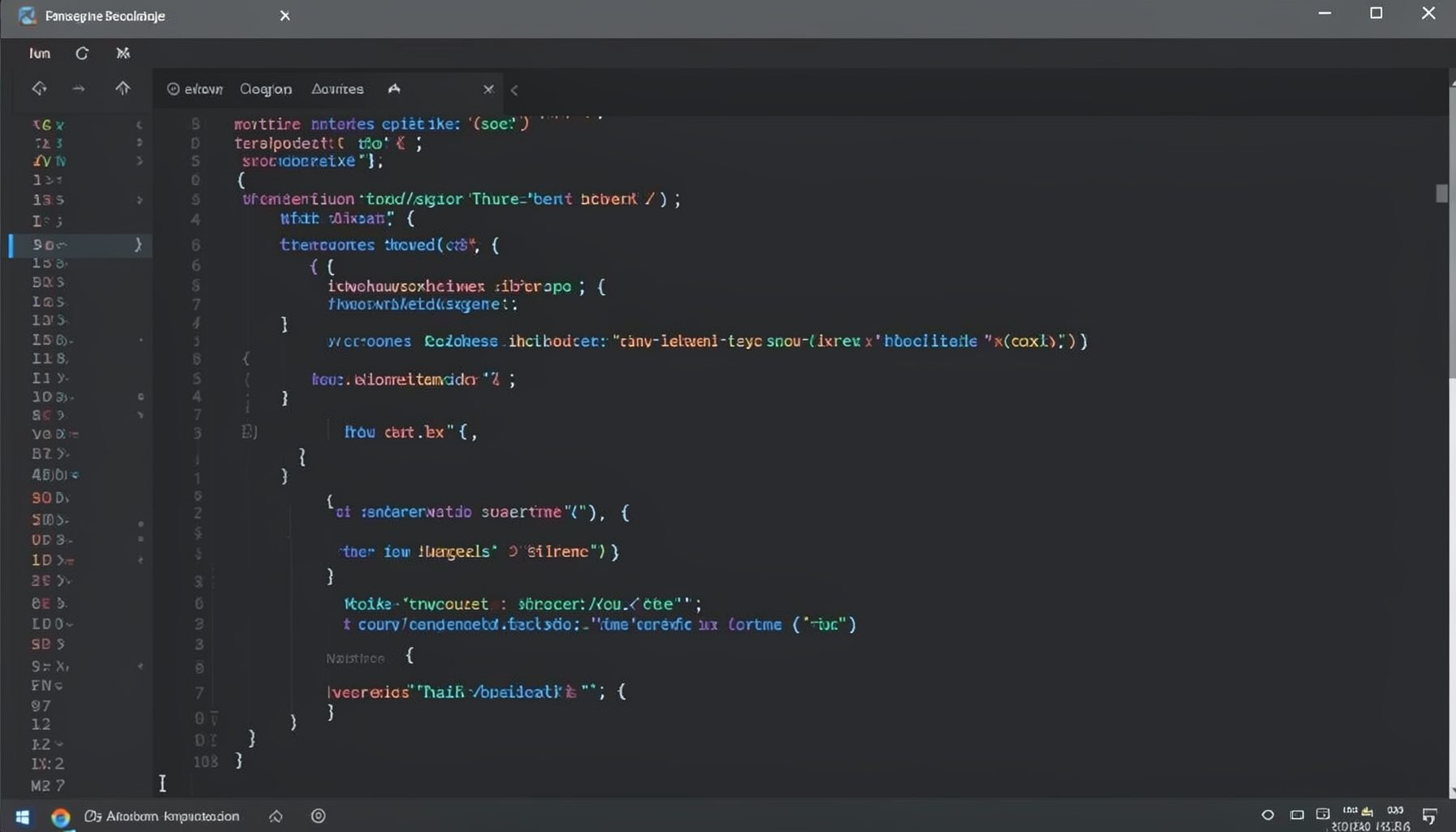
Screen-cast 1: Tab Mode, ECB & More
Covers tab-mode, ECB, Magik Smeller, code folding, visual bookmarks, pragma toggling, moving code, external editor, and MS Explorer.
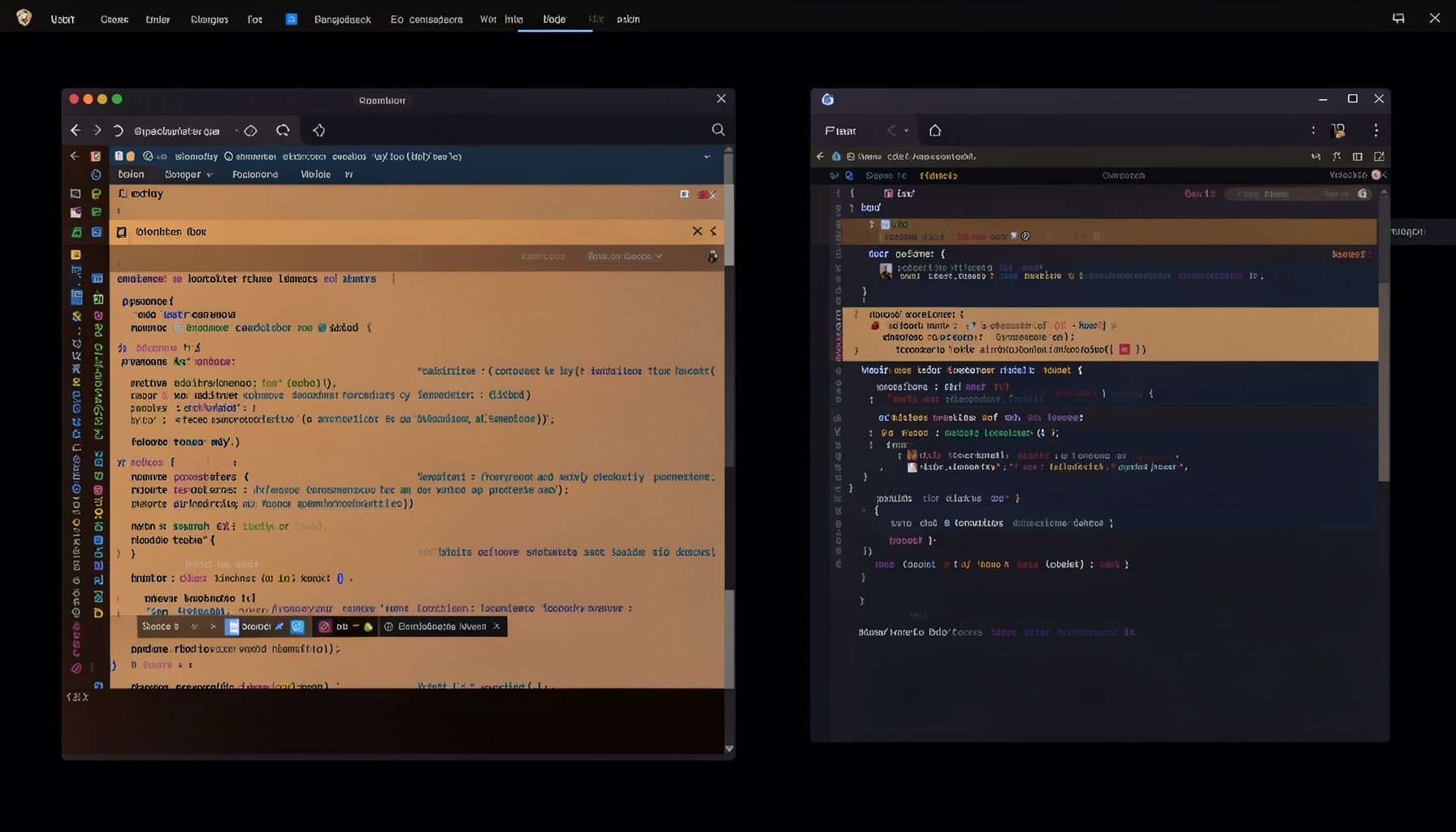
Screen-cast 5: Object Inspection & Deep Print
Inspect a Magik object, prompt for an expression evaluated within a Smallworld session, and display results in a Deep Print buffer.
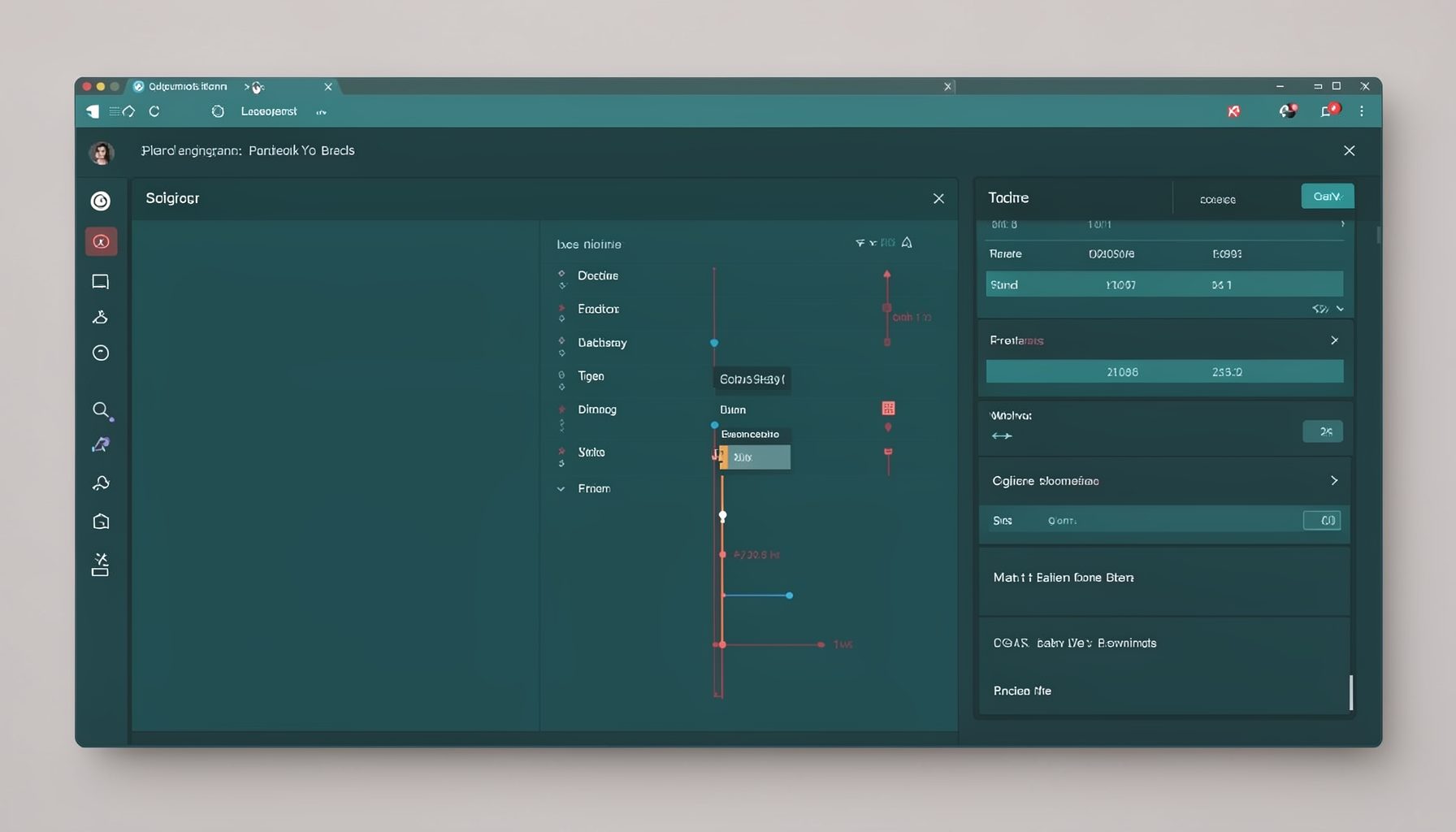
Screen-cast 7: Magik Debugger
Useful tools for application developers: Object Inspector and Magik Debugger with breakpoints and slot/variable monitoring.

Screen-cast 9: Tree Item GUI Control
Tree Item is a GUI control providing extensive facilities for displaying lists with rows, columns, trees, and in-place editing.