Emacs Extensions for
GE Smallworld Magik Development
Screen-casts, tutorials, and productivity tools for Magik programmers who use Emacs. From tab-mode and code folding to the Magik Debugger and object inspector — explore features built by a developer, for developers.
Learn MoreNine screen-casts published between November 2010 and January 2011 — covering everything from ECB mode to the Tree Item GUI control. Read the story behind the project →
Get in Touch
Emacs flymake with Magik’s Lint Tool
Magik code is often edited for hours before it reaches a compile, test run, or deployment check. That delay hides simple problems such as unreachable branches, suspicious calls, unused locals, or rule violations that a static analyser could identify in seconds. Emacs’ flymake framework closes the gap by turning output from an external checker into diagnostics attached directly to the source buffer.
Used with Magik’s Lint Tool, it can behave like an editor-native quality assistant: findings appear beside the relevant line, navigation stays inside the code, and the same rules can feed continuous integration. The integration becomes reliable once the command, output format, and severity mapping are explicit. This guide builds that bridge without coupling Emacs Lisp to a particular Smallworld release or installation layout.
From build errors to edit-time feedback
Flymake is Emacs’ built-in framework for displaying diagnostics from compilers, linters, and other background tools. Instead of waiting for a separate validation run, the editor invokes a backend and overlays its findings on the current buffer.
| Concern | flymake with Magik lint | Build-only validation |
|---|---|---|
| Feedback timing | Appears during editing | Appears after compilation or deployment |
| Result location | Anchored to source lines | Recorded in logs or reports |
| Tooling | Emacs backend plus lint wrapper | Existing build scripts |
| Best use | Immediate guidance and code navigation | Release gating and complete analysis |
| Rule coverage | Usually current file or changed files | Often the complete repository |
Flymake does not replace a full repository check. It provides fast, contextual feedback while the implementation is still fresh. The Magik Lint Tool remains the authority on what constitutes a problem; flymake simply makes those results visible and actionable in Emacs.
When the wrapper launches an external process, careful file handling matters as much as parsing its output. This adjacent Emacs reference on sh-file-operation file handling is useful when considering temporary files, report paths, or commands that modify files without opening them in a visible buffer.
Building a Magik lint backend
Keep the Smallworld-specific command inside an executable wrapper rather than embedding installation details in Emacs Lisp. The wrapper should receive a file path and emit one normalised record per finding, for example:
path/to/file.magik:128:7: warning: unused-local: value is never read
This contract separates Magik releases, licensed environments, and local path conventions from the editor integration. It also gives continuous integration a stable interface even when the native Lint Tool output changes between versions.
The following Emacs Lisp skeleton shows the essential backend. It assumes the wrapper accepts one file and writes normalised diagnostics to standard output.
(defconst magik-lint-program "magik-lint-wrapper")

(defun magik-lint--diagnostics (output)
  (let (diagnostics)
    (dolist (line (split-string output "\n" t))
      (when (string-match
             "^\\([^:]+\\):\\([0-9]+\\):\\([0-9]+\\):\\([^:]+:\\): *\\([^ ]+\\): *\\(.*\\)$"
             line)
        (let* ((level (downcase (match-string 4 line)))
               (rule (match-string 5 line))
               (message (match-string 6 line)))
          (push (flymake-make-diagnostic
                 :type (pcase level
                         ("error" :error)
                         ("warning" :warning)
                         (_ :note))
                 :beg (line-beginning-position
                       (string-to-number (match-string 2 line)))
                 :end (line-end-position
                       (line-beginning-position
                        (string-to-number (match-string 2 line))))
                 :text (format "%s: %s" rule message))
                diagnostics))))
    (nreverse diagnostics)))

(defun magik-lint-backend (_beg _end &rest _args)
  (unless (buffer-file-name)
    (user-error "Save the buffer before running Magik lint"))
  (let ((output
         (with-temp-buffer
           (call-process magik-lint-program nil t nil
                          (buffer-file-name))
           (buffer-string))))
    (magik-lint--diagnostics output)))

(add-hook 'flymake-diagnostics-functions #'magik-lint-backend)
The Elisp remains deliberately thin. A production parser should filter findings to the current file, clamp line positions to the buffer, and tolerate paths containing spaces. If a particular Smallworld release requires different arguments or emits a proprietary report, convert that output in the wrapper rather than complicating the Emacs configuration.
Shared workstations also need predictable environment handling. The wrapper can locate Smallworld through an explicitly configured installation root, load any required licence environment, and avoid relying on an interactive shell profile. This makes local behaviour reproducible for consultants, internal developers, and CI runners.
Turning findings into useful diagnostics
A successful diagnostic needs more than a highlighted fragment. The message should name the rule, explain the concern, and identify the affected Magik construct. A text such as unused-local: value is never read gives a developer more context than a generic warning and remains searchable when several files are open.
Use consistent severity names across the wrapper, Emacs, and CI system. Errors can identify conditions that prevent safe deployment, warnings can cover likely defects, and notes can report conventions or informational checks. Once mapped, M-x flymake-diagnostic-at-point can reveal the full finding, while the flymake navigation commands move between results without leaving the buffer.
The process exit status and the diagnostic stream should be treated separately. A linter may return success while reporting warnings, or return failure because one file could not be parsed. The backend should therefore inspect the normalised records rather than assuming that exit code zero means a clean buffer. Standard error remains useful for wrapper failures and should be visible in a message or dedicated flymake output buffer.
Incremental behaviour needs an explicit policy. Linting the saved file gives quick feedback but may miss cross-file dependencies. Linting the full method collection provides broader context but can become expensive in a large Smallworld repository. Many teams combine the two approaches: use file-level linting during editing and run the complete Magik Lint Tool analysis before integration.
Fitting lint into Australian teams
Australian Smallworld engagements often involve spatially oriented data used by public agencies, utilities, planners, and resource organisations. Around Canberra, ACT and NSW government teams can use edit-time feedback while maintaining cadastral, environmental, or infrastructure collections. Similar workflows appear in Melbourne and Sydney consultancies, where developers may move between client projects with different source conventions but need one consistent editing experience.
The local market also shapes how the tooling is supported. Perth’s mining and resources sector includes teams maintaining systems for remote operations, where dependable offline analysis and straightforward support procedures matter. Australian buyers commonly expect security, maintenance, and auditability as part of a long-term software arrangement, so the lint wrapper and rule definitions should be documented alongside the Magik code rather than left as personal Emacs configuration.
Security guidance such as the Australian Signals Directorate’s Essential Eight can influence how the wrapper is deployed. It should not contain credentials or licence data, and it should not require unnecessary network access. A small, auditable script that reads the current file and emits diagnostics is easier to review than a complex editor setup spread across several machines.
Local speech and work habits also shape adoption. An “arvo handover” means an afternoon handover, and teams may review lint findings during that informal checkpoint before formal testing. For moving around the path-heavy environment common to Smallworld repositories, the companion note on Ninotech path copying is a useful companion reference when constructing commands that accept absolute paths or write reports outside the project directory.
Hardening the workflow and starting today
Start with a deterministic wrapper. Resolve the executable and its environment explicitly, quote file paths, use a stable working directory, and send machine-readable findings to standard output. Avoid embedding proprietary binaries or credentials in a shared repository. The wrapper should also behave predictably when a file contains spaces, unusual characters, or Windows-style path separators introduced by an imported project.
Performance safeguards should follow the editing pattern. A content hash can allow the wrapper to reuse an unchanged analysis, while a changed-file list can support repository-level checks. Flymake should avoid running a full project scan after every save unless the repository is small and the delay is measured and acceptable. CI remains the appropriate place for exhaustive validation, using the same normalised output contract as the editor.
Adoption is easier when the integration is visible to the whole team. Store the wrapper and sample configuration in the development repository, document the supported Smallworld versions, and give each rule a stable identifier. Personal .dir-locals.el settings can enable flymake for Magik buffers, while a small shared Emacs configuration can register the backend without requiring every developer to reconstruct it.
Create the wrapper today, run it against one representative Magik file, and register the backend in Emacs. Then agree on severity mapping, suppression rules, and the CI gate with the developers who will maintain the shared lint configuration.
Core Features
Tab Mode & ECB
Quick tab switching and Emacs Code Browsing mode for navigating Magik codebases efficiently.
Magik Smeller
Code analysis tool that helps identify potential issues in Magik source files.
Code Folding
Hide/Show mode for collapsing and expanding Magik code blocks to focus on what matters.
Visual Bookmarks
Quick visual bookmarks for jumping between key locations in your Smallworld session buffers.
Object Inspector
Inspect Magik objects and display them in an Emacs Deep Print buffer for detailed examination.
Magik Debugger
Set breakpoints and monitor slots and variables directly from within Emacs.
Development Tools
Direct links between Emacs and the Smallworld Development Tools application, including Click Monitor.
Screen-casts & Tutorials
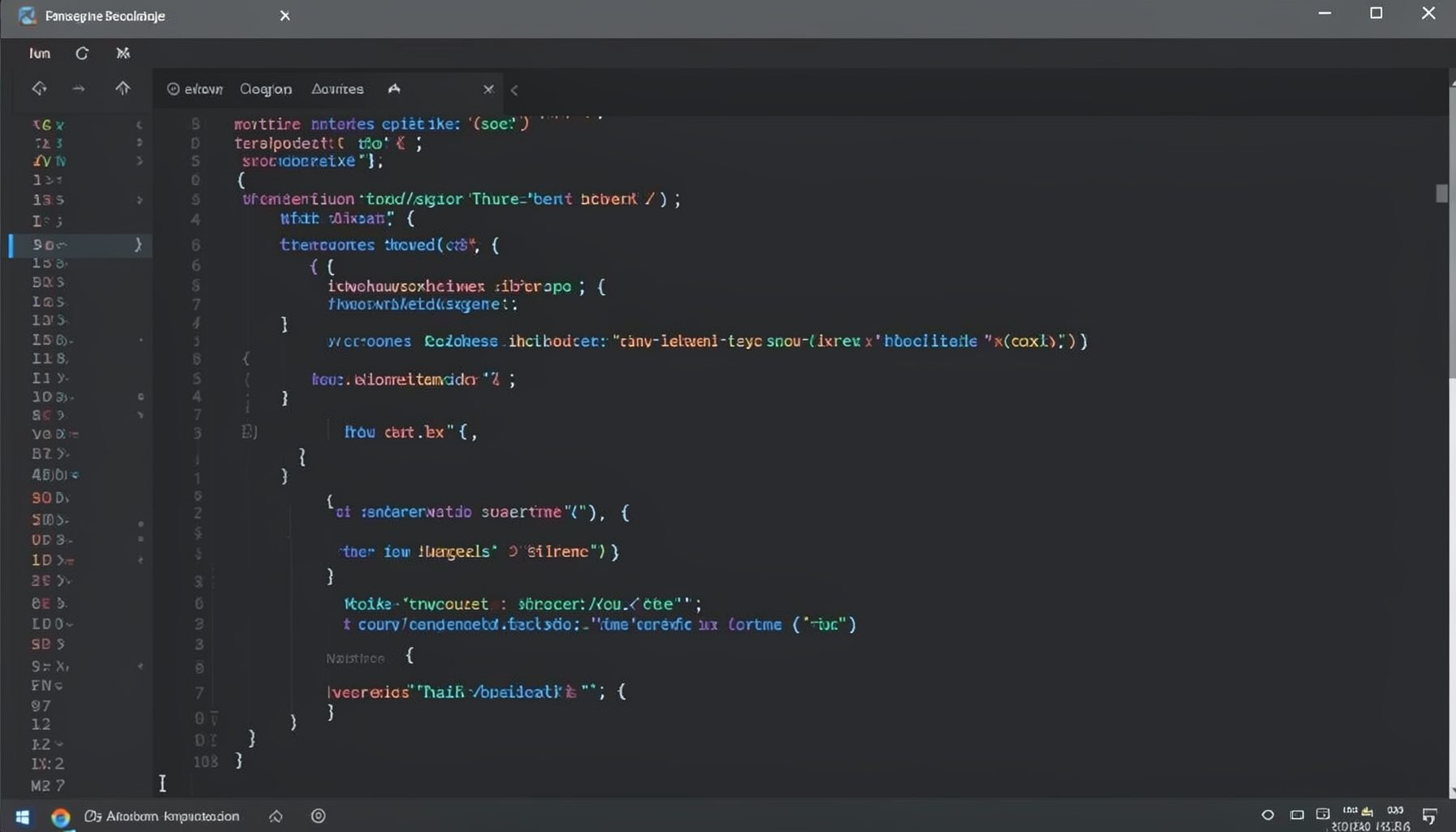
Screen-cast 1: Tab Mode, ECB & More
Covers tab-mode, ECB, Magik Smeller, code folding, visual bookmarks, pragma toggling, moving code, external editor, and MS Explorer.
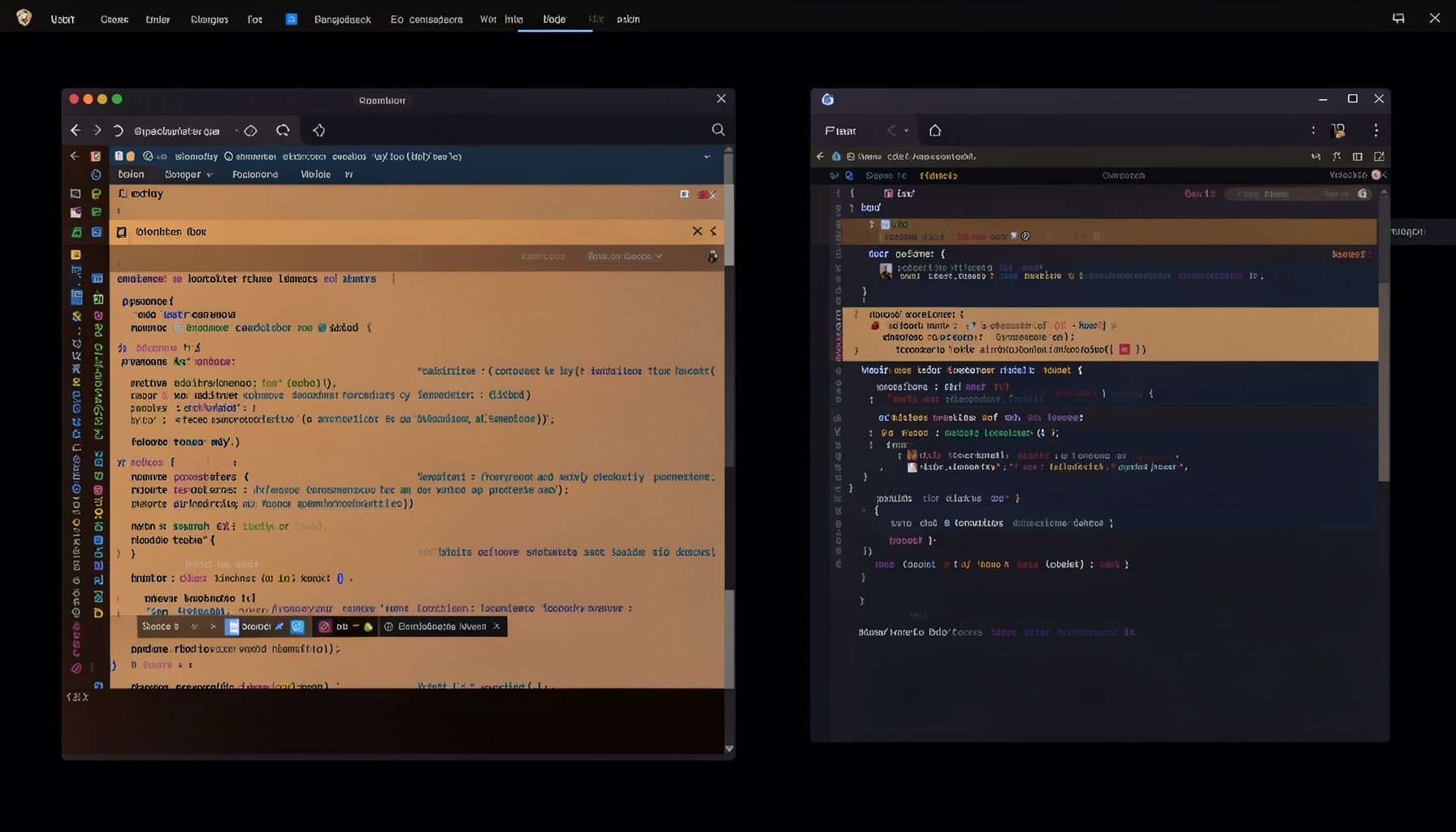
Screen-cast 5: Object Inspection & Deep Print
Inspect a Magik object, prompt for an expression evaluated within a Smallworld session, and display results in a Deep Print buffer.
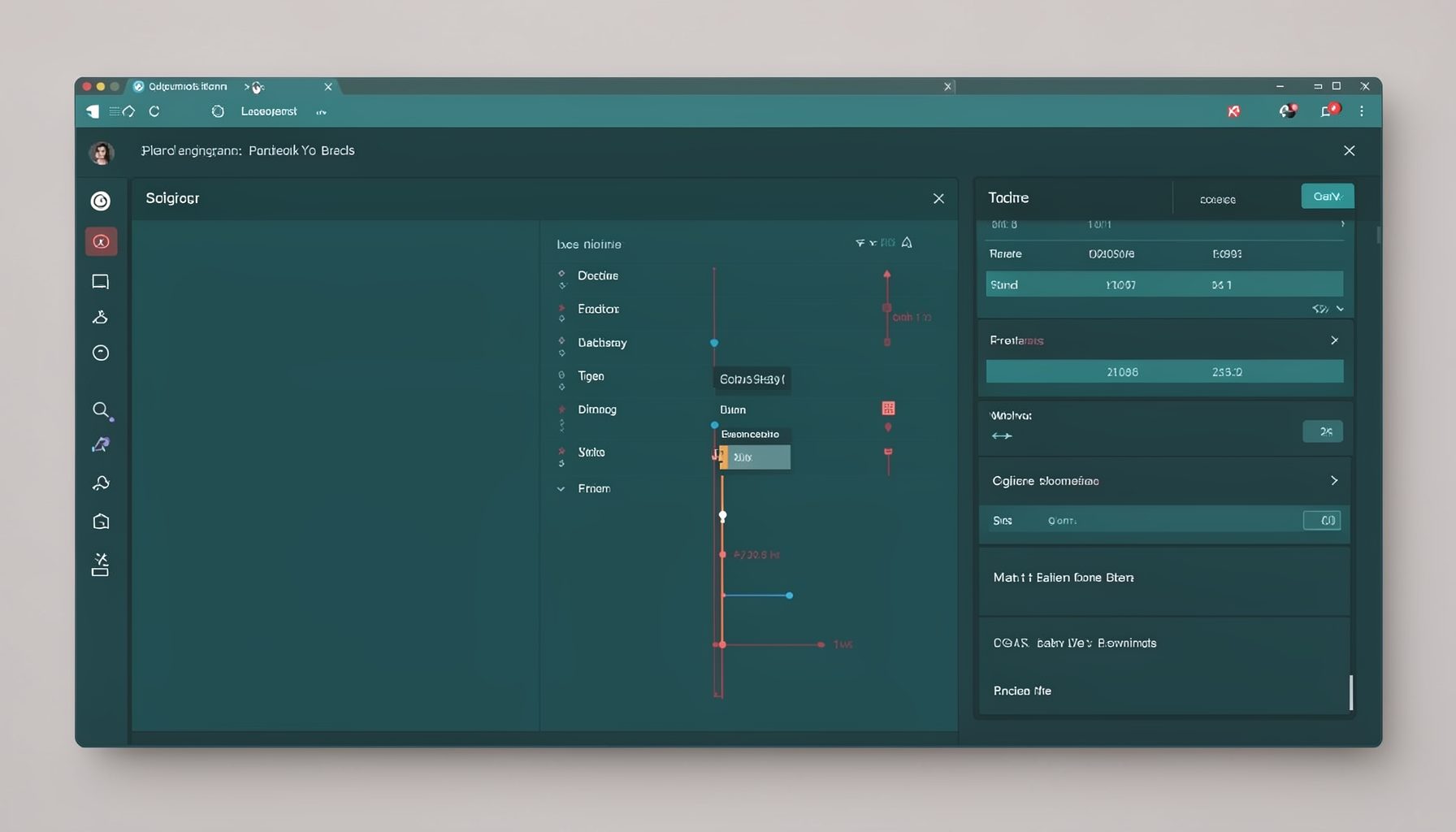
Screen-cast 7: Magik Debugger
Useful tools for application developers: Object Inspector and Magik Debugger with breakpoints and slot/variable monitoring.

Screen-cast 9: Tree Item GUI Control
Tree Item is a GUI control providing extensive facilities for displaying lists with rows, columns, trees, and in-place editing.