Emacs Extensions for
GE Smallworld Magik Development
Screen-casts, tutorials, and productivity tools for Magik programmers who use Emacs. From tab-mode and code folding to the Magik Debugger and object inspector — explore features built by a developer, for developers.
Learn MoreNine screen-casts published between November 2010 and January 2011 — covering everything from ECB mode to the Tree Item GUI control. Read the story behind the project →
Get in Touch
Repeat Magik commands confidently with Emacs repeat-mode
Magik development in Emacs often involves a rhythm of small, repeatable actions: run a method, inspect the receiver, jump to its definition, collapse a long block, then repeat the cycle with another object. Doing each step through menus or fresh key sequences adds friction, especially when a fault must be traced before a release window closes.
Emacs provides a keyboard-oriented way to remember and replay the last suitable command. repeat-mode turns that behaviour into a repeatable editing habit, while Magik-specific major modes and supporting tools supply the language awareness, object views and navigation that make the replay useful.
The important distinction is between replaying an Emacs command and retyping a Magik expression. Command replay works well for registered interactive commands that can be described safely. It does not capture arbitrary text entered into a Magik shell, nor does it decide whether a destructive method should run again.
How Emacs remembers the last command
repeat-mode is a global minor mode built into Emacs 28 and newer. It records an eligible command after you run it and assigns a repeat key, conventionally C-x C-r, to invoke that command again. The second invocation is not simply another copy of the keystrokes: Emacs can retain relevant command arguments and use its command-specific repetition rules.
That distinction matters for Magik work. A method-run command may have a recorded receiver and parameter list, whereas an inspection command might resolve the object at the current point when it executes. Another command may accept a numeric prefix. These behaviours need to be understood before a burst of repetitions is sent into a live Smallworld session.
Not every action is suitable for automatic replay. Commands can be marked as non-repeatable, while some interactive or specialised commands need to ask for their arguments again or have no safe repeat definition. A line typed into a Magik process window is input to that process rather than an Emacs command, so it is outside this mechanism.
Set up repeat-mode for Magik work
Enable the mode explicitly in init.el so its state is consistent across workstations and remote sessions. A minimal setup is (require 'repeat) followed by (repeat-mode 1). If it is already enabled by your Emacs build or configuration, avoid toggling it accidentally; M-x describe-mode can show the current state. The supplied key is a convention, not a guarantee, so use M-x describe-key for C-x C-r to confirm the active binding.
Then run one harmless, repeatable Magik action and invoke the repeat key. The best first test is an inspection, navigation or method-display command with no side effects. This proves both that the mode is active and that your Magik Emacs commands cooperate with the standard repetition machinery.
Enterprise packaging adds another Australian wrinkle. Teams in Sydney and Melbourne often support established Smallworld estates on managed desktops, and some utility, planning or geospatial sites restrict direct package installation. Where that applies, an approved build may be needed. Current packages and setup notes are available through Magik Emacs downloads, while an administrator should still check the Emacs version and any internal allow list before deployment.
Replay method calls without losing context
The most valuable replay candidates are commands that carry stable arguments. If an interactive command invokes the same Magik method with the same receiver and parameters, repeating it is efficient when you deliberately want that exact call. The command should complete before you request another repetition; otherwise, a quick burst can queue work faster than the Smallworld session can process it.
Context-sensitive commands require more care. Moving point to a different receiver before replaying an inspection command may cause it to inspect the new object, which can be exactly what you want. The same movement can also produce an error if the command expects a particular selection or if the new object belongs to a different collection. Repeat-mode reuses the command; it does not guarantee that the old Magik state is still valid.
Keep Magik shell input separate from command replay. The Emacs extension can expose methods, source locations, object details and debugger actions as interactive commands, but text entered at a Magik prompt is still text at a prompt. For ad hoc expressions, save the expression in a scratch buffer and execute it deliberately. For a supported invocation command, use the repeat key and inspect the arguments that Emacs reports or displays.
Control repetition and recorded arguments
A numeric prefix can make a small batch efficient. Where the selected command supports it, C-u 3 C-x C-r requests three repetitions rather than forcing you to press the sequence three times. Set the count only after checking what each pass will do: a count that is sensible for a read-only inspection can be reckless for a method that writes records.
Arguments are part of the command’s repeat behaviour. By default, repeat-mode replays the recorded command with its original arguments rather than opening the minibuffer again. A command-specific repeat function may change that behaviour, while a context-sensitive command may still resolve the object at the current point when it runs. If new values are required, invoke the command afresh or use repeat-complex-command, whose purpose is to let you revisit the arguments rather than merely reuse them.
Record such details in Australian support notes with an unambiguous date and count, such as “07/05/2026, three evaluations, receiver REF 48127”. The day-first format is customary in Australian offices, while an ISO date such as 2026-05-07 is even safer in shared technical records. This small habit prevents a batch size or release date from being confused during a handover.
Protect production-like Magik data
Repetition is most convincing when the session state is visible and the command is understood. Before replaying a method that updates a Smallworld collection, confirm the receiver, parameter values, transaction boundaries and undo strategy. A repeated write can multiply a small mistake across several objects in seconds. If the command has no trustworthy repeat definition, use the standard repeat-complex-command flow or rerun the original command manually rather than forcing a shortcut.
Session freshness also matters. Object identifiers collected before a refresh may no longer refer to the intended data, and a method that was safe against a temporary collection may behave differently after a commit. Pause between batches, read the Magik process output, and confirm that the debugger or object inspector reflects the current state. For browser-facing Smallworld workflows, functional web tests can independently verify expected user-visible results after the repeated editor actions.
Time-zone records deserve care in Australian support teams. Western Australia does not change its clocks, so Perth remains at UTC+8, while Sydney and Melbourne move between UTC+10 and UTC+11. A batch handed between Perth and an eastern-state team near the daylight-saving transition can therefore carry different local timestamps even though the server clock is consistent.
The practical distinctions are:
| Magik action | Likely repetition behaviour | Check before replaying |
|---|---|---|
| Run an interactive method command | Reuses the command and its recorded arguments | Confirm the receiver and parameters |
| Inspect an object at point | May resolve the new point at execution | Position the cursor and verify the object |
| Apply a numeric prefix | May reuse the recorded count | Keep the intended batch size visible |
| Answer a command prompt | Usually retains recorded input, subject to command-specific handling | Confirm whether values are retained or re-entered |
| Run a non-repeatable or transactional action | May need the standard complex-command flow or may be unsafe to replay | Inspect state and use an explicit method call |
These checks turn repetition from a speed trick into a controlled operation. The best candidates are read-only or easily reversible commands; the worst are opaque, stateful actions whose effects are hidden behind a generic repeat key.
Make command replay a team habit
Document the repeat key in each team’s Magik Emacs notes, including any local binding. A shared shortcut is only useful when another developer can recognise which command will run and how its arguments are retained. Add the Magik Emacs package to onboarding material, and include repeat-mode in the standard Emacs configuration used by support and development teams.
Use repetition during exploratory work, then return to an explicit invocation for consequential changes. That division lets developers eliminate keystroke fatigue without hiding intent. When Australian teams in Brisbane or other regional centres hand work to offshore colleagues, record the command, receiver, count, expected output and local time in the handover. Clear notes bridge office hours and follow-the-sun support more reliably than a key sequence alone.
Enable repeat-mode in your Emacs configuration today, verify the active binding with a harmless inspection, and add the agreed Magik commands to your next development or support checklist.
Core Features
Tab Mode & ECB
Quick tab switching and Emacs Code Browsing mode for navigating Magik codebases efficiently.
Magik Smeller
Code analysis tool that helps identify potential issues in Magik source files.
Code Folding
Hide/Show mode for collapsing and expanding Magik code blocks to focus on what matters.
Visual Bookmarks
Quick visual bookmarks for jumping between key locations in your Smallworld session buffers.
Object Inspector
Inspect Magik objects and display them in an Emacs Deep Print buffer for detailed examination.
Magik Debugger
Set breakpoints and monitor slots and variables directly from within Emacs.
Development Tools
Direct links between Emacs and the Smallworld Development Tools application, including Click Monitor.
Screen-casts & Tutorials
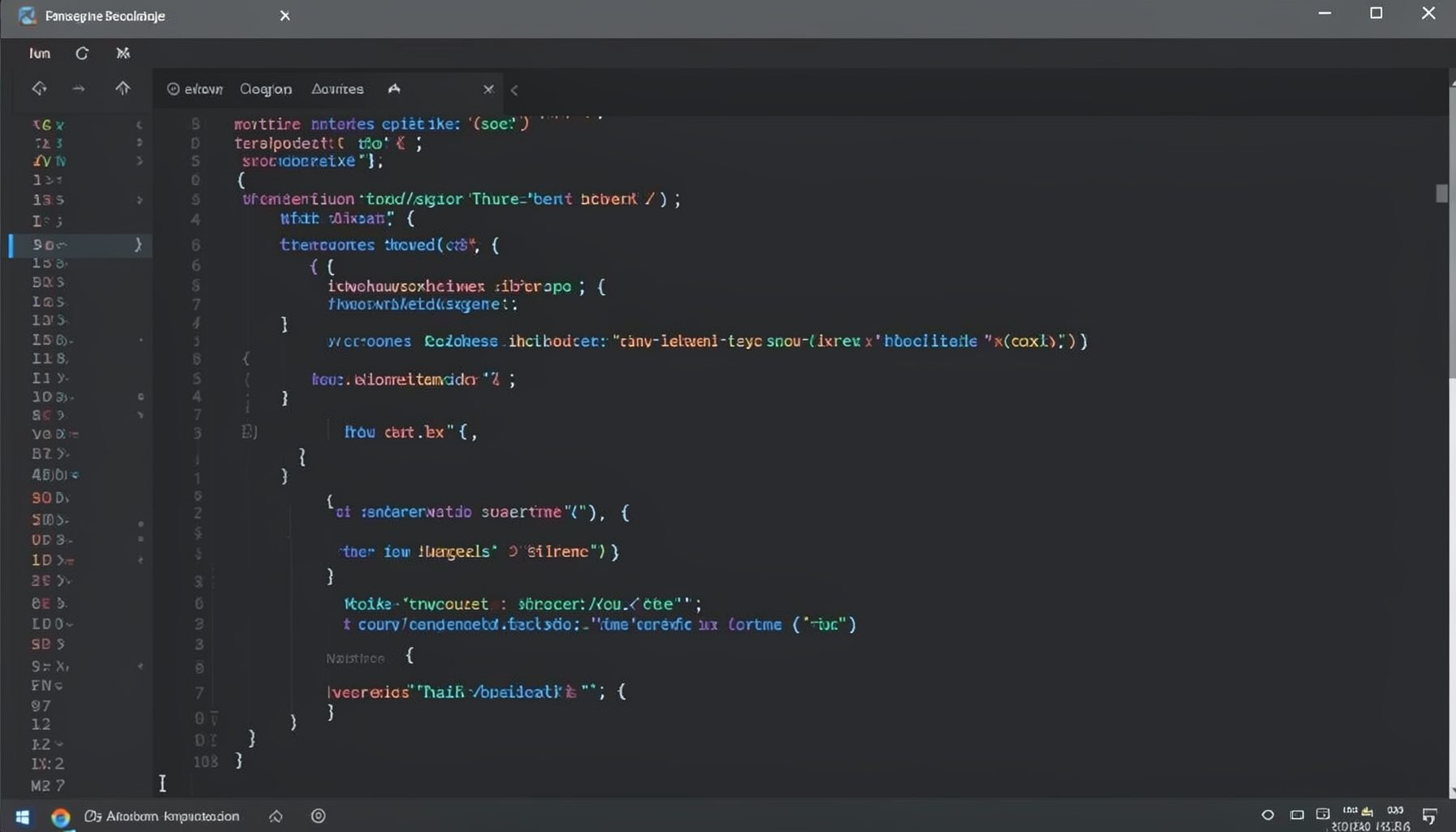
Screen-cast 1: Tab Mode, ECB & More
Covers tab-mode, ECB, Magik Smeller, code folding, visual bookmarks, pragma toggling, moving code, external editor, and MS Explorer.
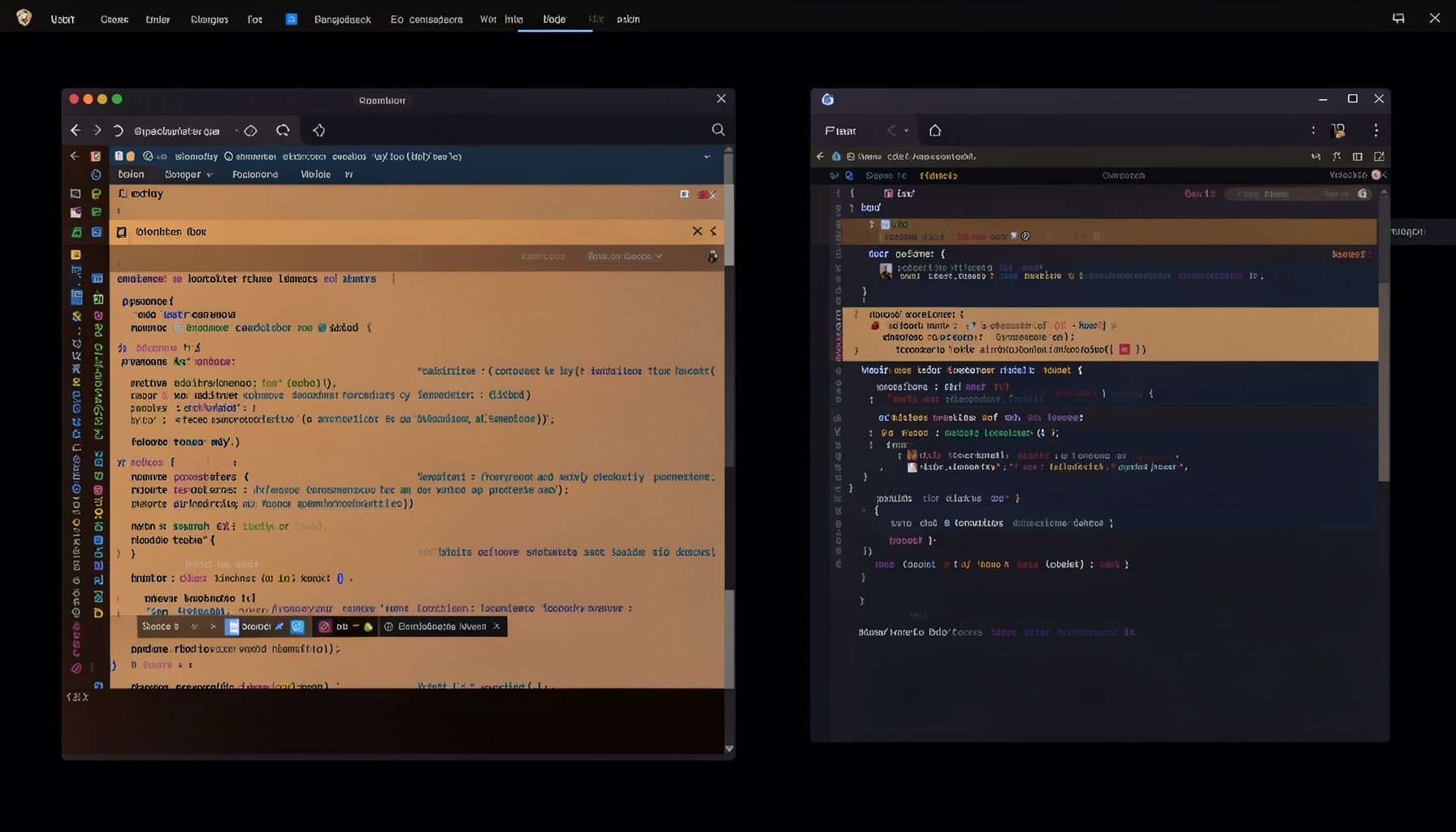
Screen-cast 5: Object Inspection & Deep Print
Inspect a Magik object, prompt for an expression evaluated within a Smallworld session, and display results in a Deep Print buffer.
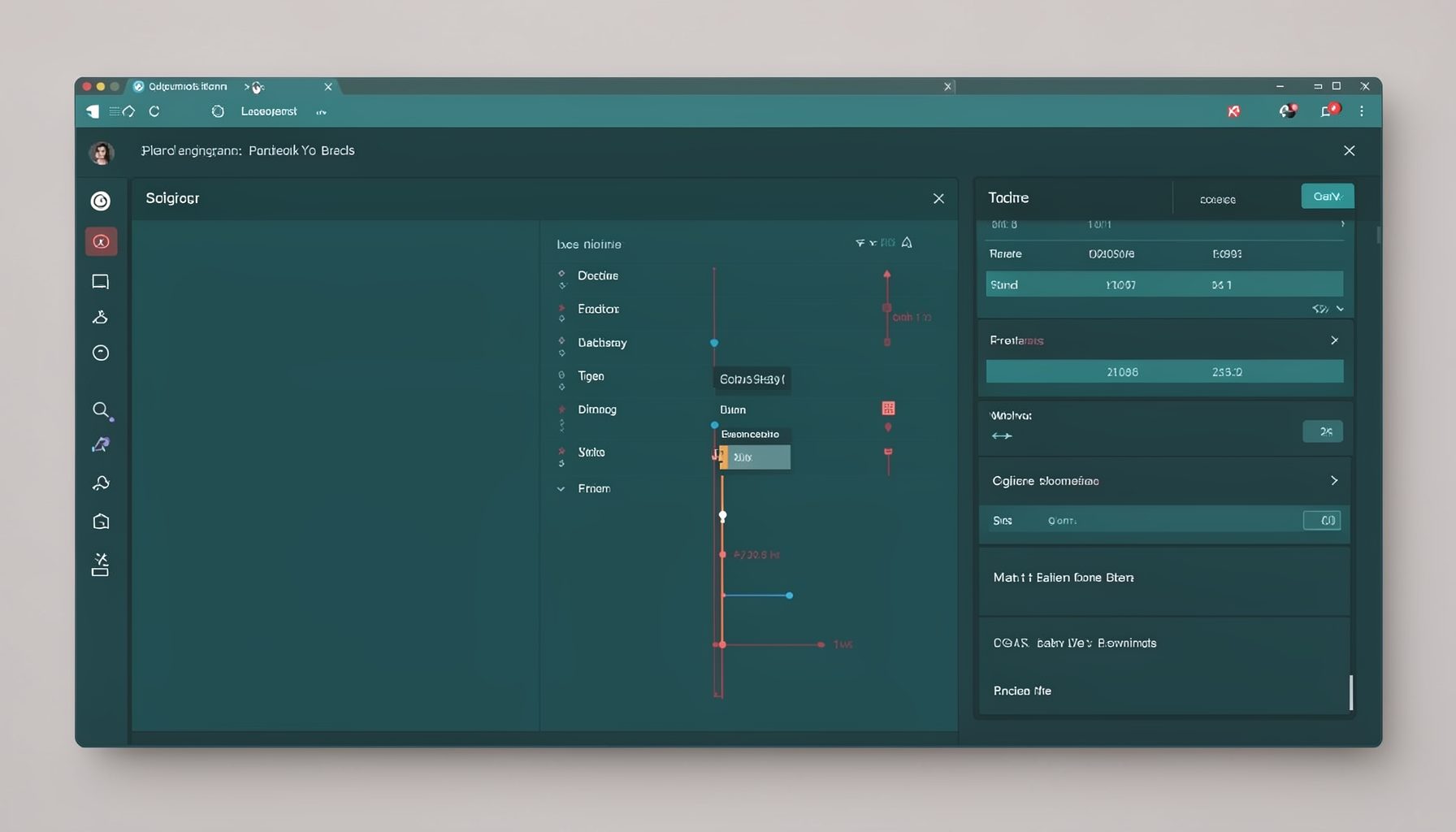
Screen-cast 7: Magik Debugger
Useful tools for application developers: Object Inspector and Magik Debugger with breakpoints and slot/variable monitoring.

Screen-cast 9: Tree Item GUI Control
Tree Item is a GUI control providing extensive facilities for displaying lists with rows, columns, trees, and in-place editing.