Emacs Extensions for
GE Smallworld Magik Development
Screen-casts, tutorials, and productivity tools for Magik programmers who use Emacs. From tab-mode and code folding to the Magik Debugger and object inspector — explore features built by a developer, for developers.
Learn MoreNine screen-casts published between November 2010 and January 2011 — covering everything from ECB mode to the Tree Item GUI control. Read the story behind the project →
Get in Touch
Emacs' Yasnippet for Magik code templates and boilerplate
Magik programs often contain a predictable shell around the part that matters: a method declaration and terminator, a class wrapper, a collection loop, or a standard guard clause. Re-typing that shell creates noise, interrupts the thought process, and makes small mistakes more likely. Emacs' Yasnippet for Magik code templates and boilerplate turns these recurring structures into expandable text while leaving the programmer in control of the generated code.
The approach is particularly useful for Australian Smallworld teams, whether their desks are in Sydney or Melbourne, their operations run from Brisbane, or their engineers work remotely across the country. Snippet libraries can standardise a house style without erasing local object models. They also reduce the time spent copying method envelopes during consulting work, where HydePark Consulting and other specialists often move between client environments with different namespaces and coding conventions.
Why snippets matter in Magik
A snippet is not another Magik macro or a replacement for a well-designed API. It is editor text with placeholders. That distinction matters: a template can supply the punctuation and keywords for a method envelope, while the programmer supplies names, arguments and business logic. The resulting expansion remains ordinary Magik that can be compiled, reviewed, traced and maintained like any other source code.
The strongest candidates are structures with a stable shape: _method and _endmethod, class declarations, standard _if blocks, loops over fast_elements(), and diagnostic calls. Fragile fragments should stay outside the library. A snippet that merely saves typing may add maintenance if it becomes outdated, whereas a carefully named template can capture an agreed convention across several repositories.
Templates also help developers move between exploration and implementation. While inspecting an object or analysing a collection in Magik Emacs, a developer can capture the surrounding method pattern and reuse it after investigation. This keeps temporary console work out of production files and makes the final implementation easier to compare with a teammate’s version. The snippet is a shortcut, not an authority on what the object model requires.
Install Yasnippet with Magik Emacs
Use the Yasnippet copy available in your GNU Emacs release, or install the package with M-x package-install and select yasnippet on older configurations. Put Magik snippets under a mode-specific path such as ~/.emacs.d/snippets/magik-mode/. Keeping them separate from other languages makes the library easier to audit and prevents a Python or shell snippet from being offered in a Magik buffer.
(use-package yasnippet
  :config
  (setq yas-snippet-dirs
        (list (expand-file-name "snippets" user-emacs-directory)))
  (add-hook 'magik-mode-hook #'yas-minor-mode))
After installation, reload the catalogue with M-x yas-reload-all. The package background and practical expansion model are explained on Mike Patt’s reference notes, which are useful alongside the installed documentation. Confirm that magik-mode is the exact mode name used by your Magik Emacs setup, since the snippet directory and its binding must agree for reliable expansion.
A minimal use-package configuration is enough to begin. The snippet directory above is relative to user-emacs-directory, and enabling the minor mode in Magik buffers allows Yasnippet to recognise the library. Teams with several package managers can keep the same snippet source directory and load it through their existing Emacs configuration rather than maintaining a second copy.
Build a first Magik template
Create a file such as magik.yasnippet and define the template with Yasnippet’s comment-prefixed directives. Placeholders use numbered fields: $1 is the first stop, ${1:default} supplies editable text, and $0 marks the final cursor position. The binding magik-mode line scopes this example to Magik, while expands to introduces the text copied into the buffer.
#' yasnippet
#' binding magik-mode
#' expands to
#' _method ${1:method_name}(${2:arguments})
#'     ${3:body}
#' _endmethod
#' $
#' end yasnippet
When the trigger is pressed, the first field is selected. Moving to later fields can accept a default unchanged, replace it with a value, or jump back to an earlier field. Choices can also be offered with Yasnippet’s field syntax. Although these features resemble an interactive form, they remain text insertion; pressing a trigger does not evaluate Magik, contact a database or alter an object.
Keep names descriptive. A field labelled ${1:collection} tells the next reader what belongs there, whereas a generic $1 may produce plausible but unclear code. Prefer one logical concept per field and place the final field where further typing should continue. This makes the template easier to learn and gives it a predictable keyboard workflow for both experienced Magik programmers and new starters.
Design templates for real workflows
Real Magik templates should reflect the shape of the work rather than a generic idea of boilerplate. A loop over a collection might expand to the following starting point, with its body selected for immediate replacement. The collection variable remains explicit, so the developer can decide whether fast_elements() is appropriate or whether another traversal method better matches the task.
#' yasnippet
#' binding magik-mode
#' expands to
#' _for ${1:item} _over ${2:collection}.fast_elements() _do
#'     ${3:process each element}
#' _endfor
#' end yasnippet
Other useful templates can scaffold a guard clause, a property accessor, a method declaration with typed documentation, or a diagnostic block that writes a meaningful label. Contextual defaults should use the domain vocabulary maintained by the team: customer, network, asset or collection. In Australian projects, comments and documentation commonly follow Australian English conventions such as organisation, customise and licence, but code identifiers must continue to match the client’s existing schema exactly.
Do not hide decisions inside a snippet. Defaults for database paths, transaction boundaries, object identifiers, error handling or privilege checks can carry too much risk for a blind expansion. Templates can provide a visible reminder, such as a placeholder requiring an explicit value, but compilation and testing remain necessary. A good library makes omissions obvious instead of silently filling them with assumptions.
Integrate snippets with editing and review
Yasnippet sits naturally beside the rest of the Magik Emacs toolchain. Code folding can hide a completed method, navigation can move to a related definition, and debugging or object inspection can reveal what the expansion produced. The editor workflow matters because a template should shorten setup without forcing the developer to leave the buffer, search documentation or copy syntax from a browser.
Tab is a common Yasnippet trigger, but Magik programmers may also use it for indentation or completion. Choose the trigger deliberately, and test it with Magik’s indentation rules. If a conflict appears, invoke the template through a dedicated command or adjust the trigger for the local configuration. M-x yas-describe-template is also valuable when checking which fields and transformations a shared snippet contains.
During review, inspect the expanded source rather than trusting the snippet’s name. A reviewer should be able to identify the generated boilerplate, the supplied arguments and the business logic without reconstructing the template. Pairing a new Magik developer with an experienced maintainer is an effective way to transfer snippet conventions, especially when the team is distributed and office-based training cannot be repeated at every client site.
Share and maintain a team library
Store the canonical Magik snippet files in version control and share the generated expansion only as an editing convenience. Give each file a descriptive name, add a short owner or purpose note, and review changes like any other developer tool. A contributor can then improve a template once and make that improvement available to every developer, rather than asking each workstation to maintain a private variation.
HydePark Consulting operates the Magik Emacs resource, making it a sensible central reference for the wider editing setup. Local teams should still align their library with the Magik version, coding conventions and review controls used in their own Australian deployments. That matters in markets serving government agencies, utilities, transport operators and property organisations, where auditability and consistent documentation can shape acceptance of development tooling.
Australian collaboration often crosses Sydney, Melbourne, Brisbane and Perth, with handovers occurring across different working hours. Put installation notes, ownership and test cases beside the snippets so a colleague in another office can use them without an informal demonstration. Record whether a template is mandatory, optional or experimental, and schedule a periodic review after a Magik release or a major client model change.
Begin with one frequently used method envelope: install Yasnippet, create a mode-specific file, add a small template and reload the catalogue. Use it on a non-critical branch, compare the expansion with an existing Magik method, and then ask a colleague to expand it from the shared library. Once that workflow is reliable, capture the next repeated structure, document its purpose and keep the collection small enough to maintain with confidence.
Core Features
Tab Mode & ECB
Quick tab switching and Emacs Code Browsing mode for navigating Magik codebases efficiently.
Magik Smeller
Code analysis tool that helps identify potential issues in Magik source files.
Code Folding
Hide/Show mode for collapsing and expanding Magik code blocks to focus on what matters.
Visual Bookmarks
Quick visual bookmarks for jumping between key locations in your Smallworld session buffers.
Object Inspector
Inspect Magik objects and display them in an Emacs Deep Print buffer for detailed examination.
Magik Debugger
Set breakpoints and monitor slots and variables directly from within Emacs.
Development Tools
Direct links between Emacs and the Smallworld Development Tools application, including Click Monitor.
Screen-casts & Tutorials
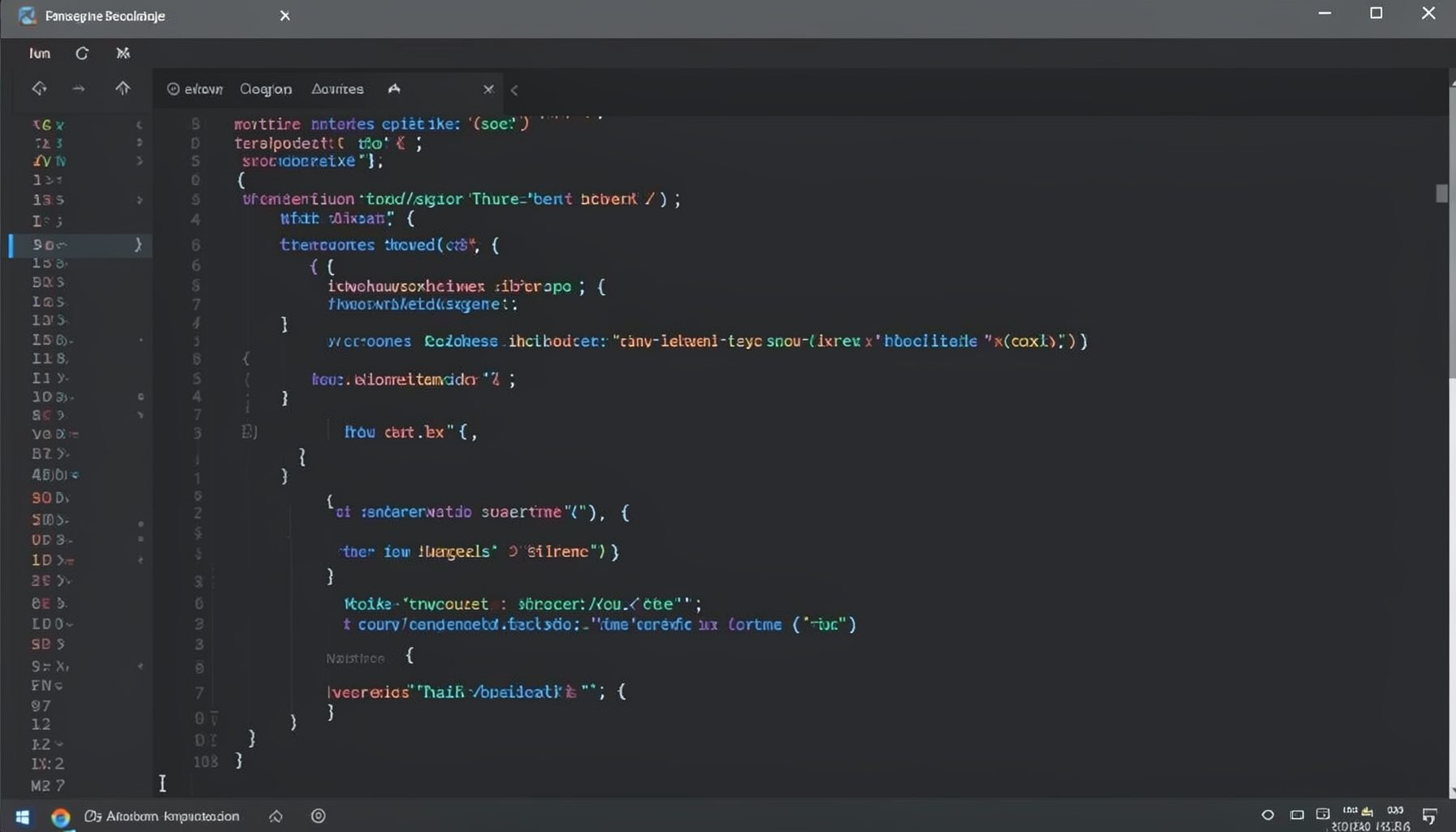
Screen-cast 1: Tab Mode, ECB & More
Covers tab-mode, ECB, Magik Smeller, code folding, visual bookmarks, pragma toggling, moving code, external editor, and MS Explorer.
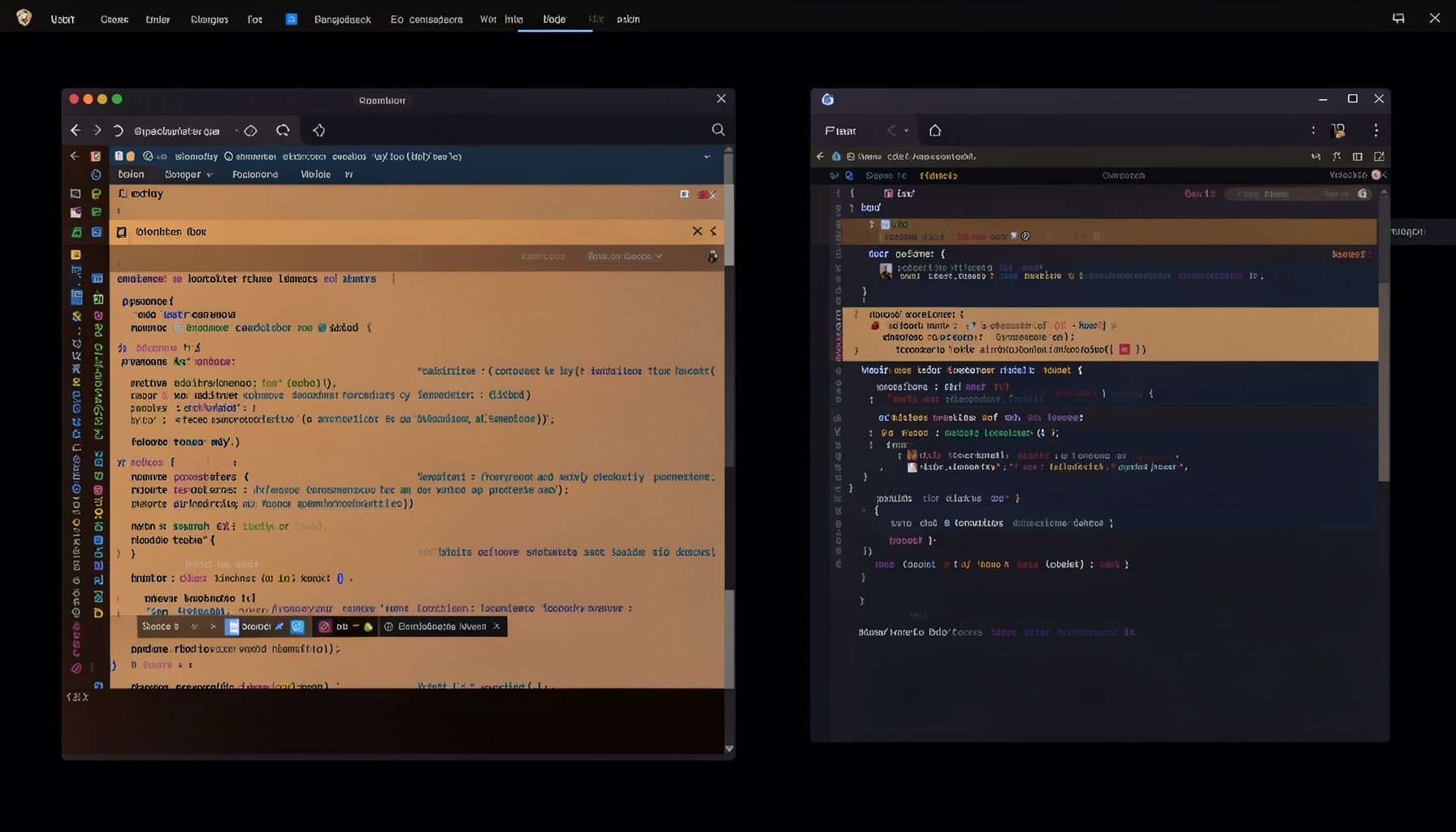
Screen-cast 5: Object Inspection & Deep Print
Inspect a Magik object, prompt for an expression evaluated within a Smallworld session, and display results in a Deep Print buffer.
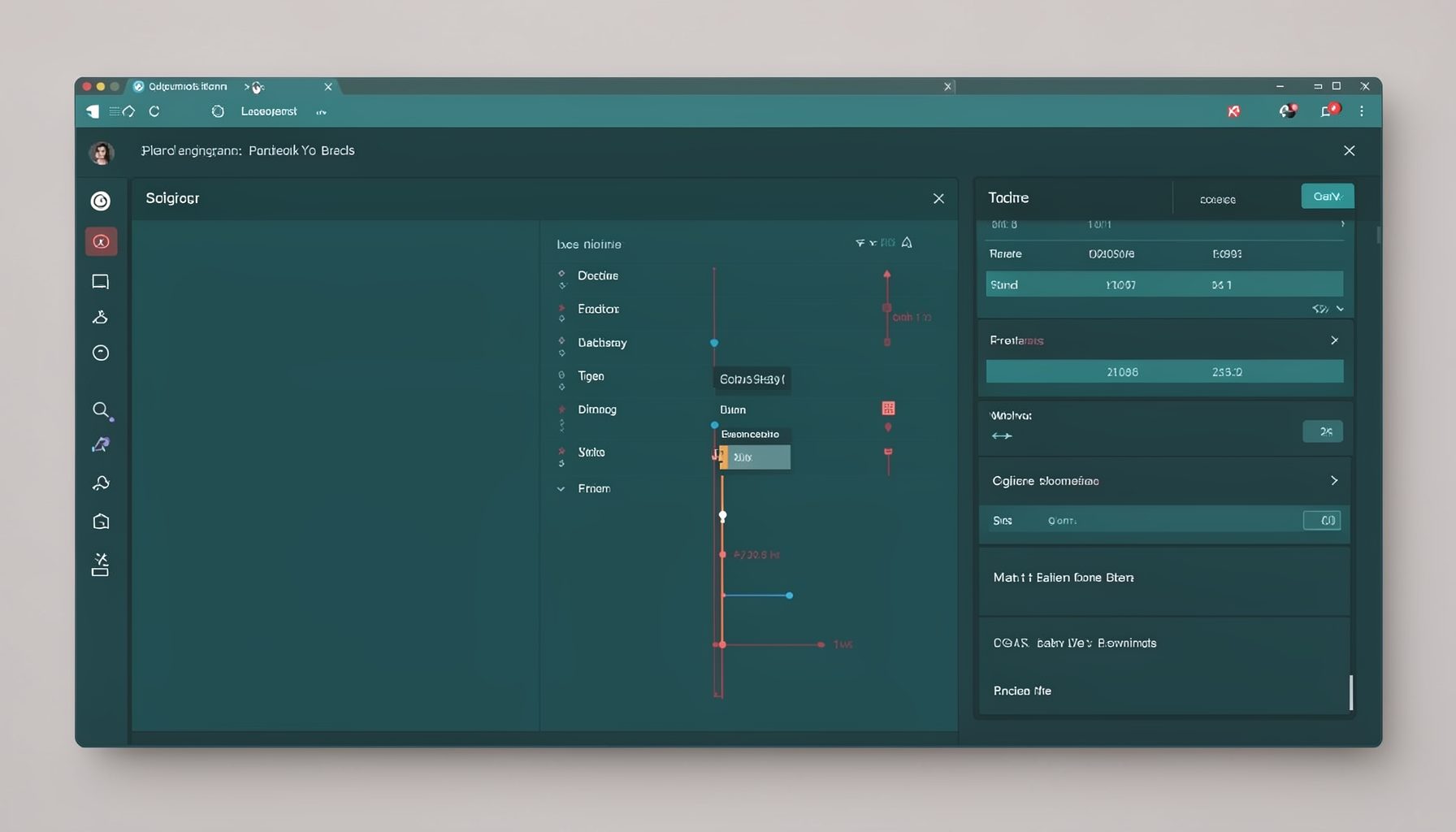
Screen-cast 7: Magik Debugger
Useful tools for application developers: Object Inspector and Magik Debugger with breakpoints and slot/variable monitoring.

Screen-cast 9: Tree Item GUI Control
Tree Item is a GUI control providing extensive facilities for displaying lists with rows, columns, trees, and in-place editing.