Emacs Extensions for
GE Smallworld Magik Development
Screen-casts, tutorials, and productivity tools for Magik programmers who use Emacs. From tab-mode and code folding to the Magik Debugger and object inspector — explore features built by a developer, for developers.
Learn MoreNine screen-casts published between November 2010 and January 2011 — covering everything from ECB mode to the Tree Item GUI control. Read the story behind the project →
Get in Touch
Final tips for a seamless Magik-Emacs workflow
Magik gives programmers a direct model of objects, collections, methods and transactions, while Emacs supplies a fast, keyboard-driven place to read and change that model. The combination can feel cumbersome when navigation depends on remembering database-specific commands or when the editor configuration differs between workstations. A seamless Magik-Emacs workflow removes those joins in the development loop: open the right code, inspect the live object, run the method and return to the source with your attention intact.
That outcome is less about collecting every extension than about making a small set of actions predictable. Folding, search, debugging, method lookup and collection inspection should reinforce one another instead of forming separate tools. The final adjustments remove accidental friction: choose a standard startup path, keep temporary experiments out of production collections, learn a few discoverable commands and make every non-obvious action visible in the current buffer.
Treat the editor setup as part of the Smallworld development environment, not as personal decoration. Record the Magik-Emacs version, Emacs version and Smallworld release that work together, then keep configuration under version control where it contains no credentials or customer information. A short note explaining custom bindings and keymap changes can be more valuable than a long list of installed packages, because it lets another developer reproduce the same editing behaviour.
Australian teams add another practical dimension. Developers may work from an office in Sydney or Melbourne, connect to a Smallworld host through a corporate VPN and collaborate with colleagues in Brisbane, Adelaide or Perth across different clock zones. The workflow should survive variable latency, a home connection and a quick handover before the eastern-states stand-up. Designing around those conditions keeps the tools useful during routine maintenance, incident support and remote onboarding rather than only during uninterrupted desk time.
Establish a stable editing baseline
Start with one deliberate arrangement for source files, Magik buffers and live Smallworld sessions. Keep the current method, its collection context and the debugger output close enough to move between them without hunting through taskbars. Code folding is useful once a method becomes long: fold stable helper sections while keeping the changed block visible. Give each folded region a meaningful name where the tooling permits, since “body” or “misc” tells the next developer nothing.
Launch the editing session through the same environment used to connect to Smallworld, or isolate connection details in named variables and scripts that do not expose passwords. Save reusable Emacs settings in init.el or early-init.el, and use C-h f to confirm the documented behaviour of a function before changing it. A project-local .dir-locals.el can hold safe formatting preferences, but it should not override another developer’s Smallworld connection unexpectedly. This baseline reduces the small delays that make a technically capable setup tiring to use.
Navigate by intent, not by guesswork
Text navigation and Smallworld object navigation answer different questions. M-. and related cross-reference commands are effective for locating a known symbol in source, while M-x occur and project-wide search are useful when the identifier is fresh in your mind. Magik is case-sensitive, so copy names exactly and widen the search to the enclosing method or collection when a result seems surprising. A quick return to the previous buffer preserves the thread of the investigation.
Methods stored in a database can still be absent from ordinary file indexes. For those cases, use object-aware commands and the Smallworld development tools to resolve the owning collection, inspect references and open the relevant source. Consult the available PNI commands when choosing a command path or checking whether a required action is already covered. Learn the names and outcomes of a few commands rather than every shortcut; predictable recall beats an overloaded keymap during a production investigation.
Keep debugging inside a controlled loop
A useful debugging session follows a visible cycle: select the target method, set the breakpoint, run a controlled input, inspect the stack and local state, then step or evaluate the next expression. Keep the source buffer and debugger result visible together when display space allows. This arrangement makes it easier to connect a failing value with the line that produced it and prevents a successful test from hiding an assumption about the runtime object.
Separate editor changes from committed database changes. Magik transactions provide useful boundaries, so use a scratch collection or reversible transaction for experiments and record what must be rolled back. Resist the urge to “fix the data” while the cause is still unknown; capture identifiers and timestamps first. The same discipline helps during incident support, when a hurried update can remove the evidence needed by the next person on the handover.
Inspect objects and collections in context
Live inspection is where Emacs and Smallworld become more useful together. Start with the smallest object that explains the problem, examine its properties and references, and follow one relationship at a time. Avoid flooding the terminal with a broad dump: a focused object view is easier to scan and less likely to expose confidential values. Keep the current selection in view while moving through related methods, because losing the original object often breaks the chain of reasoning.
For collection analysis, begin with the question behind the query. Check row counts, filters, indexes and representative records rather than exporting everything, then distinguish a schema definition from the runtime collection that holds current values. Where an operation is read-only, keep it read-only; where a repair changes records, work on a copy and verify the affected set before saving. Short, sanitised notes about the object path and collection used are enough to reproduce the investigation later without embedding sensitive data in shell history or chat.
Fit the tools into Australian team routines
Australian enterprise development teams often bring a mixed toolchain into their working day: Jira and Confluence for work tracking, Microsoft Teams for discussion, mixed Windows and Unix endpoints, and remote access to specialist systems. The Magik-Emacs setup should exchange context with those tools rather than duplicate them. Keep internal issue references in the work item, store reproducible Magik snippets in the team repository and use the editor for the code-intensive parts of the task.
Distance makes small handover habits valuable. A developer in Perth can begin while a colleague in Sydney is still finishing the previous task, and daylight-saving changes can move that overlap by an hour. At the end of a debugging session, leave a concise note with the Smallworld release, collection path, last command, observed value and next action. Australian English conventions, including organisation, authorised and colour in comments and documentation, should also be consistent because Magik identifiers and documentation strings often live side by side.
Where debug output contains personal information, apply the Privacy Act 1988 and the Australian Privacy Principles as part of the workflow when your organisation is covered by them. Redact names, addresses and identifiers from shared screens, logs and copied expressions, and prefer synthetic records for repeatable tests. These habits reduce disclosure during screen sharing and support the access controls and retention decisions required by Australian organisations. Legal or privacy specialists remain the right source for case-specific obligations.
Choose one recurring friction point this week—finding a database-resident method, moving from an object to its source or resuming after a failed run—and configure a single repeatable route for it. Test that route in a disposable workspace, then use it through several real sessions before adding another binding. The result should be muscle memory supported by clear documentation, not a crowded keyboard shortcut sheet.
Open the Magik Emacs extensions, tutorials, news and screencasts, select the resource that matches your next task and run its example today. A well-chosen command, tested in context, is the final unit of a productive Magik-Emacs workflow.
Core Features
Tab Mode & ECB
Quick tab switching and Emacs Code Browsing mode for navigating Magik codebases efficiently.
Magik Smeller
Code analysis tool that helps identify potential issues in Magik source files.
Code Folding
Hide/Show mode for collapsing and expanding Magik code blocks to focus on what matters.
Visual Bookmarks
Quick visual bookmarks for jumping between key locations in your Smallworld session buffers.
Object Inspector
Inspect Magik objects and display them in an Emacs Deep Print buffer for detailed examination.
Magik Debugger
Set breakpoints and monitor slots and variables directly from within Emacs.
Development Tools
Direct links between Emacs and the Smallworld Development Tools application, including Click Monitor.
Screen-casts & Tutorials
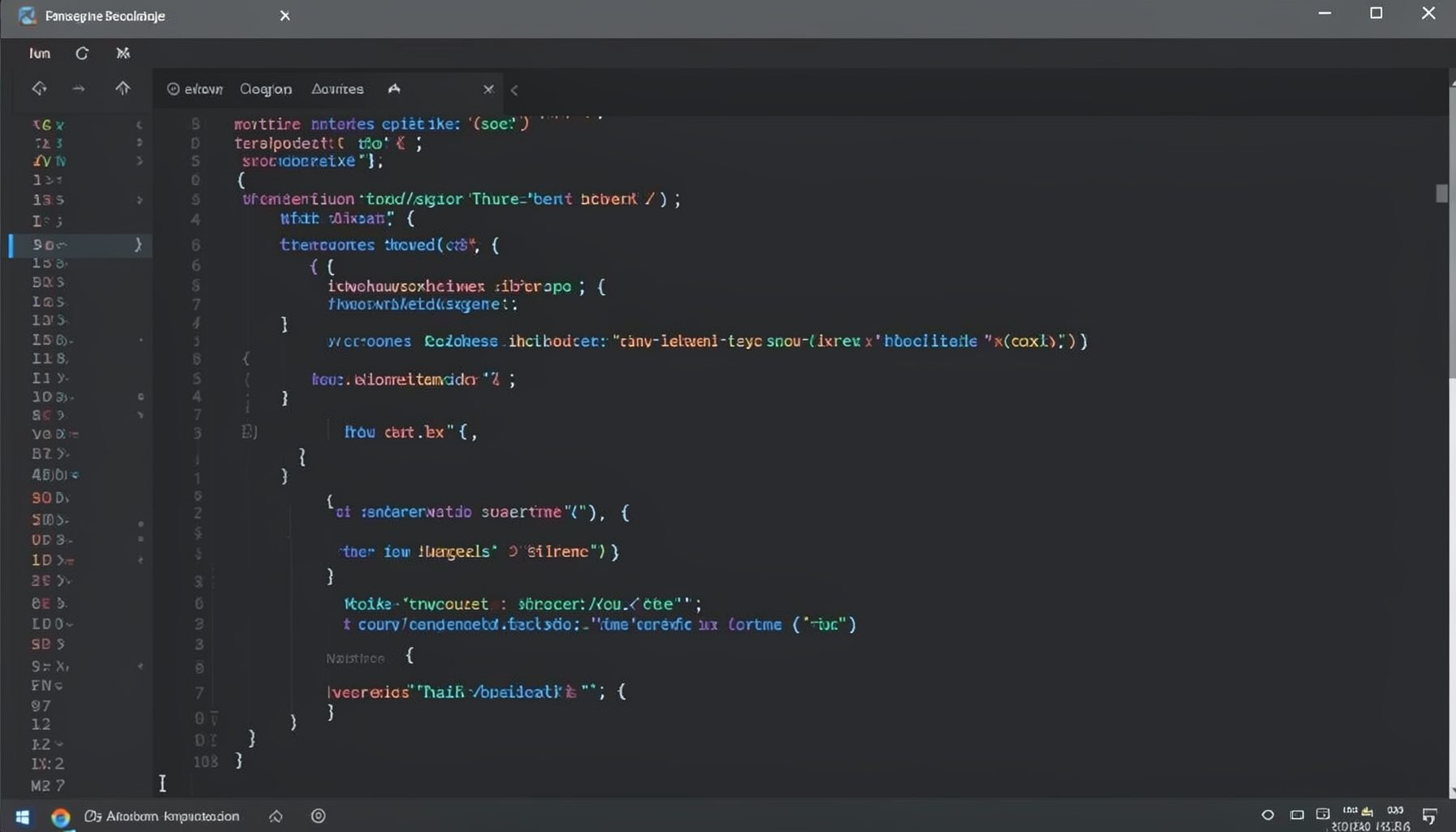
Screen-cast 1: Tab Mode, ECB & More
Covers tab-mode, ECB, Magik Smeller, code folding, visual bookmarks, pragma toggling, moving code, external editor, and MS Explorer.
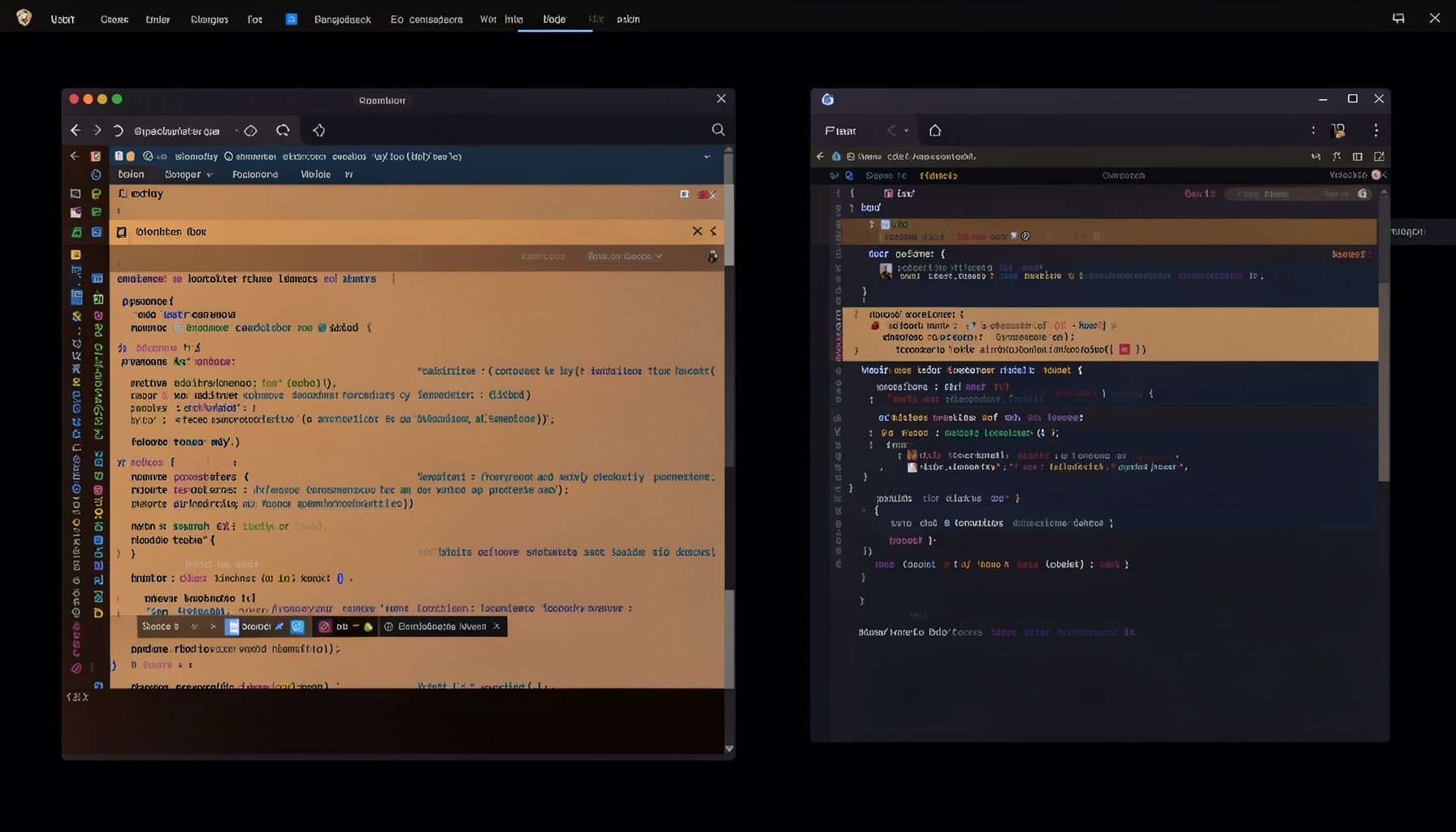
Screen-cast 5: Object Inspection & Deep Print
Inspect a Magik object, prompt for an expression evaluated within a Smallworld session, and display results in a Deep Print buffer.
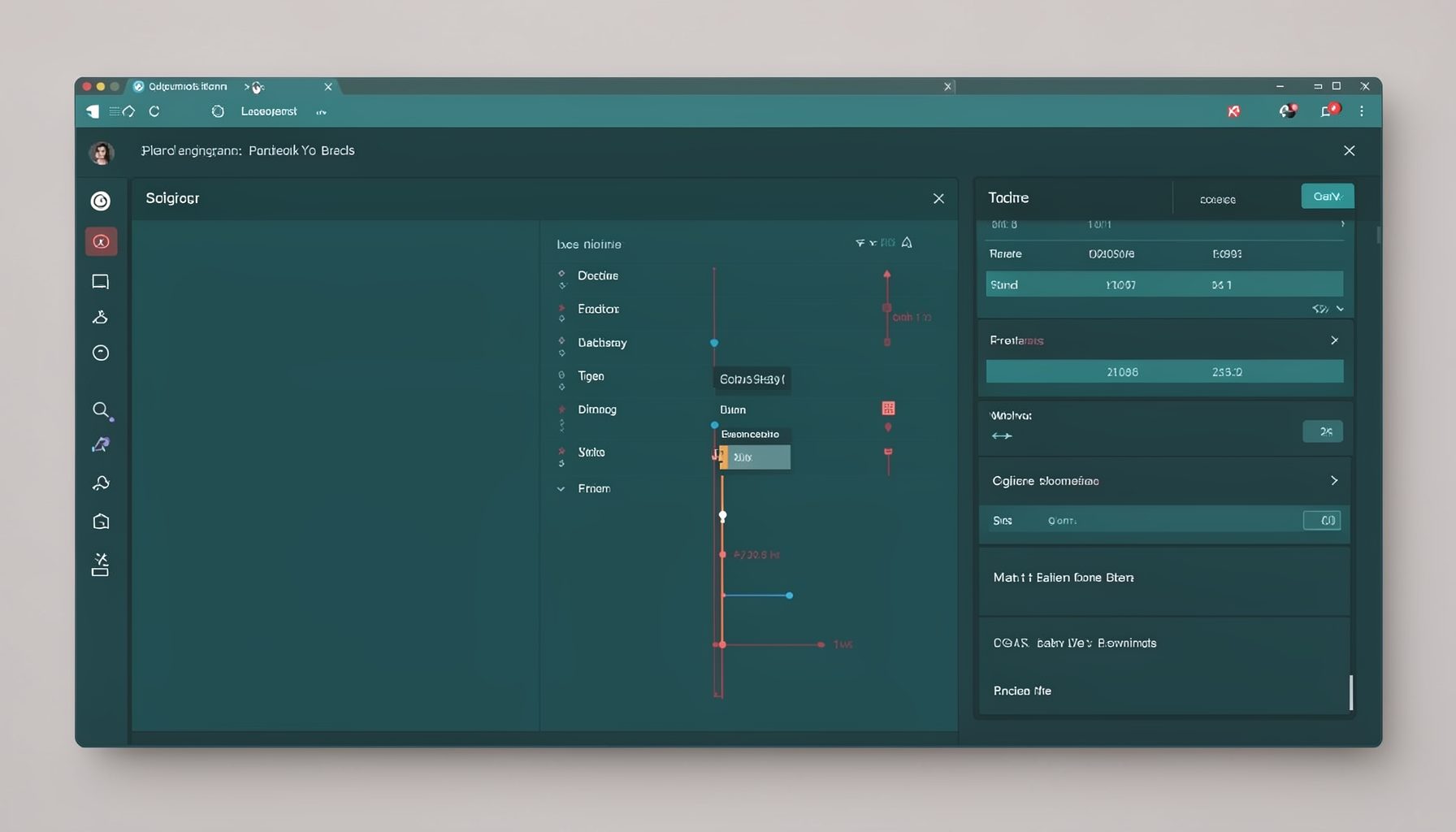
Screen-cast 7: Magik Debugger
Useful tools for application developers: Object Inspector and Magik Debugger with breakpoints and slot/variable monitoring.

Screen-cast 9: Tree Item GUI Control
Tree Item is a GUI control providing extensive facilities for displaying lists with rows, columns, trees, and in-place editing.