Emacs Extensions for
GE Smallworld Magik Development
Screen-casts, tutorials, and productivity tools for Magik programmers who use Emacs. From tab-mode and code folding to the Magik Debugger and object inspector — explore features built by a developer, for developers.
Learn MoreNine screen-casts published between November 2010 and January 2011 — covering everything from ECB mode to the Tree Item GUI control. Read the story behind the project →
Get in Touch
Build a Magik test runner in Emacs compilation-mode
A Magik test runner should behave like a compiler: accept a target, stream a predictable report, and leave a failure that Emacs can jump to. Building one in compilation-mode gives Smallworld developers a familiar compile buffer, next-error navigation, process control, and a clean separation between the Magik batch harness and the editor. The result is a repeatable regression check that can be shared by the whole team rather than a private shell alias.
That workflow suits Australian development teams. A project may be maintained from Melbourne while a tester in Sydney runs the evening build, and the clocks are not always aligned: Brisbane normally does not change for daylight saving while Melbourne and Sydney do. Reports should therefore carry UTC timestamps as well as local time, even when a chat message says the run happened this arvo. Day-month-year dates such as 17 March also avoid ambiguity in build logs.
Australian spelling and workplace shorthand also fit naturally into the surrounding documentation: use behaviour, authorised and initialise, and keep an informal “no worries” out of machine output. More importantly, preserve neutral diagnostics. On Windows a path might begin with C:\, on an Apple Silicon Mac it might sit under /Users, and on Linux under /home; the same runner must parse all three without depending on one developer’s checkout.
Design a stable runner contract
Keep the Smallworld-specific part outside Emacs. The editor should call one executable, while that executable knows where the licensed Magik runtime, test packages and workspace live. This boundary makes the runner usable from a terminal or CI job and prevents details such as Smallworld release flags from leaking into every developer’s init file.
Define a narrow contract before writing the editor interface. The runner receives a target such as all, a suite name or a source file; it prints one diagnostic per failure; and it exits with 0 for success, 1 for test failures and 2 for a broken invocation. A final summary should include total, passed, failed and skipped counts. This makes the exit status useful to both Emacs and a build server.
#!/usr/bin/env bash
set -uo pipefail

project_root="$(cd "$(dirname "${BASH_SOURCE[0]}")/.." && pwd)"
target="${1:-all}"

if [[ -z "${MAGIK_TEST_LAUNCHER:-}" ]]; then
  printf '%s\n' "Set MAGIK_TEST_LAUNCHER to the Smallworld test launcher" >&2
  exit 2
fi

exec "$MAGIK_TEST_LAUNCHER" \
  --project-root "$project_root" \
  --target "$target"
The launcher is where the release-specific magik command lives: it loads test/run_suite.magik, passes the target to it and returns the harness exit status. Keep the project root derived from the wrapper’s own location, with MAGIK_PROJECT_ROOT available as an override for CI or an unusual checkout. Do not bake in a user name or assume that every Australian site stores Smallworld under /opt or C:\Program Files.
Create the Magik-side batch harness
The Magik harness should load only the packages named by the target, then collect the methods or scenarios registered as tests. A manifest is usually clearer than trying to infer tests from every method: an accidental helper method should not become a test merely because it sits near one. The harness can read the target supplied by the wrapper and select a suite such as core, collections or a customer-specific package.
Run each case with clean observable state. Where the supported Smallworld API allows it, use transaction or workspace rollback so one failed case cannot contaminate the next. Create disposable fixtures, remove them after the run and capture the failing assertion with its package and method name. Magik’s dynamic objects and Smallworld workspaces make isolation more important than it would be for a simple standalone unit-test library.
PASS core.order_validator.accepts_valid_order
MAGIK-ERROR "/Users/alex/projects/smallworld/test/order_validator.magik":87: expected 42.0, got 41.0
SUMMARY tests=18 passed=17 failed=1 skipped=0
Emit the diagnostic before any explanatory prose. The quoted path is deliberate: it handles spaces and Windows drive letters, while the colon before the line number gives the parser one unambiguous split. Absolute paths simplify navigation; relative paths are acceptable if the wrapper always changes into the project root. Keep verbose framework logs after the summary or in a separate file, where they cannot hide a failure line.
Start tests in a compilation buffer
Emacs needs one more piece: a stable way to locate the checkout. Put an empty .magik-project marker at the repository root, or set magik-test-root or MAGIK_PROJECT_ROOT. The following configuration can live in a project Emacs file or an init file. It creates a dedicated compilation mode, launches the wrapper and retains the standard Emacs controls.
(require 'compile)

(defgroup magik nil
  "Magik development tools.")

(defcustom magik-test-root nil
  "Directory containing the Smallworld project."
  :type '(choice (const :tag "Detect automatically" nil) directory)
  :group 'magik)

(defcustom magik-test-runner "bin/magik-test-runner"
  "Path to the Magik test runner, relative to the project root."
  :type 'string
  :group 'magik)

(defun magik--root ()
  (or magik-test-root
      (getenv "MAGIK_PROJECT_ROOT")
      (let ((marker
             (locate-dominating-file default-directory ".magik-project")))
        (and marker (file-name-directory marker)))
      default-directory))

(define-derived-mode magik-test-compilation-mode compilation-mode "Magik Test"
  (setq-local compilation-error-regexp-alist
               (cons '("^MAGIK-ERROR[ \t]+\"\\(.+\\)\":\\([0-9]+\\):[ \t]*\\(.*\\)$" 1 2)
                     compilation-error-regexp-alist))
  (setq-local compilation-default-directory (magik--root))
  (setq-local compilation-search-path
               (cons (magik--root) compilation-search-path))
  (setq-local compilation-scroll-output t))

(defun magik-test-run (target)
  "Run the Magik tests matching TARGET."
  (interactive "sMagik test target: ")
  (let ((runner
         (expand-file-name magik-test-runner (magik--root))))
    (compilation-start
     (list runner target)
     (format "Magik tests: %s" target)
     nil nil #'magik-test-compilation-mode)))

(defun magik-test-run-current-file ()
  "Run tests for the current Magik source file."
  (interactive)
  (if buffer-file-name
      (magik-test-run (buffer-file-name))
    (user-error "Save the Magik buffer before running its tests")))
M-x magik-test-run prompts for a suite or file, while M-x magik-test-run-current-file passes the saved buffer’s path. Bind these commands to local or global keys after checking for conflicts. Because the runner uses compilation-start, its output appears in a compilation buffer, C-c C-k stops a long run and M-x recompile repeats the command. The custom directory and search path let relative diagnostics resolve back to the project.
Turn diagnostics into navigable failures
The value of compilation-mode comes from its parser. Each MAGIK-ERROR line has three useful fields: the quoted source path, the line number and the message. The regular expression in compilation-error-regexp-alist captures the path as group 1 and the line as group 2, allowing Emacs to place a marker on the exact failing expression. The message remains visible in the compilation buffer rather than replacing the source with an opaque error.
Keep the path in one quoted field even on Windows. The greedy first capture accommodates drive letters, and the required colon and numeric group identify the source line independently of the explanation that follows it. Prefer absolute paths when the harness knows the Smallworld source location. If only a relative path is available, ensure the runner’s working directory and Emacs compilation directory agree.
Not every failure has a useful source location. Configuration errors, workspace connection failures and unsupported Smallworld commands should use a separate prefix such as MAGIK-RUNTIME. Compilation mode will leave those lines visible but will not manufacture a false location at line 1. This distinction prevents an environmental problem from sending a developer into the wrong Magik method.
Navigate and rerun failing tests
Use M-x next-error in the compilation buffer to move directly to the first failing Magik line. Emacs opens the relevant source file, and repeated invocations visit later failures in execution order. C-x o switches back to the compilation report, while M-x previous-error moves in the opposite direction. A numeric prefix can be used when several failures need to be inspected in sequence.
M-x recompile repeats the exact command in the current report, which is useful after a quick edit. For a narrower cycle, run M-x magik-test-run and enter the affected package, suite or source path. Keep each run deterministic: a test harness that relies on leftover workspace state is difficult to reproduce in CI or during a release check.
Save-triggered runs can call the same function from an existing Magik save hook, but rapid saves should be debounced so they do not create several competing Smallworld processes. Each process also needs its own workspace when the environment permits it. If a failure depends on live object state, capture a concise object summary in the diagnostic or reproduce it in a separate interactive Magik session; do not make the batch harness wait for debugger input.
Fit the runner into team workflows
Use the same wrapper in CI, a scheduled regression job and a release gate. A terminal, an Emacs buffer and a build agent can then produce comparable results without maintaining separate test implementations. Many Australian Smallworld engagements remain on premises or in approved private clouds because licensed design data cannot be sent to a public CI service. A local agent can call the runner without exposing Magik, customer packages or workspace contents.
If a pilot publishes a test-status page, apply strict access controls to it; the Rootsafe security guide offers a useful external checklist before making that page internet-routable. Keep raw Smallworld logs out of public build artefacts, and give each CI run a dedicated service account with access limited to the test workspace and required licence resources.
Document the supported targets, diagnostic format and exit codes in the project README, together with one command for Emacs and one for CI. Support staff can then distinguish an environment failure from a genuine regression without asking a developer to decode the raw report. Put the runner into the next pull request today, require it in the release checklist and make the Magik suite part of the team’s routine release evidence.
Core Features
Tab Mode & ECB
Quick tab switching and Emacs Code Browsing mode for navigating Magik codebases efficiently.
Magik Smeller
Code analysis tool that helps identify potential issues in Magik source files.
Code Folding
Hide/Show mode for collapsing and expanding Magik code blocks to focus on what matters.
Visual Bookmarks
Quick visual bookmarks for jumping between key locations in your Smallworld session buffers.
Object Inspector
Inspect Magik objects and display them in an Emacs Deep Print buffer for detailed examination.
Magik Debugger
Set breakpoints and monitor slots and variables directly from within Emacs.
Development Tools
Direct links between Emacs and the Smallworld Development Tools application, including Click Monitor.
Screen-casts & Tutorials
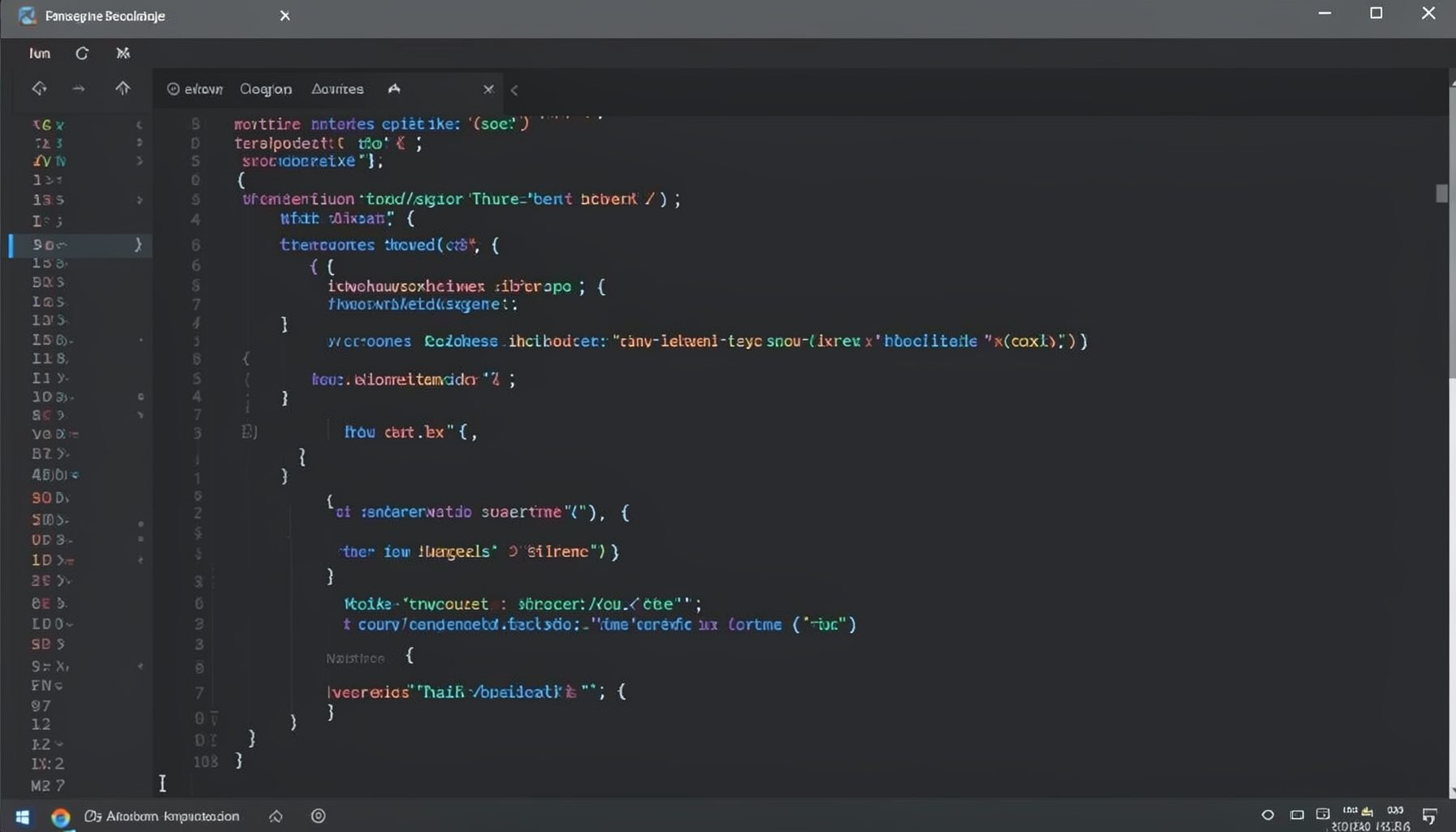
Screen-cast 1: Tab Mode, ECB & More
Covers tab-mode, ECB, Magik Smeller, code folding, visual bookmarks, pragma toggling, moving code, external editor, and MS Explorer.
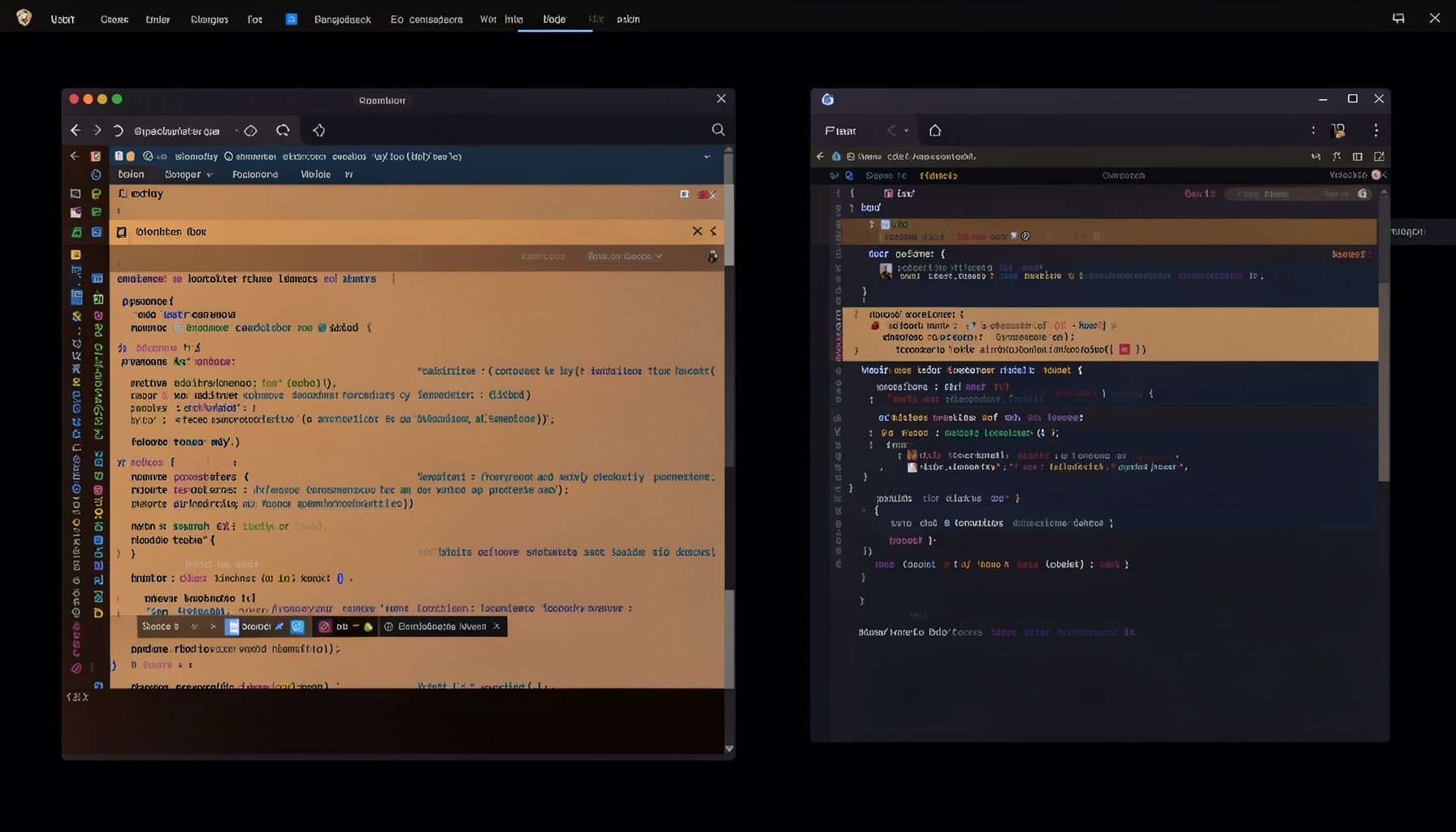
Screen-cast 5: Object Inspection & Deep Print
Inspect a Magik object, prompt for an expression evaluated within a Smallworld session, and display results in a Deep Print buffer.
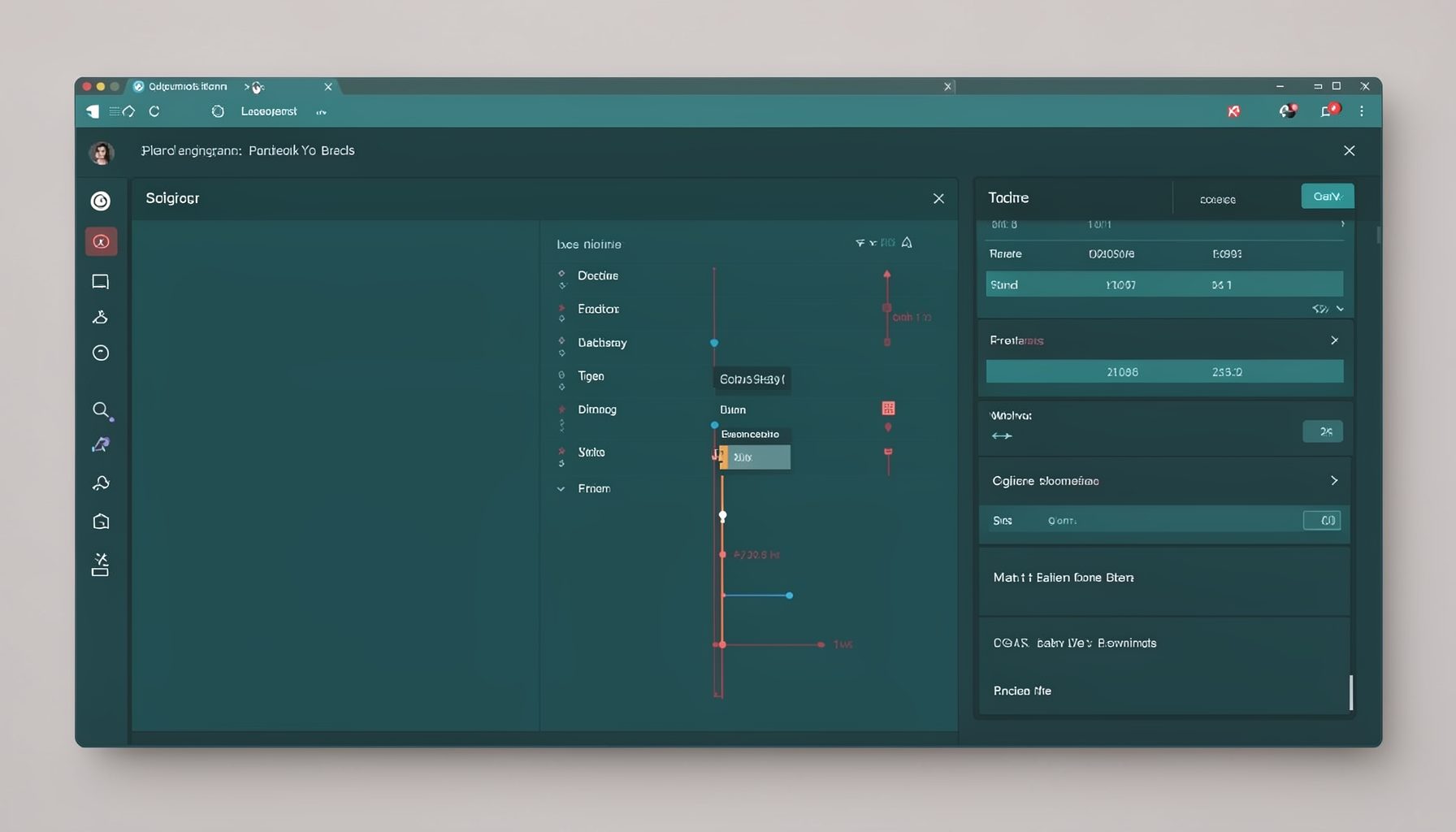
Screen-cast 7: Magik Debugger
Useful tools for application developers: Object Inspector and Magik Debugger with breakpoints and slot/variable monitoring.

Screen-cast 9: Tree Item GUI Control
Tree Item is a GUI control providing extensive facilities for displaying lists with rows, columns, trees, and in-place editing.