Emacs Extensions for
GE Smallworld Magik Development
Screen-casts, tutorials, and productivity tools for Magik programmers who use Emacs. From tab-mode and code folding to the Magik Debugger and object inspector — explore features built by a developer, for developers.
Learn MoreNine screen-casts published between November 2010 and January 2011 — covering everything from ECB mode to the Tree Item GUI control. Read the story behind the project →
Get in Touch
Share Magik snippets cleanly with Emacs org-mode
Magik developers often need to move a small piece of working code between a development image, a ticket, a design note, and a team knowledge base. Copying directly from an Emacs buffer can lose indentation, comments, syntax colouring, or the context that explains how a method should be called. An org-mode document provides a more reliable middle ground: it keeps executable-looking source beside notes, test results, links, and export settings.
For teams working across Sydney, Melbourne, Brisbane, or remote offices in regional Australia, this approach makes code reviews easier to follow. A consultant can export a compact HTML page for a client, attach an Org or PDF version to a project record, or publish a collection of Magik examples without turning a short technical note into a full software package.
Set up an Org document for Magik
Start with a normal Org file and give the snippet a useful heading. The heading should describe the operation rather than simply saying “example”, especially when the exported file will be read without the surrounding Emacs project.
#+title: Inspecting a Magik collection
#+author: Development team
#+options: toc:nil num:nil

* Finding an object by key

The method below searches a collection and reports the matching object.

#+begin_src magik
_method collection_tools.find_by_key(collection, wanted_key)
  _for item _over collection.fast_elements()
  _loop
    _if item.key = wanted_key
    _then
      _return item
    _endif
  _endloop
  _return _unset
_endmethod
#+end_src
The #+begin_src and #+end_src lines define a source block. The language name after begin_src helps readers identify the content and allows Org to apply language-specific export behaviour. Magik is not included as a standard language in every Emacs installation, so syntax highlighting may require a Magik major mode or an additional org-src-lang-modes entry.
If the installed major mode is named magik-mode, add a small association in your Emacs configuration when needed:
(add-to-list 'org-src-lang-modes '("magik" . magik))
The exact symbol depends on the mode available in your environment. This setting affects editing and fontification inside the source block; it does not magically execute Magik through Babel. That distinction matters when documenting GE Smallworld workflows, where the code usually runs inside a Smallworld session rather than as a standalone command-line program.
Preserve context around each code block
A useful snippet contains enough explanation for another developer to understand its assumptions. Put the purpose, expected receiver type, and any relevant Smallworld or database context in ordinary Org text around the block. If a method depends on a particular collection implementation, record that fact before the code rather than leaving the reader to infer it from a call such as fast_elements().
You can also include a result block or a short transcript. This is valuable for object inspection and debugging notes, where the output may be as important as the method itself.
The collection contains 148 records after the filter.

#+begin_example
Found: land_parcel(87421)
Status: active
#+end_example
Use #+begin_example for output that should remain visibly separate from executable source. For a longer debugging session, headings can divide setup, command, result, and interpretation. Exported HTML will retain that structure, while an Emacs reader can collapse or expand headings during editing.
Avoid placing secrets, production credentials, or customer data in a shareable Org file. A snippet prepared for a Melbourne project may later be forwarded to a Brisbane contractor or stored in a public documentation repository. Replace database names, usernames, addresses, and identifiers with representative values before export. The same discipline applies to screenshots and copied inspector output.
Configure readable exports
Org can export the same document to HTML, PDF through LaTeX, or other formats supported by installed back ends. HTML is usually the simplest choice for sharing Magik snippets because source blocks retain monospaced formatting and can be opened in a browser without requiring Emacs. Export from the current buffer with C-c C-e h h, or use C-c C-e h o to export and open the resulting page.
A few file-level options make the result easier to read:
#+html_head: <style>
#+html_head: pre.src { background: #f5f5f5; padding: 1em; }
#+html_head: code { font-family: monospace; }
#+html_head: </style>
#+options: ^:nil
The ^:nil option prevents underscores from being interpreted as subscript markers in ordinary text. That is handy for Magik names and technical identifiers. If your team has a shared CSS file, reference it with #+html_head_extra or an export configuration rather than repeating a large style block in every document.
For a polished internal page, add a small preamble with the repository name, Magik version, Smallworld release, and date. These details establish the environment in which the snippet was tested. Australian consulting teams often support several client environments at once, so recording whether an example was checked against Smallworld 5.x, a custom application framework, or a particular database schema can prevent a great deal of confusion.
Exported code can also be copied directly from the browser. If the destination is a ticketing system, check whether it accepts HTML or sanitises styles. When formatting is stripped, the source block still remains understandable because the code is surrounded by clear explanatory text and uses consistent indentation.
Make sharing safe and repeatable
A repeatable workflow begins with a source Org file under version control. Store it beside other developer documentation, and use a predictable name such as collection-inspection.org or magik-debugging-notes.org. The .org file remains the authoritative version; generated HTML and PDF files can be placed in a separate public or build directory.
Add export metadata near the top of the document:
#+property: header-args:magik :tangle no
#+options: author:t date:t
#+language: en-au
The header-args property communicates that the block is documentation rather than a file intended for automatic extraction. If you later use tangling to create a .magik file, change that deliberately and review the result. Automatic execution is a separate concern and should be treated carefully, particularly when a block performs database writes or alters application state.
Before sending an export, inspect it as a recipient would. Confirm that headings appear in the expected order, links work, special characters display correctly, and no private paths or credentials are present. Open the HTML in a clean browser profile if the document is going to a client. On a laptop connected through a corporate VPN in Perth or Adelaide, a local link may appear to work for you while remaining inaccessible to everyone else.
The same check applies to mobile reading. A colleague may review a short code note between meetings or while travelling by train in Sydney. If an exported page is being viewed on a OnePlus handset, OnePlus notification settings can affect whether a shared review alert is visible, although the document itself should remain complete without relying on a notification. Keep the code and its explanation in the export rather than assuming a chat message will provide missing context.
Add navigation for larger Magik notes
A single snippet needs little navigation, but a document containing methods, object inspection notes, and database queries benefits from internal links. Give important headings stable identifiers when you want to refer to them from another section. Org can generate a table of contents automatically, although a short document may be clearer with #+options: toc:nil.
Cross-references are especially useful in a technical note:
See the [[*Finding an object by key][lookup method]] before reviewing the output below.

* Checking a result in the inspector
Use descriptive link text so the exported page remains readable. External links can point to project documentation, issue records, or a Magik package repository. Avoid relying on a private Emacs bookmark, because the recipient will usually receive only the exported document.
Org headings also work well with code-folding habits. Keep high-level explanations at level one or two, then place individual methods beneath them. In Emacs, TAB can fold a section while you review the document, and C-c C-e can export the complete expanded structure. This is useful when a Magik developer wants a compact editing view but a detailed page for a code review.
For screen-casts or training material, place the code block close to the action being demonstrated. A section can show the method, describe the object selected in the inspector, and include the expected result. That arrangement creates a durable companion to a video and gives a new team member something searchable after the session has finished.
Publish a dependable team workflow
Teams can standardise a small template for shareable Magik examples. Include the title, author, date, software version, purpose, source block, sample output, and validation notes. A template reduces the chance that a useful snippet will be circulated without explaining where it runs or what it changes.
For an internal knowledge base, export on demand after review. For a repository, a CI job can generate HTML whenever an Org file changes, provided the build environment has the required Emacs packages and export back ends. Keep generated files deterministic where possible, since stable output makes pull requests easier to review.
When a snippet is intended for a client, remove internal class names and replace live data with a small synthetic example. If the client needs to reproduce a problem, include the smallest setup that demonstrates it. A concise Magik method with a known result is easier to verify than a pasted application module containing unrelated dependencies.
Finally, treat the exported page as documentation with a clear maintenance path. Add a source-file link or repository reference in the footer, state when the example was last tested, and update the page when the underlying Magik API changes. That practice is particularly valuable for consulting engagements in Australia, where a project may move from a local development team to a support partner months after the original note was written.
Create one Org file for your next Magik example, place the code in a named source block, add its expected result, and export it to HTML. Once the pattern is comfortable, keep the template in your Emacs configuration or project repository so every shared snippet arrives with readable formatting, useful context, and a verifiable source.
Core Features
Tab Mode & ECB
Quick tab switching and Emacs Code Browsing mode for navigating Magik codebases efficiently.
Magik Smeller
Code analysis tool that helps identify potential issues in Magik source files.
Code Folding
Hide/Show mode for collapsing and expanding Magik code blocks to focus on what matters.
Visual Bookmarks
Quick visual bookmarks for jumping between key locations in your Smallworld session buffers.
Object Inspector
Inspect Magik objects and display them in an Emacs Deep Print buffer for detailed examination.
Magik Debugger
Set breakpoints and monitor slots and variables directly from within Emacs.
Development Tools
Direct links between Emacs and the Smallworld Development Tools application, including Click Monitor.
Screen-casts & Tutorials
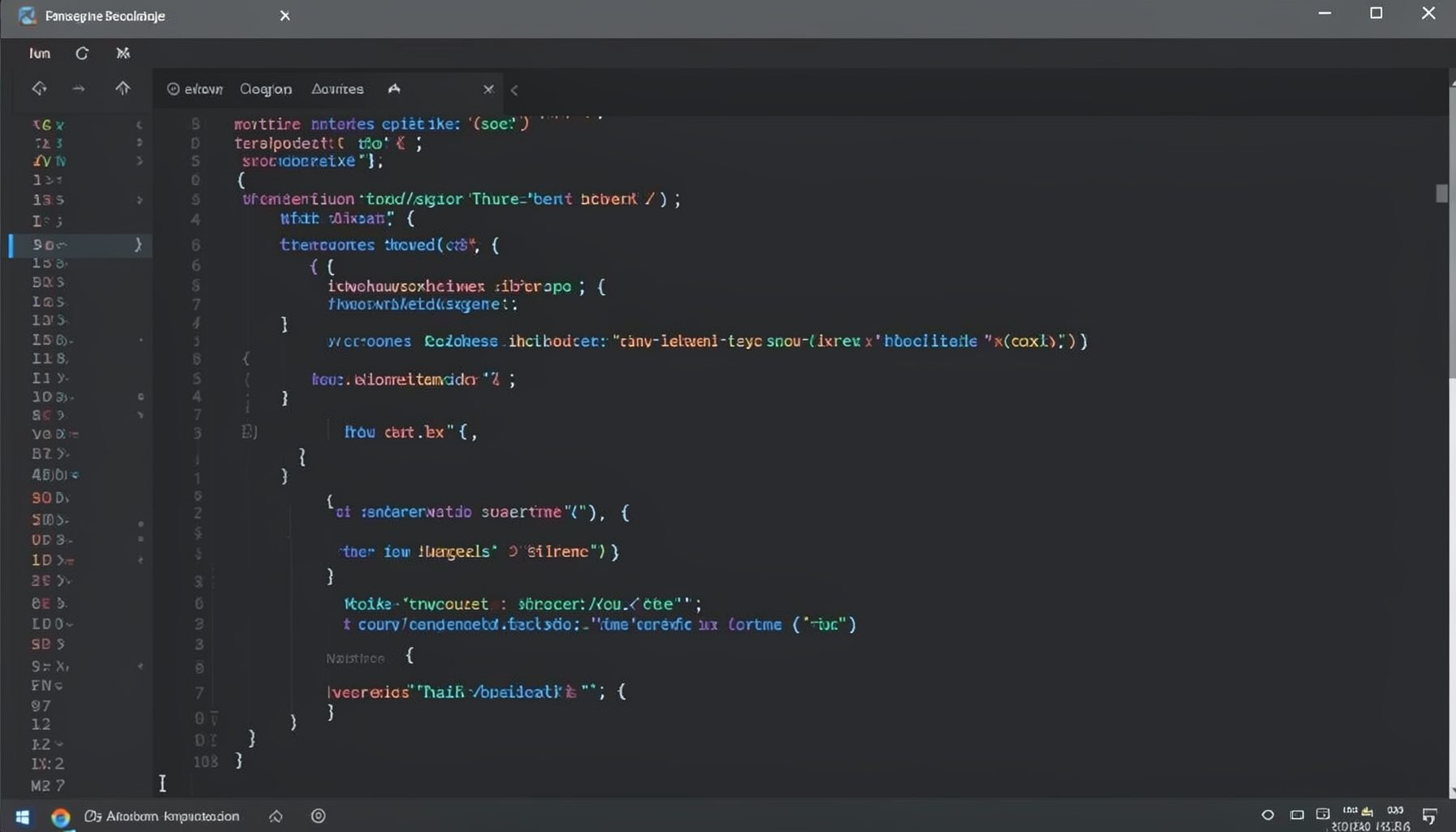
Screen-cast 1: Tab Mode, ECB & More
Covers tab-mode, ECB, Magik Smeller, code folding, visual bookmarks, pragma toggling, moving code, external editor, and MS Explorer.
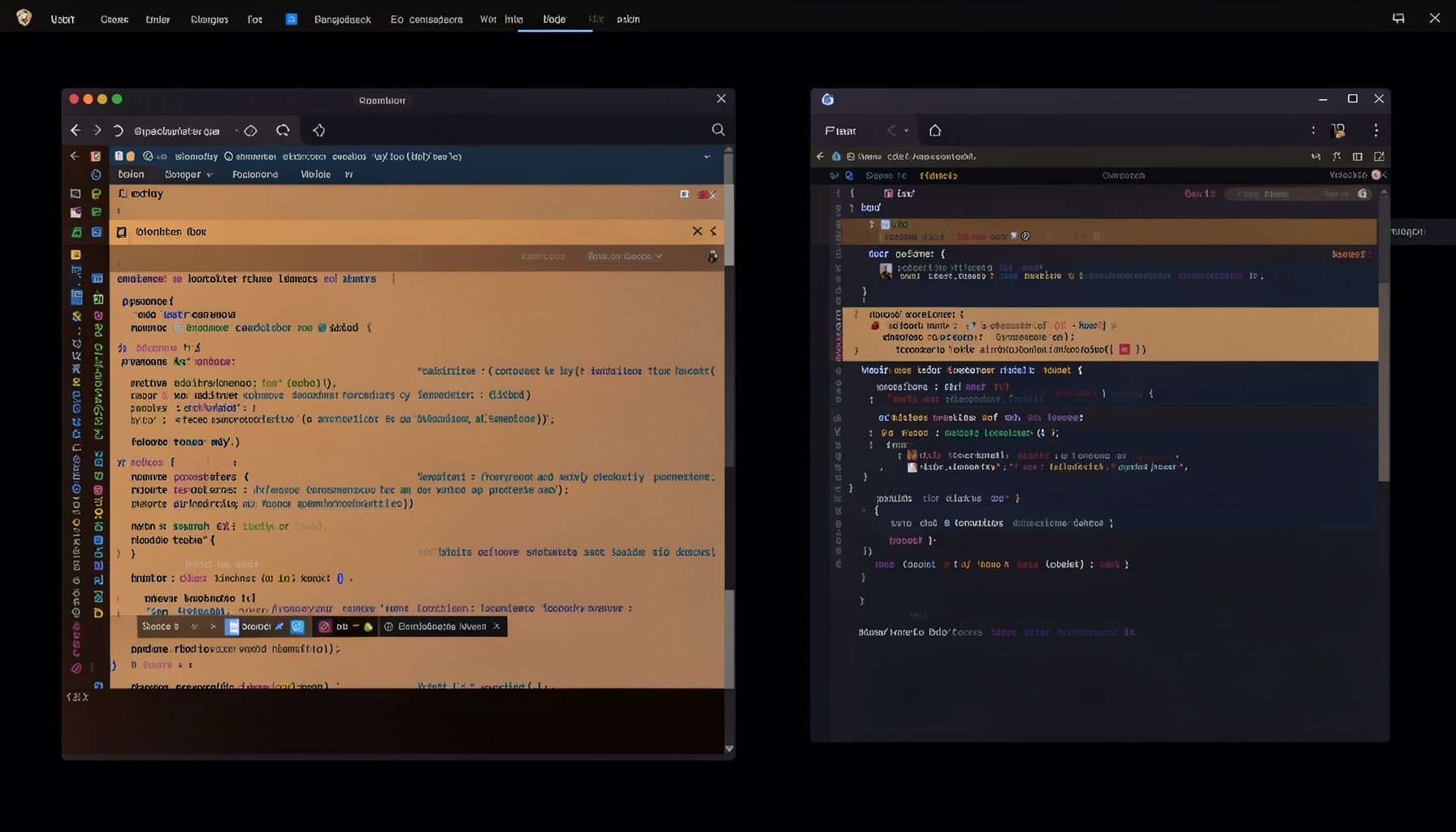
Screen-cast 5: Object Inspection & Deep Print
Inspect a Magik object, prompt for an expression evaluated within a Smallworld session, and display results in a Deep Print buffer.
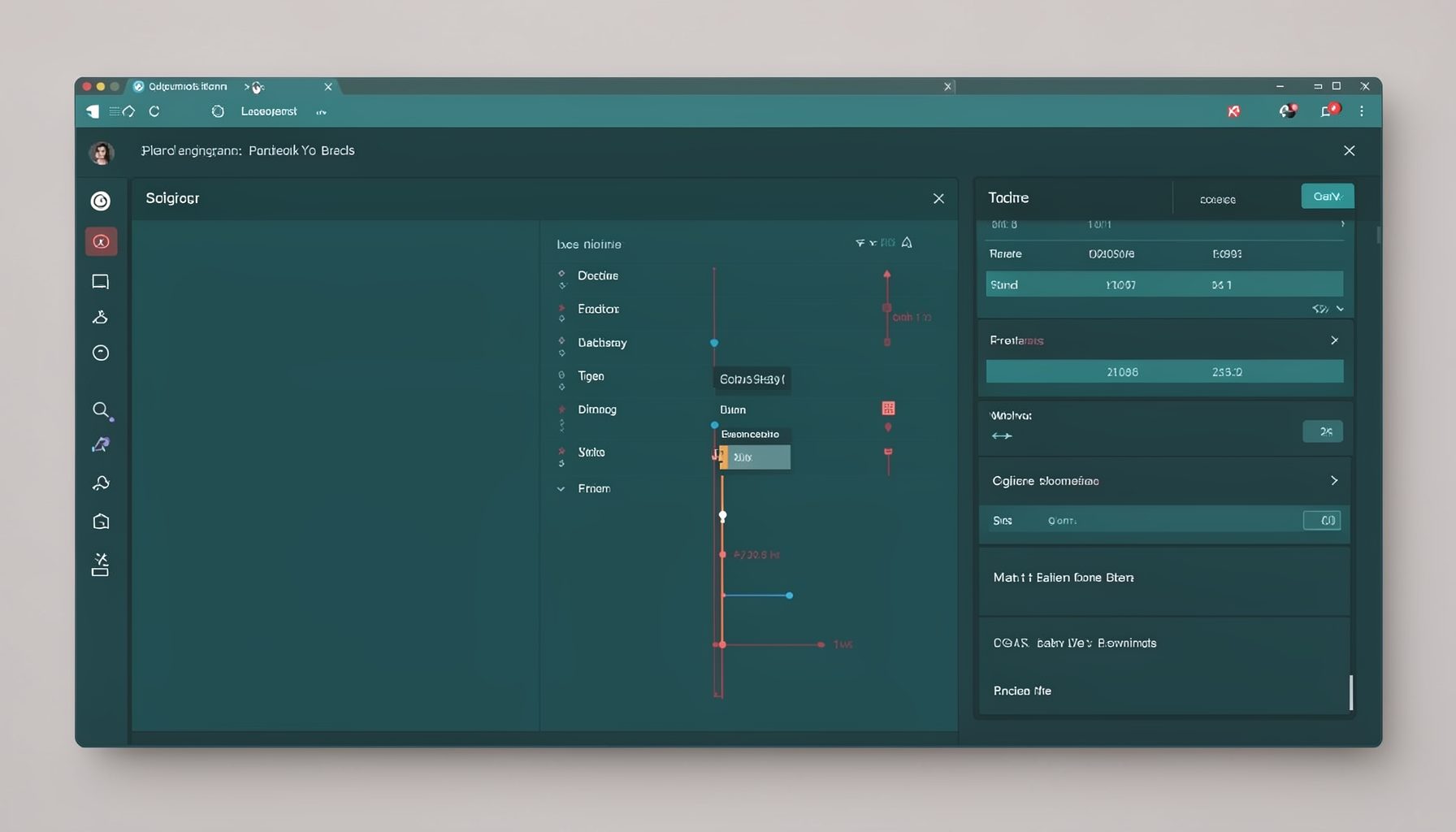
Screen-cast 7: Magik Debugger
Useful tools for application developers: Object Inspector and Magik Debugger with breakpoints and slot/variable monitoring.

Screen-cast 9: Tree Item GUI Control
Tree Item is a GUI control providing extensive facilities for displaying lists with rows, columns, trees, and in-place editing.