Emacs Extensions for
GE Smallworld Magik Development
Screen-casts, tutorials, and productivity tools for Magik programmers who use Emacs. From tab-mode and code folding to the Magik Debugger and object inspector — explore features built by a developer, for developers.
Learn MoreNine screen-casts published between November 2010 and January 2011 — covering everything from ECB mode to the Tree Item GUI control. Read the story behind the project →
Get in Touch
Magik error handling with Emacs help
Magik code often sits at a boundary between a spatial model, a collection store and the people who depend on it. A failed method may carry several causes: bad input, a missing relation, a stale transaction or an unavailable service. Good error handling turns that runtime failure into evidence a developer can classify and reproduce, without losing the original stack trace.
Emacs is a useful home for this work because its Magik tooling brings source navigation, folding, object inspection and trace reading into one keyboard-driven workflow. The environment used to edit a method can also move you from a stack frame to the failing line, inspect a receiver and consult API documentation. That continuity helps when a production failure must be understood quickly or the full development machine is unavailable.
The aim is not to catch every error or decorate every handler with text. It is to keep failures close to their cause, give boundary code context to decide whether to continue, and preserve a causal chain through logging and escalation. Handlers should add meaning without erasing the detail that explains what went wrong.
For teams in Sydney, Melbourne, Brisbane and Perth, that chain crosses practical local constraints. Log timestamps are often normalised to UTC while operational notes use Australian Eastern Standard Time, and readers must account for daylight-saving changes; Brisbane does not shift. Australian deployments in water, transport and resource operations often span office teams and continuously staffed sites, so an error record must remain useful beyond its first reader.
Make failures visible at the point of cause
In Magik, put the first meaningful check beside the operation that can violate an invariant. Validate required inputs, the expected state of a receiver and the availability of a collection before work that could leave partial effects. The message should name the failed expectation and distinguish an empty result from an invalid one. “Collection unavailable” and “required identifier missing” call for different responses.
Raise early enough to avoid misleading side effects, but late enough to retain context. A low-level accessor should not claim to understand every business condition, while a high-level workflow should not collapse distinct failures into “operation failed”. Translate at the layer that knows the domain and preserve the underlying cause. This produces messages operators can route and developers can reproduce.
When an error is expected and a safe fallback exists, make that decision explicit. Handle only the condition you understand, record the fallback and return a documented result. Do not use a handler to bypass a programming mistake or continue with a half-updated object. If continuation risks corruption, fail the operation, undo the relevant work where supported and report it through the normal error path.
Read stack traces as structured evidence
A stack trace is a sequence of calls, not a single exception message. The top frame often shows where failure surfaced, while lower frames reveal how it reached that point. Read outward from the first application-specific frame, but keep the full trace: infrastructure frames can expose a timeout or constraint violation that changes the diagnosis. Save the unfiltered trace before narrowing it, because filtering should not become the only record retained.
Magik Emacs supports a more deliberate approach to reading Magik stack traces: begin with frames tied to your code, remove repetitive noise only in the working view and return to the original when checking call order. Check how the mode presents frame selection before assuming a hidden frame has been discarded. A display filter should improve reading without removing evidence.
Treat each frame as a question: which method called the next one, what state entered that frame, and which operation failed? Line numbers are anchors, not explanations. Compare the trace with the checked-out revision, especially when deployment packages differ from local sources. If it points at generated code or a runtime wrapper, find the nearest application method and document the mapping rather than editing the wrong file.
Preserve context across layers
Context should travel with the error through method calls and process boundaries. Include a stable error code, attempted operation, relevant object or collection identifier and action available to the caller. At outer boundaries, add correlation identifiers so support staff can connect the failure to the same run without searching every log. Keep values safe: Australian customer, utility and site records can contain commercially sensitive or personal information.
Separate diagnostic context from the user-facing message. Diagnostic data may include a transaction identifier, model revision, host and elapsed time; the user-facing message should be concise enough for an operational display. Redact credentials, tokens and unnecessary personal details at capture, not later in an exported file. Hashed identifiers can group repeated events, but must still meet the organisation’s retention and privacy obligations.
Preserve the cause when translating errors. A database exception may mean a reference is absent, while the service layer can express it as a missing parent relation; the lower-level detail still matters to the engineer fixing the data path. Log the original trace once, then add a domain message rather than repeating the stack at every level. This keeps one authoritative chain and avoids a search for the loudest log entry.
Use Emacs navigation to shorten diagnosis
Magik mode in Emacs can shorten the path from a frame to relevant source. Select a method in the trace or error buffer, then follow the mode’s navigation command to its definition; where the project’s xref backend supports it, M-. is another route. Confirm that the buffer belongs to the revision that produced the failure. Jumping to a similarly named method in another branch is fast movement in the wrong direction.
Emacs’ built-in help is valuable during that investigation. C-h f documents a function, C-h k explains a key binding and C-h m describes the active major mode. Use M-x apropos to find Magik-related commands, and consult the Magik Emacs documentation for the extension that owns a command. Help should confirm its scope, especially for commands that open inspectors, alter buffers or filter traces.
Use the debugger for state questions source reading cannot settle: What was the receiver when this method ran? Had a collection changed since the previous call? Which branch passed the bad value? Set a breakpoint at the earliest meaningful frame, inspect the relevant object and step only as far as needed. In Magik models, a plausible identifier can still refer to unexpected metadata or an unusual collection state.
Turn failures into durable fixes
Every recurring failure should leave a durable improvement. Reproduce it with the smallest practical input, then classify it as a code defect, invalid data, configuration mismatch, capacity issue or external dependency problem. Classification determines ownership and action. A null guard fixes a code defect; a missing master record may belong in a data-quality queue; a timeout may require capacity or retry policy rather than another catch block.
Add a regression test where the defect is visible. For a method, test the failed precondition and the error details callers rely on. For an integration boundary, use a controlled collection or dependency response that preserves the original cause. Keep tests deterministic and free of production identifiers. The test should prove that the failure is detected early and retains useful context after the fix.
Record what was learned in the issue, test and source comments where maintainers will look. If a handler must remain, explain why the condition is recoverable and what invariant protects continued execution. Remove obsolete workarounds after their replacement is deployed. Otherwise the code base accumulates broad handlers whose original purpose has been forgotten when operational pressure outruns review.
Establish a consistent team practice
Consistency makes stack traces easier to compare and errors safer to automate. Agree on severity levels, stable error codes, message wording, required context, redaction rules and when an error should be re-raised. Use Australian English in documentation and user-facing text, including “behaviour” and “unauthorised”, while keeping API fields and log keys stable. A short local example beats a long policy nobody applies.
Fit the practice to Australian operating models. A handover between a Sydney office and a Perth operations group may cross AEST and AWST, while Melbourne shifts during daylight saving, so timestamps should include an offset or UTC equivalent. Resource sites may run continuous operations and planned work around public holidays; the on-call handover should identify active deployments, recent changes and temporarily altered thresholds.
Review real incident examples every few months and retire fields that never help. Keep an approved catalogue of error codes and map new ones to it rather than inventing near-duplicates. Automate checks for secrets and personal information, and test the final notification shown to operators. Shared standards should reduce ambiguity without demanding identical implementations from every Magik subsystem.
Put the workflow into daily practice
Start with a repeatable path from symptom to source. Reproduce the failure, retain the complete trace, identify the first meaningful frame, inspect the state that matters, classify the cause and decide whether code, data or the environment needs action. Keep short notes beside the fix so the next developer can repeat the reasoning. The path works for both a local method test and a production escalation because it depends on evidence.
Configure Emacs with the Magik tooling your team uses, then practise on a known failure with several stack frames. Learn the source-navigation command, trace filtering, debugger and object inspection as one workflow. Add required context fields to your project’s logging pattern and test them with a deliberately missing object. A controlled exercise exposes unclear labels and missing permissions before an incident does.
Adopt this approach for the next Magik defect, share the trace and test with your team, and use the findings to refine your conventions. Magik Emacs gives developers visibility into captured evidence, while disciplined handlers preserve the context needed for a lasting repair. Start small, keep the original cause intact and make every recurring failure easier to diagnose than the last.
Core Features
Tab Mode & ECB
Quick tab switching and Emacs Code Browsing mode for navigating Magik codebases efficiently.
Magik Smeller
Code analysis tool that helps identify potential issues in Magik source files.
Code Folding
Hide/Show mode for collapsing and expanding Magik code blocks to focus on what matters.
Visual Bookmarks
Quick visual bookmarks for jumping between key locations in your Smallworld session buffers.
Object Inspector
Inspect Magik objects and display them in an Emacs Deep Print buffer for detailed examination.
Magik Debugger
Set breakpoints and monitor slots and variables directly from within Emacs.
Development Tools
Direct links between Emacs and the Smallworld Development Tools application, including Click Monitor.
Screen-casts & Tutorials
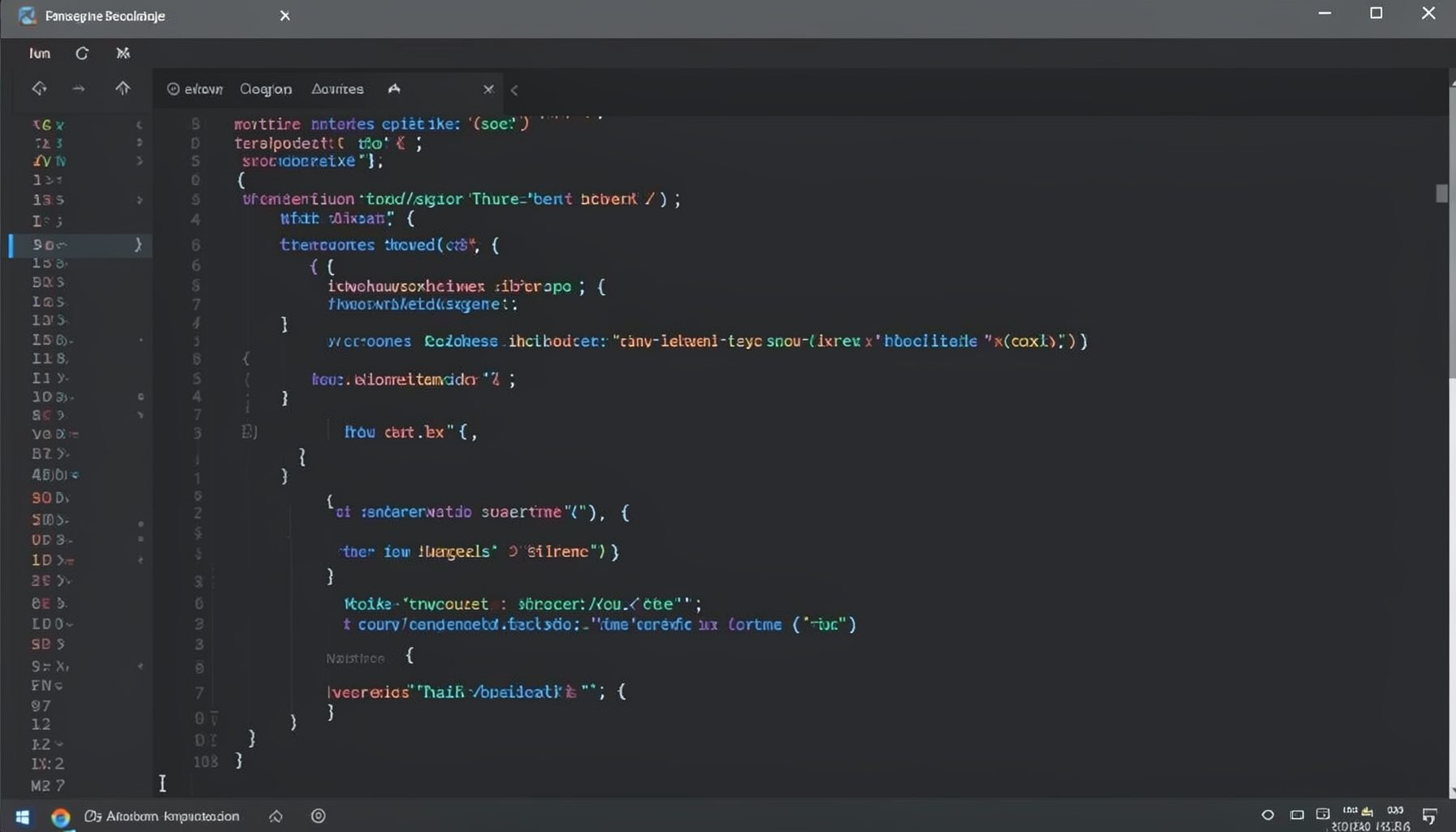
Screen-cast 1: Tab Mode, ECB & More
Covers tab-mode, ECB, Magik Smeller, code folding, visual bookmarks, pragma toggling, moving code, external editor, and MS Explorer.
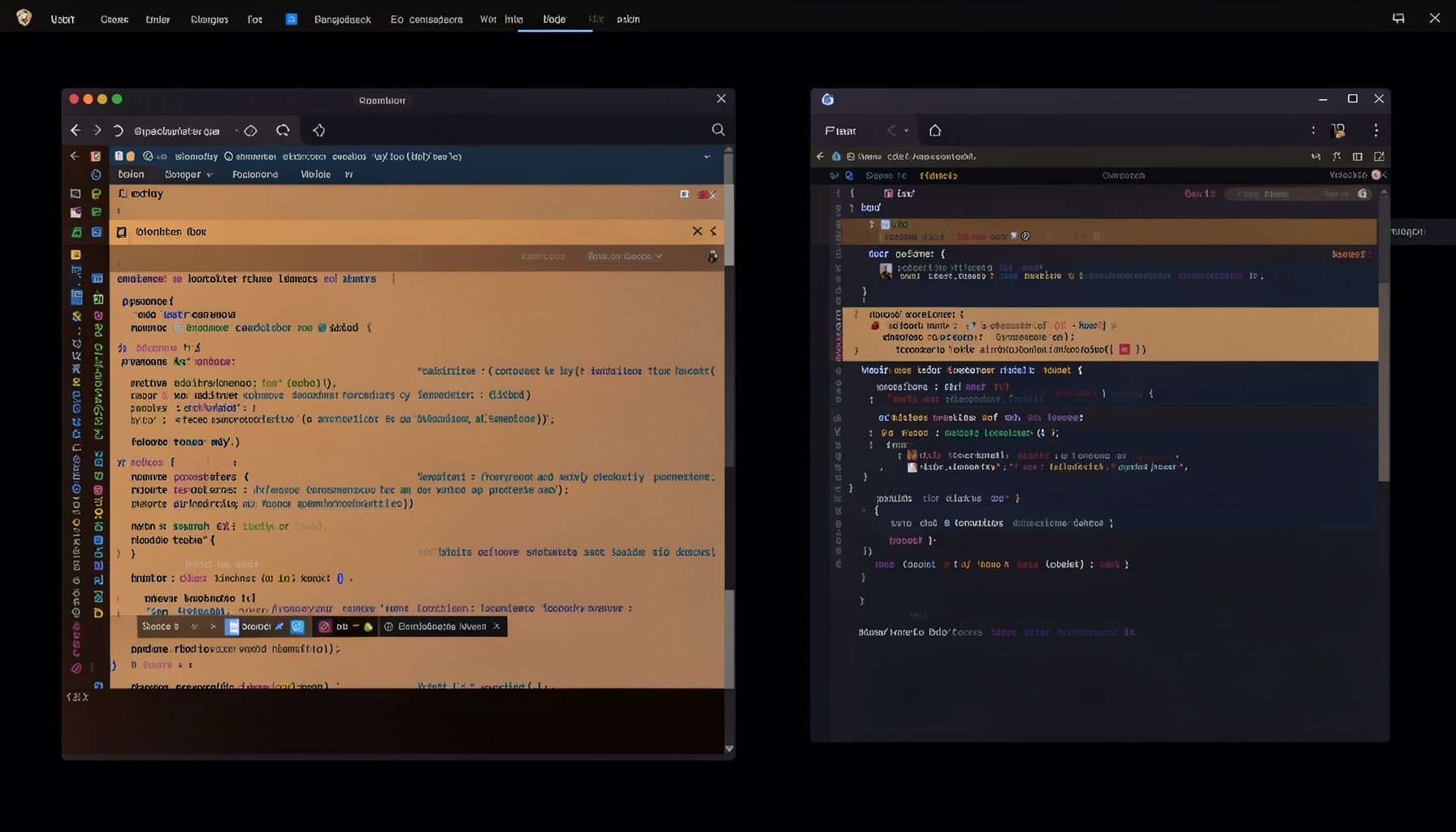
Screen-cast 5: Object Inspection & Deep Print
Inspect a Magik object, prompt for an expression evaluated within a Smallworld session, and display results in a Deep Print buffer.
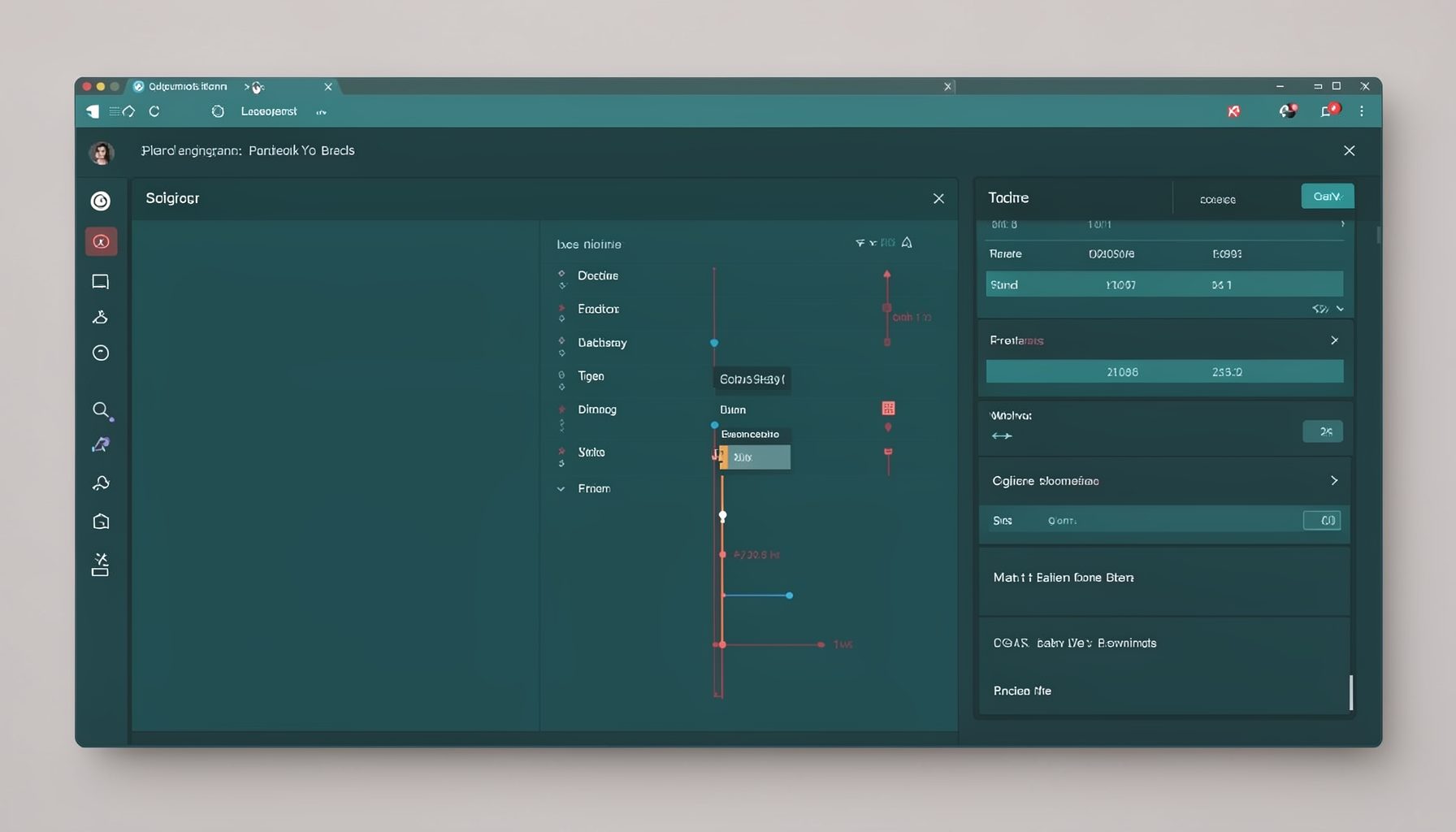
Screen-cast 7: Magik Debugger
Useful tools for application developers: Object Inspector and Magik Debugger with breakpoints and slot/variable monitoring.

Screen-cast 9: Tree Item GUI Control
Tree Item is a GUI control providing extensive facilities for displaying lists with rows, columns, trees, and in-place editing.