Emacs Extensions for
GE Smallworld Magik Development
Screen-casts, tutorials, and productivity tools for Magik programmers who use Emacs. From tab-mode and code folding to the Magik Debugger and object inspector — explore features built by a developer, for developers.
Learn MoreNine screen-casts published between November 2010 and January 2011 — covering everything from ECB mode to the Tree Item GUI control. Read the story behind the project →
Get in Touch
Debugging Magik Exceptions with Emacs and Edebug
Reliable exception handling is essential in Magik systems where a failed database query, invalid geometry, or missing object can interrupt a long-running operational workflow. A useful design separates the place where a condition is detected from the place where it can be handled sensibly. That separation also makes failures easier to reproduce and inspect from Emacs.
Edebug adds an important layer to this work, although its role needs to be understood correctly. Edebug is an Emacs Lisp debugger, so it directly instruments the Emacs extension, command, or integration code around a Magik session. The Magik runtime still needs its own condition handling and debugging facilities. Used together, the two tools can reveal whether a fault belongs to the application, the language runtime, or the editor integration.
Treat Conditions as Part of the Interface
A Magik method should make its failure behaviour as deliberate as its return value. Code that opens a database cursor, resolves a class, parses an external value, or navigates a collection has several predictable failure modes. If callers cannot distinguish a missing record from a connection failure, they are forced to inspect error text or catch an overly broad condition.
A useful pattern is to handle a condition at the narrowest level that has enough information to respond. A method that validates user input can report a useful correction. A repository method can translate a low-level database condition into a domain-specific failure. A top-level batch procedure can record context, release resources, and stop or continue according to the job policy.
Keep handlers small. They should decide, clean up, retry, translate, or propagate. They should not silently continue after a partially completed update unless the operation is explicitly designed to be recoverable. In a utility network or land information system, hiding one failed object can produce a dataset that appears complete while containing subtle omissions.
Use Protected Regions with Clear Recovery Rules
Magik exception syntax varies with the language version and coding conventions used in a Smallworld installation, so treat the following structure as a pattern rather than a copy-and-paste promise. A protected region surrounds the operation that may raise a condition, while one or more handlers respond to matching conditions.
_protect
  result << perform_operation(record)
_when expected_condition
  result << recover_from_bad_record(record)
_when serious_condition
  log_failure(record)
  _raise
_endprotect
The key decision is whether the handler recovers or re-raises. Recovery is appropriate when the handler can establish a valid state, such as supplying a default value, skipping a known invalid input, or retrying after a transient event. Re-raising is safer when the handler lacks the authority or context to complete the operation correctly.
Resource cleanup deserves special attention. Files, temporary objects, locks, transactions, and database cursors should be released even when the protected operation fails. Put cleanup in the language construct or helper pattern intended for guaranteed finalisation, rather than relying on every handler to remember it. This is especially important for overnight jobs run across Australian time zones, where a lock left behind in Perth may not be noticed by a support team in Brisbane until the next business day.
A broad catch-all handler can be useful at an application boundary, but it is dangerous deep inside a method library. It can turn a programming error into a misleading “record unavailable” message and discard the original stack. Preserve the original condition, its message, and the operation context when translating or logging an exception.
Separate Magik Runtime Failures from Edebug Failures
Edebug works by instrumenting Emacs Lisp forms. It pauses execution before or after forms, displays the current source location, and lets you evaluate expressions in the active Emacs Lisp environment. It does not automatically step through a Magik method executing in a Smallworld session. A Magik buffer may be visible in Emacs, but that does not make its runtime code Emacs Lisp.
This distinction prevents a common debugging dead end. If a Magik method raises a condition, use the Magik development environment, runtime diagnostic output, or the debugger supplied by the relevant Smallworld tooling to inspect the Magik call stack and local state. Use Edebug when the fault occurs in the Emacs package that sends the method, parses a response, manages a Magik buffer, displays an object, or navigates to a method definition.
For example, an Emacs command may send a selected Magik form to a running image, wait for a response, parse condition text, and move point to a source location. If that command reports the wrong line, Edebug can show each Emacs Lisp decision. If the returned condition says that a Magik collection operation failed, the Magik runtime debugger is the correct place to inspect the original exception.
| Failure location | Best diagnostic tool | Evidence to preserve | Typical response |
|---|---|---|---|
| Magik method or procedure | Magik runtime debugger and logs | Condition, Magik stack, object state | Fix validation, recovery, or propagation |
| Emacs command dispatch | Edebug | Emacs Lisp arguments and control flow | Correct command logic or guards |
| Magik process communication | Edebug plus process buffer | Sent form, returned text, process status | Fix framing, timing, or process handling |
| Response parser | Edebug and focused tests | Raw response and parsed structure | Handle protocol variants safely |
| Source navigation | Edebug, tracing, and fixture data | Class, method name, file position | Correct lookup and fallback rules |
Instrument the Emacs Lisp Boundary
Start by identifying the Emacs Lisp function that initiates the operation. In an Emacs package, this may be an interactive command, a process filter, a response parser, or a helper that constructs a Magik expression. Place point inside the function and use M-x edebug-defun, or instrument the definition through the package’s normal development workflow.
Run the command with a small, predictable Magik example. Edebug will stop at instrumented forms and show the current function, arguments, and values. SPC generally advances one step, while evaluation commands allow you to inspect an expression in the current Emacs Lisp environment. Use the debugger to answer concrete questions: Was the selected region empty? Was the process buffer still live? Did the parser receive a complete response? Did a condition marker get mistaken for ordinary output?
Breakpoints are especially useful around error translation. Suppose the package receives a Magik condition and converts it into a display message. Stop before the conversion and inspect the raw response. Then step through the branches that classify the condition. This often exposes a mismatch between the runtime’s actual formatting and the assumptions in the Emacs package.
Avoid instrumenting every helper in a large package at once. Begin at the boundary function, follow the failing branch, and add instrumentation only where the values become ambiguous. Excessive instrumentation makes stepping slow and obscures the causal path, particularly when process filters or timers are involved.
Make Exception Paths Observable
A handler that merely prints “operation failed” is difficult to diagnose months later. Record the operation, the object or identifier involved, the condition category, and whether the handler recovered or propagated the failure. Do not log confidential data or entire domain objects by default; stable identifiers and concise state summaries are usually more useful.
For Emacs integration, keep protocol diagnostics separate from the user-facing message. A process buffer or dedicated debug log can retain the raw Magik response, while the minibuffer presents a short explanation. This separation lets an administrator in Melbourne report a reproducible response to a consultant in Sydney without asking the user to recreate the entire session.
When a Magik condition crosses into Emacs, preserve its identity as far as possible. A parser should distinguish a normal result, a warning, a runtime exception, and an incomplete response. If every non-success response becomes one generic Emacs error, Edebug can show the branch being taken, but no debugger can recover information that the integration discarded earlier.
Add repeatable fixtures for exception paths. A fixture might represent a missing object, a malformed collection, a closed connection, or a valid empty result. Run the same fixture through the Magik code and the Emacs command. This is valuable in consulting environments where different clients run slightly different Smallworld configurations, custom condition names, and response formats.
Step Through Recovery Without Losing Context
When Edebug pauses in an error path, inspect values before changing them. Look at the original response, the condition classification, the selected recovery branch, and any state used to update the buffer. A handler may appear correct while a previous function has already converted a structured condition into a plain string.
Use temporary Edebug evaluations to test hypotheses rather than editing code after every observation. Check whether a process is live, whether a marker points into the expected buffer, or whether a parsed object has the expected property. Once the cause is understood, make the smallest code change that improves the contract between the Magik runtime and Emacs.
For Magik debugging, capture the equivalent context at the runtime boundary: method name, arguments, current transaction state, and the condition stack. Reproduce the failure with the smallest possible object or dataset. A large production dataset can hide the actual trigger, while a minimal failing record usually reveals whether the problem is type, state, schema, or control flow.
Be cautious with retries. Retrying a read after a transient connection condition may be sound; retrying a write without knowing whether the first attempt committed can duplicate changes. The handler should know whether the operation is idempotent and whether the transaction can safely be rolled back. This distinction matters in Australian utility and government projects, where a “quick retry” can affect authoritative records shared by multiple offices.
Build a Repeatable Debugging Workflow
Begin with a failing Magik operation and classify the boundary: runtime, process communication, parsing, or presentation. Reproduce it using the smallest input that still raises the condition. Record the original condition and stack before applying a recovery branch. Then instrument only the Emacs Lisp functions involved in sending, receiving, parsing, or displaying the result.
Next, inspect the protected region and its handlers. Confirm that each expected condition has a deliberate response, that cleanup occurs on every path, and that unexpected conditions are propagated with their context intact. If the code translates an exception, verify that the translated error still identifies the original operation and object.
After the fix, test both success and failure paths. A handler change can easily repair one exception while breaking empty results, warnings, or cancellation. Keep a regression example for every previously confusing condition. This gives a geographically distributed Australian support team a common diagnostic case rather than relying on informal descriptions such as “it failed during the arvo run.”
Use Edebug as a microscope for the editor layer, not as a substitute for the Magik debugger. That division of responsibility produces clearer evidence, safer recovery logic, and faster maintenance of the Emacs tools that Magik developers depend on.
Apply these patterns to one real command in your Magik workflow: capture its runtime condition, instrument its Emacs Lisp boundary with Edebug, and document the recovery path. Magik Emacs users can then refine the integration with confidence, while teams working across Australia and beyond gain exception reports that are easier to reproduce, explain, and fix.
Core Features
Tab Mode & ECB
Quick tab switching and Emacs Code Browsing mode for navigating Magik codebases efficiently.
Magik Smeller
Code analysis tool that helps identify potential issues in Magik source files.
Code Folding
Hide/Show mode for collapsing and expanding Magik code blocks to focus on what matters.
Visual Bookmarks
Quick visual bookmarks for jumping between key locations in your Smallworld session buffers.
Object Inspector
Inspect Magik objects and display them in an Emacs Deep Print buffer for detailed examination.
Magik Debugger
Set breakpoints and monitor slots and variables directly from within Emacs.
Development Tools
Direct links between Emacs and the Smallworld Development Tools application, including Click Monitor.
Screen-casts & Tutorials
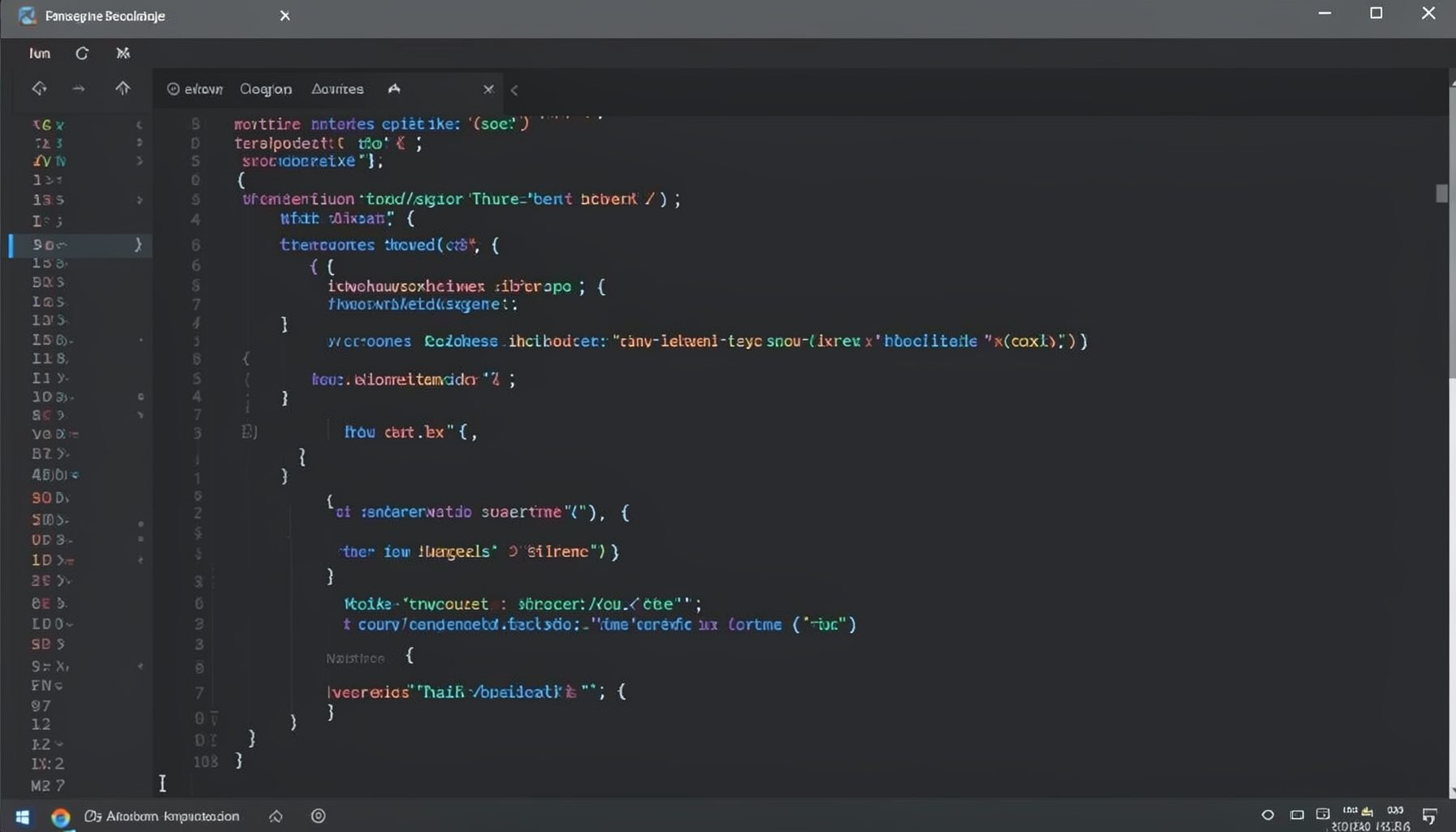
Screen-cast 1: Tab Mode, ECB & More
Covers tab-mode, ECB, Magik Smeller, code folding, visual bookmarks, pragma toggling, moving code, external editor, and MS Explorer.
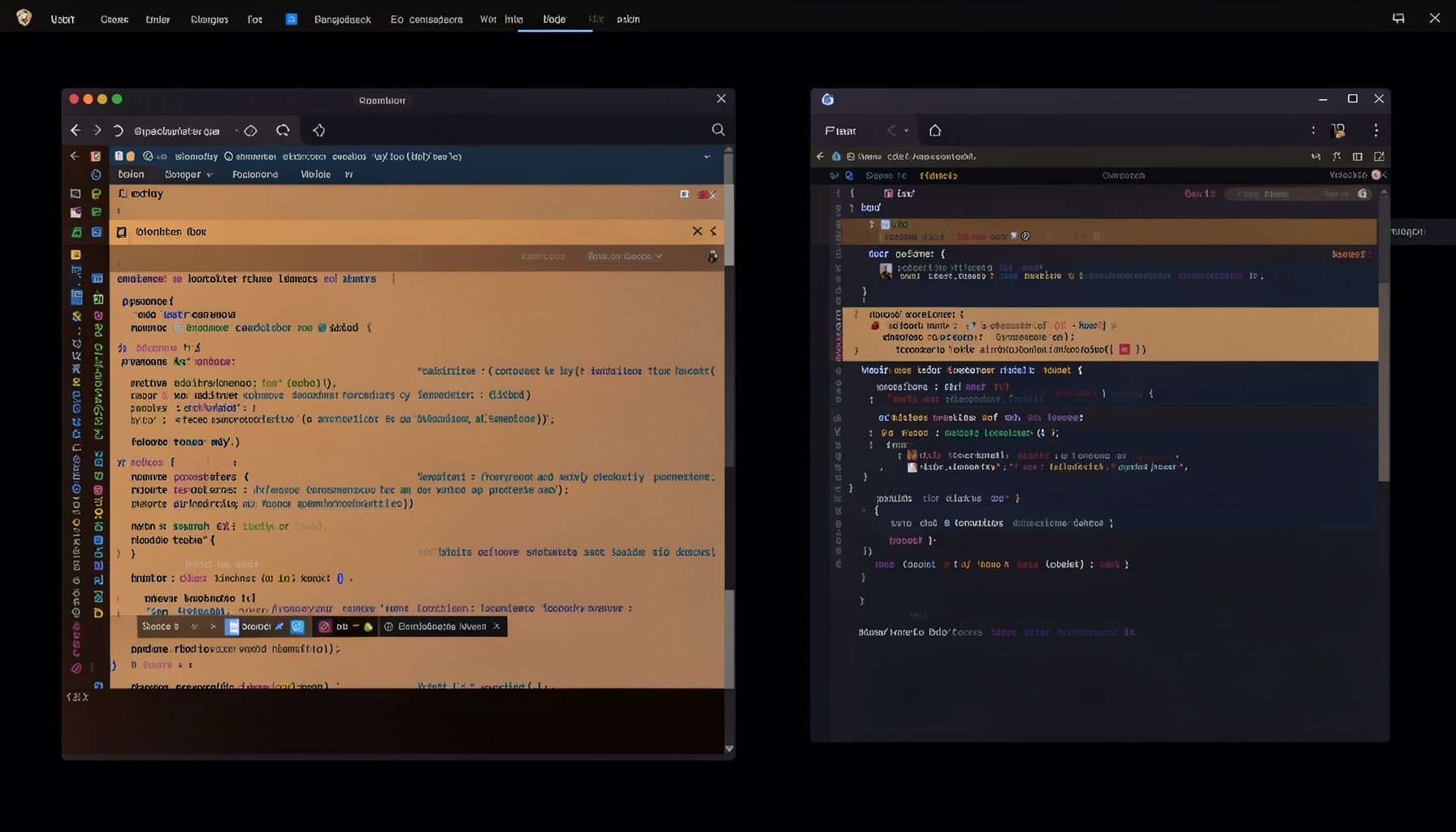
Screen-cast 5: Object Inspection & Deep Print
Inspect a Magik object, prompt for an expression evaluated within a Smallworld session, and display results in a Deep Print buffer.
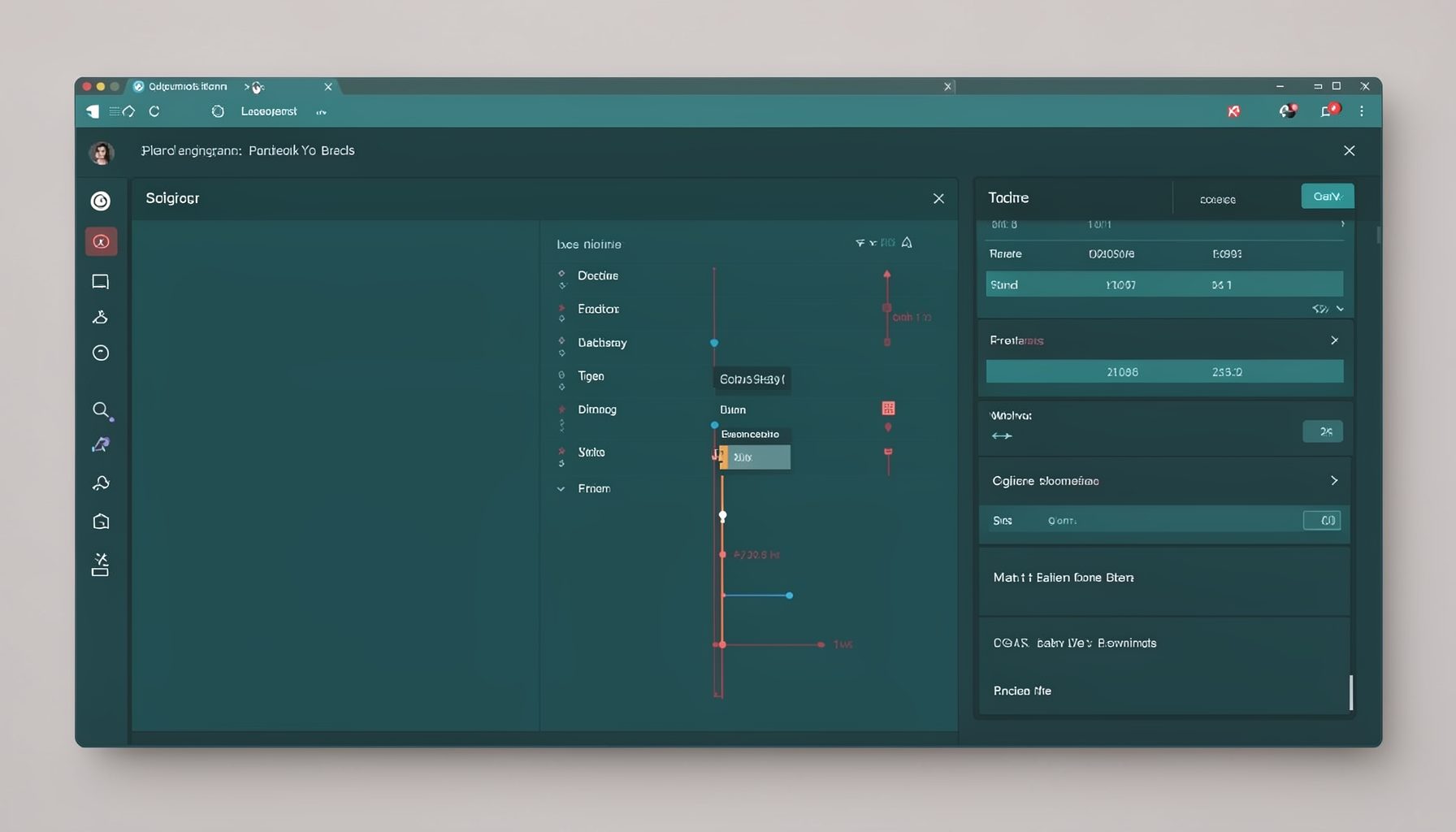
Screen-cast 7: Magik Debugger
Useful tools for application developers: Object Inspector and Magik Debugger with breakpoints and slot/variable monitoring.

Screen-cast 9: Tree Item GUI Control
Tree Item is a GUI control providing extensive facilities for displaying lists with rows, columns, trees, and in-place editing.