Emacs Extensions for
GE Smallworld Magik Development
Screen-casts, tutorials, and productivity tools for Magik programmers who use Emacs. From tab-mode and code folding to the Magik Debugger and object inspector — explore features built by a developer, for developers.
Learn MoreNine screen-casts published between November 2010 and January 2011 — covering everything from ECB mode to the Tree Item GUI control. Read the story behind the project →
Get in Touch
Magik's lexical scoping: visualising with Emacs' Elisp
Magik's lexical scoping is easy to describe in a small method and surprisingly slippery in a mature Smallworld system. A name used in a method can refer to an argument, a local variable, a global, an object property or a dynamically scoped value. As procedures grow, source layout stops telling the whole story. An Emacs scope lens can expose those relationships before a runtime failure sends you into the wrong method.
This article builds that lens in two layers: Magik-aware lexical highlighting and an Elisp scope model that tracks declarations through methods and nested blocks. The result is more than coloured text. It gives reviewers a compact view of binding ownership, helps an editor jump from a declaration to its uses, and gives debugging sessions an independent map to compare with runtime values. The approach suits Australian teams in Sydney, Melbourne and Brisbane, where Magik maintenance is often shared across sites and time zones.
Why scope becomes hard to see
A lexical scope answers a precise question: when an unqualified name appears, which declaration owns it? The answer depends on the declaration's position in the source structure. Two variables can have identical names while referring to unrelated values, and a nested block may temporarily hide an outer binding. The call stack adds another dimension because a method can execute far away from the code that invoked it.
Reading indentation is therefore an unreliable substitute for resolving names. Long methods, generated procedures and accumulated maintenance patches all make the binding path harder to reconstruct. A useful visualisation marks declaration sites, follows uses through nested regions and distinguishes an active binding from a shadowed one. It should also keep global and dynamic values visually separate from lexical locals.
Australian working patterns add a reason to keep these maps small and shareable. A Queensland team on AEST may review code with a colleague in New South Wales or Victoria on AEDT during daylight saving, making timestamps an unreliable guide to the relevant execution window. Store timestamps in UTC, display local time where useful, and use Australian English such as colour, behaviour and visualisation in surrounding documentation without rewriting established code identifiers.
Mapping Magik's lexical bindings
In Magik, method arguments and declarations such as _local and _constant form lexical bindings. Their visibility follows the structure in which they are declared, rather than the location from which a method is called. An inner region can introduce a binding with the same name, but that inner declaration governs unqualified uses within its region. The outer binding remains available after the inner region ends.
The following example gives an Emacs analyser a straightforward structure to inspect:
_method reporting.summarise(_arguments source, threshold)
    _local total
    total << 0

    _for row _over source
        _if row.amount > threshold
            total << total + row.amount
        _endif
    _endfor

    _return total
_endmethod
Here, threshold is a method argument, total is a lexical local owned by the method, and row belongs to the loop region. The use of total inside the condition and loop remains connected to the method-level declaration. A similarly named variable in a calling method has no effect on that resolution.
The model must keep several other kinds of name apart. A value reached through self is an object property rather than a lexical local. A !name reference denotes a global binding, while _dynamic introduces a binding whose visibility is associated with the active call context. Dynamic scope can therefore make a name available to a called routine in ways that a purely lexical map cannot explain. Marking those forms with distinct faces prevents a useful approximation from becoming a misleading answer.
Building a scope lens in Elisp
A practical implementation uses Emacs' existing parsing infrastructure instead of treating Magik source as plain text. syntax-ppss can identify positions inside strings and comments, allowing the analyser to ignore content that merely resembles a declaration. A stack then tracks method boundaries and nested forms such as conditions, loops and protected regions. Each declaration receives a scope identifier and a binding record.
Font lock provides a useful first layer. This example highlights the declaration keyword and the name that follows it:
(defvar magik-scope-keywords
  `((_\\(local\\|constant\\)[ \t]+\\([A-Za-z_][A-Za-z0-9_]*\\)
    (1 'font-lock-keyword-face)
    (2 'font-lock-variable-name-face))))

;; Add after the Magik derived mode has been defined.
(font-lock-add-keyword 'magik-mode magik-scope-keywords)
Replace magik-mode with the symbol used by the Magik extension installed in your environment. This is declaration colouring, not yet scope analysis. The next layer records the enclosing scope when each declaration is encountered, then resolves later identifiers from the innermost active scope outwards.
Overlays can make the result visible without changing the buffer text. Use one face for a declaration, another for an active use and a third for a shadowed or unresolved identifier. Dynamic bindings and globals need separate treatment as well. Add a text marker or fringe indicator for important states so the display does not depend on colour alone. For navigation, emit diagnostics into compilation-mode; next-error can then jump directly to the declaration or problematic use.
Using the map during debugging
A scope lens is most valuable before execution. When a variable appears to contain the wrong value, the overlay can show whether the code resolved that name to the expected local, an outer declaration or a different kind of binding entirely. This is especially helpful when the method has nested procedures or when a patch has moved code between blocks.
Static visualisation still needs a runtime counterpart. Use the Magik debugger and its object inspector to examine the actual value, then compare it with the binding shown by Emacs. If the map says total belongs to the method but the debugger exposes a different value, investigate variable shadowing or a misleading parser rule. If the map is correct, continue with value flow, collection state and calls made by the procedure.
Regression coverage should exercise the visible behaviour as well as the internal binding. For browser-facing Smallworld applications, Thucydides web tests can capture user journeys and identify where an interface flow fails. The evidence comes from different layers: the scope lens explains which Magik binding is in play, while a browser test shows the outcome experienced through the application. Neither replaces server-side inspection, particularly when an interface calls several methods through dynamically bound services.
Turning scope review into a team habit
The scope lens fits naturally beside the other tools in a Magik Emacs workflow: code folding, method navigation and object inspection. A repeatable review starts by selecting the affected method, checking its argument and local declarations, then following shadowed or unresolved names to their apparent owners. Debugger findings can be recorded beside the corresponding Emacs locations so the next maintainer sees both the failure and the suspected binding path.
Save the analyser as a reusable derived mode or extension rather than rebuilding it for each investigation. Keep its scope rules documented, especially any handling of _dynamic, globals and project-specific Magik dialects. That documentation can use Australian English and local currency conventions where appropriate, while preserving the spelling and naming already used by the Magik package.
Australian mining, water and utility deployments often connect Smallworld records with asset, geospatial, billing and field-service systems. Remote review makes a consistent visual map valuable: a Perth developer may remain on AWST while a Melbourne colleague is on AEDT, yet both can examine the same buffer and declaration history. Share UTC-tagged traces with the visualisation so the analysis follows the code rather than the clock.
Install the scope lens on one representative production method, compare it with a debugger session and turn the result into a reusable Magik Emacs extension. The tutorials, news and screencasts from HydePark Consulting provide practical examples for extending that workflow, while its consulting service can support teams that need a maintained analyser rather than a one-off script.
Core Features
Tab Mode & ECB
Quick tab switching and Emacs Code Browsing mode for navigating Magik codebases efficiently.
Magik Smeller
Code analysis tool that helps identify potential issues in Magik source files.
Code Folding
Hide/Show mode for collapsing and expanding Magik code blocks to focus on what matters.
Visual Bookmarks
Quick visual bookmarks for jumping between key locations in your Smallworld session buffers.
Object Inspector
Inspect Magik objects and display them in an Emacs Deep Print buffer for detailed examination.
Magik Debugger
Set breakpoints and monitor slots and variables directly from within Emacs.
Development Tools
Direct links between Emacs and the Smallworld Development Tools application, including Click Monitor.
Screen-casts & Tutorials
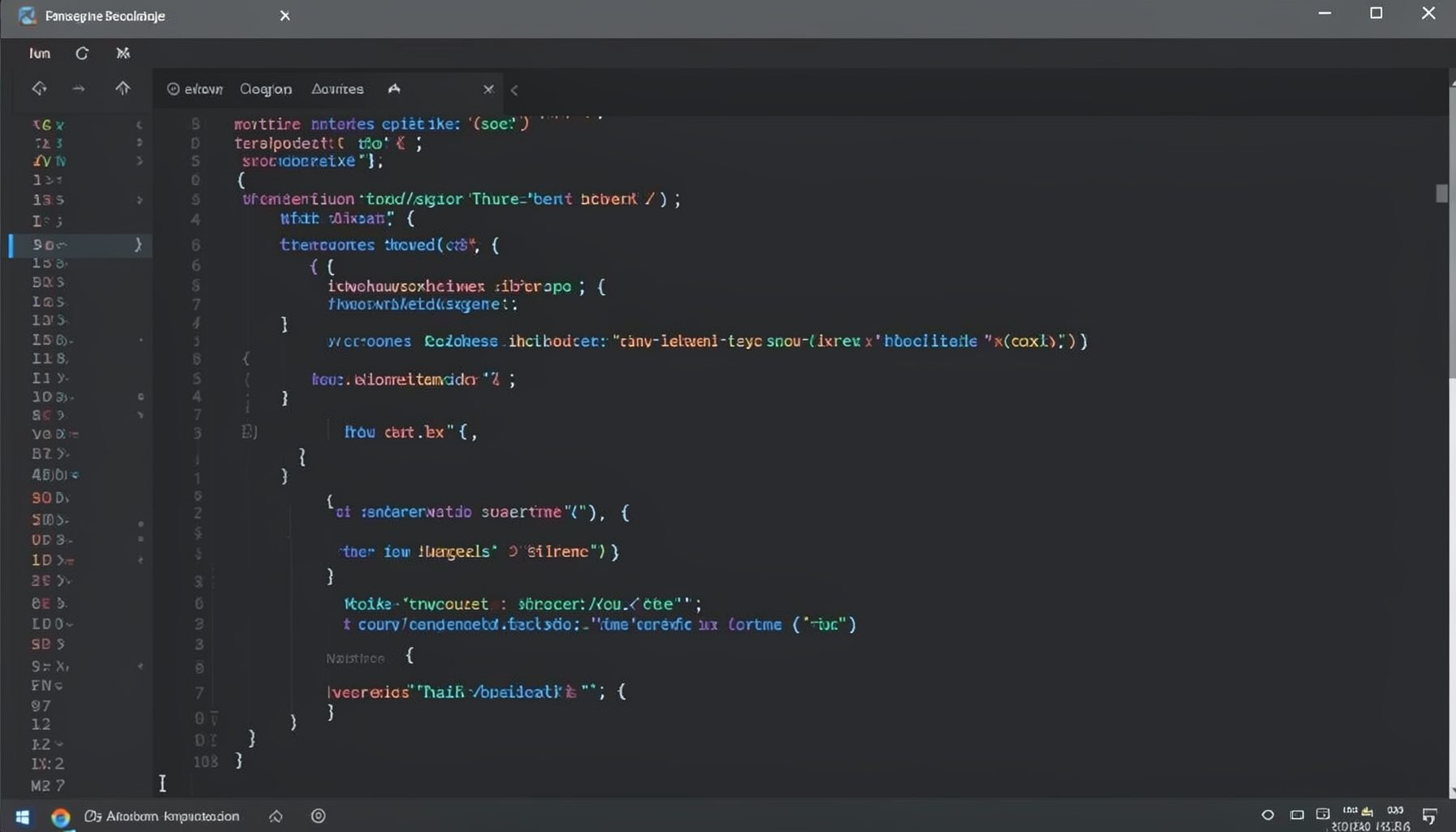
Screen-cast 1: Tab Mode, ECB & More
Covers tab-mode, ECB, Magik Smeller, code folding, visual bookmarks, pragma toggling, moving code, external editor, and MS Explorer.
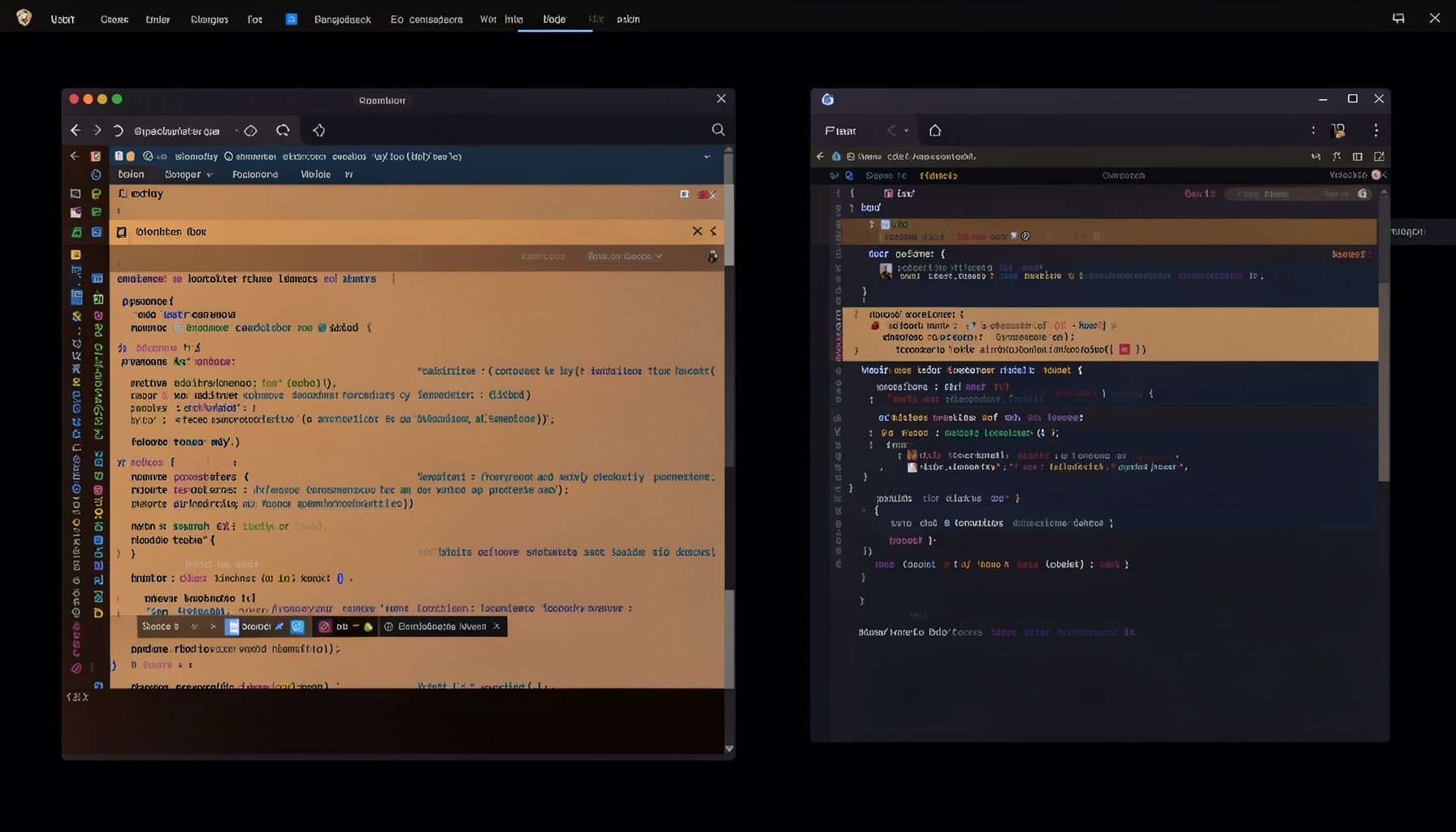
Screen-cast 5: Object Inspection & Deep Print
Inspect a Magik object, prompt for an expression evaluated within a Smallworld session, and display results in a Deep Print buffer.
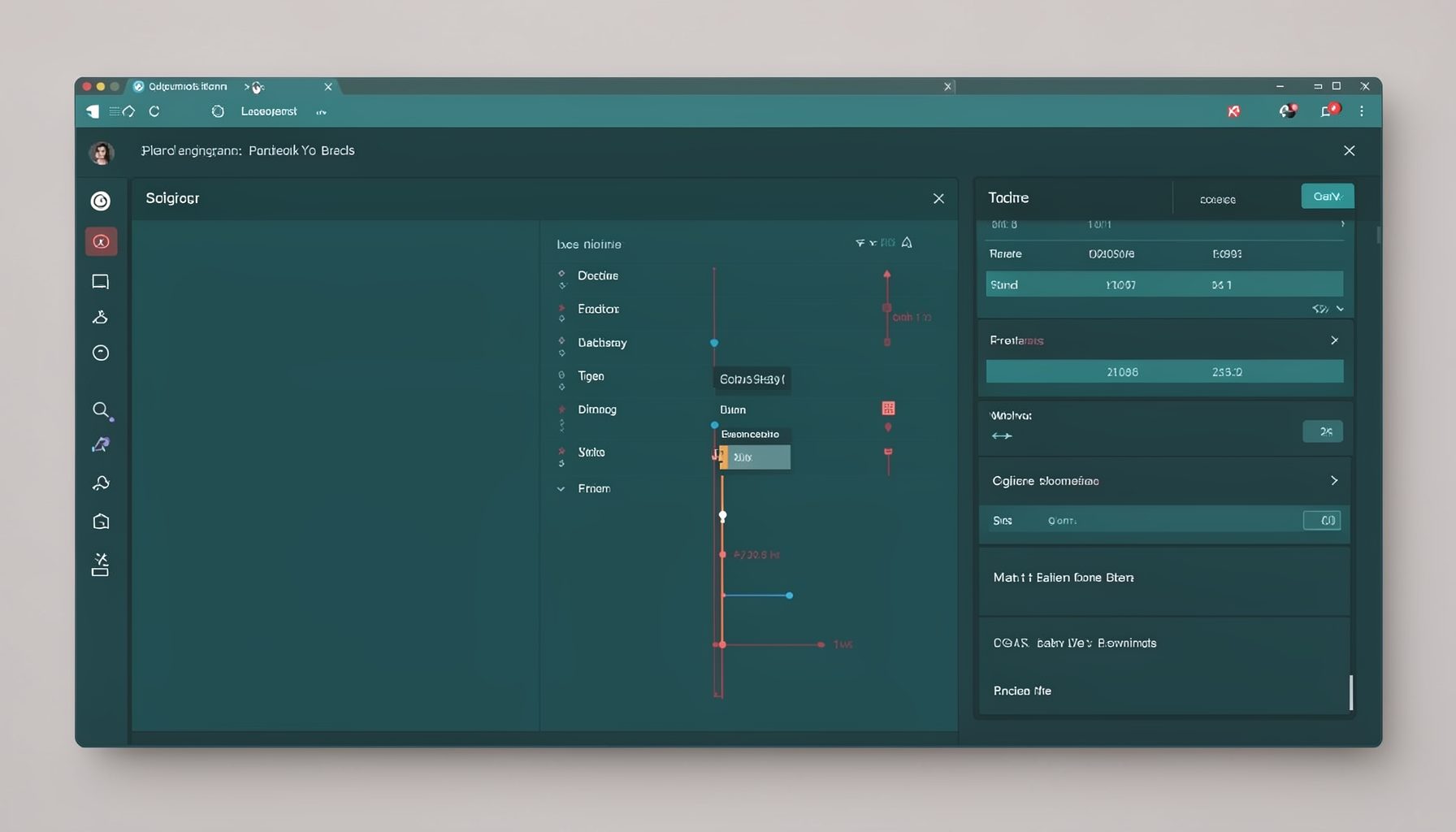
Screen-cast 7: Magik Debugger
Useful tools for application developers: Object Inspector and Magik Debugger with breakpoints and slot/variable monitoring.

Screen-cast 9: Tree Item GUI Control
Tree Item is a GUI control providing extensive facilities for displaying lists with rows, columns, trees, and in-place editing.