Emacs Extensions for
GE Smallworld Magik Development
Screen-casts, tutorials, and productivity tools for Magik programmers who use Emacs. From tab-mode and code folding to the Magik Debugger and object inspector — explore features built by a developer, for developers.
Learn MoreNine screen-casts published between November 2010 and January 2011 — covering everything from ECB mode to the Tree Item GUI control. Read the story behind the project →
Get in Touch
Inspecting Magik method caching in Emacs
Magik’s method cache is easiest to understand when it is split into two layers: the Smallworld runtime knows which package methods are loaded, while Magik Emacs may keep a local index of source definitions and metadata. An editor entry is therefore evidence of a method, not proof that the current partition will execute that exact version.
This guide to Magik’s method caching explains how to inspect those layers in Emacs without changing a partition. The payoff is practical: you can find the right package and signature, jump to the source, compare it with the runtime record, and avoid debugging an obsolete copy.
For Australian teams, that workflow matters. Developers in Sydney and Melbourne often share methods across hybrid workspaces, while Brisbane, Perth and Adelaide teams can work in different states and time zones. A clear cache-and-source convention also helps organisations maintaining Smallworld systems for mining, utilities, transport and public infrastructure.
Understand what the cache contains
Magik methods are identified by their owning package and method name, with a formal argument list defining the call signature. The runtime catalogue can report which methods exist in the loaded partition, whether each is available to the current code, and other metadata exposed by that release. Package qualification matters because two collections can contain similarly named methods. The cache describes method lookup; it does not store return values like a database cache.
The Emacs cache is usually a source index. It can add the defining file, line, visible method body and editor navigation points to the runtime information. Depending on the extension and Smallworld version, a method record may also show its formal parameter types, visibility and collection or package origin. Treat an absent field as unavailable information rather than assuming the method lacks that property.
The two layers can diverge after a source pull, package reload or collection deployment. An old method definition may remain in the editor, or a source file may be newer than the code loaded in the partition. For example:
_package user

_method cached_value(_integer value)
  _return value * 2
_end_method
Here, user:cached_value is the package-qualified identity. The source index may find it immediately, while runtime method lookup still resolves an older implementation until the correct collection is reloaded.
Connect Emacs to the correct runtime
Start by identifying the partition, loaded collection and Smallworld release that you intend to inspect. Several development partitions can be open at once, and method availability can differ between them. Record those details before opening the method cache; “the local one” is not a useful description during an incident or release check.
Magik mode supplies the editor connection and, in many installations, a partition-aware Magik shell. Launch it with M-x magik-shell when that command is present. If the command differs, press M-x, type magik, and look for the shell, completion, method-cache refresh and method-navigation entries supplied by your installed release. This discovery step avoids relying on a key binding copied from another workstation.
Keep credentials and collection paths in the authorised site configuration, not in an Emacs variable that is casually shared. Australian distributed teams already coordinate across Australian Eastern Standard Time, Australian Eastern Daylight Time and Australian Central Standard Time. A quick “arvo” sanity check that everyone is attached to the same partition can prevent an hour of comparing unrelated method caches.
Refresh and browse source definitions
Refresh the editor’s method cache after changing branches, pulling source, reloading a package or replacing a collection. In Magik Emacs, look for the method-cache refresh or reindex command under the magik group at M-x; command names vary between extension versions. Refreshing the index reads local definitions, but it does not reload Smallworld code, so perform the runtime reload separately when the partition must change.
Method completion is useful while you know part of a name. Open a .magik buffer, type a package or method prefix, and invoke the Magik completion command, commonly exposed as M-x magik-complete. Review the package, argument signature and source location before accepting a candidate. A completion result proves that the index knows the entry; it does not prove that the method is available under the package’s visibility rules or present in the current runtime.
The method browser or source search provides the broader view. Look for duplicate names across packages, definitions with different signatures and entries whose source timestamps differ from the deployed collection. When a method was generated or loaded without a matching checkout, follow its package and collection origin into the relevant collection analysis. A plain grep over the source tree remains a useful fallback when an extension has not indexed a newly generated file.
Inspect a method without changing it
A good method inspector should show more than a name. Check the package, method name, argument list, source path, line number and runtime status before opening the body. If the record is source-only, mark it as such; if it is runtime-visible, compare the partition version with the checkout. This distinction turns a vague “the method is missing” report into a precise cache, package or deployment issue.
Use the Magik shell to query the partition’s method catalogue. In Smallworld releases that expose the reflective methods procedure, begin with:
methods()
A site wrapper may require a package-qualified argument or return a filtered collection. Compare the result with the Emacs cache, looking for an entry present in only one place. A runtime-only method can come from a compiled collection, while a source-only method may belong to the next release or an uncommitted change.
Keep this first pass read-only. Evaluating a method can execute Magik code, trigger logging or alter transaction state, depending on the method. Inspect arguments and metadata without invoking business operations. If the runtime record lacks source coordinates, use collection analysis to identify the loaded package, then compare that package with the repository or deployment artefact under change control.
Trace callers and verify execution
Method navigation tells you where a definition lives; caller tracing tells you why the path was selected. Use the extension’s cross-reference or caller command when it is available, then verify suspicious results with a repository search. Generic text search can over-report comments and strings, so confirm each match in context, especially where a method name is reused in different packages.
For behaviour, place a breakpoint at the method entry in the Emacs-connected Magik debugger and inspect the arguments in a controlled partition. Confirm the source file and line shown by the debugger against the method record you opened earlier. If they differ, you have found a stale index, a different package or an older loaded collection. Keep production breakpoints and evaluations outside normal release activity.
Code folding makes a long Magik method easier to inspect without losing its structure. Fold the outer method body while comparing the signature, calls and exception paths, then unfold only the branch under investigation. At a Pilbara fly-in-fly-out site, where connectivity can be intermittent, keep a lightweight copy of method metadata and source references on the workstation. Transfer the full proprietary source only through approved systems.
Create a repeatable inspection routine
Use the same sequence for routine work and release checks: identify the partition, refresh the editor index, query the runtime catalogue, open the package-qualified method, compare source coordinates, then trace callers. Keep a short note of the Smallworld release, loaded collection and cache-refresh time beside any defect. That note saves another developer from repeating the same lookup.
Treat cache files according to their contents. Some contain only identifiers and source locations; others hold snippets or business logic from proprietary systems. Follow the authorised workstation, software licence and repository policies used by your organisation. Generated indexes are usually reproducible artefacts, so avoid committing them unless the team has deliberately established a shared format and review process.
Australian Smallworld programmes often connect in-house platform teams, systems integrators and specialist consultants. A documented inspection routine provides a common vocabulary during handover and makes training easier across locations. It also gives support teams a reproducible way to separate an editor problem from a genuine runtime defect before a fix is packaged for Melbourne, Brisbane, Perth or Sydney.
Download the Magik Emacs extension and use the site’s tutorials and screencasts to reproduce this method-inspection workflow in an authorised Smallworld environment. HydePark Consulting provides practical guidance on Magik Emacs configuration, debugging, object inspection, code folding and extension maintenance for teams that want a repeatable developer setup.
Contact HydePark Consulting about consulting, training or a review of your Magik development workflow. A documented method-cache convention, an up-to-date source index and a verified runtime catalogue give development teams a dependable basis for release checks across Australian operations.
Core Features
Tab Mode & ECB
Quick tab switching and Emacs Code Browsing mode for navigating Magik codebases efficiently.
Magik Smeller
Code analysis tool that helps identify potential issues in Magik source files.
Code Folding
Hide/Show mode for collapsing and expanding Magik code blocks to focus on what matters.
Visual Bookmarks
Quick visual bookmarks for jumping between key locations in your Smallworld session buffers.
Object Inspector
Inspect Magik objects and display them in an Emacs Deep Print buffer for detailed examination.
Magik Debugger
Set breakpoints and monitor slots and variables directly from within Emacs.
Development Tools
Direct links between Emacs and the Smallworld Development Tools application, including Click Monitor.
Screen-casts & Tutorials
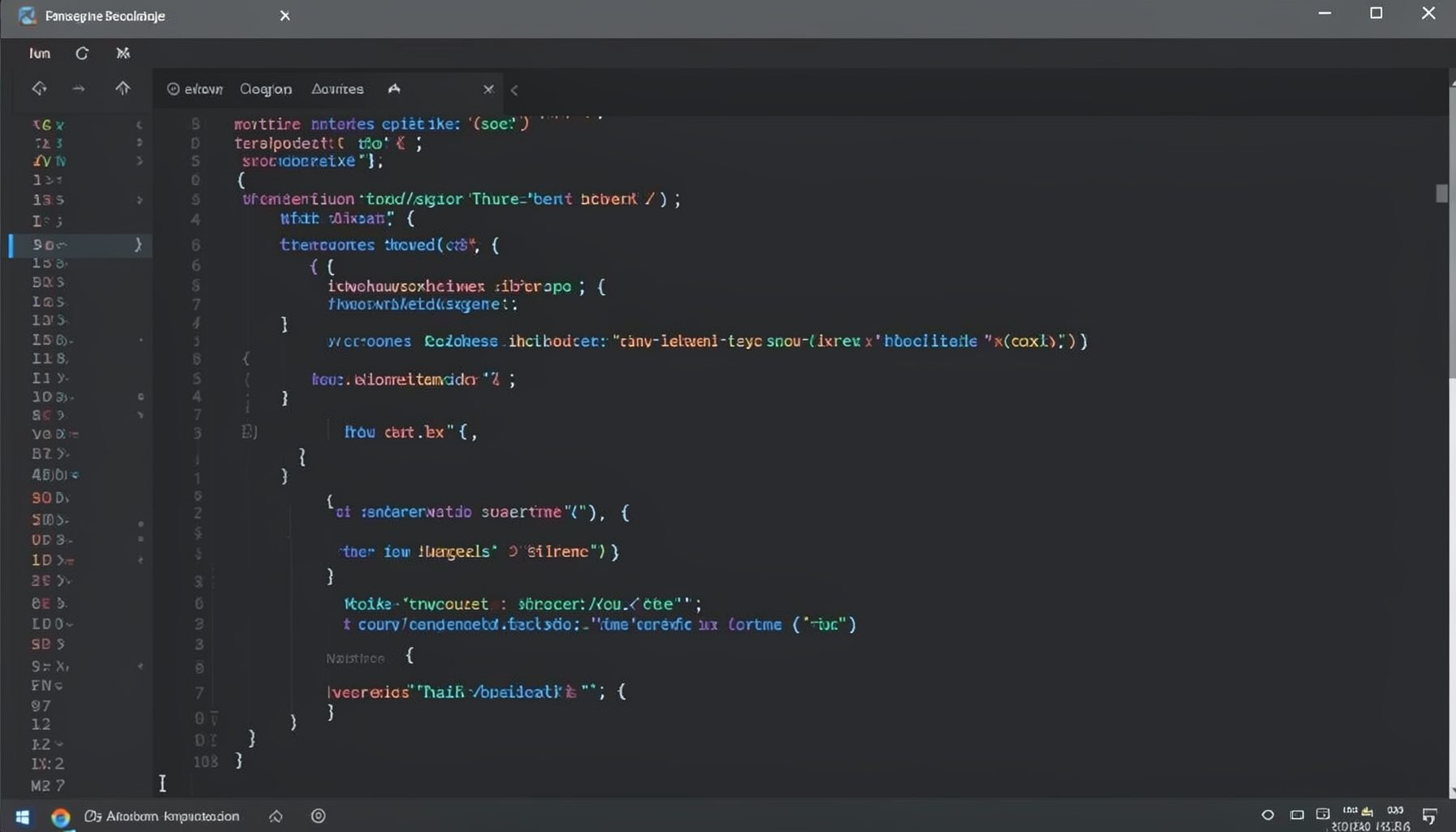
Screen-cast 1: Tab Mode, ECB & More
Covers tab-mode, ECB, Magik Smeller, code folding, visual bookmarks, pragma toggling, moving code, external editor, and MS Explorer.
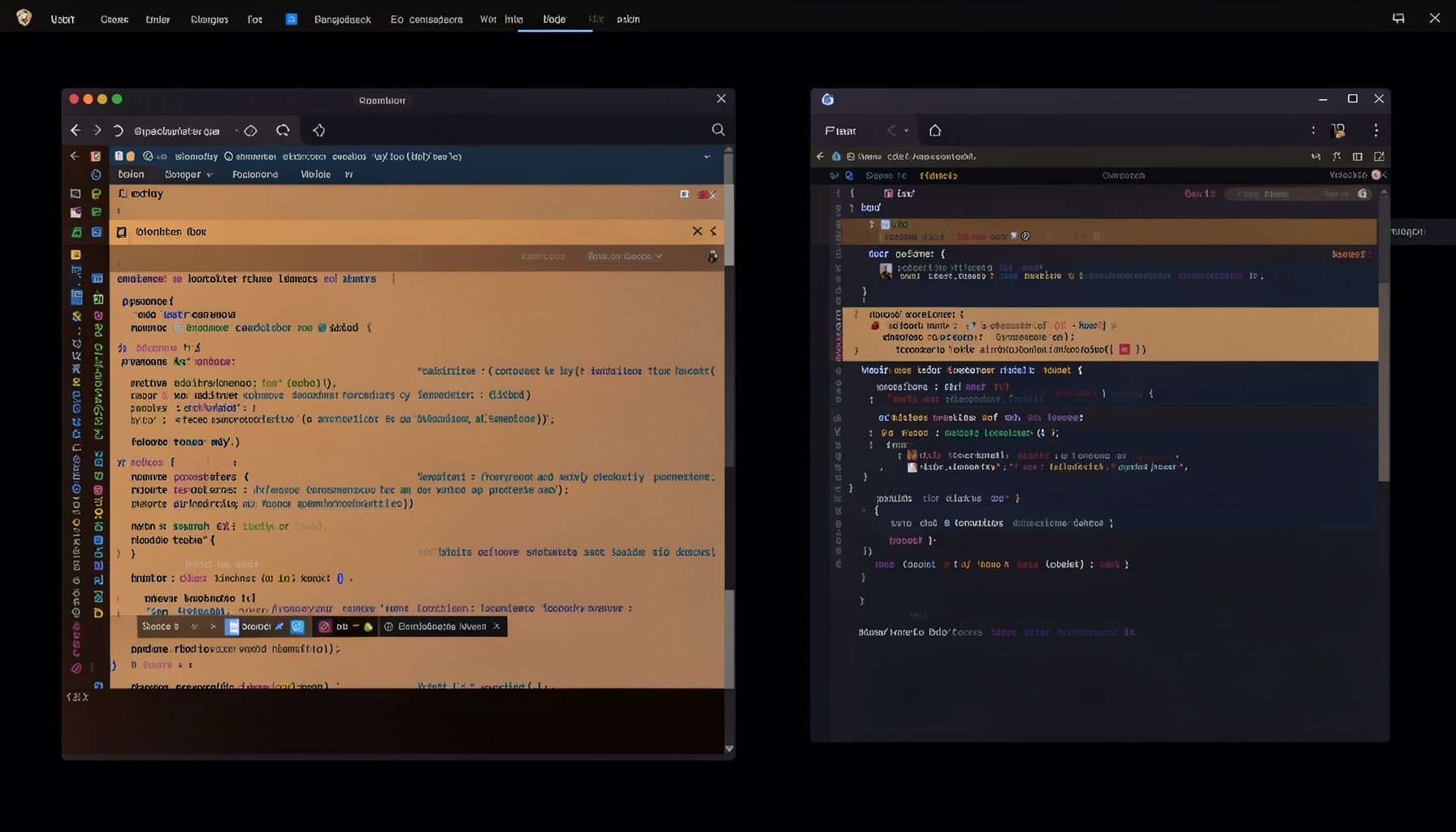
Screen-cast 5: Object Inspection & Deep Print
Inspect a Magik object, prompt for an expression evaluated within a Smallworld session, and display results in a Deep Print buffer.
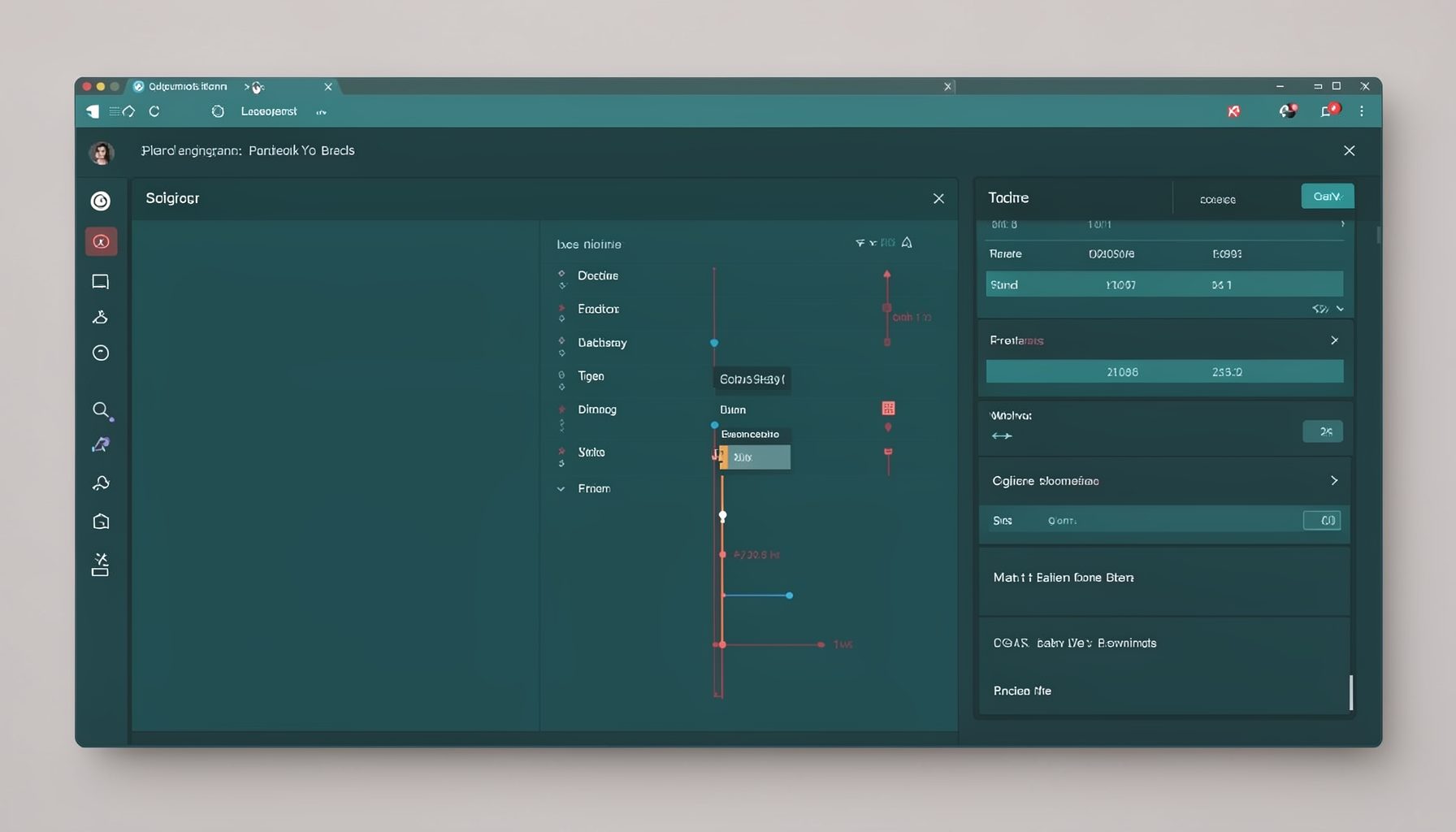
Screen-cast 7: Magik Debugger
Useful tools for application developers: Object Inspector and Magik Debugger with breakpoints and slot/variable monitoring.

Screen-cast 9: Tree Item GUI Control
Tree Item is a GUI control providing extensive facilities for displaying lists with rows, columns, trees, and in-place editing.