Emacs Extensions for
GE Smallworld Magik Development
Screen-casts, tutorials, and productivity tools for Magik programmers who use Emacs. From tab-mode and code folding to the Magik Debugger and object inspector — explore features built by a developer, for developers.
Learn MoreNine screen-casts published between November 2010 and January 2011 — covering everything from ECB mode to the Tree Item GUI control. Read the story behind the project →
Get in Touch
Finding Overridden Magik Methods in Emacs with Ctags
Magik systems often accumulate several implementations of the same method selector. A base class may provide a default, a subclass may replace it for a particular workflow, and a mixin may add another layer to the method lookup path. When a debugger stops in an unexpected implementation, locating every candidate quickly becomes more useful than opening files one at a time.
Ctags gives Emacs a lightweight index of Magik source files. With a suitable regular expression, M-., xref-find-definitions, and tag searches can take you from a method call to its declarations. The approach is especially useful in large Smallworld installations, where source may be spread across product code, customer extensions, shared libraries, and deployment-specific modules.
| Need | Emacs and Ctags approach | Limitation |
|---|---|---|
| Find the first declaration | M-. or xref-find-definitions |
May select only one matching tag |
| Find other implementations | M-x tags-apropos or a tag search |
Results need manual filtering |
| Return to the calling code | M-* or M-, |
Depends on the active navigation backend |
| Rebuild an index | Universal Ctags with a Magik pattern | The pattern must match local syntax |
| Understand runtime dispatch | Inspect class, exemplar, and mixin code | Ctags does not perform Magik method resolution |
Why Method Overrides Need A Tag Index
Magik method dispatch is shaped by class relationships, exemplars, mixins, and the active object. Two methods with the same selector can therefore have very different behaviour. A simple text search finds occurrences, but it does not distinguish a declaration from a call, nor does it provide a convenient jump-and-return workflow.
A tag index records a searchable name, source file, and line location for each declaration. If the index includes the receiver or class qualifier, entries such as gis_world.get_n_objects and custom_world.get_n_objects remain easier to separate. Even when a project uses a different naming convention, recording the complete method header is valuable context.
This matters in Australian Smallworld environments where utility, transport, council, and mining systems may have been extended over many years. A team in Melbourne might maintain the original application, while a Perth deployment contains mining-specific overrides and a Brisbane support group owns newer integration code. A repository-wide tag file gives all developers the same starting point.
Ctags is an indexer, not a Magik compiler. It cannot prove which implementation will run for a particular object. Its role is to expose plausible declarations quickly, after which Emacs navigation, source inspection, and the Magik debugger provide the semantic answers.
Defining Magik For Universal Ctags
Universal Ctags can recognise a custom language through a language definition, a file extension mapping, and one or more regular expressions. The exact command depends on the release installed on the workstation, so check the available options first:
ctags --version
ctags --list-languages | grep -i magik
ctags --list-kinds=Magik
If Magik is not built in, a practical starting command is:
ctags -e -R \
  --langdef=Magik \
  --langmap=Magik:.magik \
  '--regex-Magik=/^[[:space:]]*_method[[:space:]]+([[:alnum:]_:!?\.]+)/\1/m,method/' \
  -f TAGS \
  src extensions modules
The expression looks for _method at the beginning of a line, captures the method name, and writes a method tag. The character class is intentionally broad enough for common package, selector, punctuation, and qualified-name styles. Some codebases use additional characters or formatting conventions, so inspect several real declarations before treating this as a final parser.
If declarations place the receiver and selector on separate lines, or if generated code uses indentation and comments differently, add another expression rather than making one pattern impossibly complex. A useful strategy is to begin with a permissive declaration matcher, generate a small index, and check the results with:
ctags -e -R ... --list-kinds=Magik
Universal Ctags writes an Emacs-compatible TAGS file when -e is used. GNU Emacs can also work with other tag formats, but mixing tools without checking the output often produces confusing errors. Keep the command in a script or Make target so every developer, including remote contractors and consultants, can rebuild the same index.
Connecting The Index To Emacs
Open the generated file in Emacs with M-x visit-tags-table, then select TAGS. For a fixed project, configure the path directly:
(setq tags-file-name
      (expand-file-name "~/work/smallworld/TAGS"))
If several repositories are involved, tags-table-list is more flexible:
(setq tags-table-list
      (list (expand-file-name "~/work/smallworld/TAGS")
            (expand-file-name "~/work/customer-extension/TAGS")))
Place the project-specific settings in .dir-locals.el when the source is shared by a team. This avoids hard-coding a home directory into the repository and allows each developer to keep a local checkout under a different path. Review directory-local variables according to your organisation’s Emacs security policy before enabling them.
With a Magik buffer active, M-. runs xref-find-definitions in modern Emacs or the tags backend used by the installed Magik mode. It normally jumps to the first matching declaration. M-, returns to the previous location, while M-* is the traditional tag-stack command in configurations that use the older tags interface.
When several methods share a selector, invoke the command with a prefix argument or use the completion list presented by xref. M-x tags-apropos can search tag names across the index, and M-x find-tag offers the classic tag lookup interface. Searching for a qualified name is usually more reliable than searching for a short selector such as update, new, or print.
Tracing Every Override
Finding one definition is only the first step in override analysis. Search for all tags with the same selector, then compare the receiver, package, and containing file. In Emacs, M-x tags-search can run a regular expression through tagged files, while M-x tags-apropos is useful when the declaration names are consistent.
For example, if the call is:
_world.get_n_objects()
look for declarations containing get_n_objects, then inspect whether each belongs to the base world class, a customer subclass, or a mixin. A method may call _super and therefore preserve part of the parent behaviour while changing validation, caching, permissions, or database access. The first declaration found by ctags is not necessarily the one executed at runtime.
Keep a clear distinction between a method definition and a method invocation. The index should ideally capture lines beginning with _method, while source searches can find calls, documentation, and comments. If a project defines methods through generated source or evaluates code dynamically, those implementations may need a separate generated-source index or a deliberately marked exclusion.
Ctags also helps when reading debugger output. Copy the class and selector shown by the Magik debugger into M-. or an apropos tag search. If the runtime object has an unexpected exemplar, inspect its inheritance and mixin chain before changing code. This process often reveals that an apparent override is actually a more specific method supplied by a mixin.
Keeping Navigation Reliable In A Shared Codebase
Rebuild tags whenever source is added, renamed, or moved. A stale TAGS file can be worse than no index because Emacs will confidently open an obsolete location. Add the ctags command to the project’s normal build or development script, and regenerate after checking out a different release branch.
Large repositories benefit from separate indexes for vendor code, core product code, and customer extensions. A single file is convenient, but separate files make it easier to exclude generated output and to select the relevant deployment. This is useful for Australian teams working across AEST, AEDT, and Western Australian time zones, where a shared build server may refresh indexes overnight while developers work locally.
Do not index production database extracts or temporary diagnostic files. A source tree may contain configuration values, personal information, or exported network assets. Organisations subject to the Privacy Act 1988 should treat tag inputs and generated indexes as development artefacts covered by their normal access controls. Keeping TAGS out of deployment packages also avoids sending absolute workstation paths to production systems.
Use version control for the ctags definition, not usually for the generated TAGS file. A repository can document the expected Universal Ctags version, file extensions, excluded directories, and validation command. If Sydney and Adelaide teams use different Emacs packages or operating systems, a documented command reduces environment-specific navigation failures.
Working Around Ctags’ Semantic Limits
Ctags cannot calculate Magik’s complete method lookup rules. It does not understand every exemplar relationship, runtime class change, loaded module, or dynamically assembled selector. It also cannot tell whether a method is shadowed by load order or conditionally installed during application startup.
Use the index to create a candidate set, then verify the path with Magik tools. Inspect the object’s class and ancestors, follow mixin definitions, and set a breakpoint in each plausible implementation when necessary. A debugger stop in the active method is stronger evidence than a tag match, especially in systems that load customer code after standard libraries.
Method names can be normalised in the tag definition, but avoid hiding useful distinctions. If two packages define the same selector, retaining the qualified name in the tag target makes completion and search more informative. Where that is not possible, use file and line results as the disambiguating information.
The workflow is particularly effective for maintenance work: jump from a failing call, list every override, inspect _super behaviour, then verify the loaded implementation. It does not replace Magik language support or code analysis, but it makes the repetitive discovery stage fast and predictable.
Add a small, tested Magik ctags definition to your Emacs setup, generate a TAGS file for the current Smallworld workspace, and try M-. on a method with known overrides. Once the pattern matches your project’s declaration style, commit the indexing script alongside the development documentation so future developers can trace customised behaviour without relying on tribal knowledge.
Core Features
Tab Mode & ECB
Quick tab switching and Emacs Code Browsing mode for navigating Magik codebases efficiently.
Magik Smeller
Code analysis tool that helps identify potential issues in Magik source files.
Code Folding
Hide/Show mode for collapsing and expanding Magik code blocks to focus on what matters.
Visual Bookmarks
Quick visual bookmarks for jumping between key locations in your Smallworld session buffers.
Object Inspector
Inspect Magik objects and display them in an Emacs Deep Print buffer for detailed examination.
Magik Debugger
Set breakpoints and monitor slots and variables directly from within Emacs.
Development Tools
Direct links between Emacs and the Smallworld Development Tools application, including Click Monitor.
Screen-casts & Tutorials
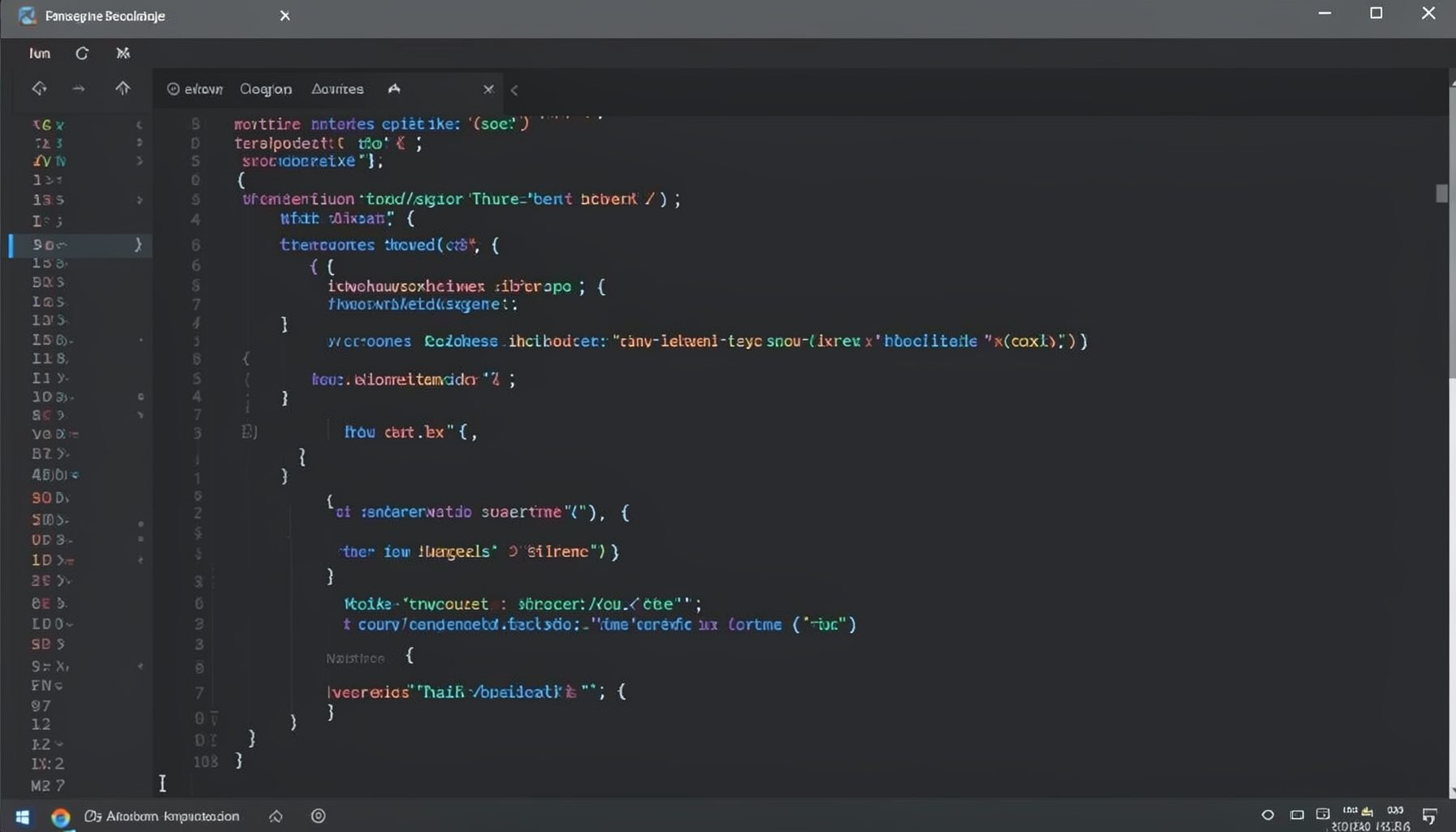
Screen-cast 1: Tab Mode, ECB & More
Covers tab-mode, ECB, Magik Smeller, code folding, visual bookmarks, pragma toggling, moving code, external editor, and MS Explorer.
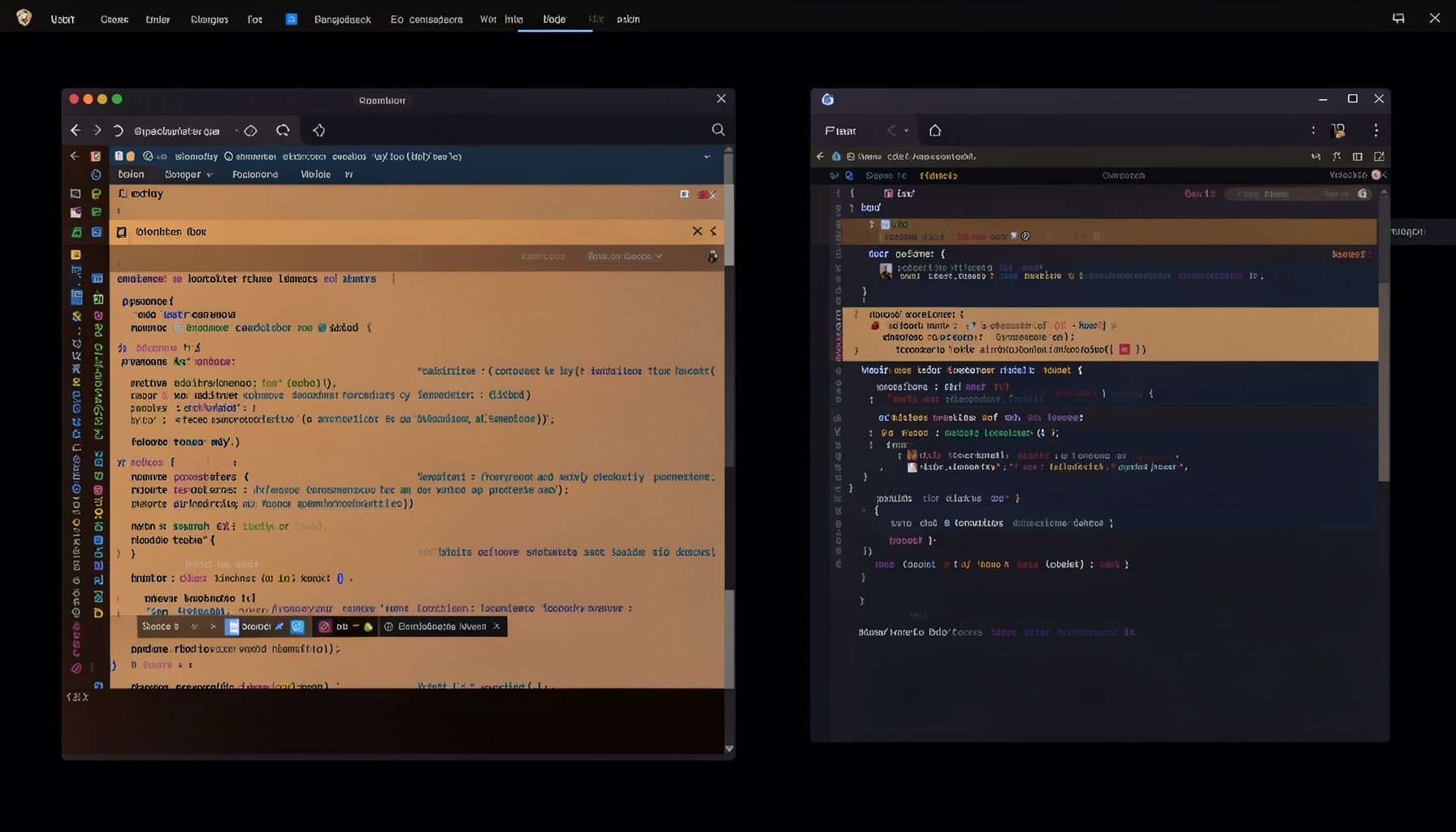
Screen-cast 5: Object Inspection & Deep Print
Inspect a Magik object, prompt for an expression evaluated within a Smallworld session, and display results in a Deep Print buffer.
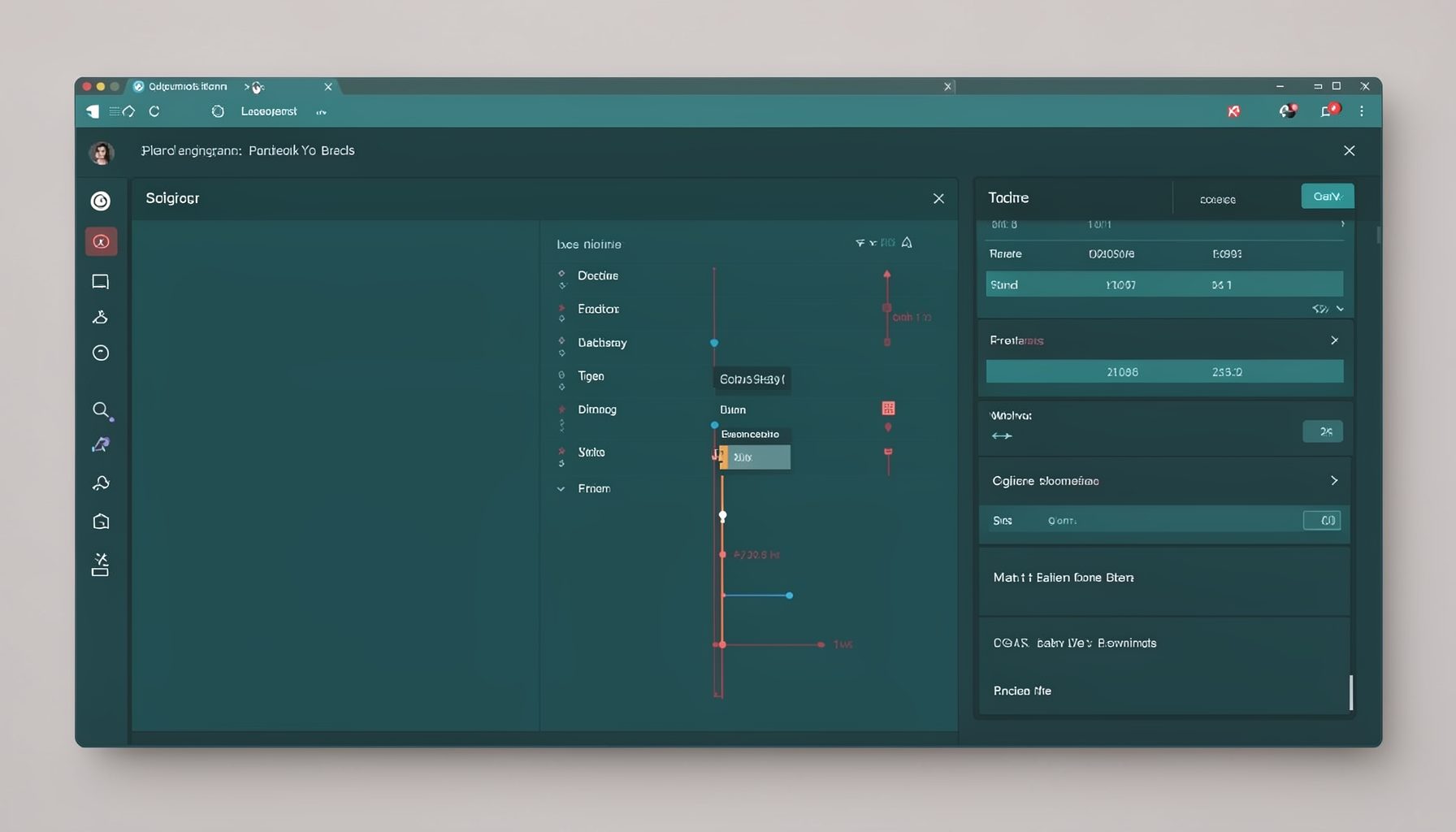
Screen-cast 7: Magik Debugger
Useful tools for application developers: Object Inspector and Magik Debugger with breakpoints and slot/variable monitoring.

Screen-cast 9: Tree Item GUI Control
Tree Item is a GUI control providing extensive facilities for displaying lists with rows, columns, trees, and in-place editing.