Emacs Extensions for
GE Smallworld Magik Development
Screen-casts, tutorials, and productivity tools for Magik programmers who use Emacs. From tab-mode and code folding to the Magik Debugger and object inspector — explore features built by a developer, for developers.
Learn MoreNine screen-casts published between November 2010 and January 2011 — covering everything from ECB mode to the Tree Item GUI control. Read the story behind the project →
Get in Touch
Magik method signatures in Emacs Company
Magik's method signatures often live farther from the editor than an engineer would like. A call may name a receiver, a method and a precise argument sequence, yet finding the declaration still means opening files, tracing inheritance and comparing similar names. Emacs Company can collapse that search into a ranked popup when the popup carries the signature rather than only a method name.
Auto-completing Magik method signatures with Emacs' Company is therefore most useful when it answers three questions at once: which method matches the prefix, where is it defined, and what arguments does the selected declaration expect? The completion should remain a fast navigation aid, not a substitute for understanding dispatch, data shape or transaction context. A well-configured Magik buffer lets the developer confirm a candidate, inspect its source and return to the call with the key information still visible.
From method names to usable signatures
Company's ordinary completion path usually treats a candidate as text to insert. For Magik methods, the backend can present a richer candidate: the method name, its owner and a compact declaration such as receiver.method(first, second). That distinction turns a fuzzy name match into a decision the developer can make without leaving the buffer.
When a prefix is typed, Company waits briefly, gathers matching declarations and opens the popup. M-n and M-p move through candidates; TAB inserts the selected method, normally with the call parentheses handled by the Magik integration. The accompanying documentation area should show the full parameter order and any source location.
Source-derived candidates and runtime-resolved methods must be treated differently. A file can prove that a declaration exists, but only a running Smallworld environment can reveal dynamically supplied implementations or the receiver's effective method set. Keep the static index authoritative for navigation while treating runtime evidence as a separate check.
Configuring Magik-aware Company completion
Load Company in the normal Emacs way, then enable it only for Magik buffers so that completion in Lisp, shell or SQL modes is not disrupted. A minimal buffer-local configuration looks like this when the installed backend is named company-magik and has already been loaded with the Magik mode:
(require 'company)

(add-hook 'magik-mode-hook
          (lambda ()
            (setq-local company-backends
                        (cons 'company-magik
                              (remove 'company-magik company-backends)))
            (setq-local company-idle-delay 0.30)
            (company-mode 1)))
The backend should precede general identifier sources, allowing method-specific candidates to rank first. The idle delay controls how quickly the popup appears: a quarter-second is responsive without opening it after every keystroke. Increase it on remote sessions over Perth connections, where latency can make an instant popup feel distracting.
Indexing matters more than animation. Point the backend at the workspace or project containing the relevant Magik packages, then verify that the company-defining directory is included. Generated procedures and code installed outside the normal tree may need an explicit source path. A clean index should contain each declaration once, with package and owning class preserved.
Reading and validating a signature
A useful signature panel answers practical questions in a fixed order: method name, owner, parameters, defaults and a short description. From that order, the developer can check whether a collection argument is in the right position and whether a value that looked optional is actually required. Magik's dynamic dispatch means the receiver type still deserves a separate check.
Use M-x company-show-doc to expand the selected candidate when the popup is too compact. M-. can jump to the definition, while M-* returns to the original call. These bindings separate inspection from insertion, so a mistaken candidate can be dismissed without repeatedly editing the line. It also makes code review easier because the call site and declaration can be compared directly.
Treat the panel as evidence, not proof of a valid invocation. The displayed method may belong to a sibling package, accept a different concrete collection or expect an argument transformed by an earlier call. Check the receiver, inspect its methods in the debugger and run a harmless expression in the Magik REPL before changing production data.
Handling duplicate names and runtime methods
Duplicate method names are common in large Smallworld workspaces, so ownership needs to remain visible in the candidate label. A package-qualified name is more useful than an unadorned method when two teams use the same verb. If the selected declaration is wrong, use its source location rather than guessing from the final word of a fuzzy match.
Collection analysis adds another layer. A parameter called collection does not reveal whether the method expects a transient collection, a persistent one or a collection with a particular element model. Inspect the actual receiver and collection metadata in the debugger, then compare those findings with the declaration. This prevents a plausible completion from becoming a long transaction that fails near commit time.
Keep descriptive metadata separate from runtime values. A payment form offers a useful comparison: in this payout guide, a displayed label and an entered value serve different purposes. A Company candidate should likewise describe a method without copying customer records, transaction values or sensitive arguments into the popup or its debug buffer.
Debugging completion behaviour
Stale indexes are the usual reason completion suddenly offers an old signature. After changing a method, save the file and allow the backend to refresh its candidates; if the list remains unchanged, inspect the configured roots and reload the project index. Confirm that another buffer has not introduced a duplicate definition with the same package and method name.
M-x company-debug exposes the active backends, the current prefix and the candidate set without altering source code. It is the fastest way to determine whether a method is absent because parsing failed, the index missed a directory or no runtime declaration is visible. Keep the reproduced case narrow: one file, one receiver type and the smallest call that still shows the problem.
Separate editor symptoms from application symptoms. A missing candidate belongs to the backend, while a candidate that inserts but fails at runtime belongs to dispatch, argument validation or transaction state. Test both paths: navigate to the declaration in Emacs, then evaluate the same call in a controlled Smallworld session with representative objects and the same library version.
Building a reliable Australian workflow
Team adoption works best when the Magik buffer configuration lives in the shared Emacs setup rather than one developer's personal init file. Pin the Magik mode and Company backend versions, document the source directories each project expects, and include a sanitised example in onboarding. A small regression case with overloaded-looking names protects the configuration as the wider workspace changes.
Australian project teams add practical constraints. A morning stand-up may bring colleagues together from Sydney, Melbourne, Brisbane and Perth, while the habit of pairing on a shared screen can expose a weak signature panel quickly. In the local market, Smallworld estates often support mining, logistics, utilities and engineering organisations, so teams need completion that works across both development and operational repositories.
Privacy controls belong in that workflow. Where an Australian covered organisation handles personal information, the Privacy Act 1988, Australian Privacy Principles and Notifiable Data Breaches scheme can shape what may be logged or sent to hosted services. Configure local indexes, redact customer identifiers from examples and keep production connection details out of completion caches and Company debug output.
Start with one non-production Magik package that contains several related methods. Enable the Magik Company backend, open the buffer beside the package definition and compare the popup, documentation and source navigation. Repeat with a collection-valued method, then with a duplicate name from another package; those checks reveal whether the signatures are complete and properly qualified.
Share the resulting Emacs configuration and a sanitised method example with the project team, then ask HydePark Consulting for help where indexing or runtime inspection needs deeper integration. Recording the chosen Company delay, source roots and version pins gives new developers a repeatable starting point and makes Magik method completion an accountable part of the development workflow.
Core Features
Tab Mode & ECB
Quick tab switching and Emacs Code Browsing mode for navigating Magik codebases efficiently.
Magik Smeller
Code analysis tool that helps identify potential issues in Magik source files.
Code Folding
Hide/Show mode for collapsing and expanding Magik code blocks to focus on what matters.
Visual Bookmarks
Quick visual bookmarks for jumping between key locations in your Smallworld session buffers.
Object Inspector
Inspect Magik objects and display them in an Emacs Deep Print buffer for detailed examination.
Magik Debugger
Set breakpoints and monitor slots and variables directly from within Emacs.
Development Tools
Direct links between Emacs and the Smallworld Development Tools application, including Click Monitor.
Screen-casts & Tutorials
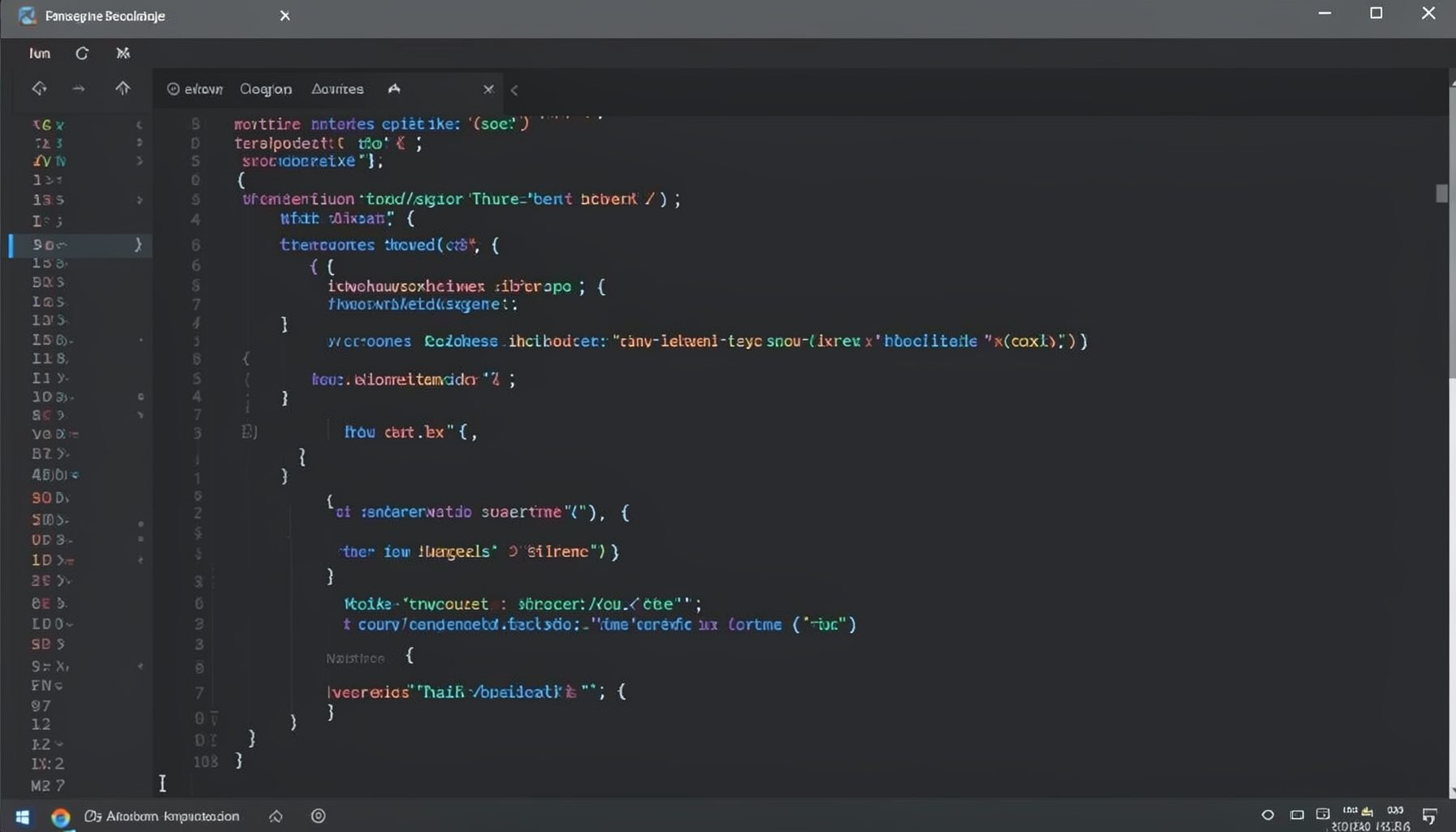
Screen-cast 1: Tab Mode, ECB & More
Covers tab-mode, ECB, Magik Smeller, code folding, visual bookmarks, pragma toggling, moving code, external editor, and MS Explorer.
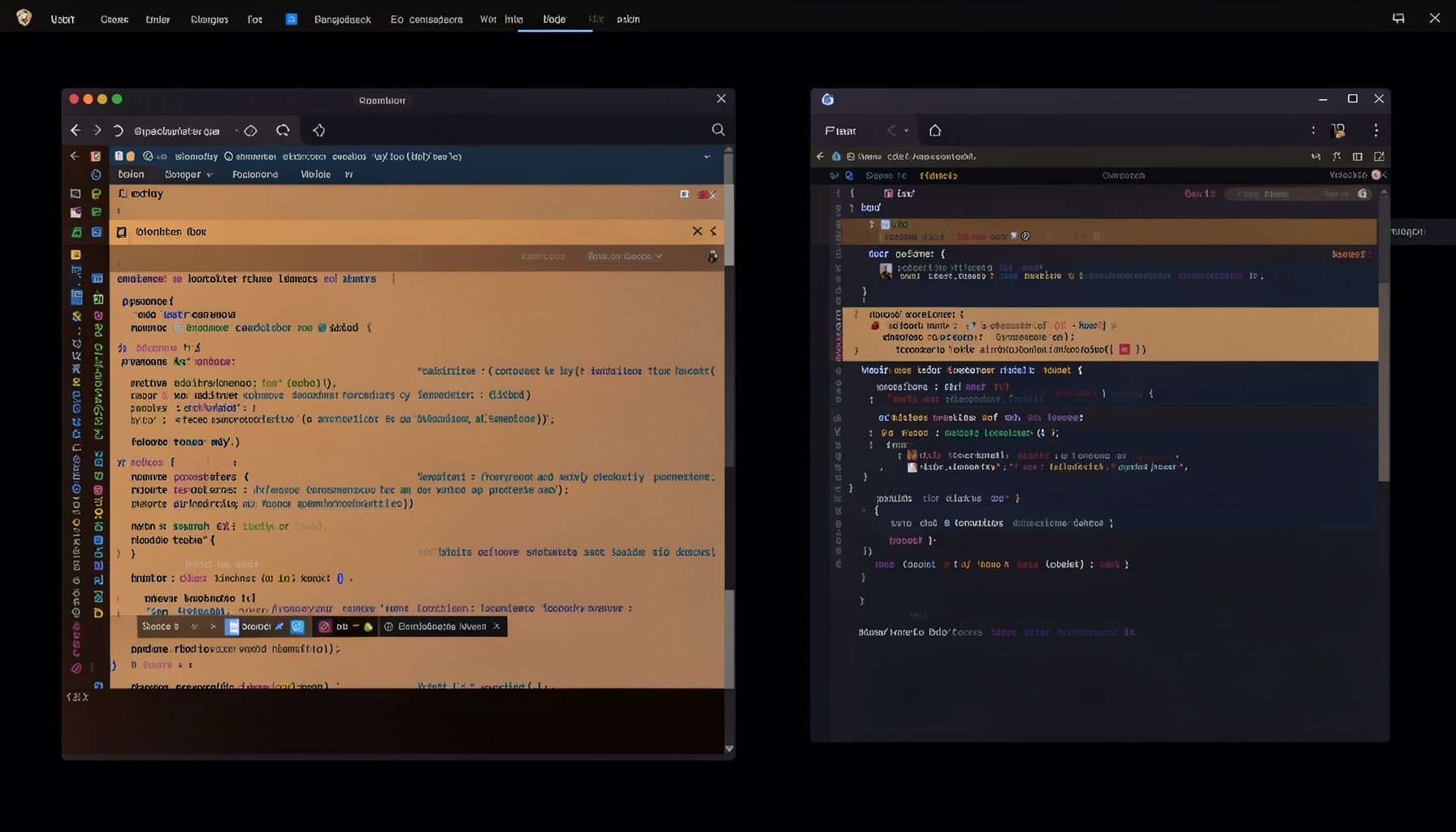
Screen-cast 5: Object Inspection & Deep Print
Inspect a Magik object, prompt for an expression evaluated within a Smallworld session, and display results in a Deep Print buffer.
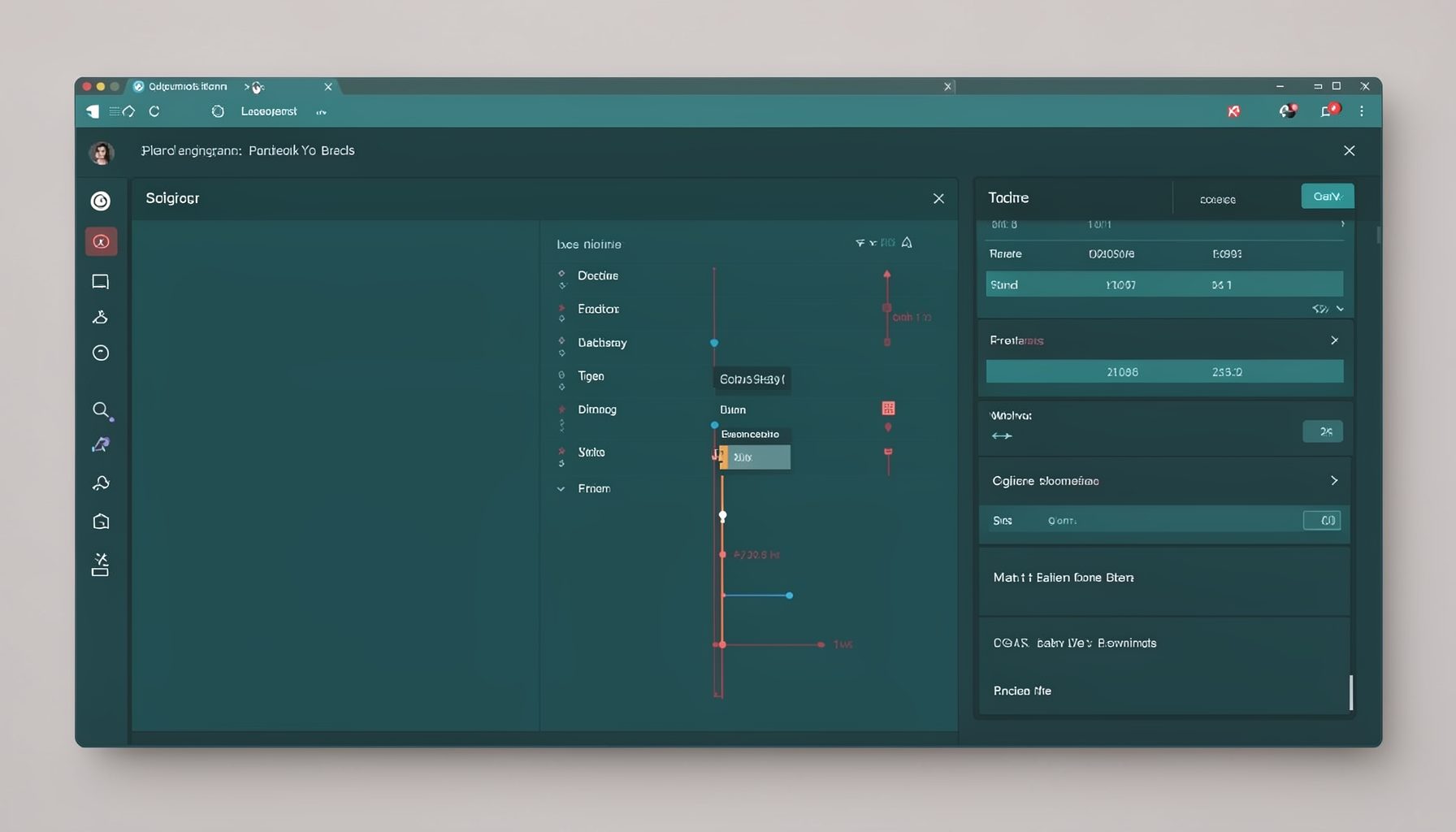
Screen-cast 7: Magik Debugger
Useful tools for application developers: Object Inspector and Magik Debugger with breakpoints and slot/variable monitoring.

Screen-cast 9: Tree Item GUI Control
Tree Item is a GUI control providing extensive facilities for displaying lists with rows, columns, trees, and in-place editing.