Emacs Extensions for
GE Smallworld Magik Development
Screen-casts, tutorials, and productivity tools for Magik programmers who use Emacs. From tab-mode and code folding to the Magik Debugger and object inspector — explore features built by a developer, for developers.
Learn MoreNine screen-casts published between November 2010 and January 2011 — covering everything from ECB mode to the Tree Item GUI control. Read the story behind the project →
Get in Touch
Magik’s OO model: navigating class hierarchies in Emacs
Magik’s object-oriented model makes inheritance a working part of everyday development, not just a diagram in a design document. A method may be defined once, reused through a superclass, and overridden by a more specific class. In Emacs, that structure becomes much easier to investigate when package, class, and method navigation sit beside a foldable source buffer.
Runtime behaviour is the decisive part of the story. The receiver passed to a method can select an implementation that the surrounding source does not make obvious. Qualified names, inheritance trees, debugger state, and object inspection therefore answer different questions. Treating them as complementary views avoids both the guess that the nearest definition always runs and the habit of debugging without reading the code.
A dependable workflow moves from the definition, through the applicable hierarchy, to a live receiver. It then returns to source with a record of the selected method, arguments, and stack. Magik-Emacs supports that loop with code folding, symbol lookup, hierarchy exploration, and links into debugging and inspection tools.
The guidance below is designed for developers maintaining Australian Smallworld systems in sectors such as utilities, transport, and mining, including teams distributed across Melbourne, Sydney, Brisbane, and Perth. Local time zones, date conventions, geospatial reference systems, and Australian English can all affect how a bug is reproduced or how a method is found. These are ordinary operational details, but ignoring them can send a search in the wrong direction.
Understand what the hierarchy controls
Start with the distinction between a class and an instance. A class supplies a set of possible behaviours and inherited state conventions; an instance carries the particular state on which those behaviours operate. A method binds a procedure to a class and a message name. That separation explains why two objects can respond to the same request yet follow different implementations.
Magik’s inheritance rules allow a subclass to inherit behaviour and replace selected operations. The useful question is therefore not merely “Does this class have the method?” but “Which definition applies to this receiver?” A method inherited from a parent remains relevant even when its body is not visible in the child’s source region.
Keep packages in their proper role. A package provides qualified names and an organisational boundary; it is not automatically an inheritance level. Colon-separated class names can resemble a path, but the actual superclass relationship and the loaded implementation are what determine dispatch. When source and runtime disagree, trust the receiver’s method selection over an intuitive reading of the name.
Build a reliable source-navigation loop
Code folding is the first useful Emacs habit for this work. Collapse package bodies until the declared classes and method headings are visible, then open only the method being investigated. This turns a long Smallworld source file into a searchable outline without altering it. Keep the qualified class name visible so that similarly named methods in different classes remain distinguishable.
Use Magik-aware completion and definition lookup when selecting a symbol. If the extension exposes an xref backend, Emacs M-. can move to the relevant definition; otherwise, a scoped workspace search for the fully qualified name is a dependable fallback. C-x C-n and C-x C-p step through successive matches, which is often faster than repeatedly re-entering a search.
Discovery should stay anchored to the current project. The M-x magik- prefix is a practical way to inspect the commands installed by your configuration, and C-h f explains any unfamiliar command before you rely on it. From a hierarchy browser, follow a class to its source and then inspect its parent, overridden methods, and package declaration. That chain is more informative than a global list of methods sharing one short name.
Separate source structure from runtime selection
Source navigation and runtime inspection expose different forms of truth. The source tree shows intended structure: declarations, inheritance links, and definitions currently on disk. The image shows active structure: the receiver’s class, the method selected for a particular call, and the state available at that moment. A workspace may also contain edited definitions that have not been reloaded, making a direct comparison essential.
Use the two views as checks on one another. A source search can locate the implementation you expect, while the debugger or inspector confirms what the running system chose. Avoid assuming that a method found near the call site owns the behaviour, or that a class hierarchy diagram includes every dynamically relevant definition.
| View | Primary question | Useful evidence | Common limitation |
|---|---|---|---|
| Package and source structure | Where are definitions organised? | Qualified names, package declarations, class and method headings | A package path is not proof of inheritance |
| Class hierarchy | Which parent or child relationships are declared? | Superclass links, overrides, inherited methods | It may omit state carried by a live instance |
| Symbol lookup | Where is a named definition or call? | Jump-to-definition and reference results | Search matches can mix declarations with calls |
| Debugger and object inspection | Which method applies to this receiver now? | Runtime class, selected method, arguments, stack, object state | It reflects one captured execution, not every possible receiver |
Debug dispatch with evidence from the receiver
Place a breakpoint where the receiver is known and the behaviour becomes observable. Capturing the receiver, active method, arguments, and call stack gives you a reproducible account of dispatch. When the debugger can open the selected method in Emacs, use that link to compare the executed body with its superclass and nearby overrides instead of relying on a screenshot or remembered line numbers.
Australian deployments add a useful discipline to distributed debugging. Melbourne and Sydney move between AEST and AEDT, Brisbane remains on AEST, and Perth uses AWST. During eastern daylight saving, the same event can carry timestamps two hours apart across Melbourne and Brisbane, while Perth can sit four hours behind Brisbane. Normalise logs to UTC with an explicit offset, and record the local date separately when an incident crosses midnight.
Timestamps still do not prove which implementation ran; they only order the evidence. Pair them with the runtime class and selected method. Likewise, do not assume a breakpoint in a parent method will execute: a valid override may intercept the call earlier in the receiver’s hierarchy. If results differ after a code change, reload the affected definitions and reproduce with a freshly captured stack rather than comparing stale objects.
Inspect objects and collections in context
Object inspection is most effective when it tests a specific assumption. Is the receiver really the expected subclass? Has a slot or property been changed since construction? Which method is attached to this class in the running image? Build a small example, inspect it immediately, and then repeat the check on the production object. Runtime class identity and instance state answer questions that source navigation cannot.
Collections deserve a separate pass because their class can conceal substantial variation. A vector, a hash table, or a database-backed collection may offer similar high-level operations while differing in element access, ordering, cost, and method dispatch. Check size, a representative sample, and the result of targeted selectors before traversing everything. For large collections, sample or summarise first; indiscriminate expansion can obscure the very method behaviour you are trying to isolate.
Local data conventions make this inspection even more valuable. Australian geospatial systems may carry GDA2020 coordinates while legacy layers still use GDA94, so record the datum and coordinate reference system alongside values rather than treating all coordinates as interchangeable. Use DD/MM/YYYY in Australian-facing reports, but keep technical logs in YYYY-MM-DD to avoid ambiguity. Likewise, confirm whether a method is named organisation, initialise, or authorised; Australian English spellings can make an otherwise correct search look empty.
Make the investigation repeatable
Turn the investigation into a repeatable Emacs session rather than a sequence of ad hoc searches. Start with folding, record the qualified method name, follow the inheritance link, and then confirm the selected implementation in the debugger. Add the receiver’s class, relevant arguments, normalised timestamp, and instance state to your notes. This small record makes the same failure explainable to another developer in Melbourne or Perth.
Keep known Magik sources easy to revisit. Use workspace search for the complete qualified symbol, retain the hierarchy view beside the source buffer, and avoid replacing a runtime observation with an unverified assumption. When the class browser and the debugger disagree, check for unsaved edits, stale definitions, or an override before changing the design. The goal is not more navigation; it is a shorter path from evidence to a defensible fix.
Magik-Emacs provides screencasts, tutorials, and extensions for practising this workflow. Explore the hierarchy-focused material, open a real Smallworld method in Emacs, and complete one traced dispatch from source to receiver. HydePark Consulting also supports teams that want hands-on guidance for their Smallworld development environment. Start with one troublesome class hierarchy and trace a single dispatch through Magik-Emacs before changing the implementation.
Core Features
Tab Mode & ECB
Quick tab switching and Emacs Code Browsing mode for navigating Magik codebases efficiently.
Magik Smeller
Code analysis tool that helps identify potential issues in Magik source files.
Code Folding
Hide/Show mode for collapsing and expanding Magik code blocks to focus on what matters.
Visual Bookmarks
Quick visual bookmarks for jumping between key locations in your Smallworld session buffers.
Object Inspector
Inspect Magik objects and display them in an Emacs Deep Print buffer for detailed examination.
Magik Debugger
Set breakpoints and monitor slots and variables directly from within Emacs.
Development Tools
Direct links between Emacs and the Smallworld Development Tools application, including Click Monitor.
Screen-casts & Tutorials
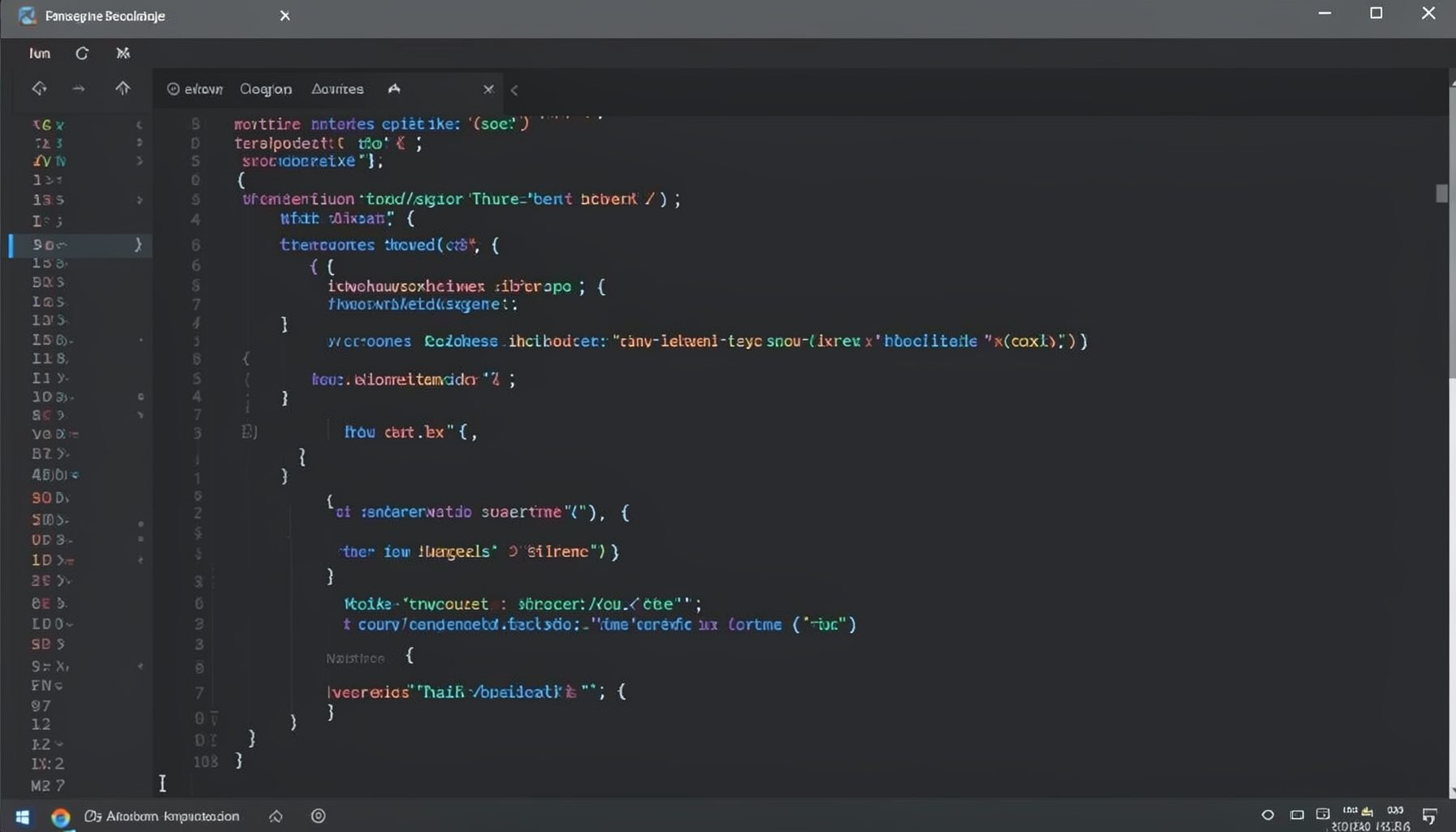
Screen-cast 1: Tab Mode, ECB & More
Covers tab-mode, ECB, Magik Smeller, code folding, visual bookmarks, pragma toggling, moving code, external editor, and MS Explorer.
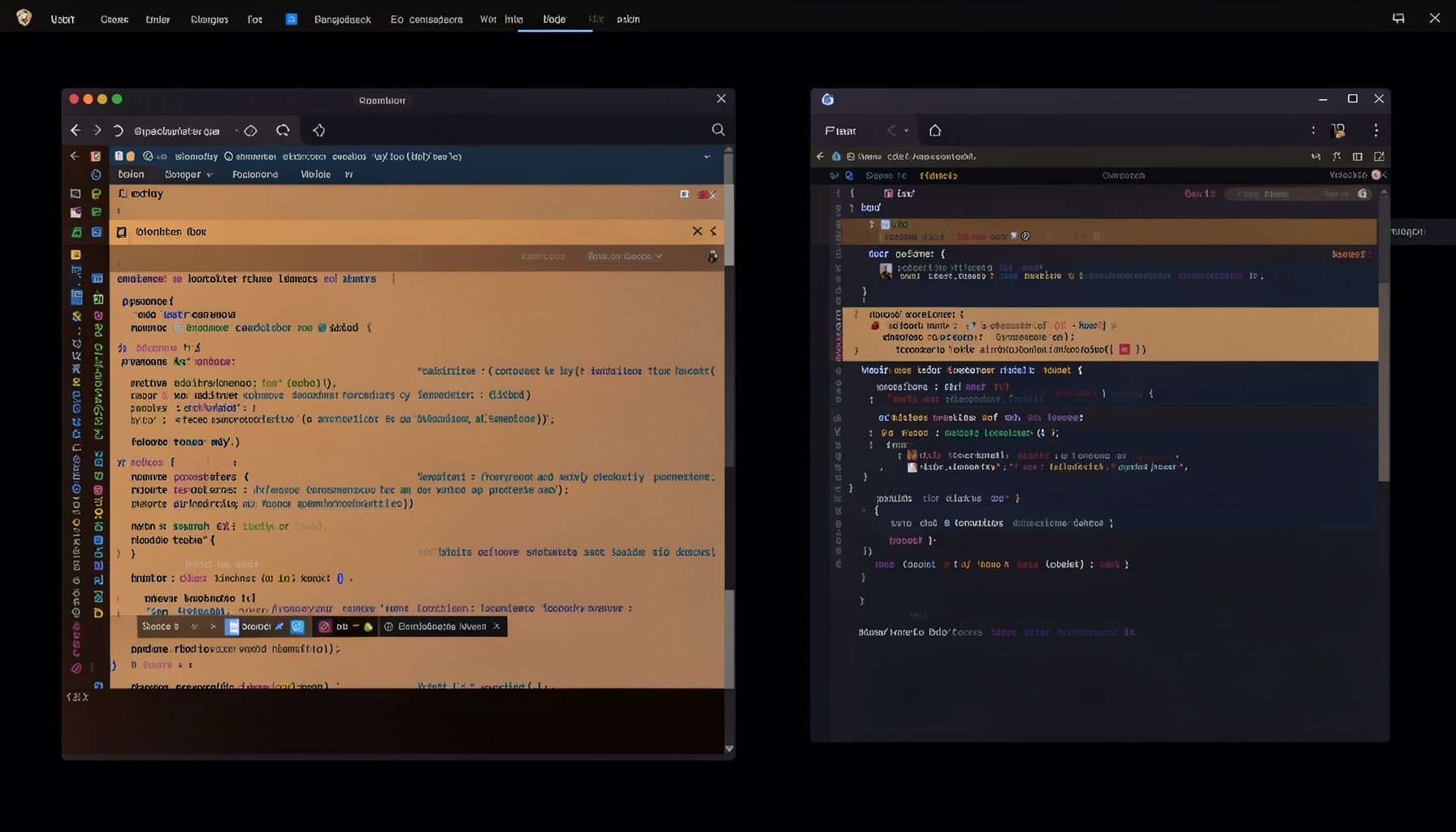
Screen-cast 5: Object Inspection & Deep Print
Inspect a Magik object, prompt for an expression evaluated within a Smallworld session, and display results in a Deep Print buffer.
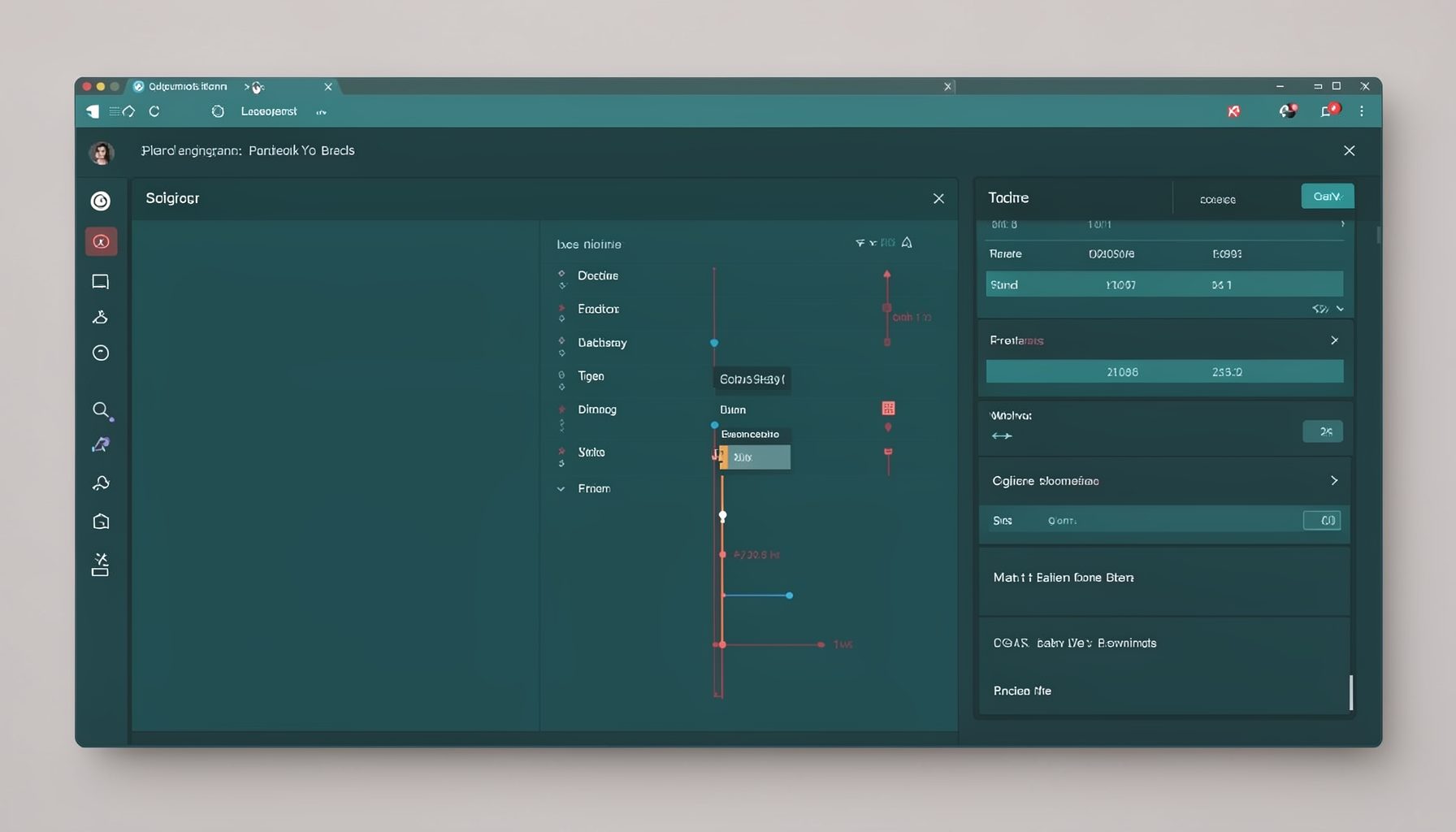
Screen-cast 7: Magik Debugger
Useful tools for application developers: Object Inspector and Magik Debugger with breakpoints and slot/variable monitoring.

Screen-cast 9: Tree Item GUI Control
Tree Item is a GUI control providing extensive facilities for displaying lists with rows, columns, trees, and in-place editing.