Emacs Extensions for
GE Smallworld Magik Development
Screen-casts, tutorials, and productivity tools for Magik programmers who use Emacs. From tab-mode and code folding to the Magik Debugger and object inspector — explore features built by a developer, for developers.
Learn MoreNine screen-casts published between November 2010 and January 2011 — covering everything from ECB mode to the Tree Item GUI control. Read the story behind the project →
Get in Touch
Magik’s persistent sessions with Emacs’ M-x shell
Magik development often loses momentum when every test starts a fresh interpreter. A method loaded in one process disappears in the next, and reconstructing the package set, connection details and working directory turns a small inspection into a long setup routine. An Emacs process buffer can keep the interpreter alive while you move between code, logs and documentation.
Connecting Magik to Emacs’ M-x shell is straightforward. The command creates a buffer around a running inferior shell, and Magik can be started inside that buffer. The resulting Magik process remains available when you switch to another buffer, so definitions, variables and inspected objects retain their state rather than being rebuilt from scratch.
Persistence here refers to the lifetime of the interpreter process, not to crash recovery for an interrupted database transaction. Before connecting to a Smallworld database, confirm the interpreter, licence, release and environment are intended for the task. This is particularly important when the buffer carries credentials or access to live operational data.
Australian utility, council and cadastral teams in Sydney, Melbourne and other regional centres often use Smallworld for operational and land-record workflows. A stable session can carry work from a morning investigation into an arvo handover and a later review, provided the process can be reconstructed from a known configuration.
Separate the shell from Magik
M-x shell normally starts the user’s preferred command shell in a buffer such as *shell*. Emacs communicates with that process through a pseudo-terminal, which means you can run ordinary commands, invoke magik, redirect output and keep the same process attached to the buffer. The buffer is not a text file; it is a live view of the inferior process.
After the shell prompt appears, run magik using the executable name or configured path appropriate to the Smallworld installation. Once the interpreter takes over the terminal, send Magik expressions to the Magik prompt. Ending the interpreter cleanly returns control to the underlying shell, while closing or killing the shell will normally end its child Magik process.
This arrangement differs from a dedicated Magik process launcher supplied by an Emacs extension. A plain shell provides dependable access to standard command-line tools and remote hosts, but Emacs continues to treat the buffer as generic shell output. A Magik-aware Emacs mode can add language-aware folding, method navigation, object inspection and debugger integration without changing the lifetime of the underlying interpreter.
Start with a controlled environment
First prove the launch path outside Emacs. At a terminal, check that magik resolves to the intended executable and that it starts with the expected interpreter version and licence state. If it needs a site environment script, load that script in the same way every time. This catches path and configuration errors before they become confusing inside a long-lived buffer.
A small wrapper is often the safest way to reproduce the environment. It can set the working directory, load the approved setup and then replace itself with the interpreter:
#!/bin/sh
cd /approved/magik-workdir
. /approved/smallworld-environment
exec magik
Save the wrapper under a controlled path, make it executable and invoke it from M-x shell. Alternatively, point Emacs’ shell-file-name setting at a reviewed wrapper so a new shell buffer opens the prepared session directly. This example assumes a POSIX-like shell; Windows installations can use an equivalent command launcher. Keep environment scripts free of embedded passwords.
Keep live state with clear boundaries
A live Magik process retains the state created since it started: loaded packages, redefined methods, bound variables, database handles and references to inspected objects. Switching back to its Emacs buffer reveals the same prompt and scrollback. That continuity is valuable when comparing a method result with an object view or checking whether a temporary change had the expected effect.
With a shell-hosted process, persistence lasts while both Emacs and the inferior process remain alive. It does not protect an open transaction from database timeouts, prevent external side effects or provide automatic recovery after an editor crash. Commit or roll back work deliberately, and record important source changes in the repository rather than relying on an undocumented change in the interpreter.
Give each session a recognisable buffer name, such as *magik-test-water*, using M-x rename-buffer. Note the Smallworld release, target database and loaded package set. If the process disappears, rebuild it from those notes and the wrapper. The goal is to preserve useful context without making the session’s accidental contents part of the build.
Connect across Australian infrastructure
M-x shell starts locally; it does not create a remote connection by itself. For a development host, use M-x ssh to open a remote shell buffer, then launch Magik there with the same wrapper and environment used on the server. Keep the host in the buffer name so a production session cannot be mistaken for a sandbox during a busy screen-share.
Clock settings deserve attention. Logs may show AEST or AEDT in Sydney and Melbourne, ACST in Adelaide and AWST in Perth, while the server records UTC. Daylight-saving transitions can expose code that combines local time with an elapsed-time calculation. Record timestamps with an explicit zone and keep server timeout settings separate from the editor’s process lifetime.
A Brisbane developer can retain a Sydney-hosted development session during an afternoon call while a Perth colleague inspects the same buffer through a secure VPN or an NBN-connected site. Persistent local and remote sessions remain sensitive: apply customer-data, Australian Privacy Act and data-residency controls where applicable, and avoid exposing an unfiltered *shell* buffer in shared recordings.
Debug and inspect without restarting
When Magik reports an error, the live buffer preserves the interpreter state around the failure. You can review the stack, test a narrower expression or inspect the relevant object or collection before deciding that a restart is necessary. Keeping the same session makes it easier to distinguish a genuine data condition from a mistake caused by rebuilding the environment incorrectly.
A Magik-aware Emacs extension adds more value at this point. Syntax-aware navigation can take you from a method call to its definition, folding can hide large procedural sections, and the debugger view can expose the active call chain. These features belong to the editor buffer; they do not alter Magik semantics, but they reduce the time spent moving between source files and the terminal.
Keep sensitive values out of transcripts and screen captures. Object inspection may reveal names, locations, account data or other information that is harmless in a test but inappropriate in a shared artefact. Save only the diagnostic material required for the issue, redact it before circulation, and use an approved test database whenever practical.
Prevent avoidable session failures
Most failed launches come from environment drift: an old directory is ahead in PATH, the wrapper points at a different Smallworld release, or a required environment variable was set in one terminal but not another. Start each new buffer from the reviewed wrapper and compare its version and connection settings with the expected development environment. A second shell buffer is useful for diagnosis, but avoid maintaining two subtly different definitions of the same session.
Do not close the buffer while expecting the Magik process to survive. Closing a process buffer can terminate its inferior process, and killing the parent shell takes the child interpreter with it. Use C-x b or the buffer menu to move away. In the standard shell bindings, C-c C-d sends end-of-input and C-c C-k kills the process, so use them only when you intend to end the session.
A short runbook prevents the same recovery work during each support rotation. Include the wrapper location, Smallworld release, approved database, required package list, licence procedure and a reconnection command. For teams working interstate, nominate an owner for sessions that cross a daylight-saving boundary or an operational change window, and test the runbook before it is needed during an incident.
Put the workflow into daily use
A dependable routine is straightforward: open the dedicated Emacs buffer, start the prepared Magik process, rename the buffer, confirm the release and connection, then begin inspection or debugging. Keep source edits in version control, commit or roll back database work explicitly, and end the session only after checking its final status. The Magik-aware features remain useful when a separate M-x shell handles supporting commands or a remote connection.
The Magik Emacs resource from HydePark Consulting includes a practical reference for this kind of setup in its Ninotech path copy material. Use it to check how the executable path is selected, then adapt the launcher to each workstation rather than copying environment assumptions between machines. Teams in Melbourne and Brisbane may use different workstation images even when they support the same Smallworld release.
Begin with one non-production database: open the reference, configure the wrapper, and verify that a definition survives a buffer switch before using the same routine for the next method investigation.
Core Features
Tab Mode & ECB
Quick tab switching and Emacs Code Browsing mode for navigating Magik codebases efficiently.
Magik Smeller
Code analysis tool that helps identify potential issues in Magik source files.
Code Folding
Hide/Show mode for collapsing and expanding Magik code blocks to focus on what matters.
Visual Bookmarks
Quick visual bookmarks for jumping between key locations in your Smallworld session buffers.
Object Inspector
Inspect Magik objects and display them in an Emacs Deep Print buffer for detailed examination.
Magik Debugger
Set breakpoints and monitor slots and variables directly from within Emacs.
Development Tools
Direct links between Emacs and the Smallworld Development Tools application, including Click Monitor.
Screen-casts & Tutorials
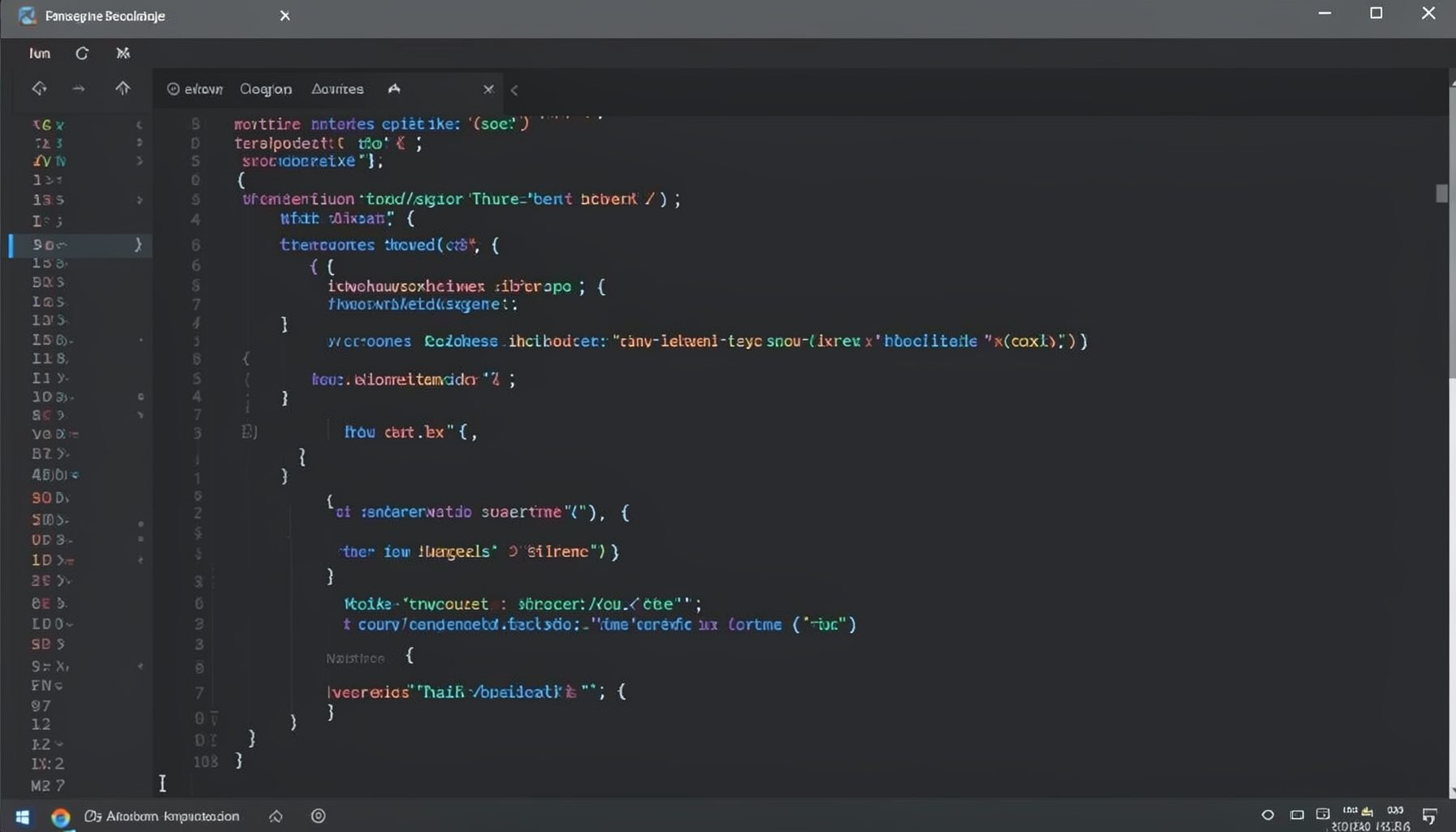
Screen-cast 1: Tab Mode, ECB & More
Covers tab-mode, ECB, Magik Smeller, code folding, visual bookmarks, pragma toggling, moving code, external editor, and MS Explorer.
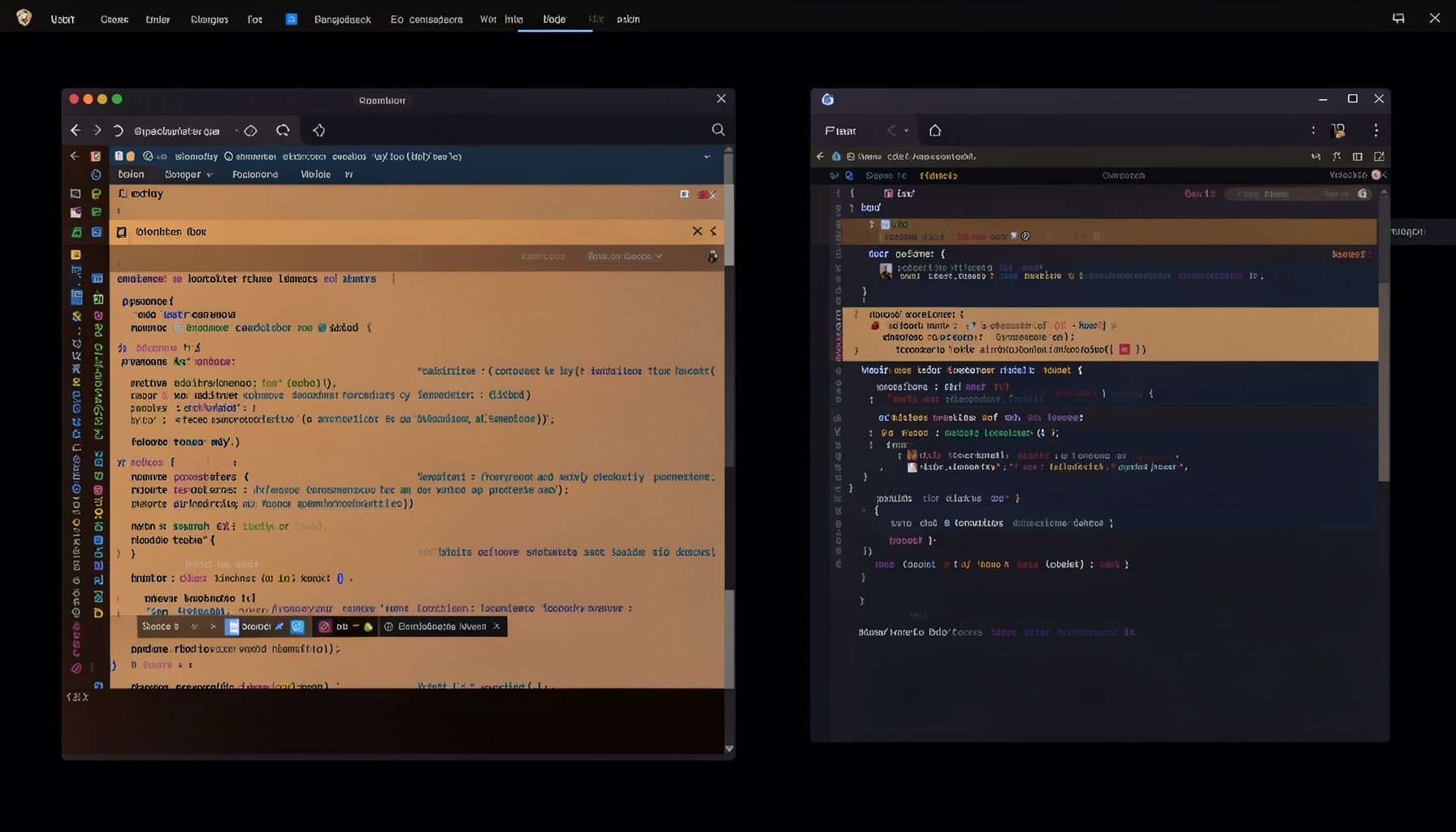
Screen-cast 5: Object Inspection & Deep Print
Inspect a Magik object, prompt for an expression evaluated within a Smallworld session, and display results in a Deep Print buffer.
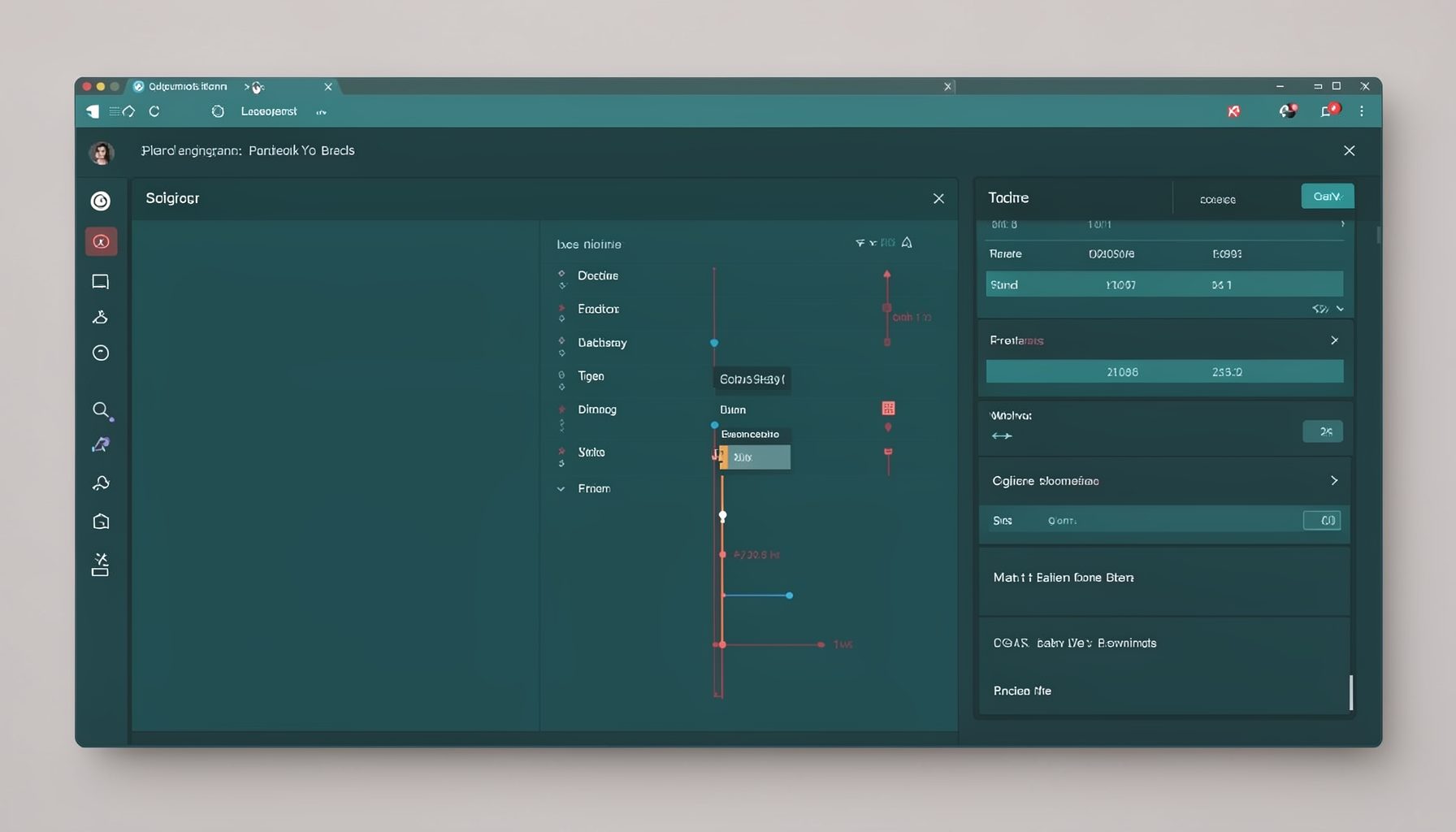
Screen-cast 7: Magik Debugger
Useful tools for application developers: Object Inspector and Magik Debugger with breakpoints and slot/variable monitoring.

Screen-cast 9: Tree Item GUI Control
Tree Item is a GUI control providing extensive facilities for displaying lists with rows, columns, trees, and in-place editing.