Emacs Extensions for
GE Smallworld Magik Development
Screen-casts, tutorials, and productivity tools for Magik programmers who use Emacs. From tab-mode and code folding to the Magik Debugger and object inspector — explore features built by a developer, for developers.
Learn MoreNine screen-casts published between November 2010 and January 2011 — covering everything from ECB mode to the Tree Item GUI control. Read the story behind the project →
Get in Touch
Magik session variables in Emacs
Magik code often relies on state that exists outside an individual method. A session variable may hold a feature flag, the current processing mode, a reference to an object, or configuration inherited from another package. These values are easy to overlook because they do not always appear among the locals and parameters visible in the method being edited.
Emacs is particularly useful for understanding that hidden state. It can keep source, runtime notes, compiler output, and debugging observations together without replacing the Smallworld tools used to inspect a live application. Good navigation, code folding, search, and disciplined buffer management turn scattered runtime information into a workflow developers can reproduce.
This matters to Australian Smallworld teams working across Perth, Melbourne, Sydney, and Brisbane. Mining, utilities, and geospatial projects often divide application ownership geographically, with morning hand-overs and long-running support sessions. Daylight-saving changes also affect timestamped logs and scheduled checks, making clear lifecycle rules especially valuable.
The safest approach is to treat runtime values as observable facts rather than permanent configuration. Inspect them, identify their owner and reset conditions, make changes through a controlled process, and verify the result. Emacs can support every stage while keeping the Smallworld application as the authoritative runtime.
Understand the lifetime and scope
The phrase session variable can cover two related ideas in Magik. One is a user-defined runtime value whose lifetime is tied to the active Smallworld session. Another is an ambient value describing the current execution context, such as the current method, context, or package in releases that expose them under those names.
User-defined session values differ from method locals. A _local disappears when its method returns, while a session value can remain available to later calls during the same application session. It is still ordinarily transient: restarting Smallworld or reloading the relevant environment may clear it unless the value has also been promoted to persistent application state.
A session variable is also distinct from an object property or database record. Properties belong to objects and participate in the model’s persistence and transaction rules. Session values sit outside that durable structure, which makes them convenient for temporary decisions but unsuitable for business data that must survive a restart. Exact declarations and accessors vary between Smallworld releases, so the package documentation remains authoritative.
Before changing any value, establish who owns it. Some variables belong to a package, context, or development tool; others are exposed for observation only. Record that ownership beside the name. It prevents one developer from resetting a value that another team deliberately maintains and gives the next support shift a useful starting point.
Prepare a reliable Emacs setup
Enable Magik mode for each relevant buffer using the command provided by your installed extension, commonly M-x magik-mode. Then spend a few minutes learning the release-specific bindings for indentation, folding, and navigation. M-x describe-key and M-x find-function are dependable ways to inspect commands without relying on an outdated cheat sheet.
Organise the project so source files, generated code, logs, and temporary notes have distinct locations. Keep authoritative Magik files under version control, while placing copied runtime values in a scratch buffer or clearly named working file. Large methods benefit from folding, but saved folds should complement rather than replace a sensible source structure.
Make buffer hygiene part of the routine. Save source changes deliberately, review compilation output in compilation-mode, and avoid placing customer records, credentials, or unrestricted runtime dumps in an Emacs initialisation file. An Emacs session often lives much longer than a Smallworld process, so anything copied into it may outlive the environment that produced it.
Inspect values beside the source
Use the supported Smallworld browser, inspector, or command facility to obtain the live value. Record the variable name, current value, type, owning context or package, and whether it can be changed. Capture the observation time as well, preferably in UTC with the local offset. Those few details turn an isolated value into evidence another developer can interpret later.
Compare the runtime observation with the source in Emacs. M-x occur can locate references across a project, while M-x rectangle-edit can help with carefully reviewed bulk renames. Compiler messages then show whether a change introduced a naming or type problem. Keep the search results in a dedicated buffer so the path from evidence to source remains visible.
Runtime values frequently contain references rather than simple copies. A reference may remain valid after the underlying object changes, or it may become stale when the Smallworld process restarts. Avoid assuming that an Emacs buffer contains a durable snapshot. If the recorded information includes operator names, customer identifiers, location data, or linked records, apply the Privacy Act 1988 and relevant Australian Privacy Principles before retaining or sharing it.
Control changes across the session
Choose the correct persistence level before editing. A runtime value is suitable for a temporary experiment or a short-lived operational decision. A default belongs in controlled package code, with an explicit override mechanism. Data that must survive restarts, follow object ownership, and participate in transactional processing belongs in the Smallworld model rather than in session state.
Use a repeatable change cycle. Record the existing value, edit the authoritative source, compile and test it, refresh or restart the controlled session, and inspect the result again. Avoid making an undocumented change directly in a live environment. A value that appears to work after a manual reset may behave differently during startup, package loading, or a transaction boundary.
Give every managed variable a reset rule. State whether it is cleared at connection time, package reload, process restart, or the beginning of a named operation. Include the owning team and an escalation contact in the same note. Consistent naming across contexts also reduces collisions, particularly when developers work on systems inherited from several consulting engagements.
Make timing and debugging predictable
Emacs timers and Smallworld session lifetimes are separate systems. Scheduling a callback in Emacs does not keep the Smallworld application alive, and restarting Smallworld does not necessarily cancel work running inside Emacs. The relationship between a timer, its callback, and the process that owns it is explained in timer lifecycle notes.
Emacs Lisp provides run-at-time, cancel-timer, and timer-list for scheduled work and inspection. Use them for local reminders, polling, and cleanup routines, but ensure each timer has an owner and a cancellation condition. A useful timer records what it observed, what action it took, and whether that action completed before the Smallworld process or connection ended.
Australian daylight saving adds another consideration. Under current arrangements, clocks move on the first Sunday in October and the first Sunday in April, changing between AEST and AEDT in the eastern states. A long-running session that crosses that boundary can contain two correct local timestamps with different offsets. Store UTC timestamps for comparison and include the zone identifier when recording Australian local time.
Keep timing diagnostics in a dedicated log buffer and clean them up when the associated work finishes. Pair timer output with compiler and debugger observations so a delayed value can be traced through method calls. The objective is not simply more logging; it is a short, trustworthy path from a changed variable to the observed behaviour.
Put the workflow into practice
Create an inventory of the variables that affect development, testing, or support. Separate user-defined runtime values from ambient context values, mark each one as readable, writable, or read-only, and identify who controls it. Store the inventory beside the project documentation, then connect each entry to its source location and Smallworld inspection method.
Turn the inventory into a short runbook that another developer can follow during a handover. Include how to observe the value, how to reset it, which environment is safe for testing, and what evidence confirms success. For distributed teams, standard UTC timestamps and Australian English descriptions make notes easier to compare across offices and field operations.
Begin with the installation notes, examples, and extension downloads at Magik Emacs resources, then apply the workflow to one controlled session. Install the documented package, inspect one non-production environment, and record the owner, reset rule, and verification step for every variable you intend to manage.
Core Features
Tab Mode & ECB
Quick tab switching and Emacs Code Browsing mode for navigating Magik codebases efficiently.
Magik Smeller
Code analysis tool that helps identify potential issues in Magik source files.
Code Folding
Hide/Show mode for collapsing and expanding Magik code blocks to focus on what matters.
Visual Bookmarks
Quick visual bookmarks for jumping between key locations in your Smallworld session buffers.
Object Inspector
Inspect Magik objects and display them in an Emacs Deep Print buffer for detailed examination.
Magik Debugger
Set breakpoints and monitor slots and variables directly from within Emacs.
Development Tools
Direct links between Emacs and the Smallworld Development Tools application, including Click Monitor.
Screen-casts & Tutorials
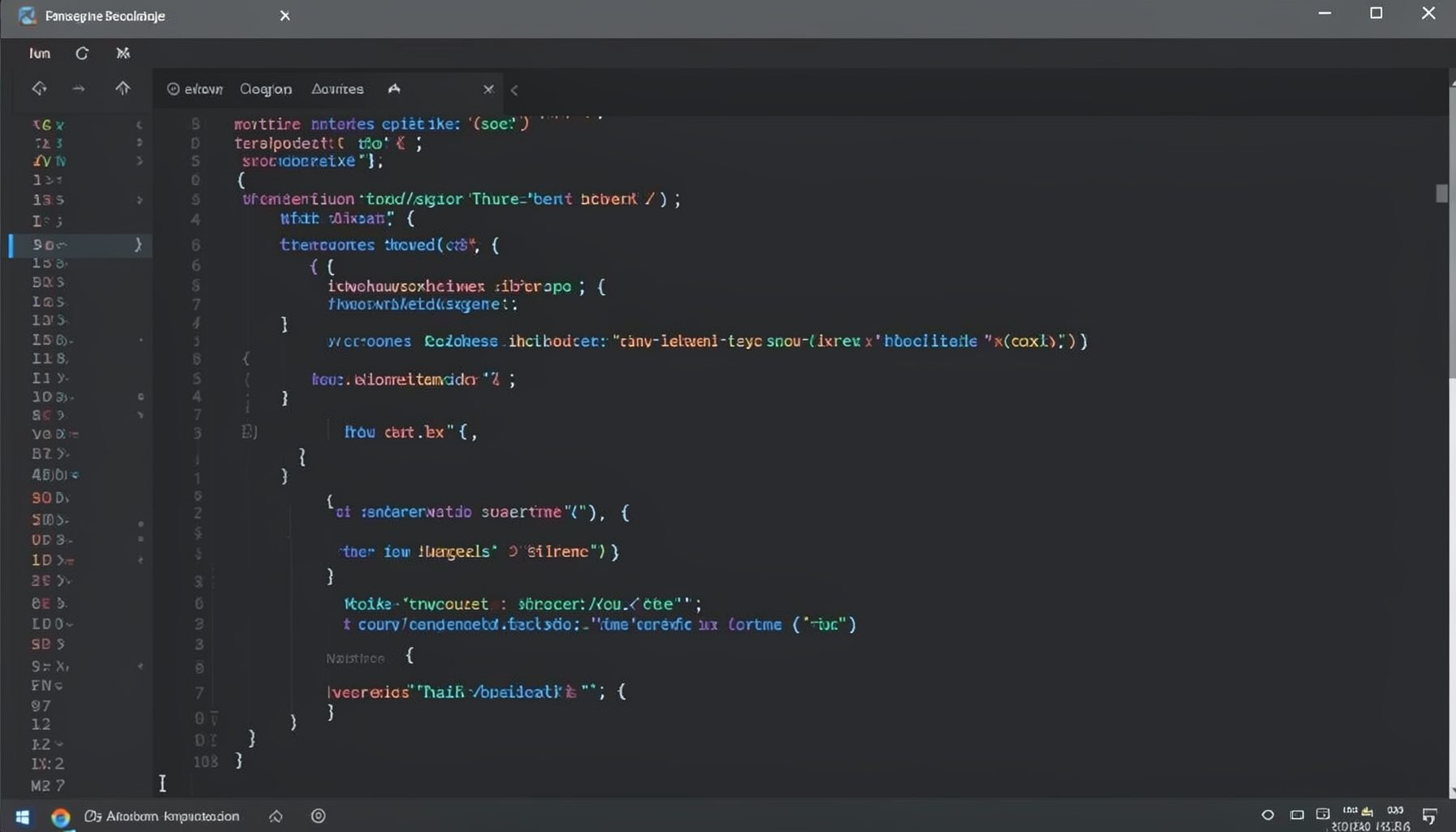
Screen-cast 1: Tab Mode, ECB & More
Covers tab-mode, ECB, Magik Smeller, code folding, visual bookmarks, pragma toggling, moving code, external editor, and MS Explorer.
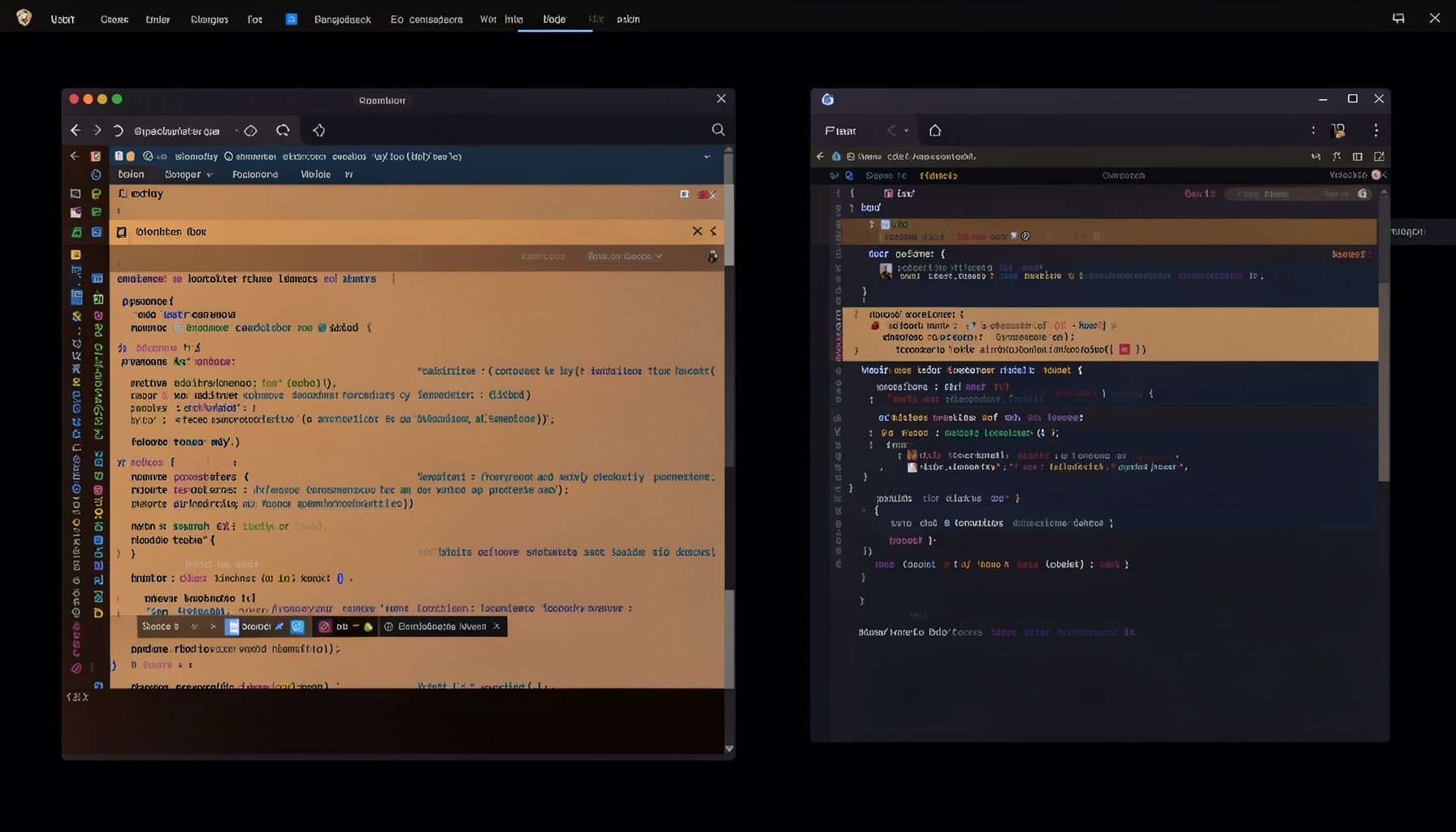
Screen-cast 5: Object Inspection & Deep Print
Inspect a Magik object, prompt for an expression evaluated within a Smallworld session, and display results in a Deep Print buffer.
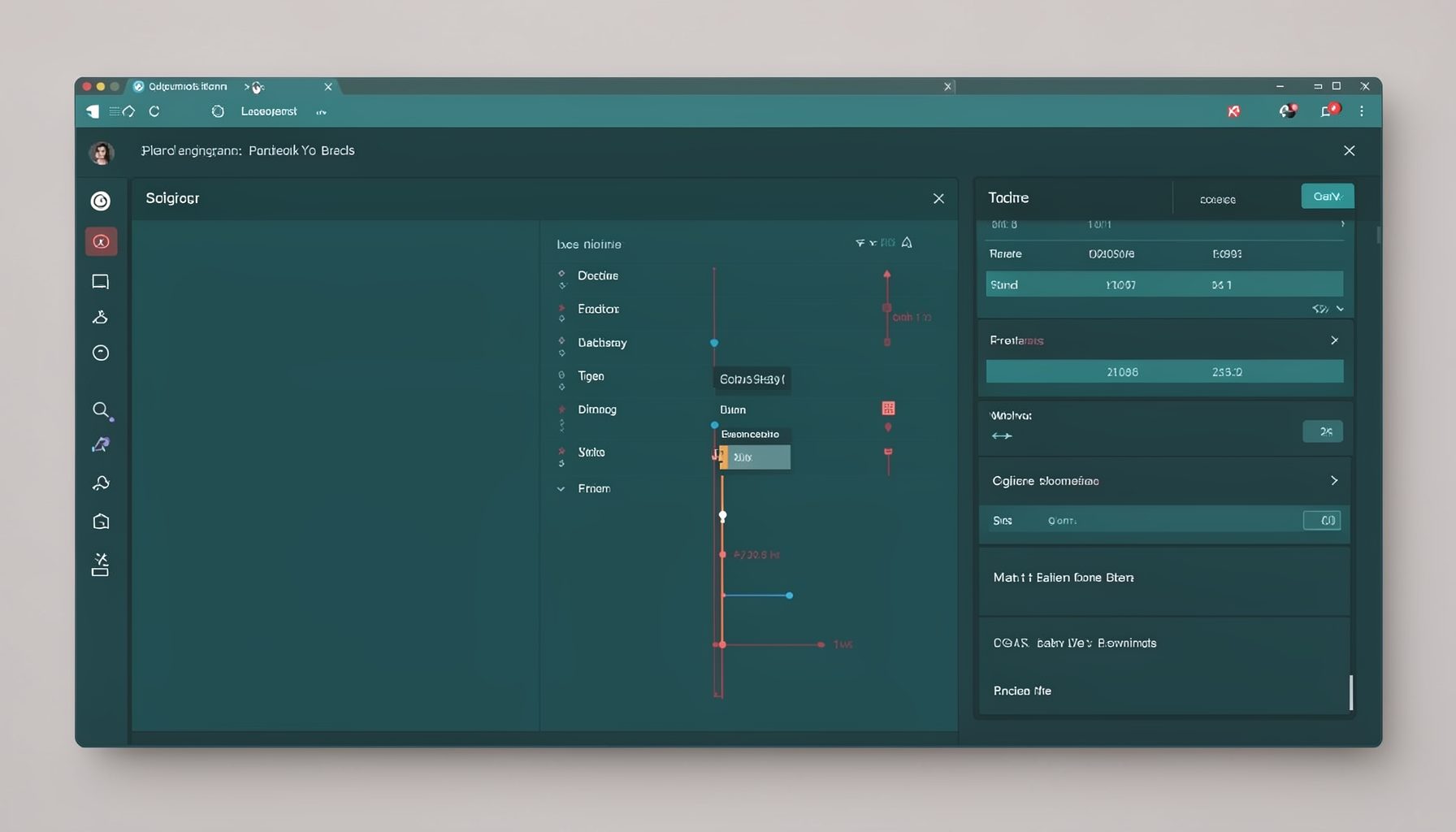
Screen-cast 7: Magik Debugger
Useful tools for application developers: Object Inspector and Magik Debugger with breakpoints and slot/variable monitoring.

Screen-cast 9: Tree Item GUI Control
Tree Item is a GUI control providing extensive facilities for displaying lists with rows, columns, trees, and in-place editing.