Emacs Extensions for
GE Smallworld Magik Development
Screen-casts, tutorials, and productivity tools for Magik programmers who use Emacs. From tab-mode and code folding to the Magik Debugger and object inspector — explore features built by a developer, for developers.
Learn MoreNine screen-casts published between November 2010 and January 2011 — covering everything from ECB mode to the Tree Item GUI control. Read the story behind the project →
Get in Touch
Magik’s slime-like interface: a Comint-based REPL for Emacs
Smallworld developers often spend more time moving between Magik source files, a terminal and a debugger than reading the method they are changing. A REPL inside Emacs shortens that path. The useful idea is not to reproduce every feature of SLIME, but to give Magik a dependable read-eval-print loop with familiar evaluation, output and navigation commands.
The approach fits Smallworld’s object-oriented Magik well. A Comint subprocess receives selected expressions, returns their output and stays alive for the next experiment. Small evaluations with collections, transactions and runtime objects then feel continuous rather than like separate script launches.
It also suits technical teams that already depend on their editor. Emacs can keep Magik source, the evaluator transcript, object inspection and method lookup in one frame, while the persistent process preserves state between evaluations. The result is lighter than a full language server, yet more convenient than repeatedly opening terminals.
How Comint changes the Magik workflow
Comint is Emacs’s standard interface to interactive command-line programs. It opens a buffer, connects it to a subprocess through pipes and uses a process filter to divide incoming text into prompts and output. The same machinery handles shells, version-control commands and database clients, so Magik can join tools that Emacs users already know.
Evaluation follows a compact cycle. Emacs sends a region of Magik code to the running interpreter, the interpreter prints values or reports an error, and Comint appends the response to the transcript. The process remains available, so the next expression can use variables and objects created by the previous one.
A basic live session needs Comint, a Magik-aware editing mode and an executable path. A fuller slime-like layer adds conventions around those foundations. Source buffers can send selections, output can be marked and copied, and a project-wide index can lead back to definitions. Full SLIME integration, with language-specific debugger and completion protocols, remains a larger job and should not be confused with a working Comint session.
Starting a dependable Magik process
Begin with an interpreter you can start from a terminal. On a Smallworld development workstation, check the executable path, runtime packages and environment expected by your installation. Keep these details local to the workstation: another developer’s shell may inherit different paths, licence settings or database configuration.
This minimal launcher accepts an executable path and any arguments required by the local installation:
(require 'comint)

(defvar magik-program "magik"
  "Magik executable used by the Comint session.")

(defvar magik-program-arguments nil
  "Command-line arguments required by this Magik installation.")

(defvar magik-repl-buffer nil
  "Buffer running the active Magik REPL.")

(defun magik-repl ()
  "Start Magik in a Comint buffer."
  (interactive)
  (let ((buffer (apply #'make-comint
                       "magik" magik-program nil
                       magik-program-arguments)))
    (switch-to-buffer buffer)
    (setq magik-repl-buffer buffer)
    buffer))
Replace the default with the path verified in your terminal, using forward slashes for a Windows path so Emacs Lisp does not treat backslashes as escape characters.
Comint needs to recognise the interpreter’s prompt before it can identify a completed command. Set comint-prompt-regexp in the REPL buffer to match the actual prompt, including its version-specific prefix. A narrow expression matters: if echoed input looks like a prompt, Emacs may appear to hang while Magik is simply waiting for another expression.
Evaluating Magik code inside Emacs
Give the Magik source mode a predictable send command. The Comint buffer already supports evaluation, but a source buffer needs a bridge to the process holding the REPL. Bind a key to comint-send-input, passing the selected text and a newline rather than evaluating the source as Emacs Lisp.
(defun magik-send-region (start end)
  "Send selected Magik source to the active REPL."
  (interactive "r")
  (unless magik-repl-buffer
    (user-error "Start the Magik REPL first"))
  (let ((process (get-buffer-process magik-repl-buffer)))
    (unless process
      (user-error "The Magik process has exited"))
    (comint-send-input process
                     (concat (buffer-substring-no-properties start end)
                             "\n"))))
This keeps the command explicit and checks that the interpreter is still alive. Restrict the binding to the Magik editing mode, where C-c C-c is a natural fit, and leave the REPL buffer’s own bindings intact. The selected method can then be tested without copying it into a terminal by hand.
Send definitions separately from exploratory expressions. A method or procedure must be complete before evaluation, while a small expression can use the state already loaded in the interpreter. When an evaluation blocks, the Comint interrupt command stops it; read the error in the transcript, adjust the source and resend only the changed region.
Reading output and controlling the session
The Comint buffer is more than a console that scrolls away. Its transcript preserves prompts, sent expressions, printed values and exceptions in the order they occurred. Mark an output region, copy it into a bug report, or save the whole buffer as a reproducible record for a colleague working on the same Smallworld estate.
Output controls help when a noisy procedure floods the buffer. Hide the output while reviewing source, reveal it when an explanation is needed, and use prompt history to revisit earlier exchanges. Preserve the distinction between input and output: Comint normally adds markers, so copying a clean result does not require deleting the echoed command.
Repeated output also needs stable identifiers. A related Windows example in window message registration explains why unique values distinguish fresh notifications from duplicates. Magik itself has its own object and event semantics, but the lesson carries across: do not treat every repeated line as a new occurrence.
Inspecting objects and debugging failures
Object inspection is where a live session earns its keep. Magik runtime facilities, including sw:object_viewer where supported, can expose a Smallworld object’s state without ending the evaluation. Inspect a collection, check a model value and return to the REPL with the interpreter still warm. A separate Emacs inspector can hold the view while source remains visible.
Debugging needs more than printing a stack trace. Use the debugger supplied with your Smallworld release, or the debugger integration supplied by a Magik Emacs package, to set a breakpoint, inspect frames and resume execution. A plain Comint process can report errors, but it does not automatically provide the structured stepping controls that make SLIME-style debugging possible.
Tracing can fill the transcript quickly, so scope it to the procedure under investigation. Capture relevant values, method names and collection sizes, then stop the trace. For production-like cases, work against a development copy of the database and avoid logging records that would expose customer information. The same discipline applies to debugger windows and saved transcripts.
Navigating methods and folding source
Method navigation should use the project’s source, not a guess based on buffer names. A Magik-mode imenu expression can list methods and procedures, while M-x grep or M-x rg can search for a definition across the Smallworld application. For a known method name, a pattern such as method.*collection_view often gives a quicker result than opening folders one by one.
Code folding provides the complementary view. Collapse package, method and procedure blocks, then open the relevant branch when tracing a call. A useful default keeps the current method visible while folding surrounding definitions. Folding changes only the display; it must never alter which source is sent to the interpreter.
Use project.el to define the application root, and keep generated files, database artefacts and downloaded dependencies out of searches. This stops a copied method from overshadowing the authoritative definition. Keep the project root, Smallworld release and Magik package list together; a search result without that context can send a developer down the wrong branch.
Turning the REPL into a practical Australian workflow
Australian teams can make the session easier to hand over by recording the Smallworld release, loaded Magik packages, selected command and result. In a Melbourne consultancy, pairing at a table in a laneway office might produce the same transcript that a Sydney CBD support group picks up the following morning. Keep the note precise: “arvo” may mean the afternoon, but only a timestamp settles which deployment is meant.
The same habit works for a Brisbane client whose Smallworld estate is maintained through fly-in consulting, with Perth engineers joining remotely. Record timestamps in AWST or AEST/AEDT, including the UTC offset, rather than writing “local time”. Perth does not change its clocks for daylight saving, so a copied log can otherwise suggest that an evaluation happened hours earlier or later than it did.
For trans-Tasman projects, Auckland colleagues may join a reproduction call while watching the same Comint transcript. Agree on one reference clock and save the transcript after each meaningful result. Working this way avoids rewriting an arvo note to explain an overnight failure, and gives both sides a record that survives a time-zone change.
Keep customer data out of wide shared transcripts, use a development copy of the Smallworld database, and give the Comint process the minimum environment it needs. Install one verified Emacs configuration, test it against a known Magik method, and document the startup path for the team. HydePark Consulting can then help with a workshop, configuration review and a consistent rollout for Magik developers.
Core Features
Tab Mode & ECB
Quick tab switching and Emacs Code Browsing mode for navigating Magik codebases efficiently.
Magik Smeller
Code analysis tool that helps identify potential issues in Magik source files.
Code Folding
Hide/Show mode for collapsing and expanding Magik code blocks to focus on what matters.
Visual Bookmarks
Quick visual bookmarks for jumping between key locations in your Smallworld session buffers.
Object Inspector
Inspect Magik objects and display them in an Emacs Deep Print buffer for detailed examination.
Magik Debugger
Set breakpoints and monitor slots and variables directly from within Emacs.
Development Tools
Direct links between Emacs and the Smallworld Development Tools application, including Click Monitor.
Screen-casts & Tutorials
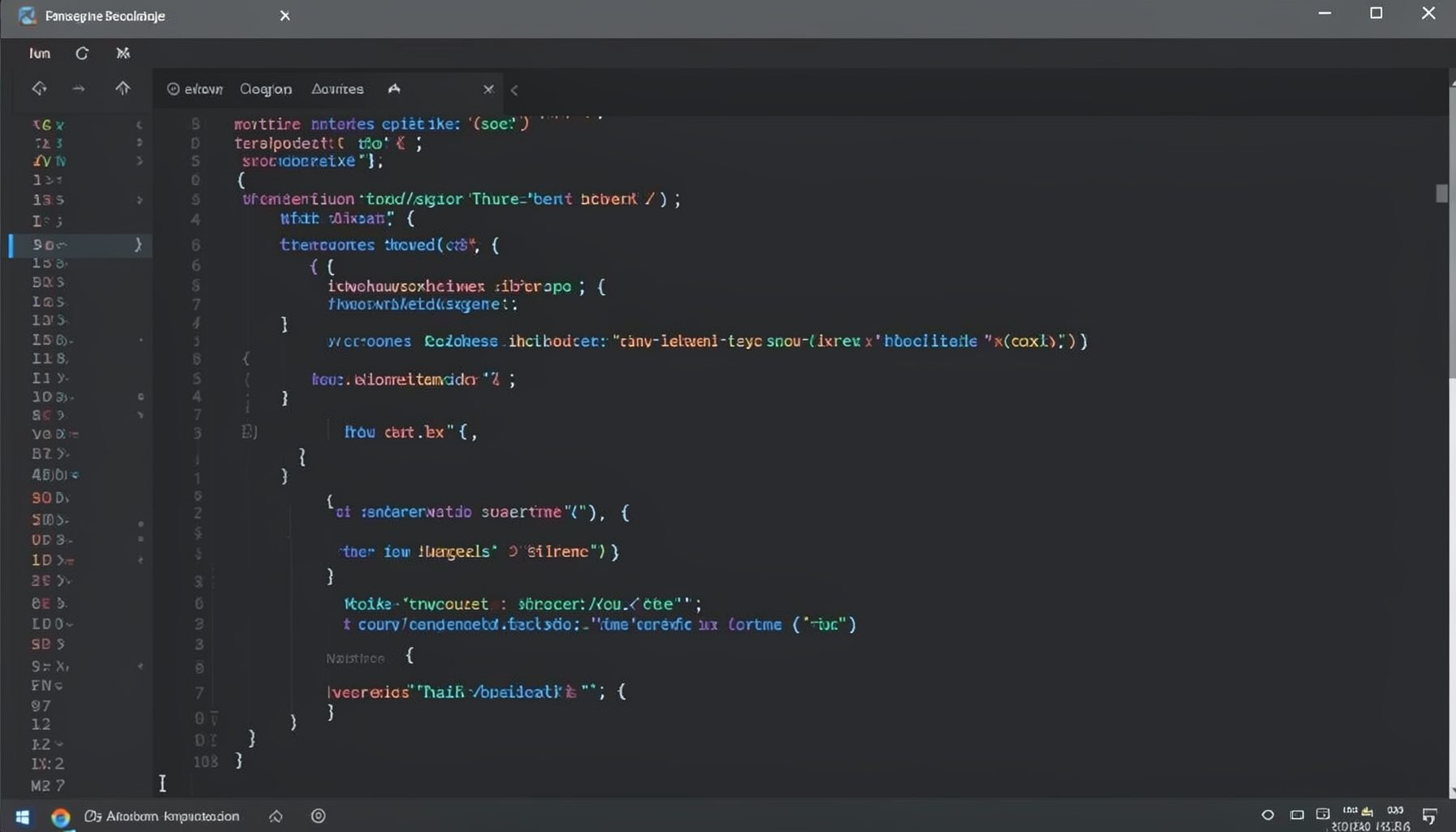
Screen-cast 1: Tab Mode, ECB & More
Covers tab-mode, ECB, Magik Smeller, code folding, visual bookmarks, pragma toggling, moving code, external editor, and MS Explorer.
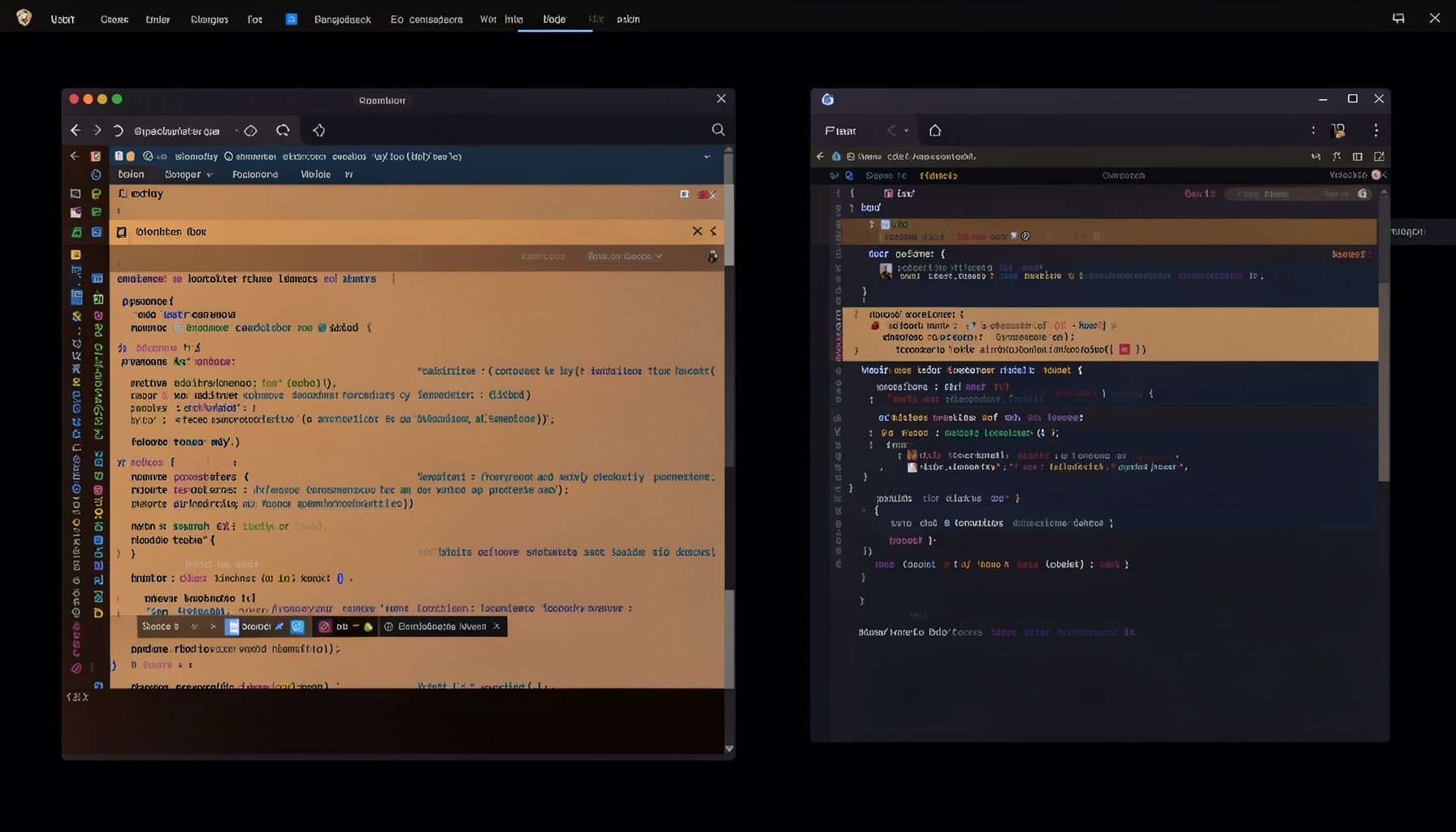
Screen-cast 5: Object Inspection & Deep Print
Inspect a Magik object, prompt for an expression evaluated within a Smallworld session, and display results in a Deep Print buffer.
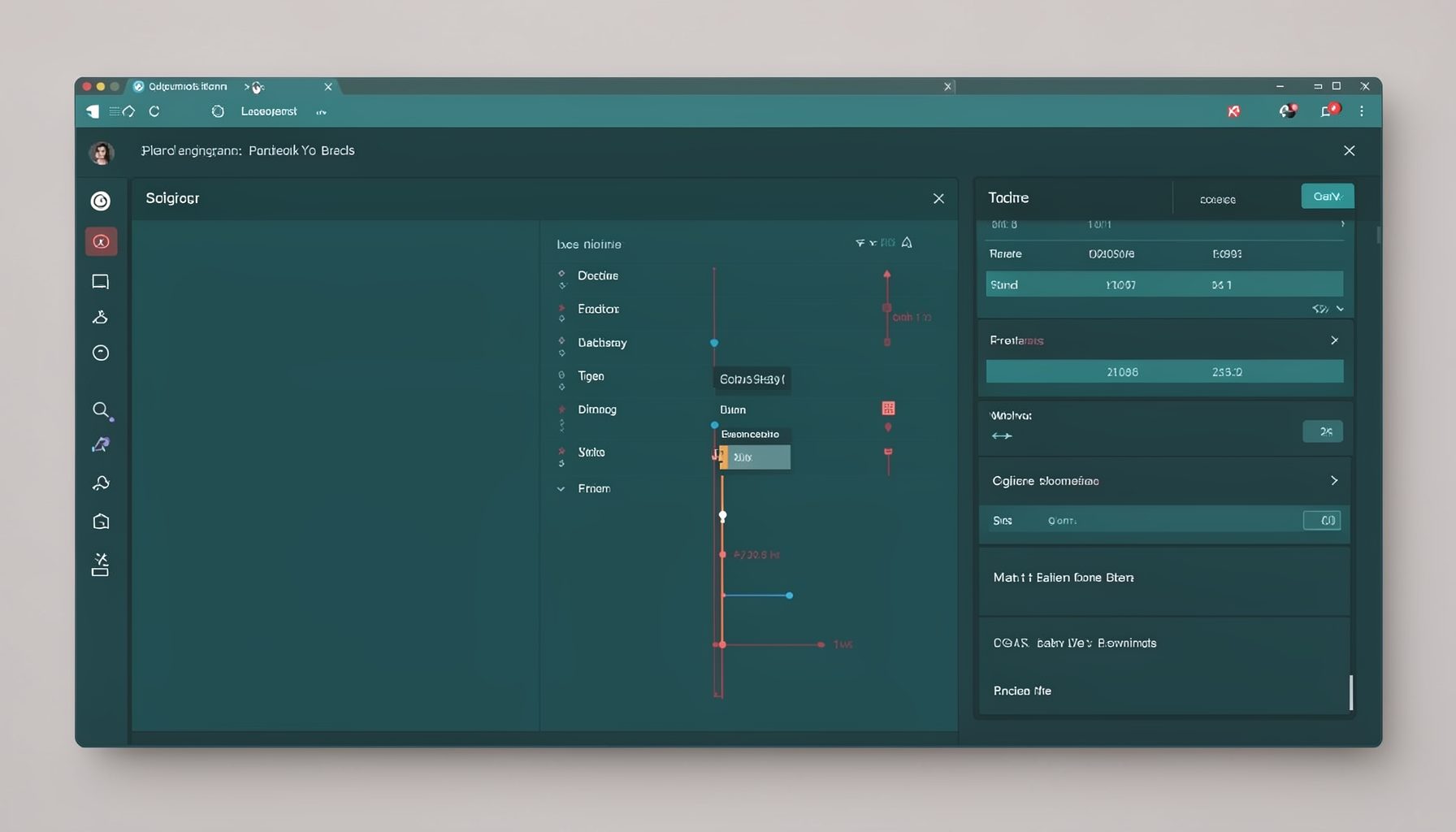
Screen-cast 7: Magik Debugger
Useful tools for application developers: Object Inspector and Magik Debugger with breakpoints and slot/variable monitoring.

Screen-cast 9: Tree Item GUI Control
Tree Item is a GUI control providing extensive facilities for displaying lists with rows, columns, trees, and in-place editing.