Emacs Extensions for
GE Smallworld Magik Development
Screen-casts, tutorials, and productivity tools for Magik programmers who use Emacs. From tab-mode and code folding to the Magik Debugger and object inspector — explore features built by a developer, for developers.
Learn MoreNine screen-casts published between November 2010 and January 2011 — covering everything from ECB mode to the Tree Item GUI control. Read the story behind the project →
Get in Touch
Running Magik Swamp Tests Through Emacs Compile
Magik developers often spend as much time moving between a test runner, source buffers and the Smallworld environment as they do writing assertions. Emacs can bring those activities together by using its built-in compile command as the front end for Swamp, Magik’s testing framework. Test output becomes a navigable compilation buffer, while failures can lead directly to the relevant method and line.
This approach suits teams maintaining long-lived Smallworld applications, where a test command may need a particular image, session, module path or database connection. It also works well for consultants moving between client environments. A developer in Melbourne, Brisbane or Perth can keep the same Emacs workflow while changing only the project-specific launcher and runtime settings.
| Approach | Strengths | Limitations | Suitable Use |
|---|---|---|---|
Emacs compile with Swamp |
Fast feedback, clickable errors, familiar buffers | Requires consistent output and command setup | Daily development |
| Running Swamp inside Smallworld | Access to the complete live image and interactive objects | Less convenient navigation and repeatability | Exploratory debugging |
| Shell script or CI runner | Reproducible automation and scheduled checks | Often less immediate for a developer | Team and release validation |
| Dedicated web test tools | Useful for browser and service behaviour | Does not replace Magik unit tests | End-to-end integration |
Why Compile Works Well With Swamp
Emacs’ compile command is more than a way to run a compiler. It starts an external process, captures standard output and error messages, and displays them in compilation-mode. When the output contains a recognisable file name and line number, next-error can visit the source location. That model maps neatly to a Swamp test run.
A normal workflow is simple: edit a Magik method, run the test command, inspect the first failure, and press M-g n or use next-error to move through the reported problems. The compilation buffer remains separate from the source buffer, so test output can be retained while code is changed and rerun.
The important distinction is that compile does not know anything about Magik or Swamp. It treats the runner as an external command. Swamp supplies the test discovery, fixtures, assertions and result reporting; Emacs supplies process control, history and navigation. Keeping those responsibilities separate makes the setup easier to maintain.
For teams that also test browser-facing applications, a related tool such as web test tooling may cover a different layer of the system. Swamp remains the appropriate place for Magik object behaviour, collection handling and domain rules.
Preparing A Reliable Test Command
Start by identifying the command that succeeds outside Emacs. Depending on the Swamp installation and project conventions, this may be a wrapper script, a Smallworld launcher, or a project command such as swamp test. Run it from the project directory and confirm that it returns a non-zero exit status when a test fails. That exit status allows Emacs and continuous integration systems to distinguish a passing run from a broken one.
A project-specific script is often safer than placing a long command directly in Emacs. It can set the Smallworld installation, load paths, image name, licence details and database environment in one location. A simplified shell wrapper might expose commands such as:
#!/bin/sh
exec swamp test "$@"
The real wrapper may need to start a Magik session, load a bootstrap file and invoke the Swamp suite runner. The exact arrangement varies between Smallworld releases and client deployments, so the key objective is a repeatable command with predictable output rather than a particular filename.
In Emacs, M-x compile prompts for a command and remembers the previous value. For a project that always uses the same runner, set compile-command in a directory-local file or project configuration:
(setq-local compile-command "swamp test")
If the command must be launched from a different directory, use an explicit project root or a wrapper that changes directory before starting. This matters when Magik searches relative paths for modules, test data or configuration files.
Making Failure Output Clickable
The quality of the Emacs experience depends on Swamp reporting failures in a stable format. An output line such as roads.magik:87: expected 3, got 4 is far more useful than a message that prints only a method name. A file path, line number and concise failure description give compilation-mode enough information to support direct navigation.
Many standard compiler formats are recognised automatically. If the Swamp runner uses a different form, Emacs can be taught to parse it through compilation-error-regexp-alist. A custom entry can match a Magik filename followed by a line number, then identify the filename and line capture groups for navigation. Keep the expression narrow enough that ordinary assertion text is not mistaken for a source location.
For example, a project may emit:
tests/route_test.magik:42: route should contain the depot
The corresponding regular expression needs to capture tests/route_test.magik as the file and 42 as the line. If columns are available, capture those as well. Test the expression against real output in a scratch buffer before adding it to shared configuration; small differences in Windows paths, spaces or launcher prefixes can affect matching.
Once configured, use C-x `` to visit the next reported error or M-x next-errorto move through the list.M-x previous-error` is useful when returning to an earlier failure. This turns a large regression run into a sequence of source locations instead of a search through several hundred lines of terminal output.
Running Focused Suites During Development
A full Swamp run is valuable before merging, but it can be too slow for every edit. Most projects benefit from a command that accepts a suite, test class or pattern. The exact syntax depends on the Swamp runner, yet the Emacs pattern stays the same: place the focused command in compile-command, run it, and restore the broader command when the local change is stable.
You might use a directory-local command for a transport project and a temporary command for one test file. Emacs stores previous compile commands, so M-x compile followed by editing the command line is usually enough. A small interactive Lisp function can provide named commands for common groups:
(defun project-swamp-tests ()
  (interactive)
  (let ((compile-command "swamp test tests/route_test.magik"))
    (call-interactively #'compile)))
Use the project’s actual Swamp syntax in place of the example. The useful design principle is to keep focused tests close to the code being edited, while retaining a full suite command for broader validation.
Filtering can also be handled in the wrapper. For instance, a script might accept --suite, --file or a test name and translate that option into the appropriate Magik invocation. This avoids scattering client-specific runtime details across Emacs files and makes the same commands available to developers who use another editor.
Combining Compile With Magik Inspection
A failed assertion often needs more context than its source line provides. The expected and actual values may be collections, geometry objects, database records or application-specific instances. After next-error takes you to the assertion, use the usual Magik inspection facilities to examine those objects in the relevant image or debugging session.
This division is productive. Compile gives a fast, repeatable test result and points to the failure. Magik’s object inspection and debugger reveal why the result is wrong. For example, a collection assertion may report an incorrect size while the real defect is an unexpected unset, a duplicate record or a filter operating in the wrong coordinate system.
Keep test output readable. Swamp should report the test name, assertion message and useful value summaries without dumping an entire object graph by default. Excessive output makes the first meaningful failure harder to find and can slow down both Emacs and the underlying Smallworld session.
When a test depends on a database, document the required fixture and connection state in the project wrapper. This is particularly important for Australian consulting teams supporting clients across Sydney, Adelaide and remote sites. A test that passes on a developer’s workstation but silently uses a different dataset is more dangerous than a test that fails clearly at startup.
Sharing The Workflow Across A Team
Store Emacs configuration, Swamp wrappers and output conventions with the project where practical. A new developer should be able to clone the repository, select the correct Smallworld environment and run one familiar command. Directory-local variables can provide the default command without changing a developer’s global Emacs settings.
Client work often involves several Smallworld installations and restricted network environments. A wrapper can detect or accept the installation path, while local configuration supplies credentials and licence settings outside version control. Do not commit passwords, database tokens or machine-specific paths merely to make compile convenient.
The same command should run in continuous integration. A CI job can invoke the wrapper without Emacs, archive the Swamp output and fail the build when the exit status is non-zero. Developers still gain clickable local errors, while the team receives an independent check before a change reaches a shared environment.
Time zones deserve practical attention in distributed Australian teams. A Perth developer, a Brisbane developer and a Melbourne developer may all describe a late-afternoon run as “the arvo”, yet their build agents and database maintenance windows may operate on different schedules. Use explicit environment settings and avoid relying on local time when test fixtures, scheduled jobs or generated timestamps are involved.
A well-configured Swamp command turns Emacs into a focused Magik test console: launch the suite, read a precise failure, jump to its source, inspect the relevant object and rerun the smallest useful set. Add the wrapper and error format to your project conventions, then make the command available to every developer and CI job that maintains the codebase.
Core Features
Tab Mode & ECB
Quick tab switching and Emacs Code Browsing mode for navigating Magik codebases efficiently.
Magik Smeller
Code analysis tool that helps identify potential issues in Magik source files.
Code Folding
Hide/Show mode for collapsing and expanding Magik code blocks to focus on what matters.
Visual Bookmarks
Quick visual bookmarks for jumping between key locations in your Smallworld session buffers.
Object Inspector
Inspect Magik objects and display them in an Emacs Deep Print buffer for detailed examination.
Magik Debugger
Set breakpoints and monitor slots and variables directly from within Emacs.
Development Tools
Direct links between Emacs and the Smallworld Development Tools application, including Click Monitor.
Screen-casts & Tutorials
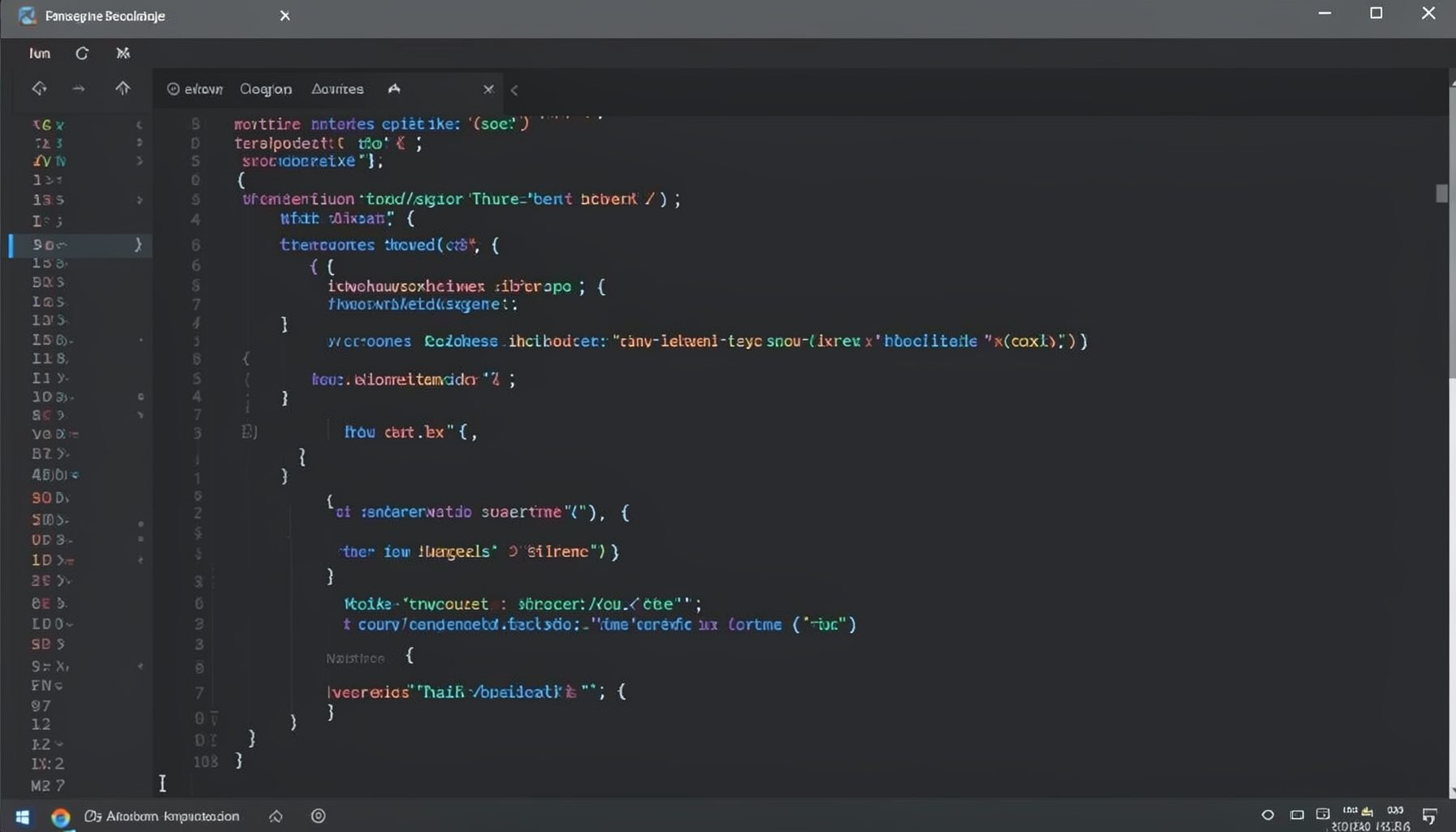
Screen-cast 1: Tab Mode, ECB & More
Covers tab-mode, ECB, Magik Smeller, code folding, visual bookmarks, pragma toggling, moving code, external editor, and MS Explorer.
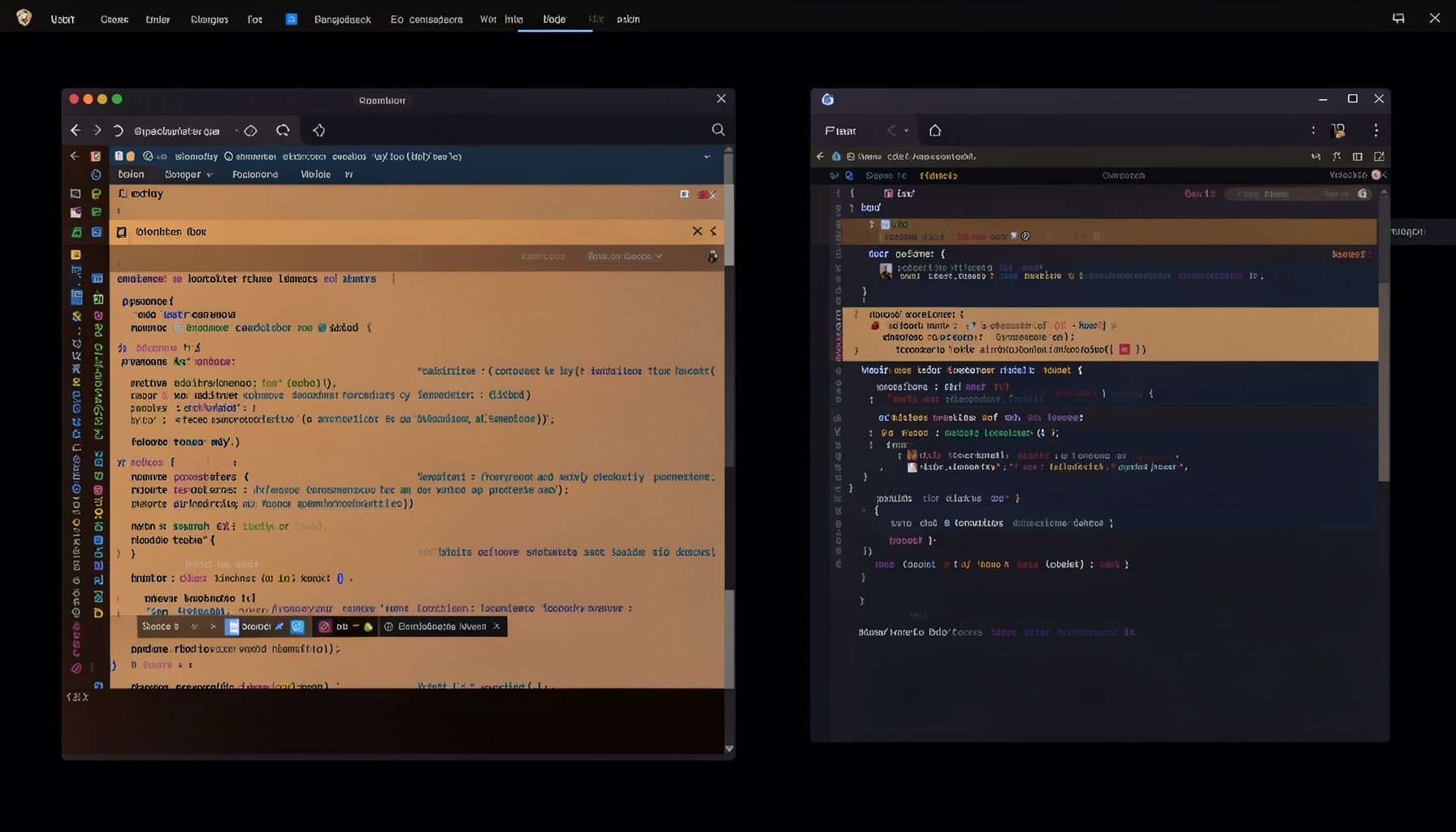
Screen-cast 5: Object Inspection & Deep Print
Inspect a Magik object, prompt for an expression evaluated within a Smallworld session, and display results in a Deep Print buffer.
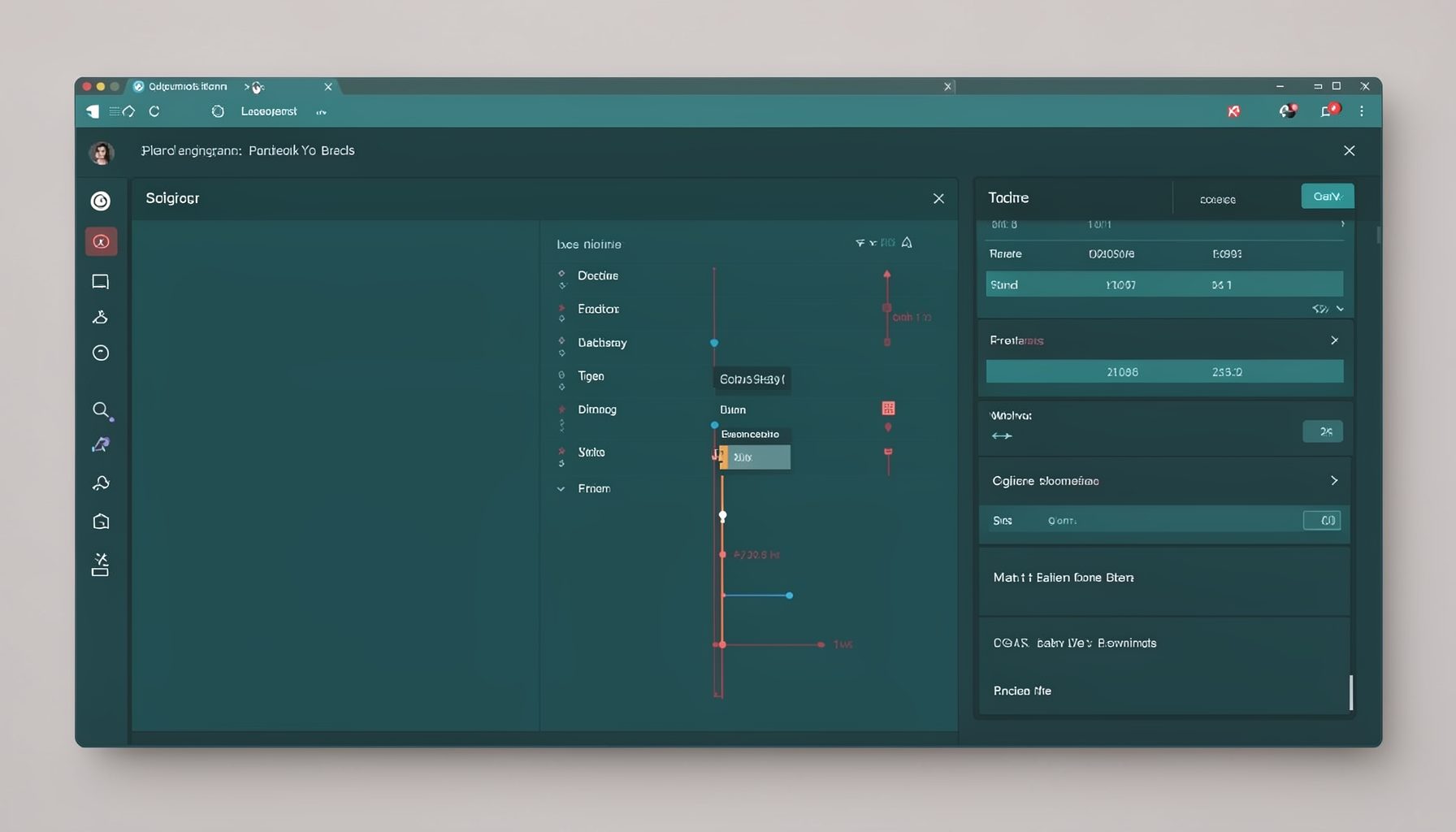
Screen-cast 7: Magik Debugger
Useful tools for application developers: Object Inspector and Magik Debugger with breakpoints and slot/variable monitoring.

Screen-cast 9: Tree Item GUI Control
Tree Item is a GUI control providing extensive facilities for displaying lists with rows, columns, trees, and in-place editing.