Emacs Extensions for
GE Smallworld Magik Development
Screen-casts, tutorials, and productivity tools for Magik programmers who use Emacs. From tab-mode and code folding to the Magik Debugger and object inspector — explore features built by a developer, for developers.
Learn MoreNine screen-casts published between November 2010 and January 2011 — covering everything from ECB mode to the Tree Item GUI control. Read the story behind the project →
Get in Touch
Navigating large Magik codebases with Emacs Projectile
Large Magik systems can become difficult to navigate long before they become difficult to edit. A Smallworld installation may contain product modules, customer-specific customisation, shared libraries, configuration files, generated artefacts and several historical layers of code. Finding the right method often means knowing which repository, package or application boundary contains it.
Emacs’ Projectile provides a practical project-navigation layer for this environment. It does not need to understand every Magik construct to be useful. By identifying project roots, indexing files and offering consistent commands for search, buffers and compilation, it helps Magik developers move through a large codebase with less reliance on directory memory.
| Need in a Magik project | Projectile feature | Useful result |
|---|---|---|
| Locate the correct repository | Project roots and project search paths | Switch between client and shared code quickly |
| Find a method or symbol | File search and text search | Search across modules without browsing folders |
| Reopen frequently used files | Project buffer and recent-file commands | Return to active Magik work quickly |
| Run project operations | Compile and test commands | Keep build or image workflows near the code |
| Separate unrelated systems | Project-specific configuration | Avoid mixing multiple Smallworld installations |
Treat each repository as a navigable workspace
Projectile works best when a project root represents a meaningful unit of work. In a Magik environment, that might be a customisation repository, a shared application library, or a complete Smallworld development tree. The root is usually identified by a version-control directory such as .git, though Projectile can also recognise configured directory markers.
A useful structure separates source code from generated output, temporary exports and local runtime files. If every directory under a customer installation is treated as one project, searches may become noisy and slow. Conversely, splitting tightly related modules into too many projects makes cross-module navigation awkward. Choose boundaries that match how the team checks out, reviews and deploys code.
Projectile’s project commands are commonly available through its prefix map, often C-c p. Commands such as projectile-find-file, projectile-switch-project and projectile-grep give the codebase a consistent interface. The exact key bindings can be changed, but keeping the workflow predictable matters more than using the defaults.
Configure roots for Smallworld development
Start by adding the directories that contain your Magik repositories to projectile-project-search-path. This allows projectile-switch-project to discover projects without manually visiting each directory. A developer working across Sydney and Melbourne client environments, for example, can keep separate local checkouts while using the same navigation commands for both.
A representative configuration might look like this:
(use-package projectile
  :ensure t
  :config
  (projectile-mode 1)
  (setq projectile-project-search-path
        '("~/work/magik/"
          "~/work/smallworld-custom/"
          "~/work/shared-libraries/"))
  (setq projectile-enable-caching t))
The directory names will vary, and a repository may contain several valid roots. Check that Projectile selects the intended marker before relying on project-wide search. projectile-project-root is useful for inspecting the active root, while projectile-invalidate-cache can refresh results after a major branch change or repository restructure.
Magik projects often include large data, build or runtime directories that do not belong in source searches. Add those paths to projectile-globally-ignored-directories or use project-local ignore files where appropriate. This reduces indexing time and prevents generated code from competing with the maintained source during searches.
Make method discovery faster
The central benefit of Projectile is reducing the distance between an idea and the file that implements it. projectile-find-file searches project files by name, so a developer can jump directly to a likely module rather than expanding several nested directories. This is especially effective when Magik naming conventions are regular across applications.
For method bodies and message sends, use projectile-grep or an Emacs search package such as grep, rgrep, consult-ripgrep or deadgrep. Search for a distinctive method name, class name, slot, constant or string. A Magik-specific extension may provide richer navigation, but Projectile still supplies the project-wide scope that makes those tools useful.
Projectile does not parse Magik syntax by itself. It is a project manager and file-navigation tool, rather than a Magik language server. That distinction prevents unrealistic expectations: use Magik-aware commands for method definitions and object inspection when available, then use Projectile to locate surrounding files, documentation and related implementations.
For teams maintaining older Smallworld code, search history can be as important as search speed. Similar method names may appear in different generations of an application. Narrow the search to a project first, then refine by directory, file extension or a distinctive call pattern. This is usually safer than searching an entire home directory containing several customer systems.
Use project buffers as working maps
Once a project has been identified, Projectile can show its known files and help build a focused working set. projectile-switch-to-buffer makes it easier to return to a Magik source buffer without remembering its path. This is useful when an investigation moves from a public method to a superclass, a data model and then a configuration file.
Emacs users can combine Projectile with buffer-management packages such as Ibuffer, consult-buffer or perspective-style workspaces. Give each client or application its own collection of buffers. A Brisbane development team supporting several deployments, for instance, can avoid accidentally editing a similarly named method in the wrong checkout by keeping project context visible in the workspace.
Project-specific commands also help with documentation. Keep design notes, change logs and deployment instructions inside the repository when the organisation permits it. Projectile can then find those files beside the Magik code. This makes operational knowledge easier to retrieve when a support issue arrives during an Australian business day and the original author is unavailable.
Avoid turning every open buffer into permanent clutter. Close or bury temporary log files, generated output and remote copies. The goal is a project view that reflects the code a developer actively maintains, rather than a record of every file opened since the last release.
Connect navigation with compilation and debugging
Navigation becomes substantially more valuable when it leads directly to a repeatable run command. Projectile can invoke project compilation through projectile-compile-project, using a command configured for the repository. In a Magik workflow, that command may launch an Emacs-integrated image operation, call a project script, or run a wrapper that prepares the correct Smallworld environment.
A generic configuration can provide a useful starting point:
(setq projectile-project-compilation-cmd
      "make magik-check")
The command should reflect the project’s real build process rather than forcing Magik into a conventional compiler model. Some teams load code into an image, run validation scripts, or use vendor-specific tools. Keep those details in a checked-in script where possible, so an engineer in Perth or Canberra can reproduce the same operation without relying on undocumented shell aliases.
Compilation errors often contain paths and line numbers that Emacs can visit directly. Configure compilation-error-regexp-alist if the project’s diagnostic format is not recognised. Once a failure becomes a clickable location, the cycle from run command to source file becomes much shorter.
Projectile will not replace Magik debugging facilities. Use the appropriate Emacs extension or Smallworld debugging workflow for breakpoints, object inspection and runtime state. Projectile’s role is to keep the relevant source, scripts and project context close at hand while that investigation takes place.
Keep multiple client systems safely separated
Australian consulting teams frequently work across public-sector, utilities, transport and resources clients, with separate repositories and release rules. The code may look similar across accounts while carrying materially different business assumptions. Projectile’s project identity gives Emacs an extra layer of context, but it cannot prevent every cross-project mistake.
Use clear local directory names and repository-specific settings. Project-local .dir-locals.el files can define compilation commands, Magik load paths or formatting preferences where that is appropriate for the team. Review such files before enabling them, particularly when repositories come from external clients or contain commands that modify an image or database.
A project-local ignore list is also valuable for protecting performance. Exclude image files, exports, vendor binaries, cache directories and large logs from searches. This matters on laptops used between offices, client sites and home networks, where repeated indexing can consume time and battery. It also keeps results focused on source that belongs in a code review.
Do not place credentials or customer-specific secrets in Emacs configuration. Store environment details in the approved secure mechanism and let project commands read them indirectly. Good navigation should reduce operational risk, not make sensitive settings easier to copy between unrelated repositories.
Extend Emacs around the Magik workflow
Projectile provides the foundation, while Magik-specific extensions add language and runtime knowledge. A developer may combine project switching with method navigation, code folding, indentation, object inspection and database or collection analysis. These capabilities work best when each tool has a defined responsibility instead of competing for the same key bindings.
Browse the available Emacs extensions when assembling a Magik-focused setup. An extension that understands Magik methods can handle language-aware actions, while Projectile can continue to manage roots, files, buffers and project commands. This division makes the overall configuration easier to maintain.
Use a small number of dependable shortcuts. For example, one prefix can cover project file search, text search, buffer switching and compilation, while Magik-specific keys handle method evaluation or inspection. Document those bindings in the repository or team wiki so new developers can become productive without memorising an elaborate private setup.
Performance deserves attention in large installations. Enable caching when repositories are stable, invalidate it after substantial file movement, and choose a fast search backend if the organisation allows it. Emacs packages such as which-key can display available Projectile commands, helping developers discover the workflow without interrupting a code investigation.
Build a repeatable navigation routine
A reliable routine begins by selecting the project before searching. Confirm the root, open the likely file with projectile-find-file, search for the method or message, and inspect related callers from the resulting buffers. If the code is loaded into a runtime image, use the Magik-aware tools to confirm that the source file matches the active definition.
When the change is ready, run the project compilation or validation command from the same Emacs environment. Visit failures through the compilation buffer, return to the relevant method, and repeat the narrowest useful check. This creates a short feedback loop without repeatedly switching between a shell, file manager and separate editor.
Teams can standardise this routine in onboarding material and repository documentation. Include the expected project root, ignored directories, compilation command, search backend and any Magik image requirements. That documentation is particularly helpful for distributed teams spanning Adelaide, Brisbane and regional offices, where local machine setups may differ.
Configure Projectile around the way your Magik systems are actually organised, then pair it with language-aware Emacs tools for execution and inspection. Add the roots, remove noisy directories, establish project commands and practise the workflow on a real maintenance task. A focused setup turns a sprawling Smallworld repository into a set of searchable, repeatable paths through the code.
Core Features
Tab Mode & ECB
Quick tab switching and Emacs Code Browsing mode for navigating Magik codebases efficiently.
Magik Smeller
Code analysis tool that helps identify potential issues in Magik source files.
Code Folding
Hide/Show mode for collapsing and expanding Magik code blocks to focus on what matters.
Visual Bookmarks
Quick visual bookmarks for jumping between key locations in your Smallworld session buffers.
Object Inspector
Inspect Magik objects and display them in an Emacs Deep Print buffer for detailed examination.
Magik Debugger
Set breakpoints and monitor slots and variables directly from within Emacs.
Development Tools
Direct links between Emacs and the Smallworld Development Tools application, including Click Monitor.
Screen-casts & Tutorials
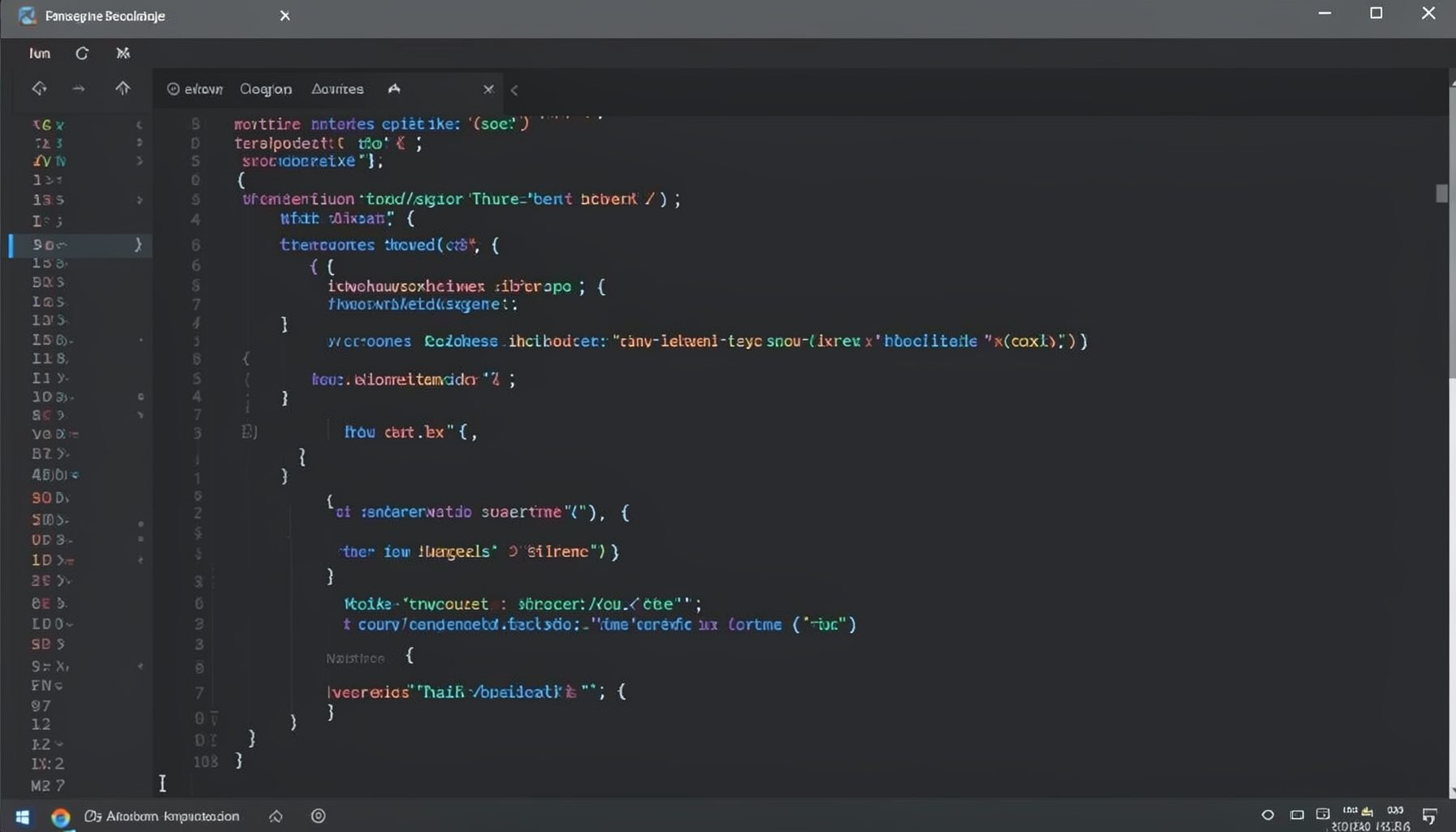
Screen-cast 1: Tab Mode, ECB & More
Covers tab-mode, ECB, Magik Smeller, code folding, visual bookmarks, pragma toggling, moving code, external editor, and MS Explorer.
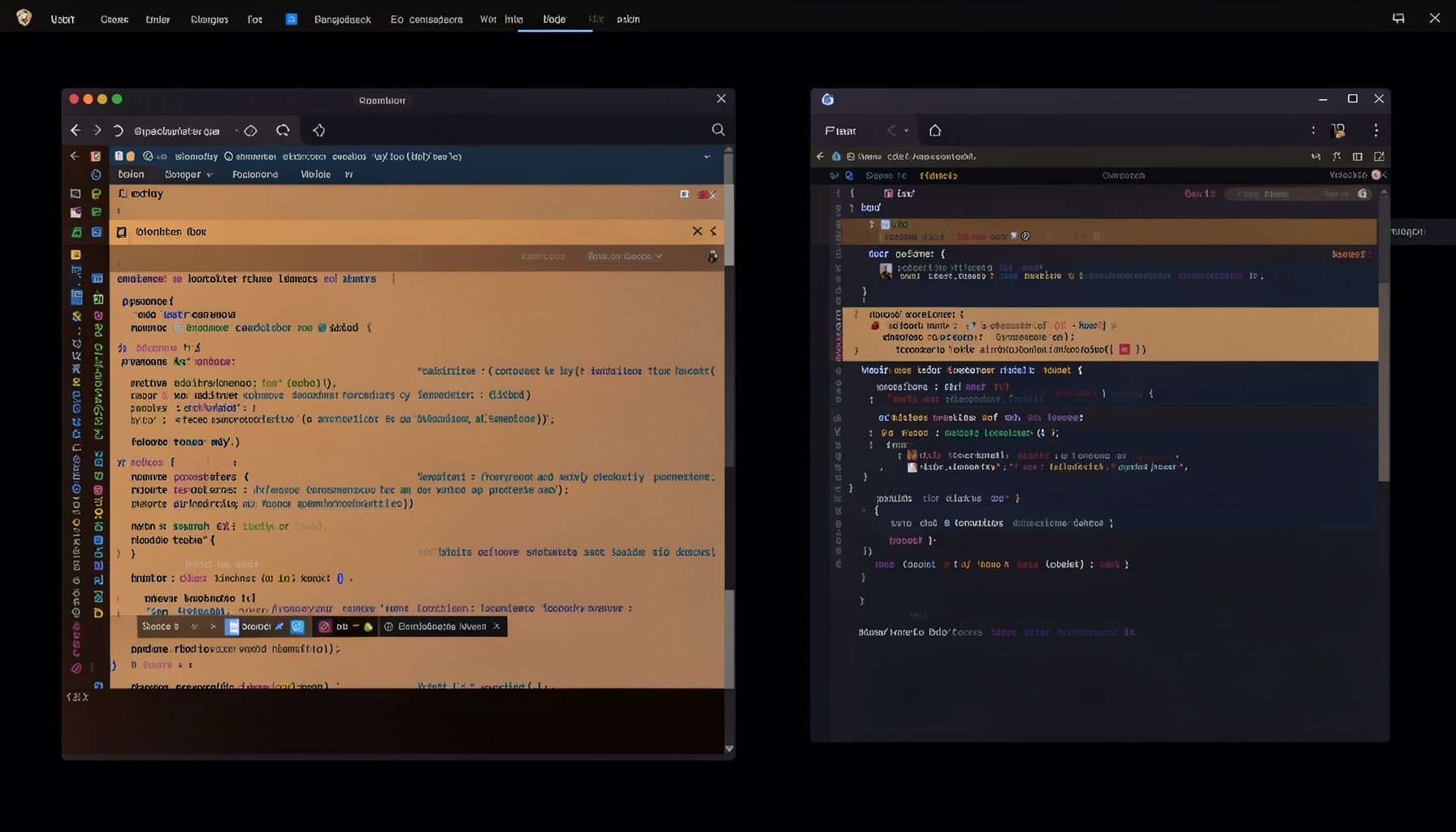
Screen-cast 5: Object Inspection & Deep Print
Inspect a Magik object, prompt for an expression evaluated within a Smallworld session, and display results in a Deep Print buffer.
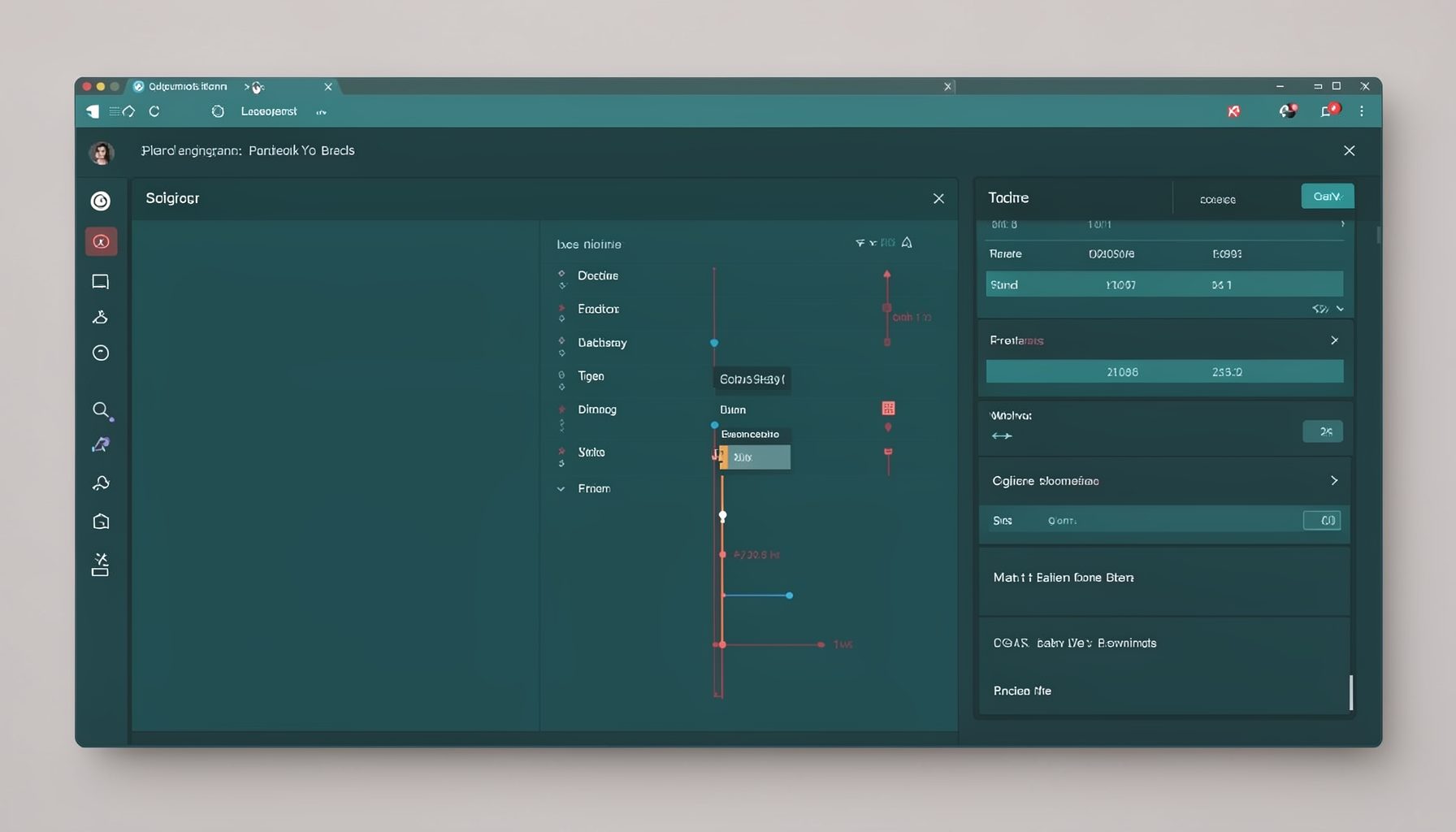
Screen-cast 7: Magik Debugger
Useful tools for application developers: Object Inspector and Magik Debugger with breakpoints and slot/variable monitoring.

Screen-cast 9: Tree Item GUI Control
Tree Item is a GUI control providing extensive facilities for displaying lists with rows, columns, trees, and in-place editing.