Emacs Extensions for
GE Smallworld Magik Development
Screen-casts, tutorials, and productivity tools for Magik programmers who use Emacs. From tab-mode and code folding to the Magik Debugger and object inspector — explore features built by a developer, for developers.
Learn MoreNine screen-casts published between November 2010 and January 2011 — covering everything from ECB mode to the Tree Item GUI control. Read the story behind the project →
Get in Touch
Searching Magik documentation with Emacs counsel
Magik projects often spread knowledge across Smallworld API references, release notes, .magik source files, design notes and customer-specific method comments. A developer can know the behaviour of an object and still lose time deciding which class owns the method. Emacs counsel provides a fast local route through that material without forcing a trip through a separate browser or IDE.
counsel is a general-purpose completion and search layer built into modern Emacs. It can filter file names, recent buffers, commands, symbols and other candidate lists from the minibuffer. Magik does not ship a special counsel vocabulary, so the reliable approach is to give it a well-organised corpus and a small amount of local configuration. The result feels familiar to Emacs users while keeping proprietary Smallworld material on the developer’s own machine.
Picture a support team in Brisbane maintaining a system whose core code was written in Melbourne, while a colleague in Perth handles an escalation after the Sydney office closes. That hand-over is ordinary in Australian software work: interstate time zones, long-lived systems and consultancy–customer splits create several plausible homes for a method definition. A clear search setup helps the next person avoid asking which office happens to own the answer.
Before changing the Emacs configuration, confirm which Emacs and Smallworld releases are in use, and collect the local references the team already trusts. Emacs 25 or later includes counsel, while Magik mode supplies language editing and navigation around it. Keep the scope practical. A useful team note says “the method moved in release six”, rather than relying on the Australian shorthand that the documentation is “a bit messy”.
Prepare a local documentation corpus
Start with provenance, because Smallworld installations often contain several generations of vendor documentation alongside client overlays and consultancy notes. Separate API references for different Smallworld releases from method comments in live .magik source, because a matching name can have different transaction semantics in each release. Also record whether a PDF is text-based: counsel-search can inspect text in Emacs buffers, but it cannot read a scanned image or compressed content directly. Extract searchable PDF text into .txt files and keep the original beside it for checking page context.
Create short, versioned directories rather than one giant folder. For example, use paths such as ~/magik-docs/smallworld-6, ~/magik-docs/customer-notes and ~/magik-docs/release-archive. An initial inventory can be produced with standard shell tools:
find "$SMALLWORLD_ROOT" "$HOME/magik-notes" \
  -type f \( -iname '*.html' -o -iname '*.htm' -o -iname '*.txt' \
  -o -iname '*.xml' -o -iname '*.magik' \) \
  > "$HOME/magik-doc-files.txt"
The list is useful during audits, but copying a relevant snapshot to a local disk often produces more consistent searches than repeatedly reading from a shared network volume. In Melbourne, Sydney and Perth, that can also avoid delays when several developers search the same mounted documentation at once.
Use the built-in counsel commands
Try the built-in commands before writing Elisp. M-x counsel-find-file filters names and paths under a chosen directory, so use it to open a method reference, release note or source file. Once the relevant file is current, M-x counsel-search searches that buffer and presents narrowing candidates in the minibuffer. TAB accepts a candidate, RET selects it, and C-g abandons the search. Check M-x describe-function counsel-search on the installed Emacs because inherited search and regexp keys can vary.
counsel-find-file does not search the contents of every candidate, while counsel-search does not initially search every file in a directory. That distinction matters for a large Smallworld installation. Open a documentation file first, then search it, or use M-x counsel-recent to move between recently visited API references and source buffers. Begin with a broad class name such as collection, narrow it with the Smallworld package prefix, and finish with the exact method name. The exact spelling found in the reference can then be copied directly into Magik code.
Create a focused Magik search command
A small command can assemble the text-based corpus in a temporary buffer and hand that buffer to counsel-search. This avoids replacing the familiar minibuffer interface with a separate search program.
(require 'counsel)

(defvar magik-doc-directories
  '("~/magik-docs/smallworld-6"
    "~/magik-docs/customer-notes")
  "Directories containing searchable Magik documentation.")

(defun magik-doc-files ()
  "Return local files suitable for a text search."
  (let (files)
    (dolist (directory magik-doc-directories)
      (when (file-directory-p directory)
        (dolist (file (directory-files-recursively directory t))
          (when (member (downcase (file-name-extension file))
                        '("txt" "html" "htm" "xml" "magik"))
            (push file files)))))
    (nreverse files)))

(defun counsel-magik-documentation ()
  "Search local Magik documentation with `counsel-search'."
  (interactive)
  (let* ((files (magik-doc-files))
         (buffer (generate-new-buffer "*Magik documentation*")))
    (unless files
      (user-error "No searchable Magik documentation found"))
    (with-current-buffer buffer
      (erase-buffer)
      (dolist (file files)
        (insert (format "\n;;; %s\n" file))
        (insert-file-contents file))
      (goto-char (point-min)))
    (switch-to-buffer buffer)
    (counsel-search)))
Invoke the command with M-x counsel-magik-documentation, then type a class, method or property name. The inserted source headings identify which corpus file supplied the surrounding text, while the ordinary counsel-search interface narrows the matches. The command deliberately uses local Emacs primitives, so it works without an internet connection and does not transmit customer names, schemas or proprietary logic.
The implementation creates the combined buffer on each invocation. That is suitable for several hundred documents; for a much larger archive, generate the index once and refresh it when releases change. Raw HTML also contains navigation markup that can generate noisy matches, so cleaned text files generally produce better results. Direct movement into the original source file can be added later with file markers or a dedicated completion source.
Tune queries for Smallworld symbols
Smallworld names reward a layered search strategy. Start with the most distinctive stable fragment, such as a class name or package prefix, before searching for a complete method. Symbols may contain underscores, colons and mixed capitalisation, so candidates such as collection_t, sw:collection_t and a method suffix can lead to materially different results. Search the API reference and the live source separately when the same identifier appears in both.
counsel-search provides isearch-style literal and regexp modes, while the exact toggles depend on the installed Emacs version. A regexp can locate related methods efficiently, but broad patterns such as sw:.*collection can also match every generated navigation label. Use literal searches for final confirmation and reserve regular expressions for discovery. M-x counsel-recent is valuable when the same method exists in several buffers: the file name and directory provide the missing context before copying a symbol into production code.
Keep versions and proprietary material separate
Directory names should carry release information because Smallworld 5 and Smallworld 6 documentation may describe the same method differently. A method can change its transaction behaviour, inheritance or transaction requirements without changing its apparent purpose. Australian teams often divide work across a client organisation, a consultancy and offshore or interstate support, so record the release beside each imported reference rather than relying on the filename alone. Historical material remains valuable, but it should never outrank documentation for the release under development.
Customer references, object schemas and implementation notes may contain confidential commercial information. counsel operates locally, but any generated index should receive the same protection as the source files. Keep it on an encrypted volume, restrict access according to the organisation’s policy, and avoid copying customer-specific examples into shared code repositories or public issue trackers. A clean Australian handover note can be terse without being vague: state the release, class and method, then identify the document section. That plain wording survives timezone handovers and prevents a colleague in another city from searching the wrong corpus.
Make the workflow part of daily development
Give the command a predictable key binding and place it in the shared Emacs configuration. A three-key chord leaves the usual editing commands untouched:
(global-set-key (kbd "C-c m d") #'counsel-magik-documentation)
Project-level users can instead add the binding to magik-mode-map. The binding, directory variables and corpus-update procedure then become part of the team’s standard development environment rather than knowledge held by one experienced developer. Keep the local README explicit about the Emacs version, Smallworld release and locations of extracted PDF text. The Magik Emacs tutorials, news and screen-casts provide useful background for teams standardising this kind of workflow.
HydePark Consulting’s Magik Emacs service can help organisations turn the example into a maintained setup for their own documentation layout. Teams needing a tailored corpus, key bindings or a developer workshop can contact the Magik team and arrange a practical Magik Emacs documentation session for their Smallworld developers.
Core Features
Tab Mode & ECB
Quick tab switching and Emacs Code Browsing mode for navigating Magik codebases efficiently.
Magik Smeller
Code analysis tool that helps identify potential issues in Magik source files.
Code Folding
Hide/Show mode for collapsing and expanding Magik code blocks to focus on what matters.
Visual Bookmarks
Quick visual bookmarks for jumping between key locations in your Smallworld session buffers.
Object Inspector
Inspect Magik objects and display them in an Emacs Deep Print buffer for detailed examination.
Magik Debugger
Set breakpoints and monitor slots and variables directly from within Emacs.
Development Tools
Direct links between Emacs and the Smallworld Development Tools application, including Click Monitor.
Screen-casts & Tutorials
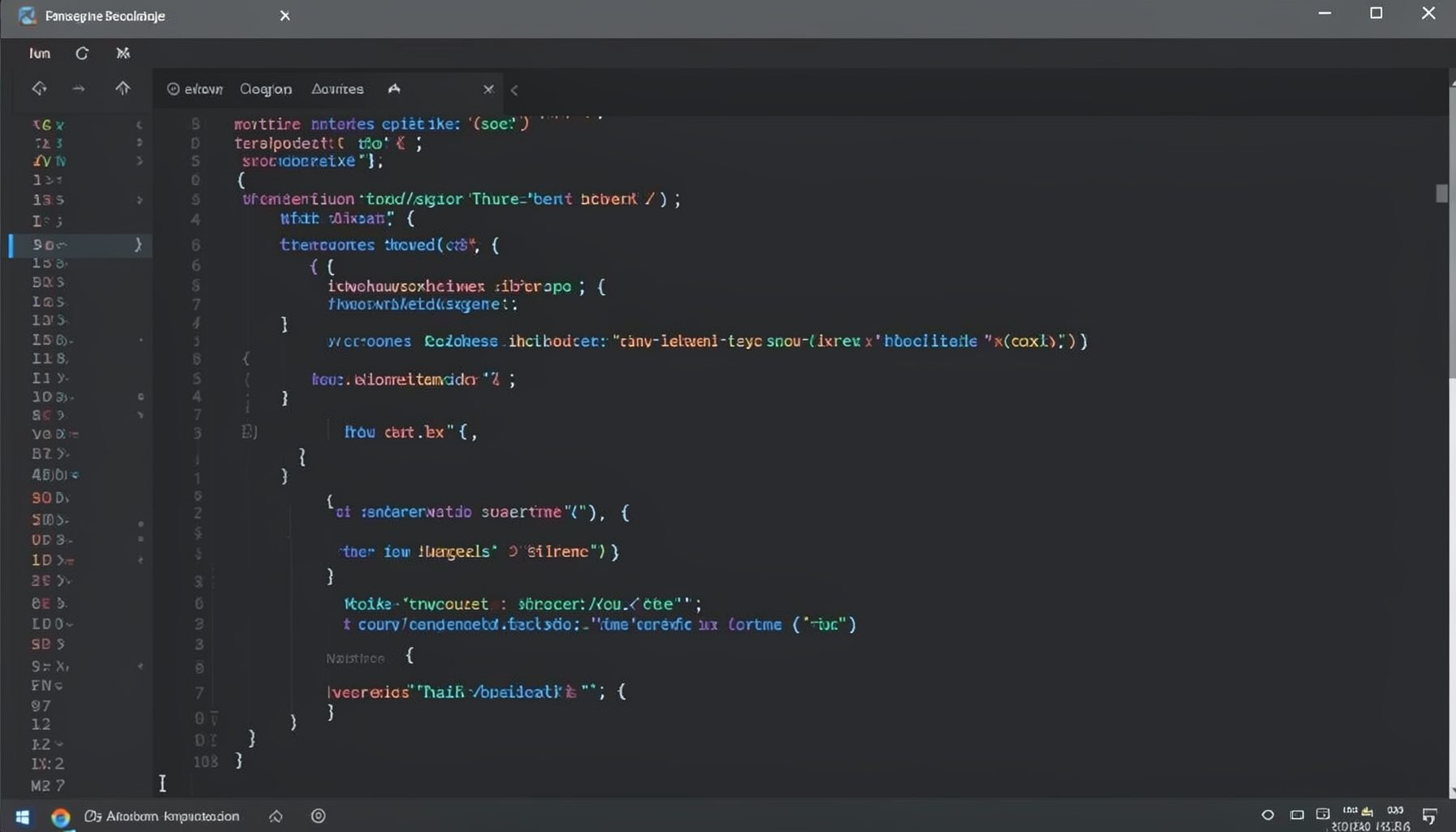
Screen-cast 1: Tab Mode, ECB & More
Covers tab-mode, ECB, Magik Smeller, code folding, visual bookmarks, pragma toggling, moving code, external editor, and MS Explorer.
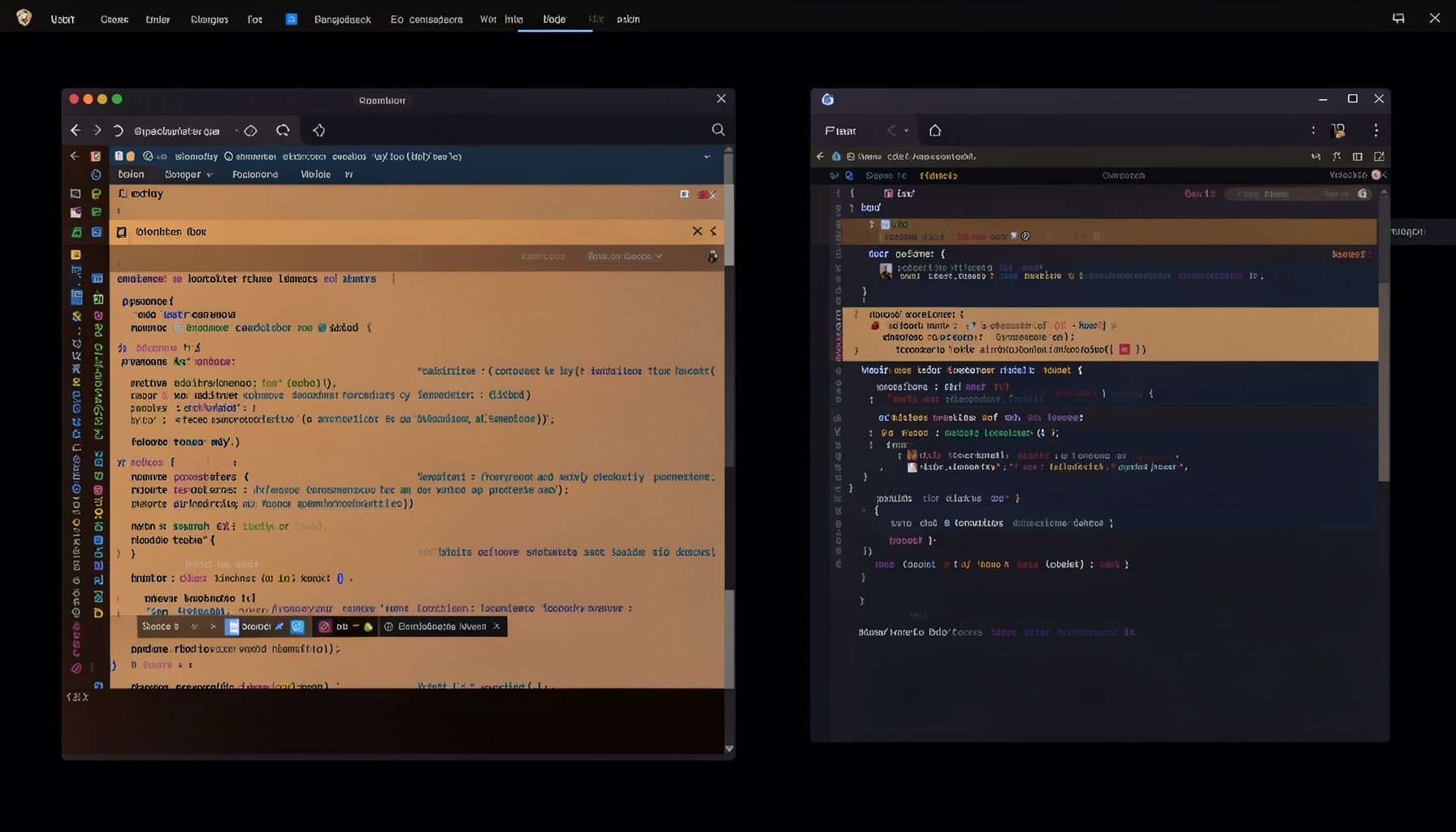
Screen-cast 5: Object Inspection & Deep Print
Inspect a Magik object, prompt for an expression evaluated within a Smallworld session, and display results in a Deep Print buffer.
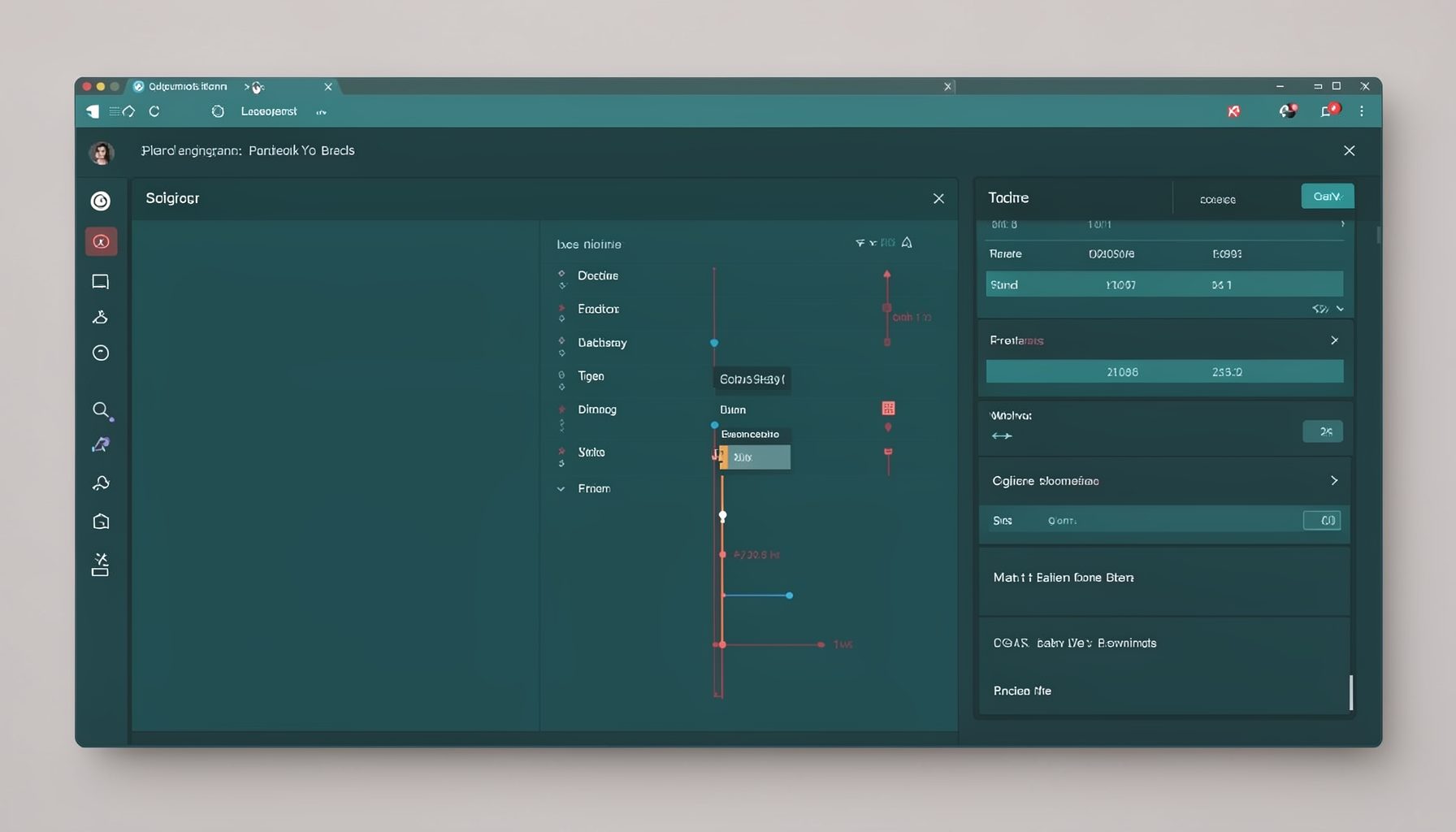
Screen-cast 7: Magik Debugger
Useful tools for application developers: Object Inspector and Magik Debugger with breakpoints and slot/variable monitoring.

Screen-cast 9: Tree Item GUI Control
Tree Item is a GUI control providing extensive facilities for displaying lists with rows, columns, trees, and in-place editing.