Emacs Extensions for
GE Smallworld Magik Development
Screen-casts, tutorials, and productivity tools for Magik programmers who use Emacs. From tab-mode and code folding to the Magik Debugger and object inspector — explore features built by a developer, for developers.
Learn MoreNine screen-casts published between November 2010 and January 2011 — covering everything from ECB mode to the Tree Item GUI control. Read the story behind the project →
Get in Touch
Looking up Magik APIs with the Emacs dictionary
Magik APIs can be surprisingly difficult to recall because methods, properties, package prefixes, and collection operations are distributed across release notes, source files, and institutional knowledge. A searchable reference inside Emacs gives developers a fast route from a symbol to its signature, behaviour, and caveats without breaking their editing flow.
The most reliable setup is not a public internet dictionary. It is a small, local Magik API dictionary generated from approved documentation and served over the DICT protocol. Emacs queries that service, while source navigation, diagnostics, and code folding continue to do what they do best. This division keeps answers consistent, protects licensed material, and works well for Australian teams.
Why dictionary lookup suits Magik
Dictionary lookup answers a different question from source navigation. A jump-to-definition command shows where a method is implemented; a dictionary entry explains what the method accepts, what it returns, and when it should be used. That distinction is valuable when working with older Smallworld installations, where names may resemble APIs from several releases.
A focused API dictionary is also quicker than searching release PDFs or a large code repository. Developers can look up a method while reviewing a collection transformation, debugging an object, or writing a wrapper around standard Smallworld functionality. Each result can include practical cautions that source code rarely records, such as side effects, locking behaviour, or required transaction context.
This approach is lexical rather than semantic. Emacs does not infer that one Magik method overrides another or diagnose an invalid argument from dictionary prose. Those tasks belong in language-server tooling. The dictionary fills the documentation gap, providing stable explanations beside the editor rather than attempting to replace its other features.
Build a useful Magik API corpus
Start with records that resemble the questions developers actually ask. Include the canonical symbol, package or class, signature, parameters, return value, behavioural summary, exceptions, release information, and a source location. A plain-text source file can use a simple format before being converted into the dictionary’s index and definition structure.
TERM: customer_appointment#validate
KIND: method
PACKAGE: my_application
SIGNATURE: customer_appointment#validate()
RETURNS: boolean
SUMMARY: Checks required customer-appointment fields.
RAISES: validation_error
VERSION: 2024.1
SOURCE: customer_appointment.magik
Index meaningful aliases separately. A short method name may be the symbol under the cursor, while a developer remembers the package-qualified form. Add both when they are genuine search terms, but retain the canonical spelling in the body. Magik symbols are case-sensitive, so entries such as forEach and foreach should not be treated as interchangeable without an explicit alias.
Keep the corpus curated rather than exporting every identifier from the source tree. Raw symbols lack explanations and can bury useful entries beneath obsolete or generated names. Australian English can be used in summaries, including “organisation” and the noun “licence”, while canonical Magik identifiers remain exactly as the language defines them. This preserves familiar terminology without changing executable names.
Configure Emacs and a local dictionary
Emacs’s dictionary client communicates with a DICT-protocol server such as dictd. Load the client and register a local endpoint, typically on the loopback interface so the API reference does not become an exposed network service.
(require 'dictionary)
(dictd-server "127.0.0.1" 2628)
On some Emacs versions, the same host and port can be entered through dictionary-server directly. Use the format documented by the installed version, and confirm that the local service returns the Magik corpus before relying on it in demonstrations or developer onboarding.
The dictionary server should expose only approved reference material. Public dictionary services are unsuitable for Smallworld method signatures, customer names, licensed documentation, or proprietary package details. A loopback-only service also gives development teams control over redaction, retention, and the release from which each entry was generated.
Dictionary lookup should sit beside symbol-aware tooling rather than replace it. For completion, diagnostics, and project-wide navigation, the LSP setup guide describes the closest practical Magik setup. The dictionary remains useful when developers need stable prose, a parameter summary, or guidance about API side effects.
Search APIs while staying in Emacs
dictionary-search provides a straightforward prompt for an exact term. For quicker access during editing, bind it to a helper that first attempts to read the symbol under the cursor.
(defun magik-dictionary-lookup-at-point ()
  "Look up the Magik API symbol at point."
  (interactive)
  (dictionary-search
   (or (thing-at-point 'symbol)
       (read-string "Magik API: "))))

(global-set-key (kbd "C-c C-d") #'magik-dictionary-lookup-at-point)
Because Emacs treats some Magik punctuation as symbol boundaries, a package-qualified name may need to be selected and pasted into the prompt. The corpus should therefore contain both qualified symbols and useful short aliases. The same applies to methods containing #, !, or multiple package segments.
Search results are most useful when they lead back to maintained material. Each entry can expose the owning package, source file, release, and related symbols. If several releases changed a method, include the relevant differences directly in the definition instead of making developers infer them from a single, ambiguous summary.
Choose the workflow by the kind of question being asked:
| Workflow | Best question | Main advantage | Main limitation |
|---|---|---|---|
| Emacs dictionary with a local DICT corpus | What does this Magik method do? | Curated prose, signatures, aliases, and release notes | The index must be maintained |
| LSP for Magik or its closest equivalent | Is this symbol valid in this context? | Context-aware navigation and diagnostics | Requires suitable language-server support |
| ctags | Where is this method implemented? | Lightweight and quick for source jumps | Offers little behavioural explanation |
| ripgrep | Where is this exact string used? | Fast literal search across a repository | Cannot distinguish API meaning from ordinary text |
A practical sequence combines these tools: use LSP or ctags to locate a definition, inspect the surrounding source, and consult the dictionary for release-specific behaviour. Dictionary lookup can come first when the symbol is known but its contract is not.
Keep the reference accurate over time
Assign ownership for the dictionary corpus. A Smallworld release can introduce renamed methods, revised parameters, or changed side effects, so the index should carry a release marker and be reviewed whenever the development environment is upgraded. Removing obsolete entries matters as much as adding new ones because stale definitions can be more damaging than a missing result.
Distributed maintenance needs a little planning. Teams in Sydney, Melbourne, Brisbane, and Perth may share a dictionary while operating across AEST and AEDT, with daylight-saving changes affecting handover windows. Scheduled rebuilds should account for those offsets, weekends, and Australian public holidays. Keeping a plain-text source under version control lets one person publish an update without requiring everyone to rebuild the dictionary at once.
The corpus can also reflect the needs of the Australian market. Magik implementations commonly support mining, utilities, transport infrastructure, and engineering environments, where collection volume, spatial data, and operational safety can affect how an API should be used. Local entries can document approved patterns for those workloads without implying that an organisation’s implementation is universally appropriate.
Put dictionary lookup into daily Magik work
Begin with a small, visible pilot. Select one package, document its most frequently consulted methods, build a local index, and bind lookup at point so developers can use it without leaving Emacs. Include enough detail to make each entry useful, but resist copying entire manuals into the initial release.
Measure whether the pilot improves access to reliable information. Useful measures include time spent finding a method signature, the number of searches that lead to obsolete symbols, and whether developers reach the entry’s source location when implementation details are needed. A small, accurate dictionary will usually deliver more value than an exhaustive but poorly maintained export.
For teams that want a managed rollout, HydePark Consulting’s consulting information can help scope an internal Magik reference service and a sustainable review process. Keep sensitive material classified and local. Choose the first package, publish its dictionary entries this week, and make the next lookup another reason to stay within Emacs.
Core Features
Tab Mode & ECB
Quick tab switching and Emacs Code Browsing mode for navigating Magik codebases efficiently.
Magik Smeller
Code analysis tool that helps identify potential issues in Magik source files.
Code Folding
Hide/Show mode for collapsing and expanding Magik code blocks to focus on what matters.
Visual Bookmarks
Quick visual bookmarks for jumping between key locations in your Smallworld session buffers.
Object Inspector
Inspect Magik objects and display them in an Emacs Deep Print buffer for detailed examination.
Magik Debugger
Set breakpoints and monitor slots and variables directly from within Emacs.
Development Tools
Direct links between Emacs and the Smallworld Development Tools application, including Click Monitor.
Screen-casts & Tutorials
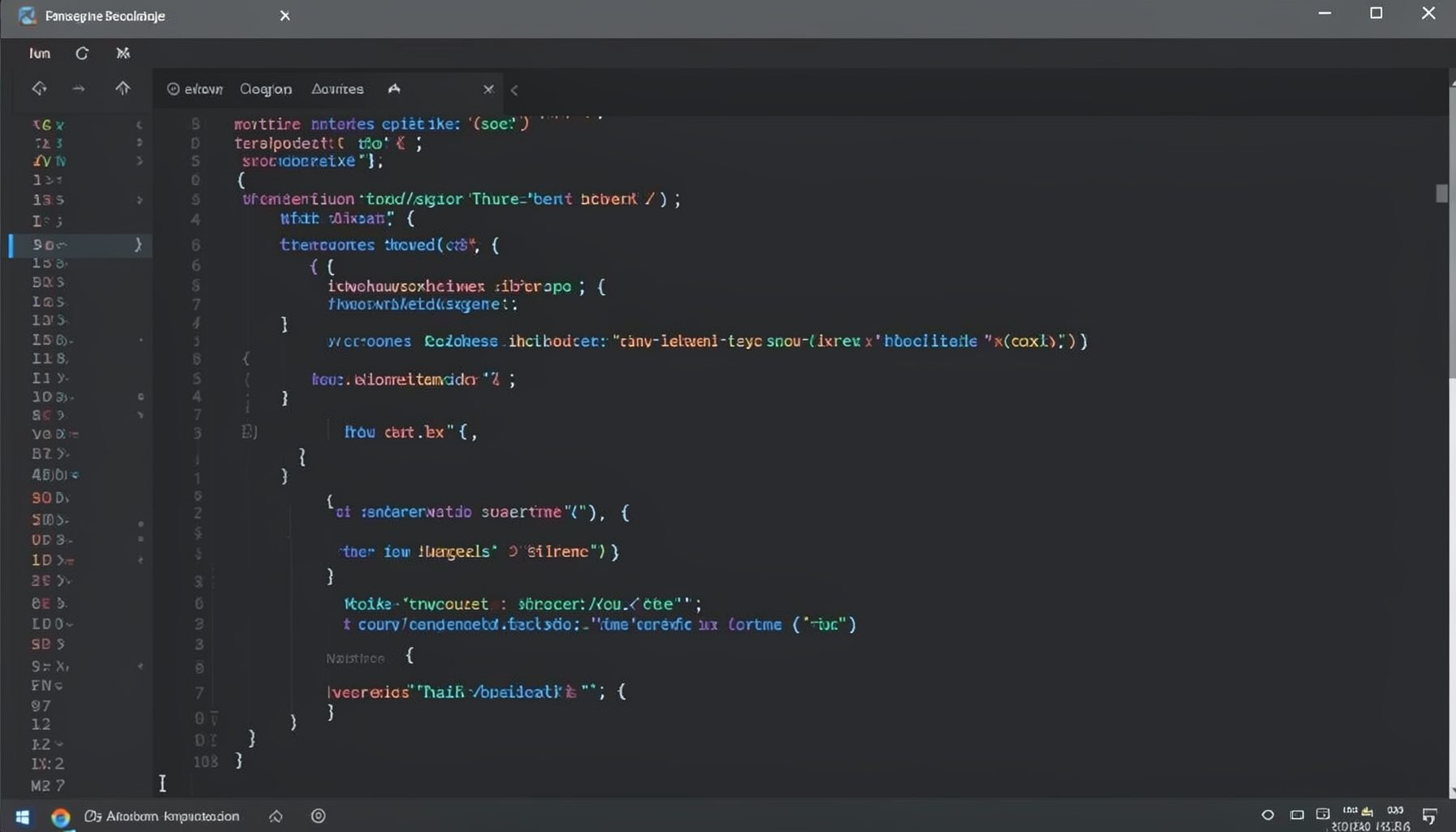
Screen-cast 1: Tab Mode, ECB & More
Covers tab-mode, ECB, Magik Smeller, code folding, visual bookmarks, pragma toggling, moving code, external editor, and MS Explorer.
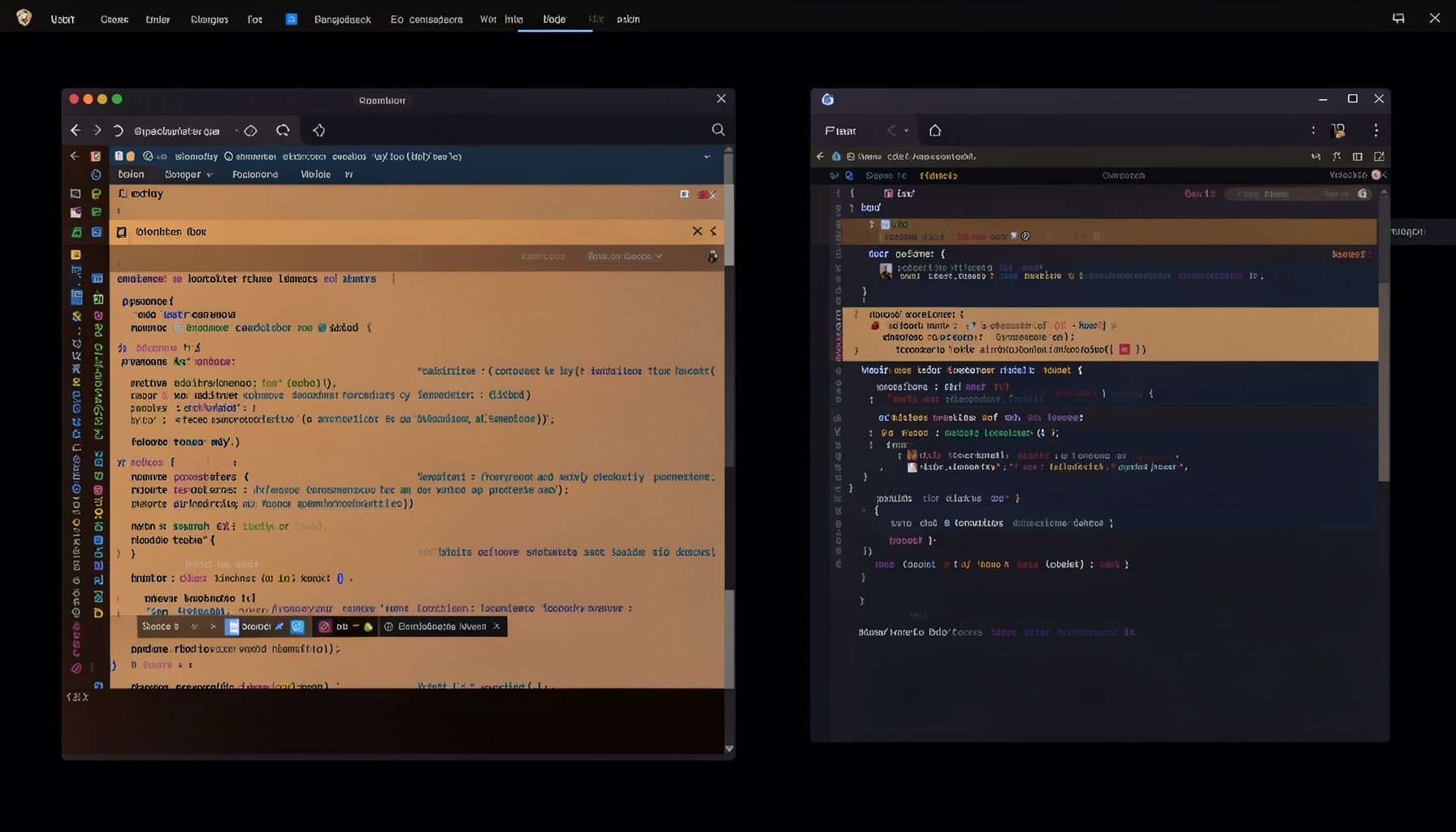
Screen-cast 5: Object Inspection & Deep Print
Inspect a Magik object, prompt for an expression evaluated within a Smallworld session, and display results in a Deep Print buffer.
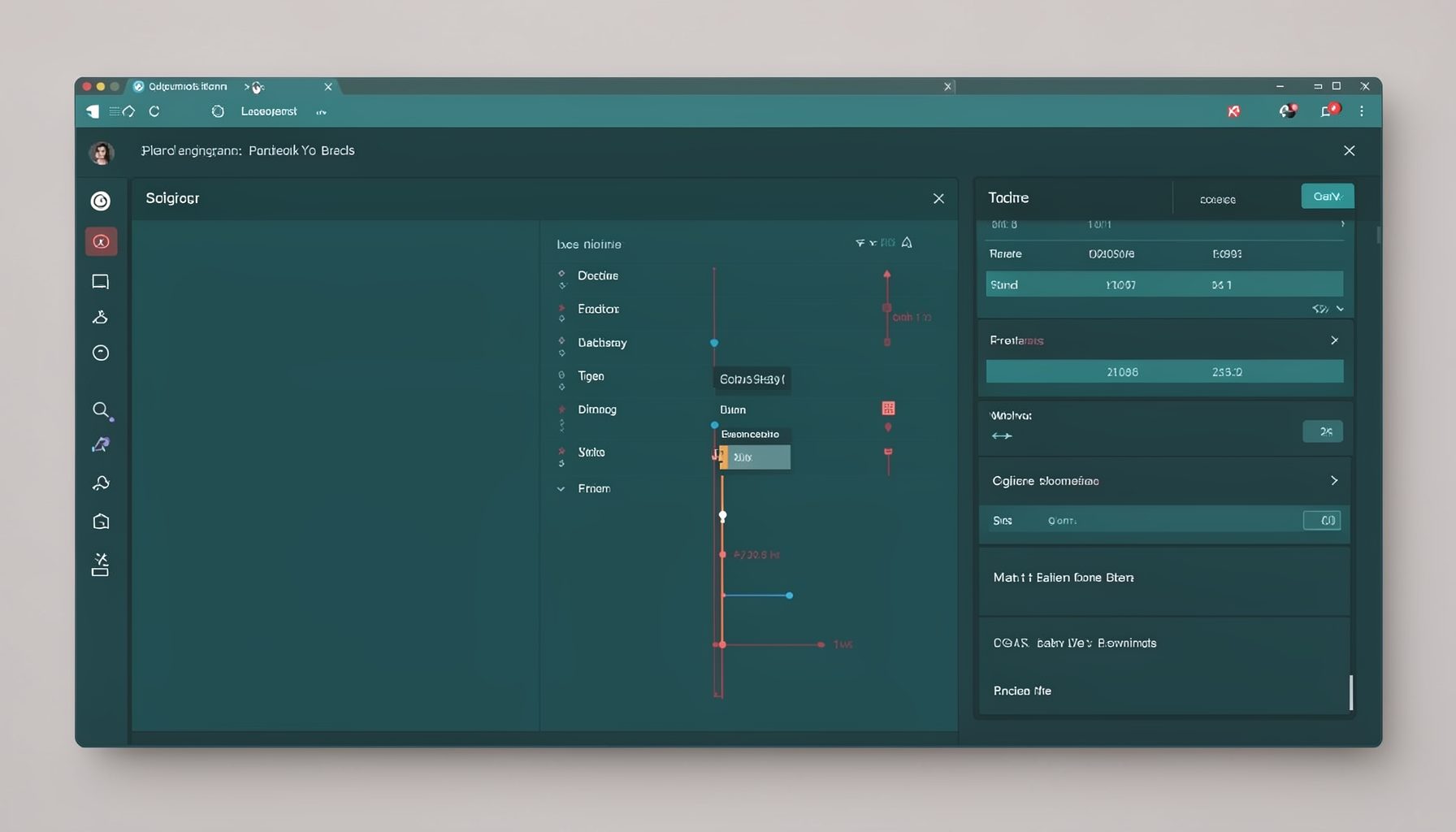
Screen-cast 7: Magik Debugger
Useful tools for application developers: Object Inspector and Magik Debugger with breakpoints and slot/variable monitoring.

Screen-cast 9: Tree Item GUI Control
Tree Item is a GUI control providing extensive facilities for displaying lists with rows, columns, trees, and in-place editing.