Emacs Extensions for
GE Smallworld Magik Development
Screen-casts, tutorials, and productivity tools for Magik programmers who use Emacs. From tab-mode and code folding to the Magik Debugger and object inspector — explore features built by a developer, for developers.
Learn MoreNine screen-casts published between November 2010 and January 2011 — covering everything from ECB mode to the Tree Item GUI control. Read the story behind the project →
Get in Touch
Searching Magik symbols with Helm in Emacs
Helm turns Emacs into an incremental chooser for symbols, files, commands, and other project data. Instead of remembering a method name, opening a source file, and scanning with C-s, a programmer types a few characters and selects a ranked candidate. That small change is particularly valuable in Smallworld projects, where one Magik class may expose properties, methods, private helpers, and inherited behaviour across several packages.
Magik is object-oriented, but a useful search experience must recognise more than plain function names. A developer may know a class without its package, a method without its owner, or a global written in underscore style. Helm can display each candidate with enough context to make partial memories usable, while keyboard actions move directly to a definition or another occurrence.
Helm supplies the interface; it does not automatically supply a complete Magik symbol database. The search source may come from Semantic, a tags or GNU Global index, a Smallworld-aware parser, or a project ripgrep search. The right choice depends on how code is stored, whether generated files are present, and whether the team needs definitions only or definitions plus references.
Used well, the result is a compact navigation layer over a large code base. It reduces hunting, makes unfamiliar packages easier to explore, and keeps the editor focused on the language rather than on filesystem layout. The workflow works equally well for a local Smallworld repository and for a larger multi-package environment maintained by a consulting team.
Why Helm fits Magik development
A Magik programmer often navigates by relationship: a report calls a service, the service updates a class, and the class inherits behaviour from a base type. Helm is well suited to that chain because its candidates can retain source context instead of collapsing everything into an identical short name. A candidate can show the owner, symbol kind, package, and file, allowing the programmer to choose the intended method before editing.
Its incremental filtering also turns imprecise knowledge into a useful query. Typing cust can narrow a large result set immediately; adding disp may then identify customer.display_name. Helm can combine project symbols with buffers or other sources, but a focused Magik source is usually more valuable than indiscriminate results. The goal is a short, trustworthy list rather than every textual match in the workspace.
Building a trustworthy Magik symbol index
Start by deciding what “symbol” means for the repository. A Semantic database is convenient when a reliable Magik language definition exists, while ctags, GNU Global, or a dedicated Smallworld parser may be better for package-oriented repositories. A text index remains useful as a safety net, especially when inherited methods are generated or external rather than visible in the current source tree.
The source should return more than display strings. Each candidate can carry an unqualified name, qualified name, symbol kind, owner, package, filename, buffer, and line. Keeping both forms allows a search for save to find invoice.save, while a search for invoice.save remains precise. The extractor should also omit matches in comments and strings and distinguish a definition from a call site.
For a lightweight fallback, install ripgrep and the helm-project companion package, then use M-x helm-rg to search Magik source with an anchored declaration expression such as:
^\s*_(class|method|global|procedure)\b
This approach is fast to set up, though it is regex-based rather than a true symbol graph. Restrict it to relevant file types, exclude generated and vendor directories, and treat it as a discovery tool when a Semantic or tags index is unavailable. An index built once and refreshed after a pull or rebase is preferable to searching every unrelated buffer.
Searching classes, methods, and globals
Invoke M-x helm-semantic when the active Magik setup publishes a Semantic source, or bind a dedicated command such as M-x helm-magik to the project’s symbol source. Queries can be as short as a class fragment or as exact as a qualified method name. Helm’s subsequence matching handles many abbreviations, while explicit dots and underscores preserve precision when the programmer already knows the naming convention.
With Helm’s Semantic source available, a project command can be kept deliberately small:
(defun helm-magik ()
  (interactive)
  (helm :sources ((helm-source-semantic))))
For a project-specific source, replace helm-source-semantic with the custom Magik source and bind helm-magik in the project configuration. Classes, methods, globals, and procedures should not be ranked as equivalent entries. Give definitions priority, place the symbol kind beside the name, and offer category filters so a broad query does not hide a method behind dozens of similarly named globals.
Candidate labels are part of the search experience. A compact label such as METHOD customer.display_name — sales — customer.magik:128 communicates enough to resolve ownership without opening every result. Longer package names can be abbreviated, while the full path and line remain available in the action menu. This is especially helpful when one method name appears in several classes across business domains.
Jumping from a symbol to its definition
Choosing a candidate should place the cursor at the definition, not merely at the top of a file. With a buffer-aware source, the action can switch to the Magik buffer, reveal the source point, and select the identifier. That immediate feedback confirms whether Helm matched the intended class or method. If a file has unsaved changes, the source should still use the live buffer rather than stale file text.
A custom Helm action can offer related destinations when more than one action is useful: open the definition, open the containing class, search for references, or show the package directory. These alternatives are more useful than sending every result to the same buffer. They also make it possible to follow a chain such as class, overridden method, and base implementation without returning to a shell command or reopening the picker.
Finding uses and related definitions
Definition search is only half of symbol navigation. Helm ripgrep or grep sources can locate calls, overrides, and assignments across the repository; Semantic-backed sources can offer reference actions when their database records them. Searching for a qualified name such as customer.display_name often narrows the result enough to expose both the declaring method and its use sites. The selected action then determines whether to inspect the definition or investigate the caller.
Broad fragments require care. A search for save can match local variables, comments, generated code, and unrelated domains, while an exact word boundary removes some noise but not every false positive. Dynamic method construction and code assembled at runtime cannot be found reliably by text matching, so class hierarchy documentation and runtime debugging remain necessary. Helm should accelerate static navigation, not pretend that every possible invocation is visible in source.
Keeping the index fast, private, and useful
Project scope matters more than raw search power. Index the Magik packages under development, but exclude backups, build output, downloaded libraries, and enormous generated models unless the team deliberately works with them. Keep the symbol cache close to the checkout, refresh it after a pull or rebase, and make stale-index symptoms obvious. A fast picker that silently lists last week’s methods creates more confusion than a slower search that opens the right file.
The Australian market for GE Smallworld-based work includes mining, utilities, water, transport, and land-administration environments. In those settings, source repositories may sit beside geospatial layers, customer records, and operational models. Helm should index identifiers and source locations, not database rows, layer contents, or extracted production data. Passing that boundary keeps the editor convenient without turning a development tool into a data-export mechanism.
Australian privacy obligations also deserve attention. The Privacy Act 1988 and the Australian Privacy Principles govern personal information handled by covered organisations and government agencies, while state and territory regimes may add requirements in specific sectors. Symbol names are normally harmless, but project metadata or embedded examples can reveal customer, employee, health, or household details. A local index should therefore avoid sensitive values and remain subject to the same repository access controls as the code.
Local work habits reinforce the value of an offline, project-local index. Developers in Melbourne, Sydney, Perth, and Adelaide may commute by train or tram, where connectivity can be uneven, while teams collaborate across offices and remote sites. A local Helm source remains responsive during a commute and gives distributed colleagues the same keyboard workflow. Sharing the configuration and index-building steps is more reliable than assuming everyone has the same personal setup.
Putting the Helm workflow into practice
A repeatable routine is simple: open the relevant project, build or refresh its symbol index, invoke the dedicated Magik Helm command, and filter from the smallest known fragment. Press Enter to inspect a definition, choose a reference action when the context is unclear, and return to the previous point when the chain is complete. Keep the query in the picker long enough to expose package and ownership details before committing to a match.
For teams spread across Australian offices and mine, utility, or water projects, standardise the Helm command and the shape of candidate labels in the repository rather than relying on individual preferences. Document how the index is generated, which directories are excluded, and how often it is rebuilt. Perth teams are two hours behind Melbourne and Sydney during standard time and three hours behind during eastern daylight saving, so recorded examples and shared configuration are often clearer than a live screen demonstration.
Install or update Helm, choose one representative Magik class, and wire it to a private project-local search command before the next maintenance task. Then use the same source for a definition, a reference, and an inherited method to expose any gaps in the index. Follow Magik Emacs for further Helm demonstrations, Magik-mode tutorials, and screencasts, and consult HydePark Consulting when a Smallworld team needs help adapting the workflow to its code structure. Make the next Magik symbol lookup a single Helm command.
Core Features
Tab Mode & ECB
Quick tab switching and Emacs Code Browsing mode for navigating Magik codebases efficiently.
Magik Smeller
Code analysis tool that helps identify potential issues in Magik source files.
Code Folding
Hide/Show mode for collapsing and expanding Magik code blocks to focus on what matters.
Visual Bookmarks
Quick visual bookmarks for jumping between key locations in your Smallworld session buffers.
Object Inspector
Inspect Magik objects and display them in an Emacs Deep Print buffer for detailed examination.
Magik Debugger
Set breakpoints and monitor slots and variables directly from within Emacs.
Development Tools
Direct links between Emacs and the Smallworld Development Tools application, including Click Monitor.
Screen-casts & Tutorials
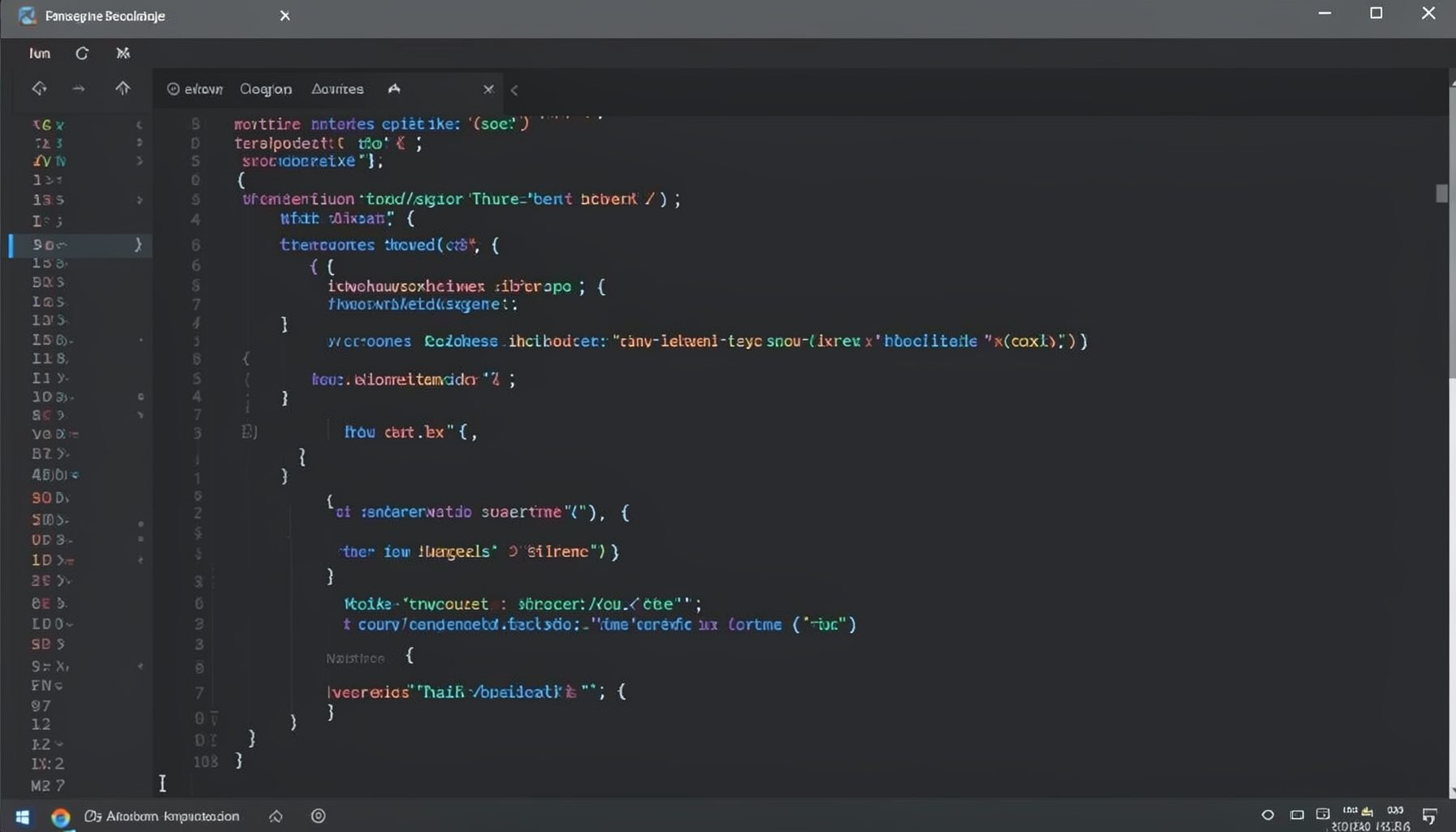
Screen-cast 1: Tab Mode, ECB & More
Covers tab-mode, ECB, Magik Smeller, code folding, visual bookmarks, pragma toggling, moving code, external editor, and MS Explorer.
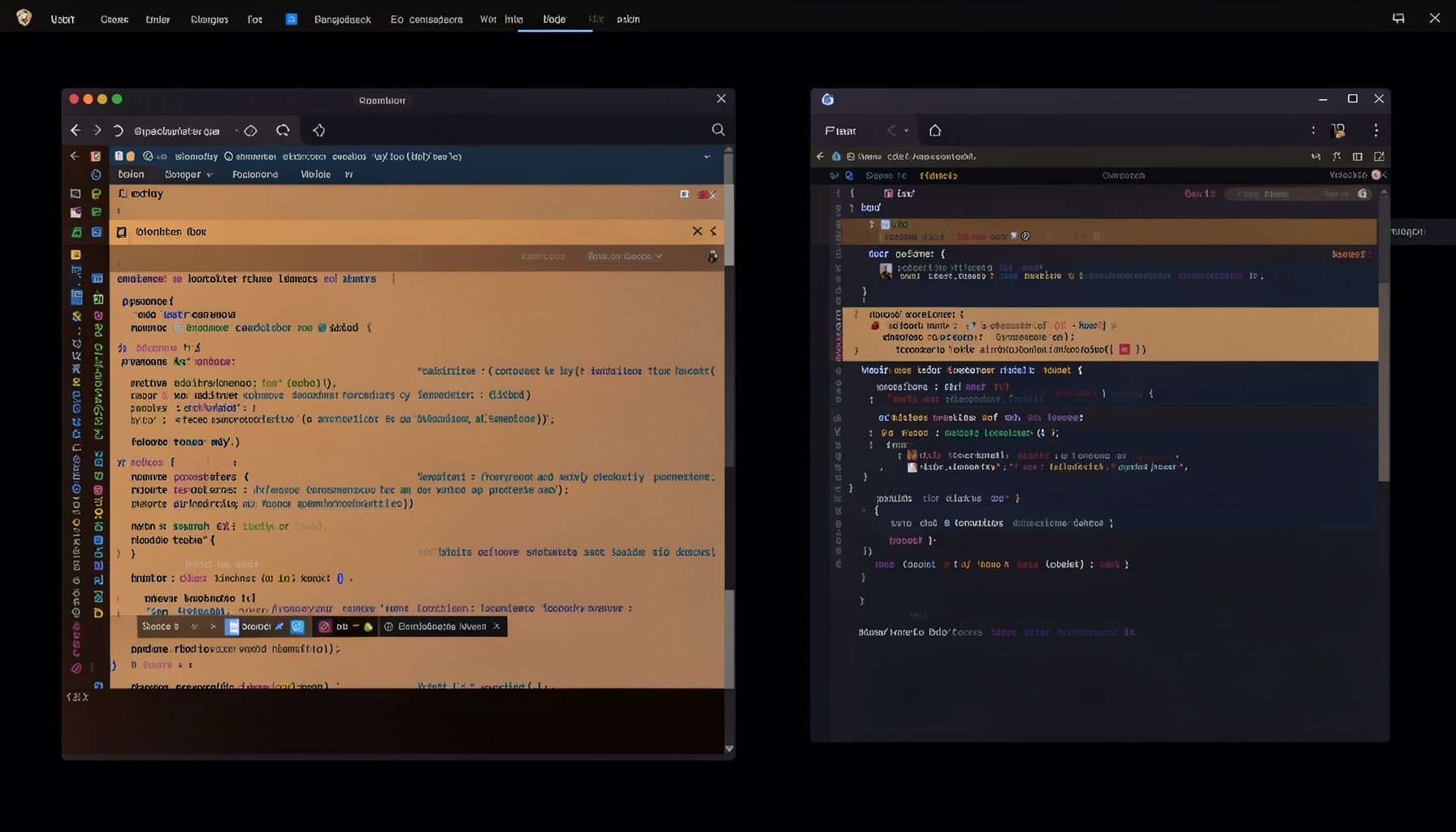
Screen-cast 5: Object Inspection & Deep Print
Inspect a Magik object, prompt for an expression evaluated within a Smallworld session, and display results in a Deep Print buffer.
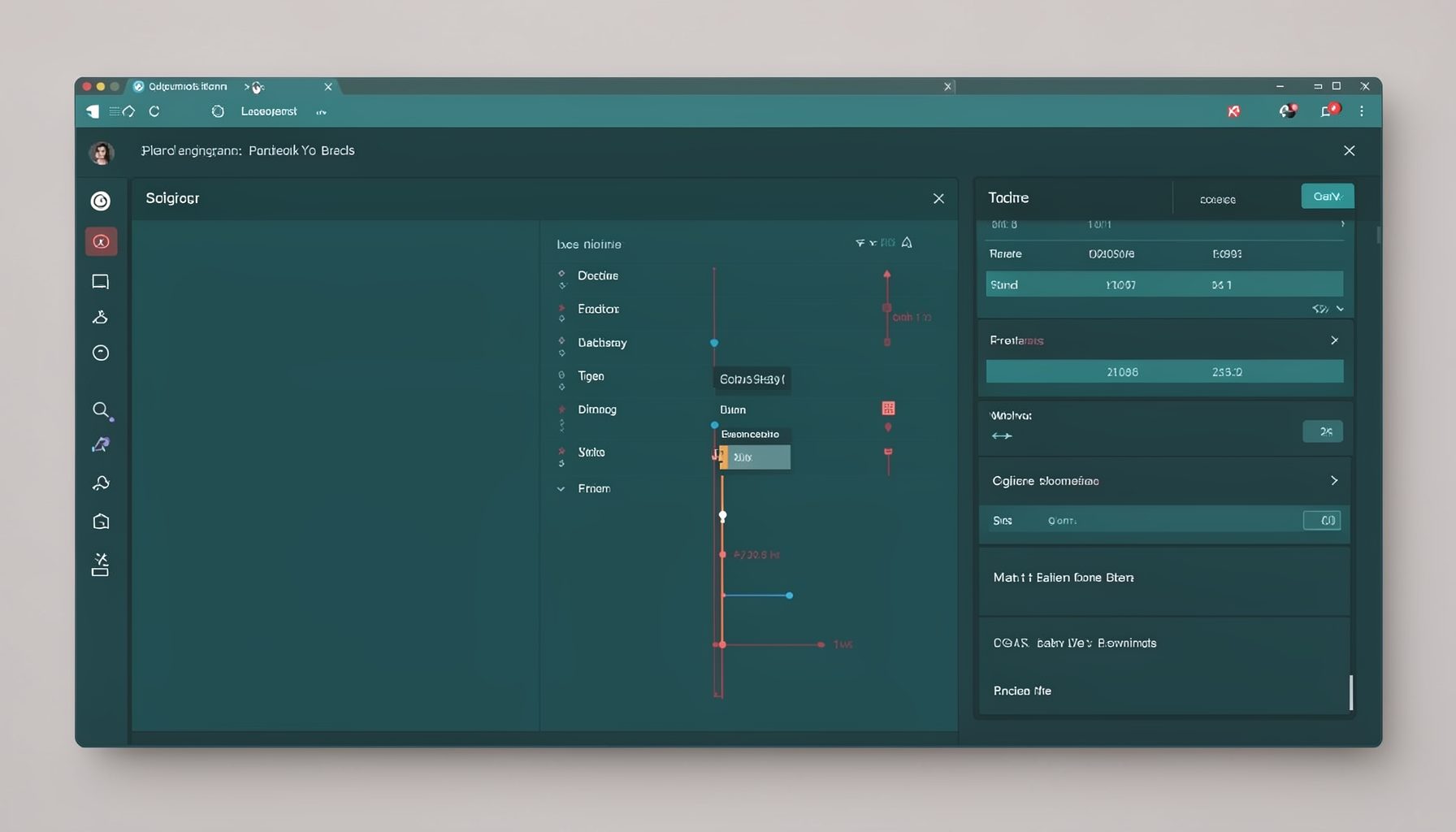
Screen-cast 7: Magik Debugger
Useful tools for application developers: Object Inspector and Magik Debugger with breakpoints and slot/variable monitoring.

Screen-cast 9: Tree Item GUI Control
Tree Item is a GUI control providing extensive facilities for displaying lists with rows, columns, trees, and in-place editing.