Emacs Extensions for
GE Smallworld Magik Development
Screen-casts, tutorials, and productivity tools for Magik programmers who use Emacs. From tab-mode and code folding to the Magik Debugger and object inspector — explore features built by a developer, for developers.
Learn MoreNine screen-casts published between November 2010 and January 2011 — covering everything from ECB mode to the Tree Item GUI control. Read the story behind the project →
Get in Touch
Using Emacs isearch for Magik CamelCase names
Magik code often compresses several words into one identifier: loadMethod, DatabaseConnection, or SmallworldRuntime. When a definition, call, or configuration value sits in a long .magik buffer, searching the code already on screen is usually quicker than opening a broader project-search tool. Emacs’ isearch provides that search with immediate feedback and keeps the cursor in the source.
Each typed character updates the highlighted match, which makes isearch useful when only part of a name is remembered. It also suits Magik’s mixture of package-qualified references, method names, and team-specific CamelCase conventions. Rather than requiring a perfect identifier before the search begins, the tool lets a developer test a fragment and refine it in place.
Australian Magik teams may use Australian English, work across international clients, and support systems from different time zones. These conditions favour a search process that is fast enough for daily use but precise enough to explain in a handover. The comparisons below show where isearch fits, followed by practical patterns for definitions, callers, and collection-related code.
Why isearch suits Magik identifiers
Magik is case-sensitive, and a CamelCase identifier can contain several searchable fragments. Searching Connection may reveal DatabaseConnection and openConnection; searching the full name may find nothing if the remembered prefix differs or the query uses strict casing. The shorter fragment often provides the better first move.
| Search approach | Best match | Strongest use | Main limitation |
|---|---|---|---|
Plain isearch |
Substring, usually case-insensitive | Testing a remembered word or hump | Can match inside a longer identifier |
Case-sensitive isearch |
Exact spelling and case | Separating similarly named methods | Requires correct casing |
Regexp isearch |
A pattern you define | Finding a family of related names | Regexp syntax adds overhead |
| Symbol-oriented search | A complete Emacs symbol | Jumping to a whole method or property | Relies on the mode’s symbol rules |
| Project-wide ripgrep | Matches across files | Tracing calls throughout a package | More context switching and possible noise |
Start with plain isearch, tighten the result with case sensitivity, and reach for a regular expression only when the relationship between names matters. For example, load.*Method can find several load-related methods while excluding a loadRecord result. This escalation keeps routine searching quick and reserves complex patterns for cases that need them.
Precise search is also a matter of method rather than luck. Fixed choices and clear rules are central to blackjack rules for players, just as a recorded query and predictable case rules make repeated searches in a Magik codebase dependable.
For CamelCase work, search the most distinctive hump rather than the entire identifier. Method can locate loadMethod, MethodOwner, and methodDocumentation in one pass. If those results are too broad, add sw: for package context or switch to case-sensitive matching. The live highlights make each refinement visible without rebuilding the query from scratch.
Configure isearch for predictable results
Invoke forward search with M-s and backward search with M-r. While a search is active, C-s moves to the next match, C-r moves to the previous one, and C-g cancels the search. Pressing Return accepts the current match and leaves the point ready for the next editing or navigation action. These controls let a developer build a query incrementally instead of re-entering it after every miss.
Case handling is the first setting worth checking. isearch commonly starts case-insensitive, which is convenient for a half-remembered Method, but Magik code can distinguish names that differ only by case. In Emacs versions that provide the toggle, C-s C-s switches case sensitivity during the search. If the binding has been remapped, the isearch customization group exposes the equivalent option.
A Magik buffer can also default to exact matching when that reflects the team’s naming policy. For a mode named magik-mode, the following hook is a compact starting point:
(add-hook 'magik-mode-hook
          (lambda ()
            (setq-local isearch-case-fold-search nil)))
Check the variable name against the Emacs release and Magik mode in use, then place the setting in the user configuration rather than the project file. A plain isearch still accepts the toggle during a search, so exact matching does not prevent a quick case-insensitive probe when that is more useful.
Search camel humps with fragments and patterns
A partial search should begin with the part least likely to be wrong. For DatabaseConnection, Connection may be safer than database, and Base may be more distinctive than load in a package containing many loaders. This also handles inconsistent local naming: one method may use loadMethod, while another uses LoadMethod. An initial case-insensitive search can reveal both before the developer decides which one matters.
Regexp search becomes useful when two fragments must be related. Use C-s M-% for forward regexp search or C-r M-% to search backwards. A pattern such as [A-Z][a-z]+Method can find names ending in Method with another capitalised word, while Database.*Connection targets a particular pair of humps. The incremental highlights make the effect of each added token visible.
Do not reach for a large expression merely to look thorough. A simple search for Connection is usually faster, and its extra matches provide useful context. A regexp earns its complexity when it excludes noise, enforces a boundary, or connects a prefix and suffix. In a dense Magik buffer, fewer exact matches often lead to the relevant method sooner than a technically clever query.
Some recent Emacs versions can move through all highlighted occurrences with M-n and M-p while isearch remains active. This turns the search string into a short occurrence browser: accept a match, inspect it, then repeat the command for the next candidate. Where that behaviour is unavailable or configured differently, the standard search and navigation commands still cover the same workflow.
Apply isearch to everyday Magik tasks
Finding a definition is the simplest case. Place the point in a Magik buffer, start isearch, and enter a stable hump such as Connection. Review the highlighted candidates, accept one with Return, and use M-. if the Magik major mode provides xref support. isearch narrows the local file; xref navigation then handles the jump to a definition in another file.
Call sites often need the opposite order. Search the method name across the open buffer, inspect each occurrence, and use the mode’s cross-reference command to list references. A Magik package prefix such as sw: can reduce unrelated results, while a distinctive CamelCase fragment can locate an unqualified call. This is faster than reading an entire package when the useful evidence is concentrated in a few matches.
The same pattern works while debugging or analysing collections. At a breakpoint in a Magik session, search for a suspicious property or helper method, note the matching symbol, then return to the REPL to inspect its value. For database and collection analysis, search names such as write, validate, or Connection to find the code that performs the operation. The buffer remains the centre of the investigation, with isearch acting as a quick index.
Do not confuse a good search match with proof of behaviour. A call may be shadowed, generated, or reached through a package alias. Use isearch to build a candidate list, then confirm it with xrefs, the debugger, or a controlled run. Its strength is speed and visibility, not semantic analysis.
Use isearch across Australian Magik projects
Australian English introduces useful naming distinctions. Identifiers may contain colour, organisation, and optimise; documents may use licence as a noun and license as a verb. A case-insensitive search is helpful while checking whether a team chose a particular spelling, but strict matching becomes valuable once the exact identifier is known.
Place also shapes the work. Resource and geospatial teams around Perth and the Pilbara often deal with mining and spatial data, while Melbourne has a strong transport and infrastructure consulting market. Sydney and Brisbane teams support utilities, local government, and enterprise systems. In those environments, a generic word such as Area may produce hundreds of results, whereas a domain-specific hump such as Lease or Survey can narrow the search quickly.
The country’s geography makes shared Magik codebases distributed. A developer in Perth can hand work to colleagues in Brisbane, Adelaide, Melbourne, or Sydney without a full overlap in working hours. Recording the exact search fragment, case rule, and surrounding symbol in a handover gives an asynchronous colleague a reproducible way to find the same code.
Australian workplace communication is often pragmatic and direct. A teammate may encourage someone to “have a go” or say “no worries”, but the actual documentation still benefits from exact key sequences such as M-s, C-s C-s, and Return. Hybrid teams in Melbourne and Sydney may also work with US or Japanese partners, where color, organisation, and license conventions can differ. Explicit search assumptions prevent those small vocabulary differences from becoming wasted debugging time.
Make isearch part of your next Magik session
Treat isearch as the first pass through a buffer: start with the shortest distinctive hump, add case or regexp constraints only when needed, and use the match to begin deeper xref or debugger work. Repeating this sequence makes CamelCase navigation quick without replacing project-wide tools.
Open the next Magik file in Emacs, press M-s, and search a hump from the identifier you need. Then repeat the search in case-sensitive mode, follow the strongest match, and record the fragment in your next handover.
Core Features
Tab Mode & ECB
Quick tab switching and Emacs Code Browsing mode for navigating Magik codebases efficiently.
Magik Smeller
Code analysis tool that helps identify potential issues in Magik source files.
Code Folding
Hide/Show mode for collapsing and expanding Magik code blocks to focus on what matters.
Visual Bookmarks
Quick visual bookmarks for jumping between key locations in your Smallworld session buffers.
Object Inspector
Inspect Magik objects and display them in an Emacs Deep Print buffer for detailed examination.
Magik Debugger
Set breakpoints and monitor slots and variables directly from within Emacs.
Development Tools
Direct links between Emacs and the Smallworld Development Tools application, including Click Monitor.
Screen-casts & Tutorials
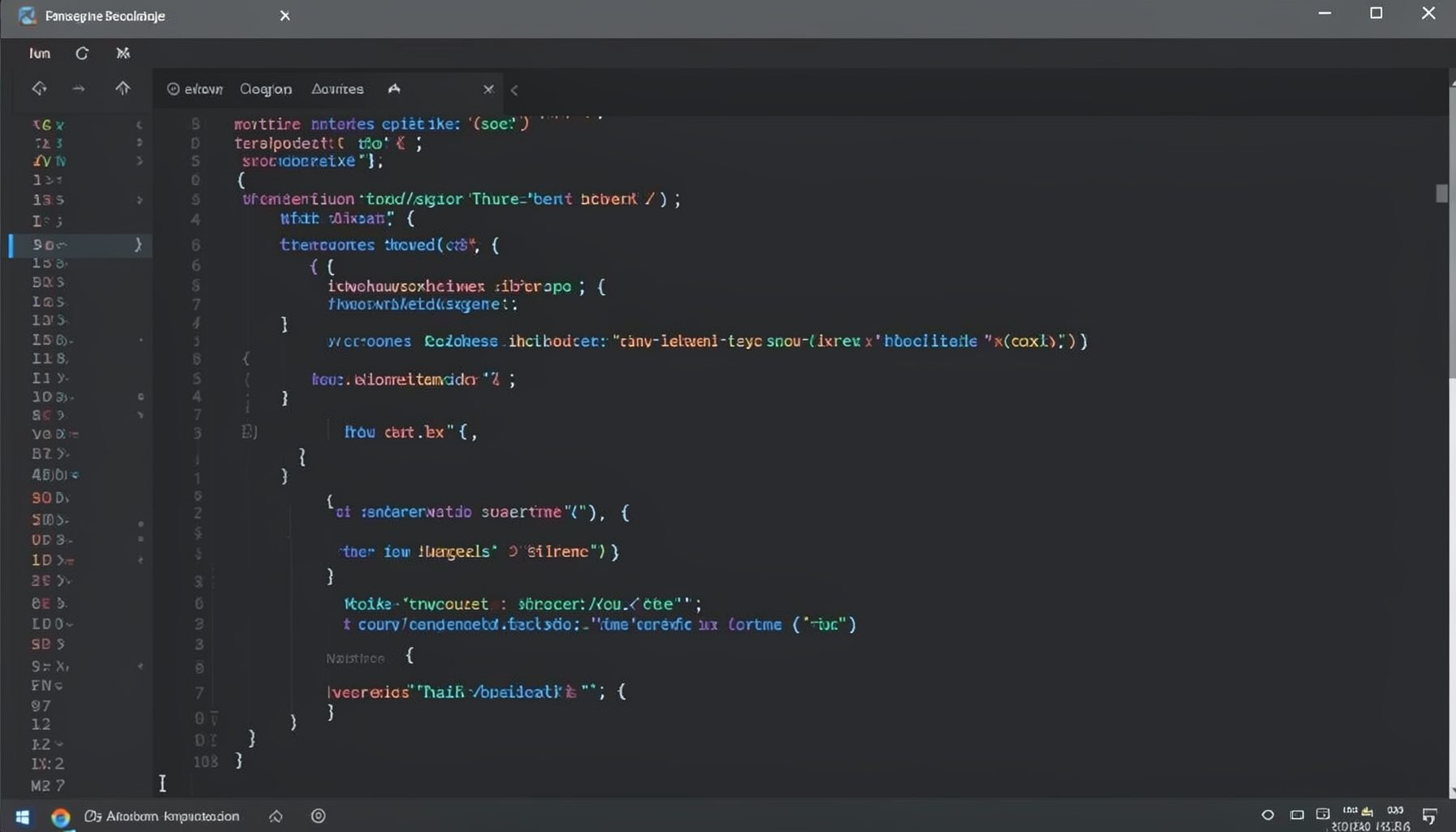
Screen-cast 1: Tab Mode, ECB & More
Covers tab-mode, ECB, Magik Smeller, code folding, visual bookmarks, pragma toggling, moving code, external editor, and MS Explorer.
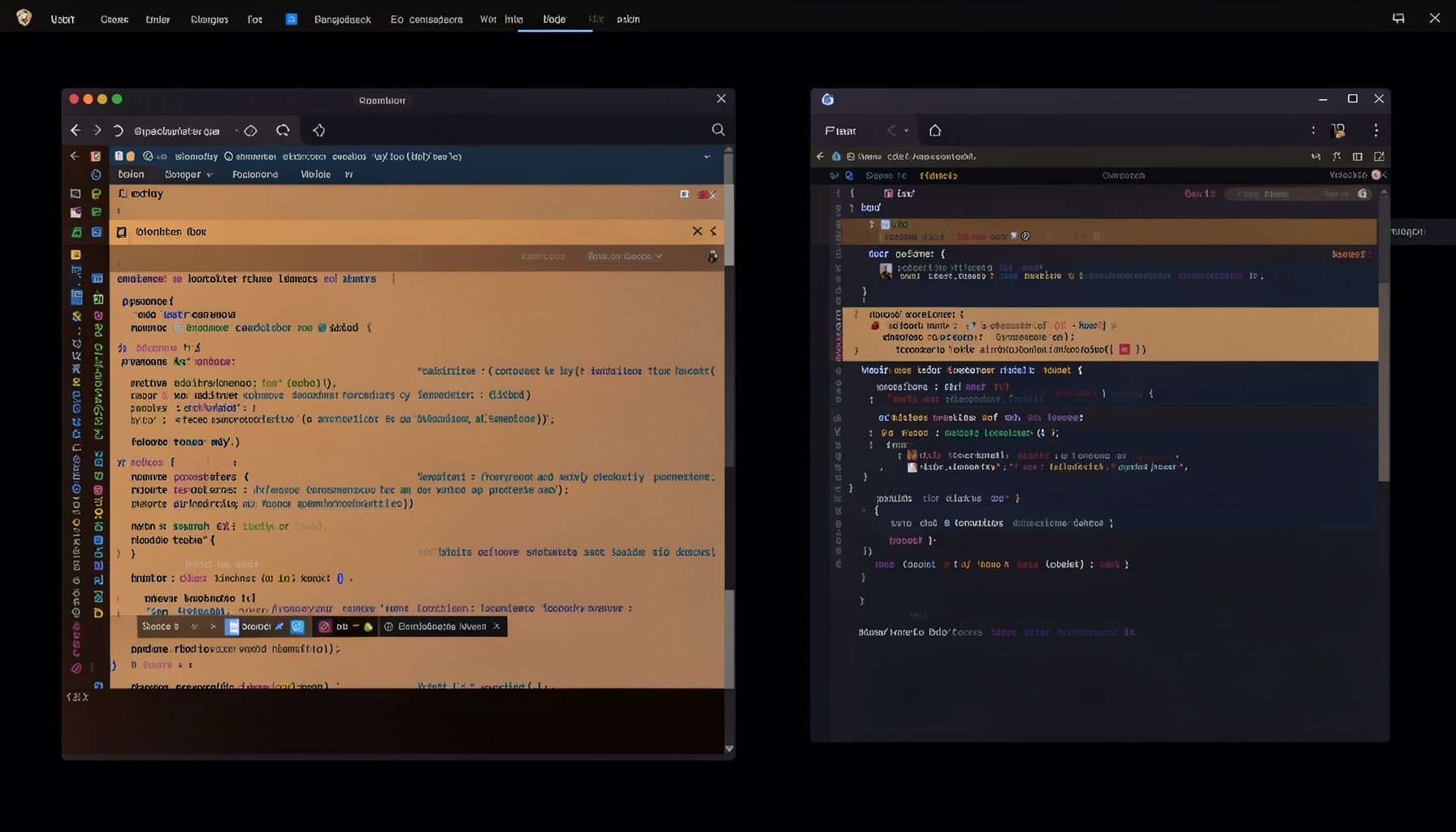
Screen-cast 5: Object Inspection & Deep Print
Inspect a Magik object, prompt for an expression evaluated within a Smallworld session, and display results in a Deep Print buffer.
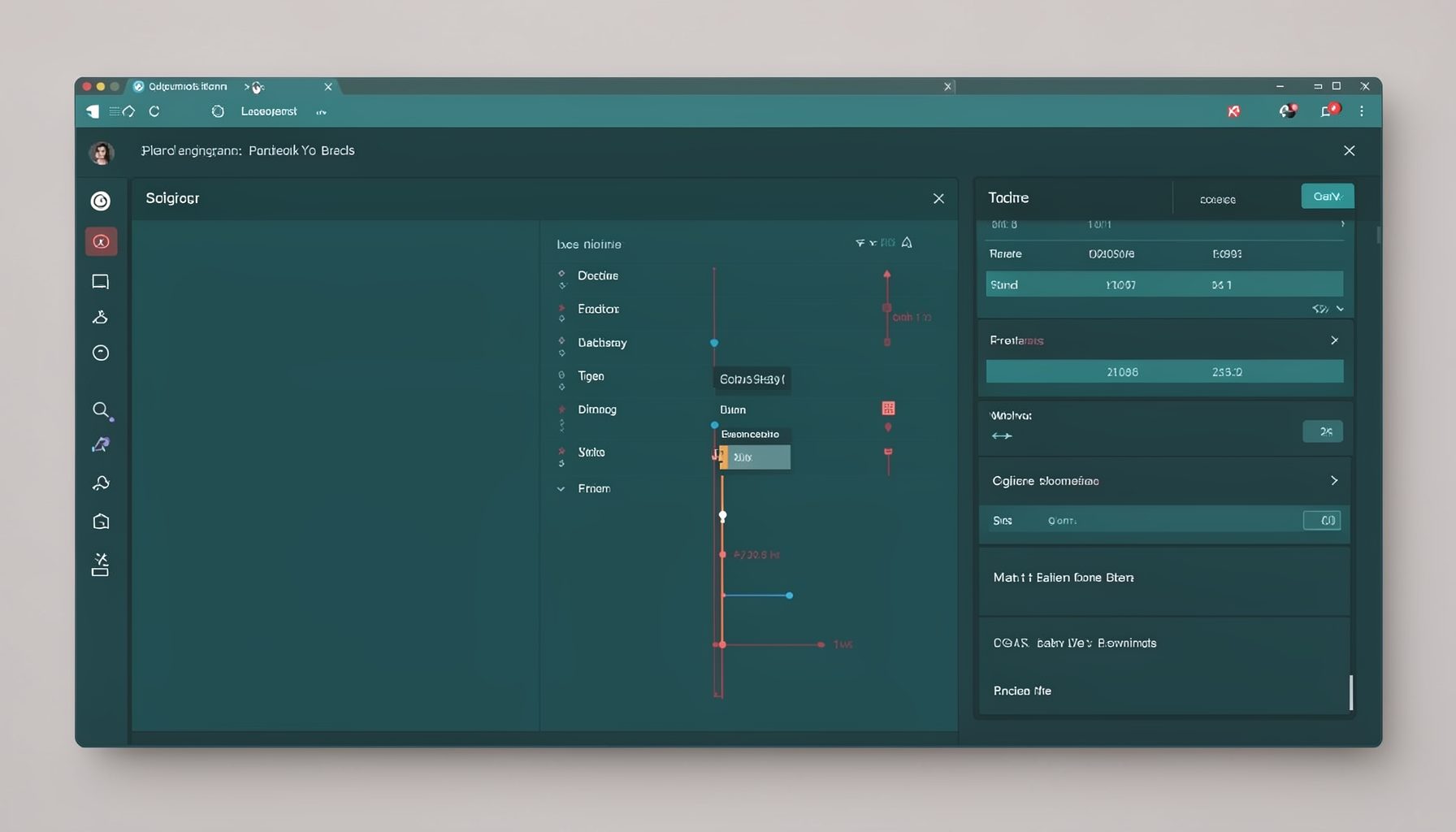
Screen-cast 7: Magik Debugger
Useful tools for application developers: Object Inspector and Magik Debugger with breakpoints and slot/variable monitoring.

Screen-cast 9: Tree Item GUI Control
Tree Item is a GUI control providing extensive facilities for displaying lists with rows, columns, trees, and in-place editing.