Ninotech Path Copy 4
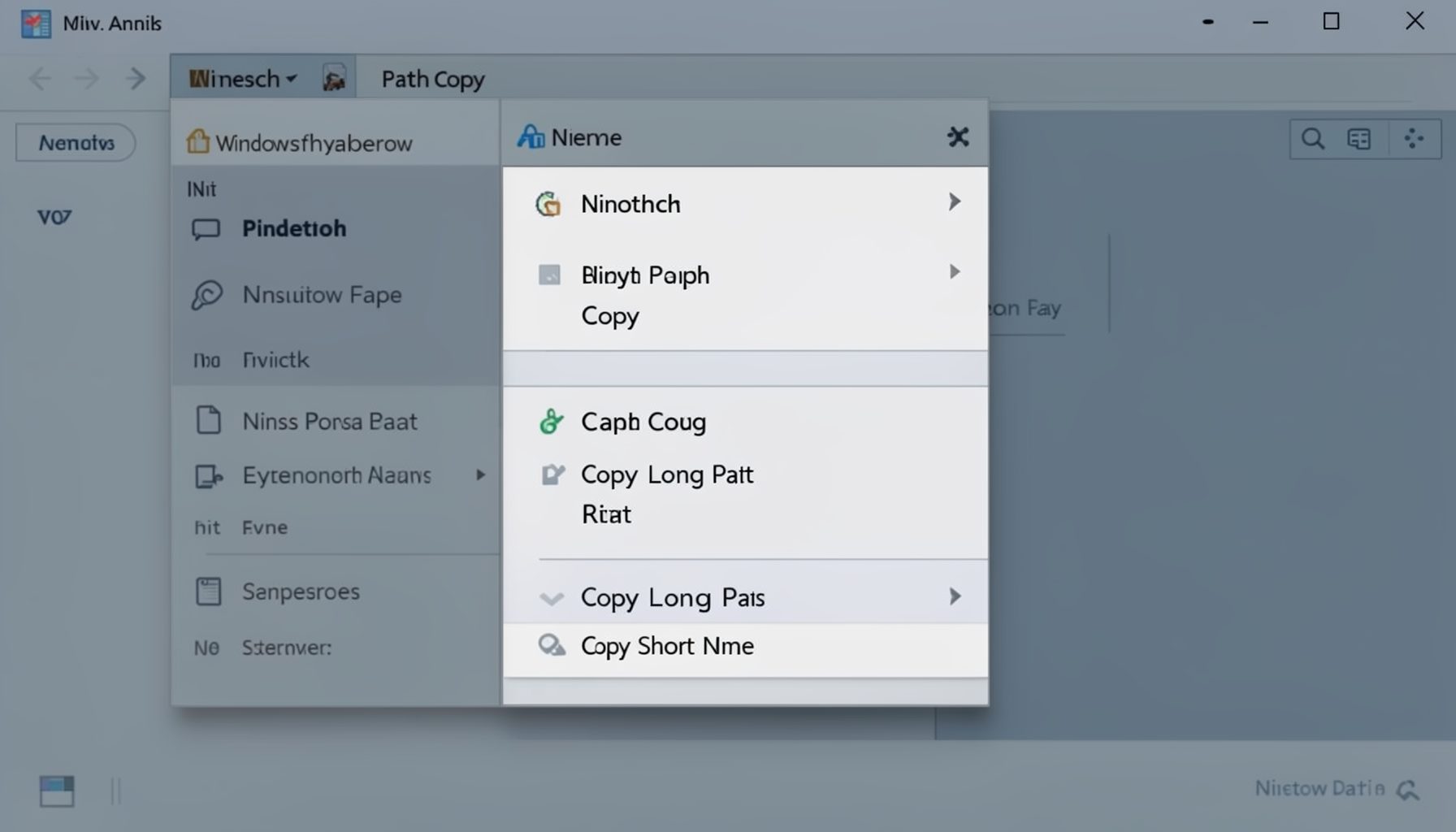
Ninotech Path Copy 4 is a lightweight Windows shell extension that adds convenient right-click context-menu options for copying file and folder paths. For developers working in the GE Smallworld environment, quickly grabbing a full UNC path, short name, or quoted path can streamline repetitive file-system tasks.
Why it matters for Smallworld developers
When navigating Magik image directories, log files, or configuration paths, having a one-click way to copy a fully qualified path saves keystrokes and reduces errors. The tool integrates directly into the Windows shell, so it works across Explorer, file dialogs, and the desktop.
Key features
- Copy long path, short (8.3) path, UNC path, or quoted path from the right-click menu.
- Copy just the folder path or the full file path.
- Lightweight shell extension with minimal resource footprint.
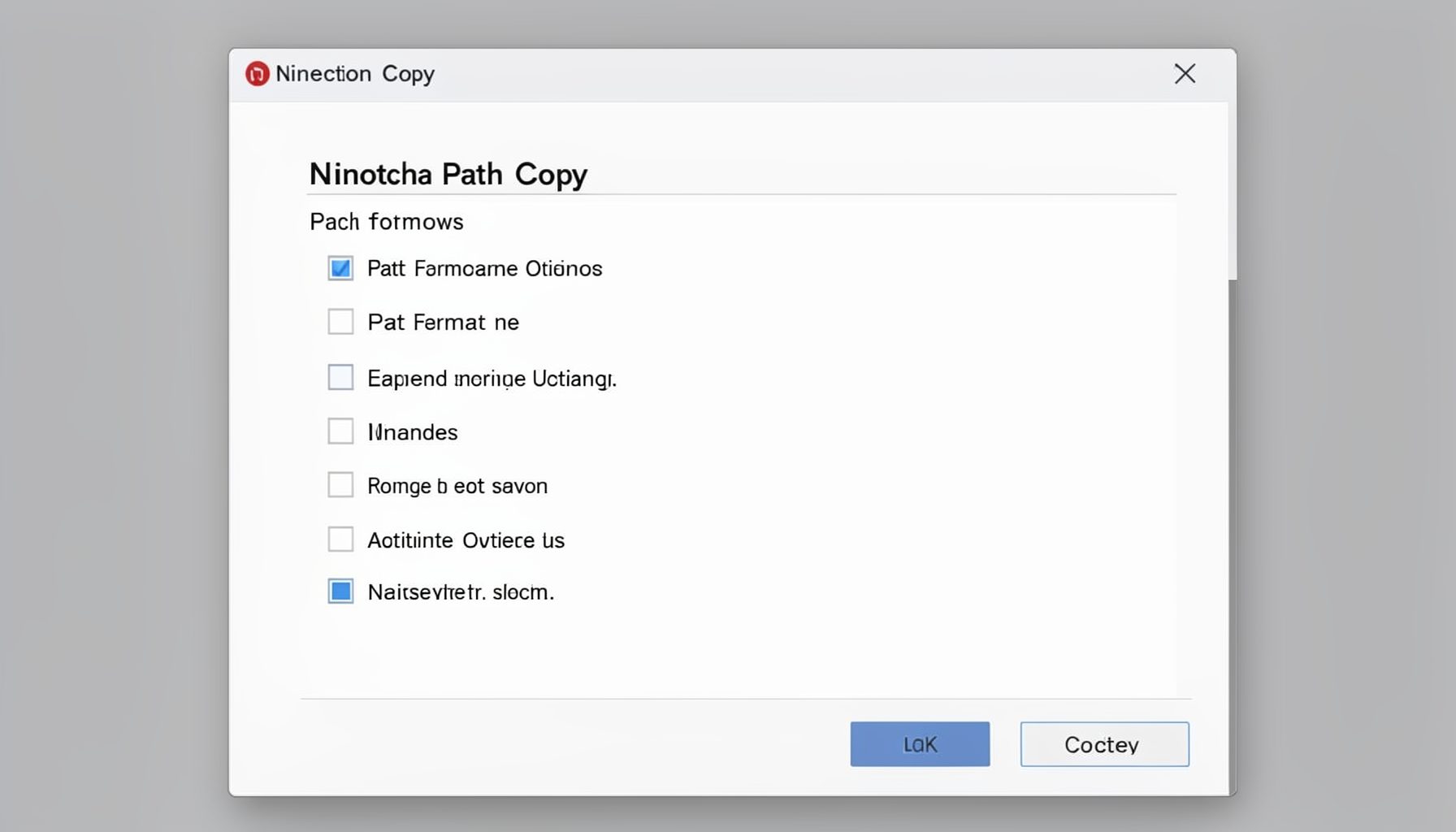
- Configurable via a simple options dialog.
Ninotech Path Copy 4 was available from Novell Cool Solutions: novell.com/coolsolutions/tools/13986.html