Emacs Extensions for
GE Smallworld Magik Development
Screen-casts, tutorials, and productivity tools for Magik programmers who use Emacs. From tab-mode and code folding to the Magik Debugger and object inspector — explore features built by a developer, for developers.
Learn MoreNine screen-casts published between November 2010 and January 2011 — covering everything from ECB mode to the Tree Item GUI control. Read the story behind the project →
Get in Touch
Emacs navigation for Magik Goto-Spaces
Magik source trees often spread a change across packages, methods and generated helpers. In Smallworld tooling, a Goto-Space is a navigable source grouping rather than an Emacs concept; in ordinary Magik files it commonly corresponds to a package region anchored by _package and _end_package. Generated or wrapped source may use different markers, so the pattern should follow the repository rather than assume universal syntax. Emacs can still treat those markers as dependable landmarks. occur presents matching declarations, while goto-char places point at an exact position.
Both commands are deceptively plain. goto-char moves point to an integer character position; it knows nothing about Magik packages or compilation units. occur searches the current buffer and collects matching lines in a separate *Occur* buffer. Combined with a boundary regexp, they form a dependable navigation layer that remains useful when a proprietary Smallworld tool is unavailable. The workflow is also familiar: find candidates, inspect them, search again and return to editing without leaving the keyboard.
The setup described in Magik development environment is a useful baseline for Doom Emacs, magik-mode, project discovery and modern navigation. From that foundation, a focused Goto-Space workflow needs a boundary regexp, two small commands and sensible key bindings. It should coexist with xref, project, consult and Magik-specific debugging tools rather than replace them. That division matters in organisations where developers move between source editing, transaction analysis and runtime inspection during one task.
Australian teams add a practical dimension. A development group in Melbourne may support a production estate in Sydney while a business team in Brisbane validates the result; Perth colleagues remain on AWST when eastern states move to AEDT. Long-lived Smallworld installations are common in the Australian market, so an index that remains intelligible years later can be more valuable than a transient graphical menu. Distributed support also makes reproducible positions useful when a handover crosses offices.
Why Goto-Spaces need clear navigation
A Goto-Space contains more than its opening declaration. It may include private methods, variables, pragmas, comments and conditional branches. A symbol browser can report that sw!something exists, yet may not show whether the definition is local, inherited or hidden behind generated source. Textual boundaries let the engineer inspect those cases in the file being edited.
Treat each boundary marker as data. Record the package name, start position, end position and file in which it was found. A declaration regexp is enough for ordinary files, while a parser-aware mode can enrich the result later. Keeping the first version textual makes it easy to test against legacy code, unusual indentation and older syntax variants. Daily navigation then does not depend on a successful connection to a live GE Smallworld application.
The payoff grows in consultancy and support work across Australian organisations. Teams must often explain a defect using the names in a customer’s change request, and a consulting package priced in Australian dollars with GST should not depend on undocumented visual menus. Reproducible searches and exact positions make demonstrations, handover notes and paired debugging easier to audit. The workflow can remain small enough to share yet transparent enough for an engineer in another office to reproduce.
Building a reliable Goto-Space index
Begin with the syntax actually present in the repository. Most Magik files use _package as a declaration and _end_package as a terminator, so anchor the search at the start of a line. The following Emacs Lisp defines a reusable pattern and returns every matching position in the current buffer:
(defvar magik-space-regexp
  "^[ \t]*_package\\>[ \t]+"
  "Regexp matching the start of a Magik Goto-Space.")

(defun magik-space-starts ()
  "Return buffer positions of Magik Goto-Space starts."
  (let (positions)
    (save-match-data
      (save-excursion
        (goto-char (point-min))
        (while (re-search-forward magik-space-regexp nil t)
          (push (match-beginning 0) positions))))
    (nreverse positions)))
The regexp deliberately requires whitespace after _package, reducing accidental matches in prose or comments. match-beginning 0 is the zero-based character index of the whole match; match-end 0 gives its exclusive end. save-excursion restores point after the scan, while save-match-data prevents the search from disturbing later matching operations. Because positions are buffer-local, retain the file identity whenever the list moves into a project-wide index.
Test the expression with re-search-forward before wrapping it in a command. Check generated files, mixed tabs and spaces, and packages that use a non-standard prefix. If a repository uses a different Goto-Space marker, change the pattern rather than scattering assumptions through key bindings. Also remember that Emacs searches respect narrowing: widen the buffer before expecting hidden regions to appear, and restore narrowing afterwards if it is part of the editing context.
Moving directly to a Goto-Space
goto-char becomes useful once a search has produced a trustworthy position. The following command looks backward from point for the containing or preceding space. If no earlier declaration exists, it looks forward to the first one. push-mark records the old position, so a normal Emacs motion can return to the line being edited:
(defun magik-goto-space ()
  "Move point to the containing or nearest preceding Goto-Space."
  (interactive)
  (let* ((origin (point))
         (target
          (save-match-data
            (save-excursion
              (goto-char origin)
              (let ((found
                     (or (re-search-backward magik-space-regexp nil t)
                         (re-search-forward magik-space-regexp nil t))))
                (when found
                  (match-beginning 0)))))))
    (if target
        (progn
          (goto-char target)
          (push-mark origin t))
      (message "No Magik Goto-Space found in this buffer."))))
This command does not claim that the nearest declaration is always the semantically correct package. That judgement may require reading imports, inheritance or Smallworld-specific metadata. It does guarantee that point lands on a real declaration in the current buffer, which is the right behaviour for an editor navigation aid. A separate next-space command can use re-search-forward when a developer is moving in the opposite direction.
Bind the command near the existing Magik method or package navigation keys, without taking a key another mode needs. A prefix such as C-c g s leaves room for related actions. Use xref for definitions known to the project and goto-char for the final jump when a custom index has supplied an exact location. This division keeps familiar mechanisms doing what they do best.
Listing Goto-Spaces with occur
occur is ideal when the question is comparative rather than positional: which packages are declared in this file, where are they and how many are there? Once magik-space-regexp is defined, the interaction is almost trivial:
(defun magik-list-spaces ()
  "List Magik Goto-Space declarations in the current buffer."
  (interactive)
  (occur magik-space-regexp))
The *Occur* buffer presents matching lines without replacing the source buffer. occur-mode provides movement through the results and a return to the source. Use an exact package name in the regexp for a specific query, or the shared space regexp for a broad survey. The source file remains the authority, so the engineer can inspect and edit a suspicious declaration immediately.
Remember that occur scans one buffer, not the whole project. This limitation is useful for a quick file-level inventory, but it becomes awkward when the same package exists in several checkout directories. Use project or consult-ripgrep to locate candidate files, open one and then use occur to inspect its internal structure. For a persistent project index, combine the buffer positions with file names and invalidate cached entries when the underlying files change.
Searching can also support lightweight checks. An occur regexp for unexpected package names may expose copied declarations during review, while a pattern matching _end_package without a corresponding start can reveal truncated or concatenated source. These checks complement compiler diagnostics and Smallworld’s own validation. They are most valuable as quick visual triage, especially when a support engineer compares a production snapshot with a local reproduction.
Bringing Goto-Spaces into daily workflows
The strongest workflow combines breadth and precision. Use occur to survey the spaces in a file, project or xref to locate a method across the checkout, and goto-char to land on a known package declaration before tracing the relevant definition. Code folding can then hide surrounding package bodies while the selected space remains visible. The result feels less like a sequence of separate tools than a single path through the Magik source.
The same pattern supports debugging. When a stack trace names a method in a particular package, the declaration index can narrow the search before the engineer inspects runtime objects. For database and collection analysis, an exact source position makes it quicker to move between the method that constructs a collection and the code that transforms it. During a screen share, a reproducible key binding is also less ambiguous than navigating transient controls.
A practical routine is to run the broad occur once, record the suspicious declaration and return to the source for a precise jump. Keep the regexp in the shared Magik configuration so a new starter, a support engineer or a contractor receives the same commands. Record repository-specific marker changes in that configuration and in a short handover note. This keeps a support session focused on evidence rather than mouse choreography and gives the next shift a precise place to resume.
Start by adding magik-space-regexp, magik-space-starts and magik-goto-space to your Magik Emacs configuration, then bind them beside the method-navigation commands already in use. Exercise them on one representative production file and one generated file; any variation in Goto-Space syntax will become obvious before the commands are shared with the rest of the team.
HydePark Consulting can help Australian Smallworld teams standardise a Magik development environment, document the workflow and train engineers in Melbourne, Sydney or remotely. Contact HydePark Consulting to arrange a practical session focused on source navigation, debugging and collection analysis using your own Magik codebase.
Core Features
Tab Mode & ECB
Quick tab switching and Emacs Code Browsing mode for navigating Magik codebases efficiently.
Magik Smeller
Code analysis tool that helps identify potential issues in Magik source files.
Code Folding
Hide/Show mode for collapsing and expanding Magik code blocks to focus on what matters.
Visual Bookmarks
Quick visual bookmarks for jumping between key locations in your Smallworld session buffers.
Object Inspector
Inspect Magik objects and display them in an Emacs Deep Print buffer for detailed examination.
Magik Debugger
Set breakpoints and monitor slots and variables directly from within Emacs.
Development Tools
Direct links between Emacs and the Smallworld Development Tools application, including Click Monitor.
Screen-casts & Tutorials
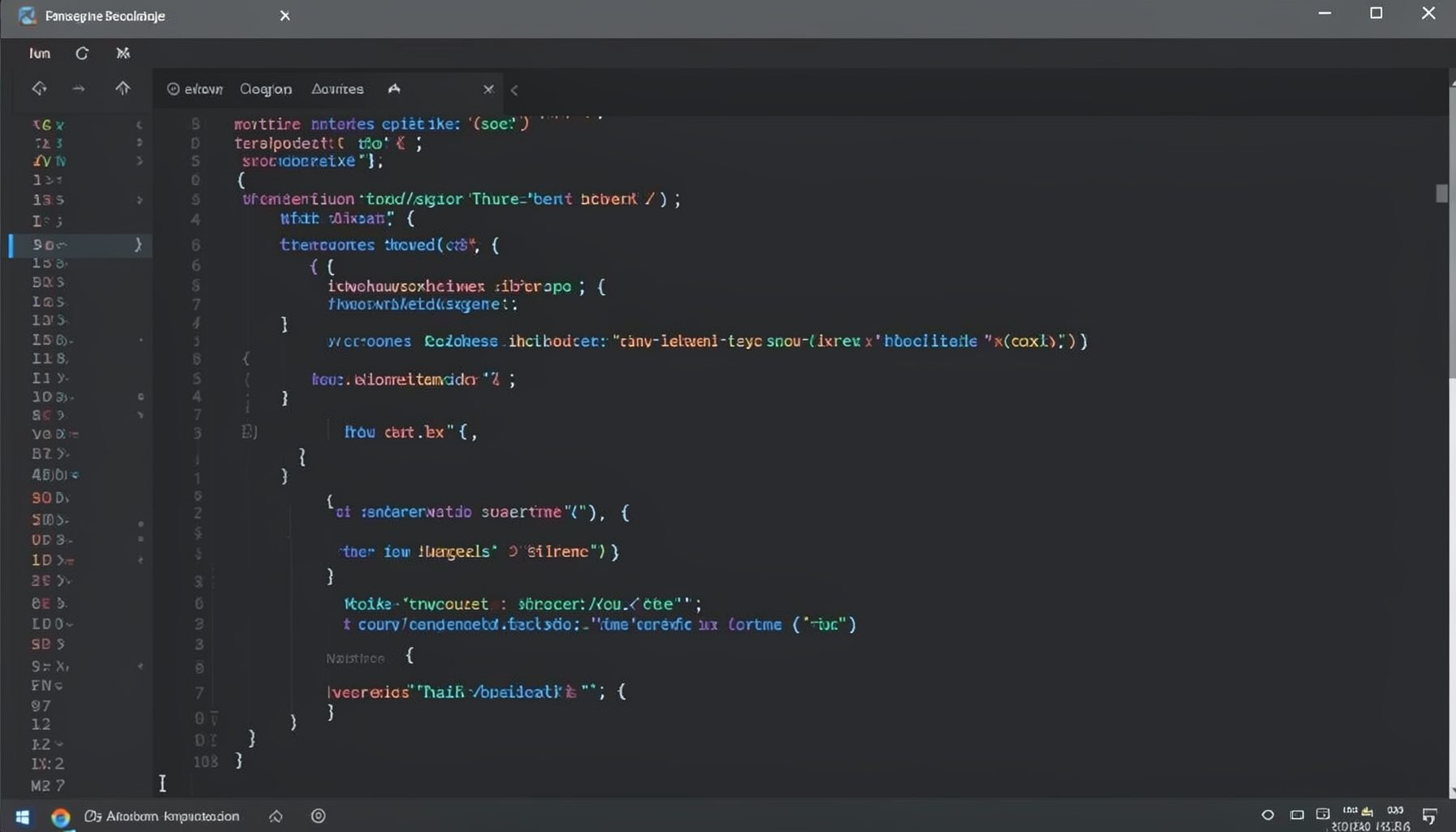
Screen-cast 1: Tab Mode, ECB & More
Covers tab-mode, ECB, Magik Smeller, code folding, visual bookmarks, pragma toggling, moving code, external editor, and MS Explorer.
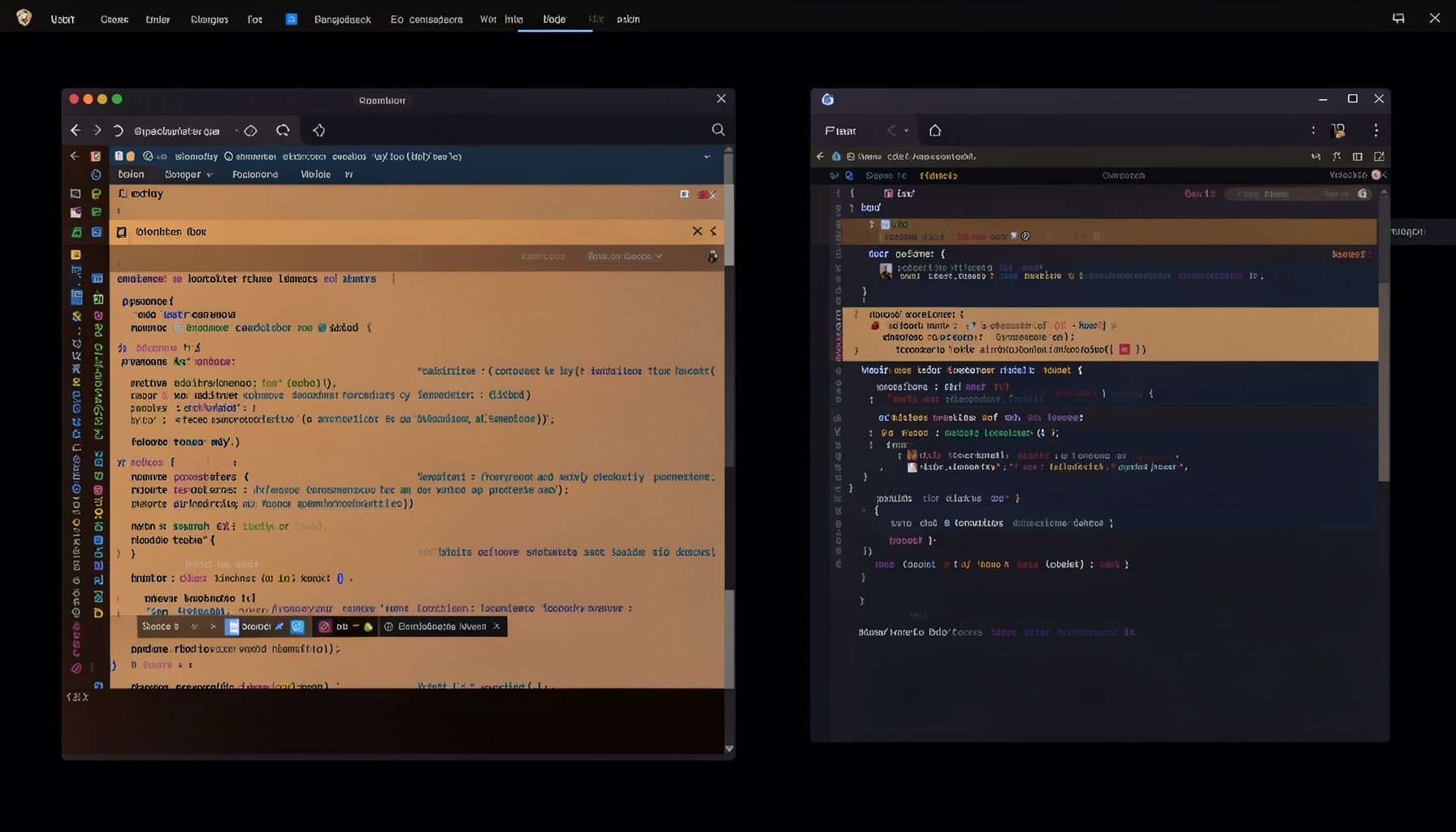
Screen-cast 5: Object Inspection & Deep Print
Inspect a Magik object, prompt for an expression evaluated within a Smallworld session, and display results in a Deep Print buffer.
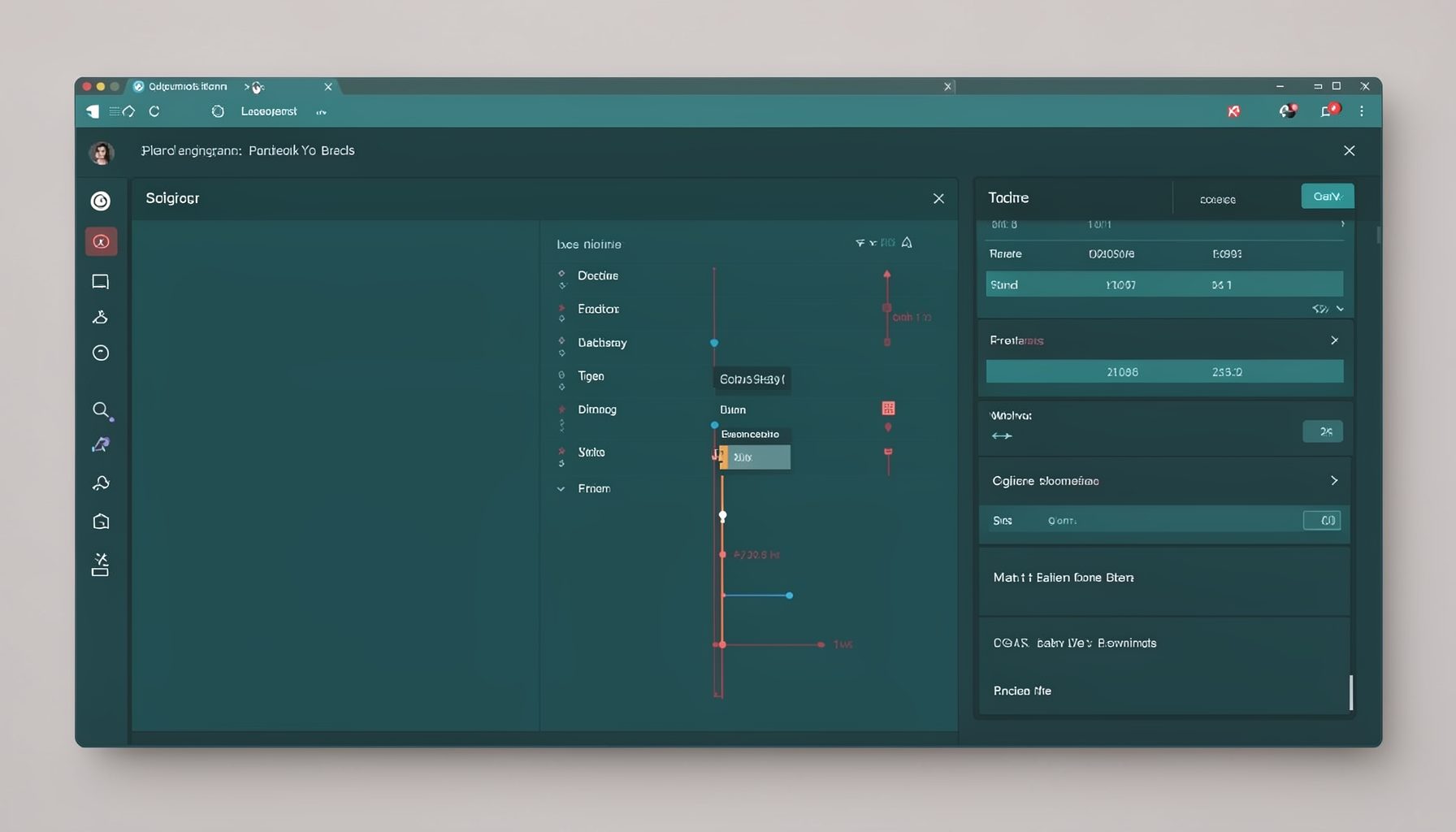
Screen-cast 7: Magik Debugger
Useful tools for application developers: Object Inspector and Magik Debugger with breakpoints and slot/variable monitoring.

Screen-cast 9: Tree Item GUI Control
Tree Item is a GUI control providing extensive facilities for displaying lists with rows, columns, trees, and in-place editing.