Emacs Extensions for
GE Smallworld Magik Development
Screen-casts, tutorials, and productivity tools for Magik programmers who use Emacs. From tab-mode and code folding to the Magik Debugger and object inspector — explore features built by a developer, for developers.
Learn MoreNine screen-casts published between November 2010 and January 2011 — covering everything from ECB mode to the Tree Item GUI control. Read the story behind the project →
Get in Touch
Magik database collections queried with SQLi in Emacs
Magik's database collections sit between object-oriented code and the Smallworld Store, and SQLi, the Smallworld SQL/i interface, gives programmers a relational view of that persistent data. For developers who already live in Emacs, the useful question is not whether SQL is better than Magik. It is how to combine both without hiding collection semantics, losing query context, or creating a second, incompatible workflow.
SQLi is strongest for exploratory inspection, aggregate reporting, and joins that would be awkward to express through direct collection iteration. Direct Magik remains preferable when application invariants, inherited methods, or write behaviour matter. A query can answer a question about stored objects, but it does not automatically make those objects valid Magik instances or duplicate the safeguards in their methods.
Emacs can act as the control surface for this work: keep Magik source, query text, runtime output, and result inspection in related buffers, then move between them with ordinary editing commands. That arrangement is particularly valuable during investigation, when the path from a failing method to the stored records behind it should remain visible rather than being reconstructed from terminal history.
Details vary across Smallworld releases, particularly the connection manager, parameter-binding syntax, and row-limit clause. The workflow below therefore separates portable SQL from release-specific Magik calls and treats permissions, transaction boundaries, and collection mappings as explicit parts of the query, not as assumptions hidden in a snippet.
When SQLi suits database collections
A database collection is persistent, may contain far more rows than are convenient to materialise, and can expose fields through a relational mapping. SQLi lets you project selected columns, filter them, combine collections, and aggregate stored values without writing a full traversal loop. The result is a query view for analysis; it is not a replacement for the object model that owns the data.
Use direct collection access for a single object, a method that enforces domain rules, or a write whose side effects need transaction handling. SQLi becomes valuable when a support team needs to compare records, investigate inconsistent values across an estate, or produce counts that would be expensive to calculate in application code. The same rule applies to production use: a convenient query is still a query against shared state and deserves the same care as an API endpoint.
Before writing SQL, confirm how the target collection is exposed as a table or view, which columns are queryable, and whether inherited or private fields are omitted. Geometry, temporal values, and nullable attributes may need special conversion. SQLi also has its own supported syntax, so a query written for PostgreSQL, Transact-SQL, or another engine should not be assumed to work unchanged.
Building a repeatable query in Emacs
Keep the SQL in a versioned text buffer beside the Magik package that consumes the information. Give the buffer a descriptive name, record the intended collection and release, and keep exploratory edits separate from a checked-in query. For a large service, Projectile code navigation helps move between the package, its callers, and the method that exposed the problem; the query then remains connected to real code rather than living in an isolated scratch buffer.
An illustrative query might look like this:
SELECT customer_id,
       customer_name,
       account_status
  FROM customer_accounts
 WHERE account_status = 'ACTIVE'
 ORDER BY customer_name;
The table name and columns are examples, not universal Smallworld names. Replace them with the verified SQL/i mapping for the collection. Add a bounded row count using the syntax supported by your release, and select only the fields needed to answer the question. Narrow projections make results easier to inspect and prevent accidental exposure of sensitive records.
Never build SQL by concatenating unchecked input. Use the parameter-binding facility supplied by the approved connection or wrapper when it exists; otherwise route values through a maintained escaping routine and a read-only credential. Keep credentials outside the .magik file, use separate identities for development and production, and test the parameter path as carefully as the query text.
Connecting Emacs to the Smallworld runtime
There are two practical connection patterns. A supported external SQL/i interface can be configured in Emacs's SQL client mode, allowing a query buffer to execute and display tabular output. Many Smallworld installations instead expose SQL/i only inside the Smallworld runtime through its SQL/i manager and connection objects. In that case, use a small Magik bridge that owns the connection and returns a bounded result to Emacs; do not assume the internal interface is a normal network database that sql-mode can open.
Keep release-specific calls inside that bridge. The following is pseudocode rather than a drop-in method:
# Pseudocode: adapt names to the installed Smallworld release.
_rows = sql_i_bridge.execute(
    :query_text,
    :bindings => [ _customer_id ],
    :max_rows => 100)
The bridge should acquire a connection from the approved manager, bind values, execute within the required transaction context, and return both rows and useful metadata. If it can run inside Magik, it can also apply collection-specific filters that the SQL view omits. Keep that policy in one place instead of copying it into every developer query.
From Emacs, compile or load the bridge, open a Magik process, and send the prepared query to it. Save runtime errors beside the source, then use the standard editing commands to move to the offending method. A practical loop is to compile the bridge, run a bounded query, inspect the result header and first rows, compare the identifiers with the code path, and change one variable at a time. This creates a short feedback cycle without requiring a separate database console.
Reading results without losing context
Treat the result as data with provenance, not as a screenshot or a block of printed values. Record the SQL/i manager or connection name, the Smallworld release, the collection mapping, the execution time, and whether the query ran inside a transaction. A small header in the Emacs buffer is often more valuable than the complete result set because it tells another developer what was asked and under which conditions.
Check column types explicitly. A database null is not an empty string, a zero-length geometry is not absent geometry, and a timestamp may be returned without the original display zone. Store result timestamps in UTC and render local times with an explicit offset. In Australian operations, a runbook value such as 04/07/2026 is ambiguous to many readers, so use DD/MM/YYYY and state the time zone whenever dates cross a team or system boundary.
For large or spatial collections, sample before exporting. Use the query engine's count or limiting facility, then inspect a representative subset for nulls, duplicated keys, unexpected status values, and invalid geometry. Avoid converting every row into a heavyweight Magik object when plain records will do. If the downstream code needs full instances, retrieve the identifiers first and load those objects through the normal Magik API, preserving its validation and caching behaviour.
Running a query practice teams can repeat
Put the query, expected result shape, authorised account, and rollback or cleanup notes in a short runbook. Use Australian English in shared notes—authorised, analyse, and behaviours are natural choices—and make filenames unambiguous across Windows and Unix workstations. A developer should be able to identify the target collection, query revision, and Smallworld release without asking the author to decode a command history.
Across the Australian market, implementation teams in Brisbane and Perth commonly work with mining, utility, land-management, and geospatial customers, so their collections can contain large asset histories and sensitive location data. A read-only query should still have a named owner, an audit trail, and a clear expiry for any temporary access. This is especially important where operational teams use the same Smallworld estate for both field support and enterprise reporting.
A team distributed across Sydney and Melbourne must also handle AEST and AEDT transitions. Store audit timestamps in UTC, include the offset in the displayed time, and schedule expensive diagnostics away from peak operational windows. For handover, attach the exact query text, collection mapping, release, row limit, and a redacted sample. That package lets the next engineer reproduce the result without inheriting an undocumented database session.
Install the Magik Emacs tooling, create one read-only SQLi bridge, and save a bounded sample query beside the Magik method that prompted it. Run that query in a non-production environment first, verify the collection mapping and parameter binding, and record the release and account used. Repeating the same small workflow will make each later investigation faster and safer.
Turn the verified query into a team asset: keep it in version control, attach a concise runbook, and publish only redacted result samples. When the next collection question arrives, start from that bridge, change the projection or filter, and keep the connection, permissions, and transaction rules consistent.
Core Features
Tab Mode & ECB
Quick tab switching and Emacs Code Browsing mode for navigating Magik codebases efficiently.
Magik Smeller
Code analysis tool that helps identify potential issues in Magik source files.
Code Folding
Hide/Show mode for collapsing and expanding Magik code blocks to focus on what matters.
Visual Bookmarks
Quick visual bookmarks for jumping between key locations in your Smallworld session buffers.
Object Inspector
Inspect Magik objects and display them in an Emacs Deep Print buffer for detailed examination.
Magik Debugger
Set breakpoints and monitor slots and variables directly from within Emacs.
Development Tools
Direct links between Emacs and the Smallworld Development Tools application, including Click Monitor.
Screen-casts & Tutorials
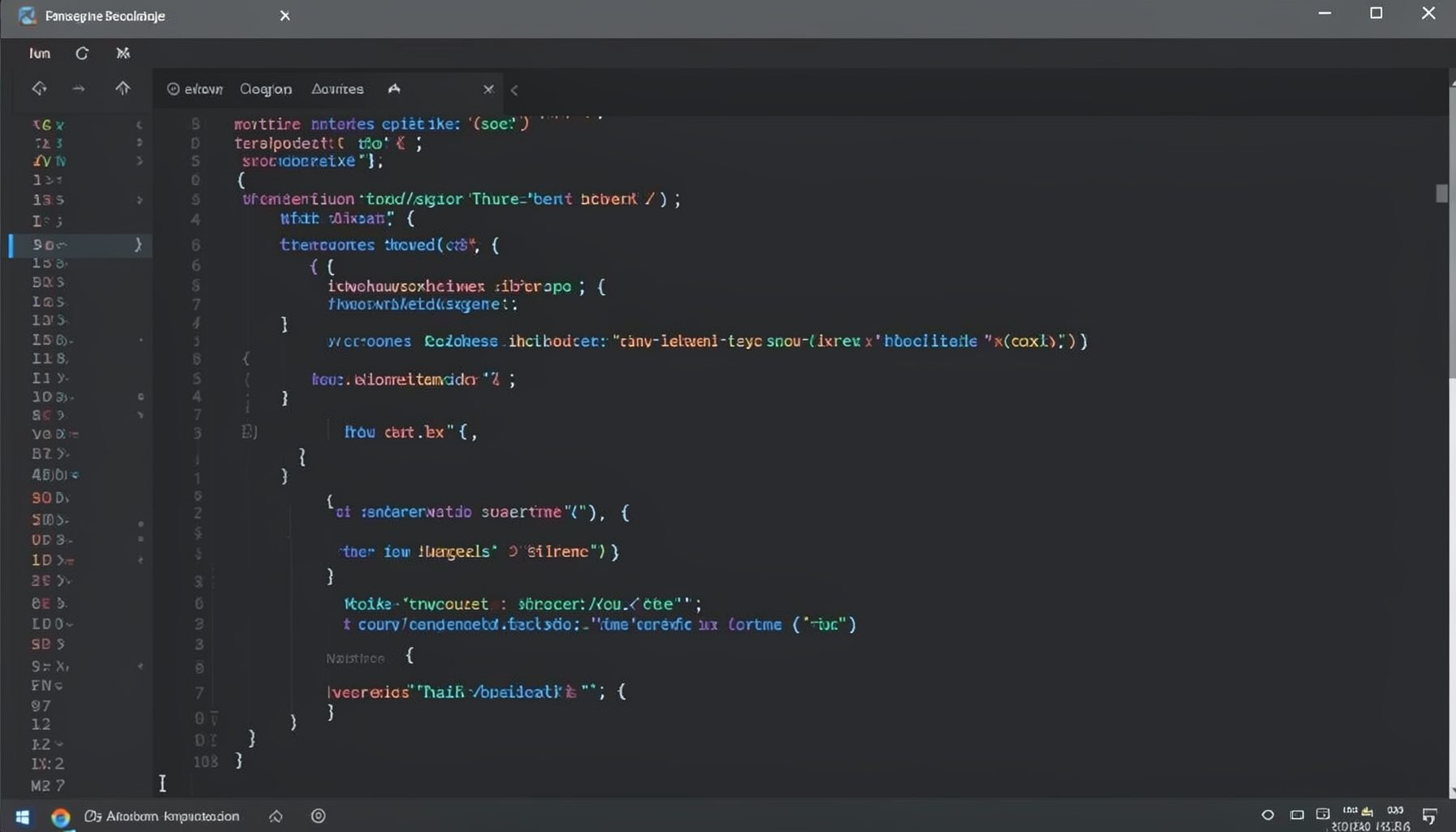
Screen-cast 1: Tab Mode, ECB & More
Covers tab-mode, ECB, Magik Smeller, code folding, visual bookmarks, pragma toggling, moving code, external editor, and MS Explorer.
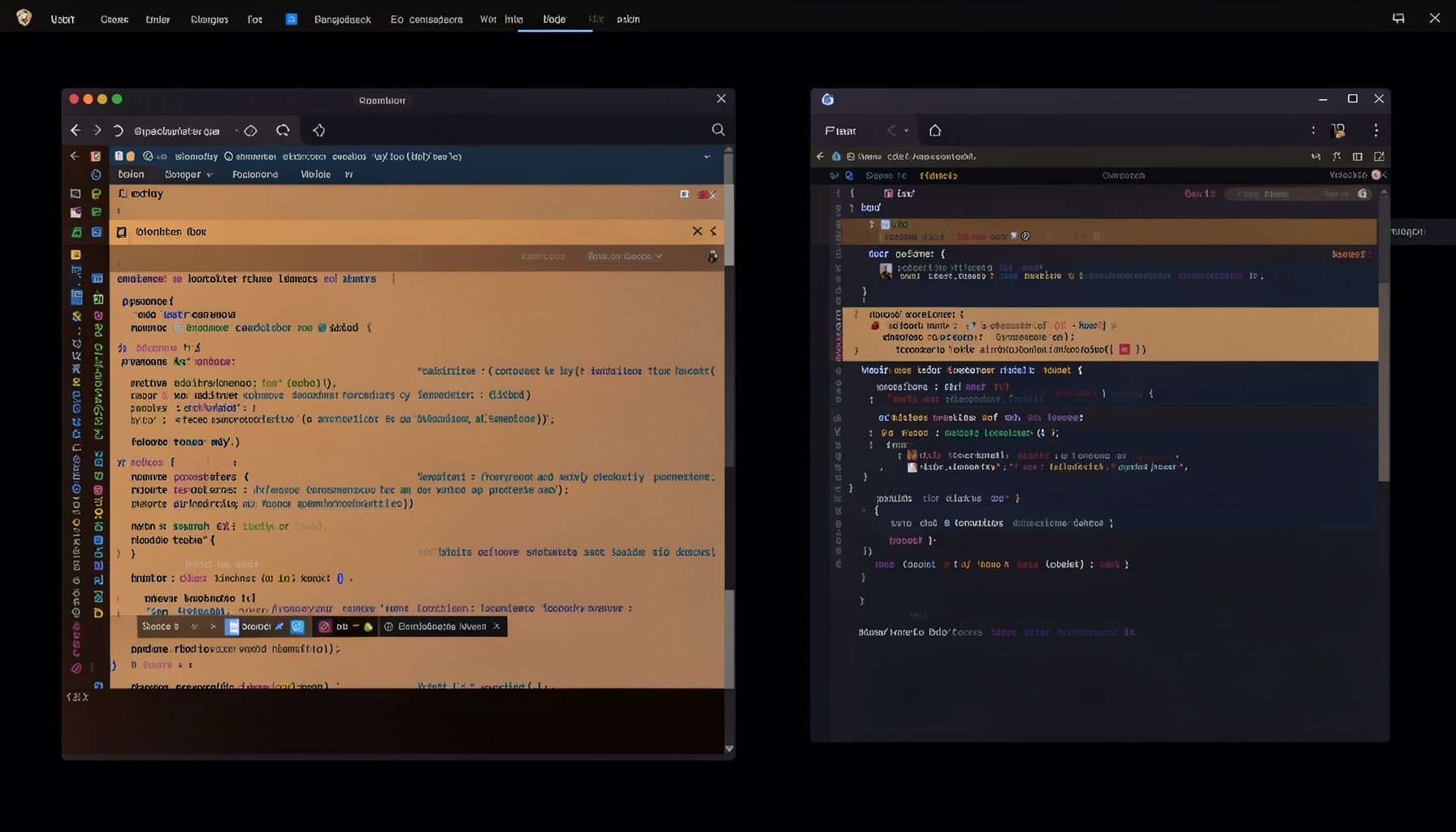
Screen-cast 5: Object Inspection & Deep Print
Inspect a Magik object, prompt for an expression evaluated within a Smallworld session, and display results in a Deep Print buffer.
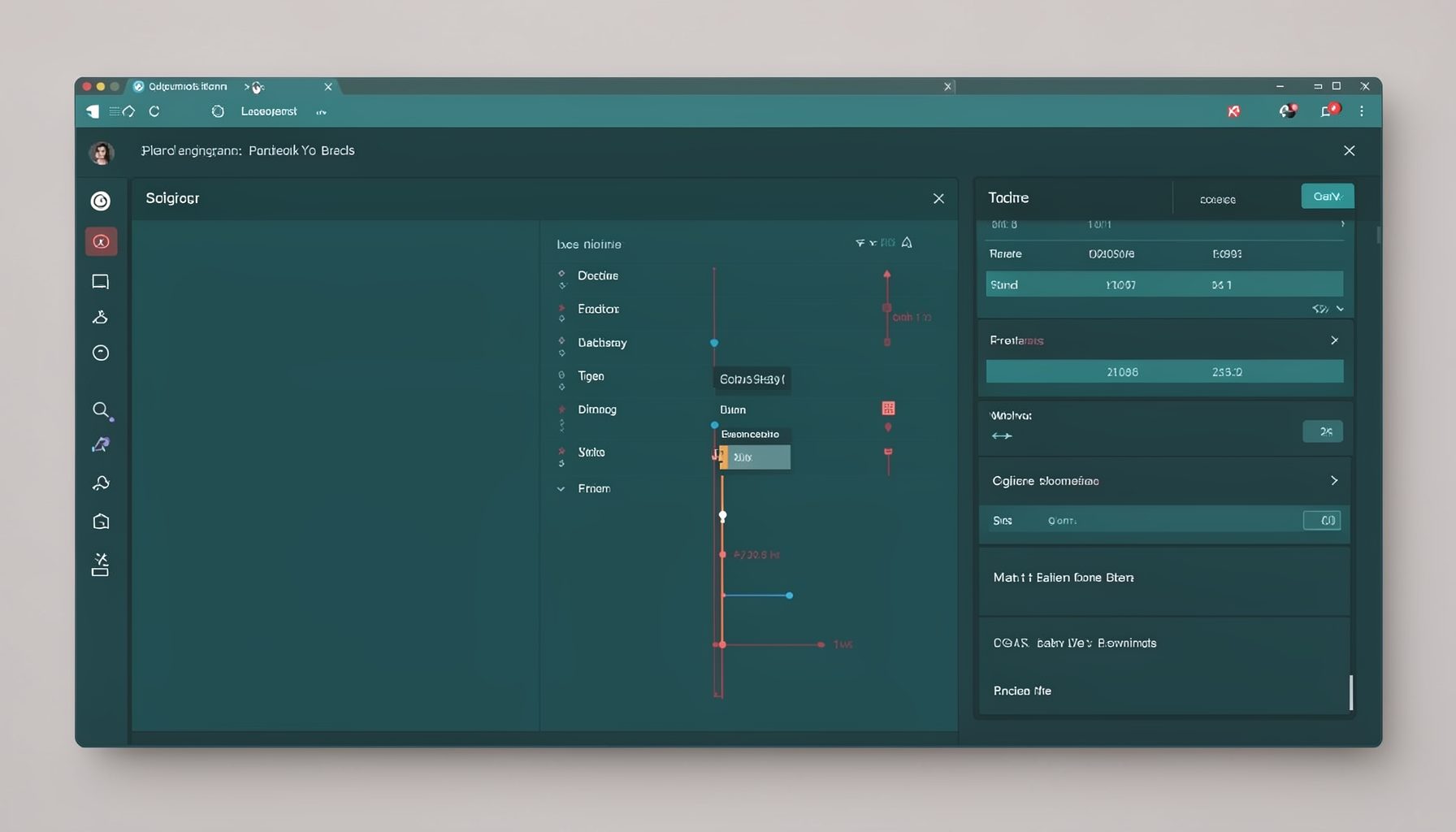
Screen-cast 7: Magik Debugger
Useful tools for application developers: Object Inspector and Magik Debugger with breakpoints and slot/variable monitoring.

Screen-cast 9: Tree Item GUI Control
Tree Item is a GUI control providing extensive facilities for displaying lists with rows, columns, trees, and in-place editing.