Emacs Extensions for
GE Smallworld Magik Development
Screen-casts, tutorials, and productivity tools for Magik programmers who use Emacs. From tab-mode and code folding to the Magik Debugger and object inspector — explore features built by a developer, for developers.
Learn MoreNine screen-casts published between November 2010 and January 2011 — covering everything from ECB mode to the Tree Item GUI control. Read the story behind the project →
Get in Touch
Seeing Magik Method Arguments in Emacs Tooltips
Smallworld Magik methods often pack significant behaviour into compact calls. A line such as collection.map(element, transform) tells an experienced developer only part of the story: the receiver may be specialised, the arguments may be optional, and the method may have been redefined in another package. Emacs can keep that context beside the code by showing a hover tooltip with the method signature when the pointer rests on a method name.
The useful distinction is between a signature and a live result. A tooltip can reveal argument names, ordering and optionality without evaluating the call. A connected Smallworld image can provide runtime facts such as an actual collection size or a resolved method. Treating those sources as complementary prevents a quick documentation glance from being mistaken for proof that an invocation will succeed.
For Australian Magik teams, this matters across geographically dispersed operations. Developers in Sydney, Melbourne and Brisbane often join stand-ups with colleagues handling customers or resource operations in Perth. Sydney and Melbourne shift between AEST and AEDT, while Brisbane and Perth keep fixed offsets, so a timestamp shared during handover may carry different context. A local tooltip keeps the immediate question—which arguments does this method accept?—visible during code reviews, handover notes and incident investigation.
Metadata also carries governance considerations. Tooltips sourced from a repository expose names and declarations; they do not need to display customer records or production values. For organisations subject to the Privacy Act 1988, separating code metadata from personal information supports the Australian Privacy Principles’ collection limitation. Where the Australian Signals Directorate’s ASD-71 guidance applies, keeping evaluation in an approved image also supports tighter access and audit controls. The extension should reveal enough structure to navigate code while leaving sensitive data where it belongs.
How a method argument tooltip is assembled
Magik Emacs builds its display from method metadata associated with the buffer, project index or connected image. At the cursor, the extension identifies the receiver and method, resolves inherited or packaged definitions where possible, and presents a compact signature. A typical entry resembles collection.map(element, transform): required arguments appear first, while optional markers and argument order are easier to scan than in a long procedural call.
The tooltip is most valuable when names carry domain meaning. start_position communicates more than first, and error_policy exposes a choice that may otherwise be buried deep inside a method body. The display can make a missing required argument easier to notice, but it should not claim that an argument value is valid merely because its name exists. Type checking, collection state and business rules still belong to the running system.
Argument information can also help with Magik’s special declaration forms. Where a method supports optional, gather-style or inherited parameters, the tooltip can show where the ordinary positional list ends and flexible input begins. This makes it easier to distinguish a typo from a legitimate call with extra arguments. Exact details depend on the method definition loaded into the session, so the hover view should indicate when it is showing source metadata rather than a live resolution.
Configuring Emacs for reliable Magik signatures
Start with the Magik Emacs extension, open a repository containing the relevant Smallworld source, and let its indexing pass complete. Check that the method appears in completion before assuming hover support is faulty. Magik projects can span several packages, and a definition stored outside the current workspace may need an additional search path or package source. A stale index is a frequent reason that a valid method shows no argument list.
Set the tooltip delay to a value that feels immediate without obscuring code. Too short a delay interrupts normal typing; too long a delay makes the feature feel unreliable. It is also sensible to keep the signature close to the completion popup but suppress duplicate help windows. Teams can record these settings in a shared Emacs configuration, with repository-specific paths added by the development lead rather than copied into every workstation.
Static signatures are enough for routine editing, but some questions need evaluation in a Smallworld image. For interactive checks, the guide to a comint-based Magik REPL shows how Magik output can be integrated with Emacs while retaining familiar completion and inspection behaviour. Keep that connection separate from production and use a controlled image when values could be sensitive.
Comparing source metadata with live inspection
The origin of the information determines what the tooltip can honestly claim. A source-backed display is fast, repeatable and suitable for code review. A live display can account for packages loaded at runtime, redefinitions and the actual receiver, yet it may require more processing and can expose operational data. Choosing the right source is often more important than choosing a particular tooltip style.
| Source-backed tooltip | Live inspection |
|---|---|
| Shows expected names, order and optionality | Shows the resolved method, receiver and selected values |
| Best during routine editing and review | Best for targeted debugging and collection analysis |
| Available from the repository and local index | Requires a connected Smallworld image |
| Main risk is a stale or incomplete definition | Main risk is evaluation cost, side effects or data exposure |
Neither approach replaces the other. During ordinary development, use the tooltip to establish the expected call shape, then use the REPL or an object inspector when business state or method redefinition could alter the answer. This division reduces needless evaluations while preserving the confidence needed for a difficult defect.
Be explicit about status in the interface. Labels such as source, indexed and live prevent a stale definition from being accepted as current. In a regulated or customer-facing deployment, the distinction also supports privacy controls: argument names are usually code metadata, whereas inspected values may contain personal information.
Troubleshooting missing or misleading tooltips
Begin with the cursor position. In many method-call styles, the best trigger point is on the method name rather than deep inside the argument list. If nothing appears, verify that the current buffer is recognised as Magik, the relevant source has been indexed and completion can see the method. Opening a second copy of the package can also reveal whether the extension is showing the expected definition.
Next, compare the signature with the method declaration and any inherited implementation. Package qualifiers, receiver naming and dynamically installed methods can confuse a simple text match. A tooltip that shows only a partial signature should be treated as a prompt to inspect the source, not as a complete contract. Asking a running image to describe the method is often the quickest cross-check when inheritance is involved.
Headless terminals and remote development sessions add another layer: graphical tooltip support may be absent even when completion works. Teams can fall back to displaying signatures in the echo area or mini-buffer, then move Magik process output into a dedicated comint buffer. That pattern fits Australian support teams following early shifts in Brisbane while Perth users finish later handovers, and it keeps the same method information available across operating systems.
Making method discovery a daily practice
Tooltips work best as a navigation aid rather than a substitute for review. Encourage developers to hover before calling an unfamiliar method, check the source definition after an unexpected signature and consult a live image only when runtime state matters. This simple sequence supports code reviews using Australian English in comments and commit messages, particularly when an argument order or optional marker is easy to misread.
Measure adoption by whether developers can answer method questions without leaving Emacs, not by the number of tooltips displayed. A small pilot in one package can reveal indexing gaps and unsuitable delay settings before a wider rollout. Include new starters, contract developers and staff working from home, because the same repository and configuration should produce consistent Magik help across Sydney, Melbourne, Brisbane and Perth workstations.
Install the Magik Emacs extension, enable method-argument tooltips in a non-production workspace and test them against one required argument, one optional argument and one inherited method. Share the working configuration with the team, then use each code review to refine the indexing rules and documentation links. Make the next unfamiliar Magik call the first practical test of the new workflow.
Core Features
Tab Mode & ECB
Quick tab switching and Emacs Code Browsing mode for navigating Magik codebases efficiently.
Magik Smeller
Code analysis tool that helps identify potential issues in Magik source files.
Code Folding
Hide/Show mode for collapsing and expanding Magik code blocks to focus on what matters.
Visual Bookmarks
Quick visual bookmarks for jumping between key locations in your Smallworld session buffers.
Object Inspector
Inspect Magik objects and display them in an Emacs Deep Print buffer for detailed examination.
Magik Debugger
Set breakpoints and monitor slots and variables directly from within Emacs.
Development Tools
Direct links between Emacs and the Smallworld Development Tools application, including Click Monitor.
Screen-casts & Tutorials
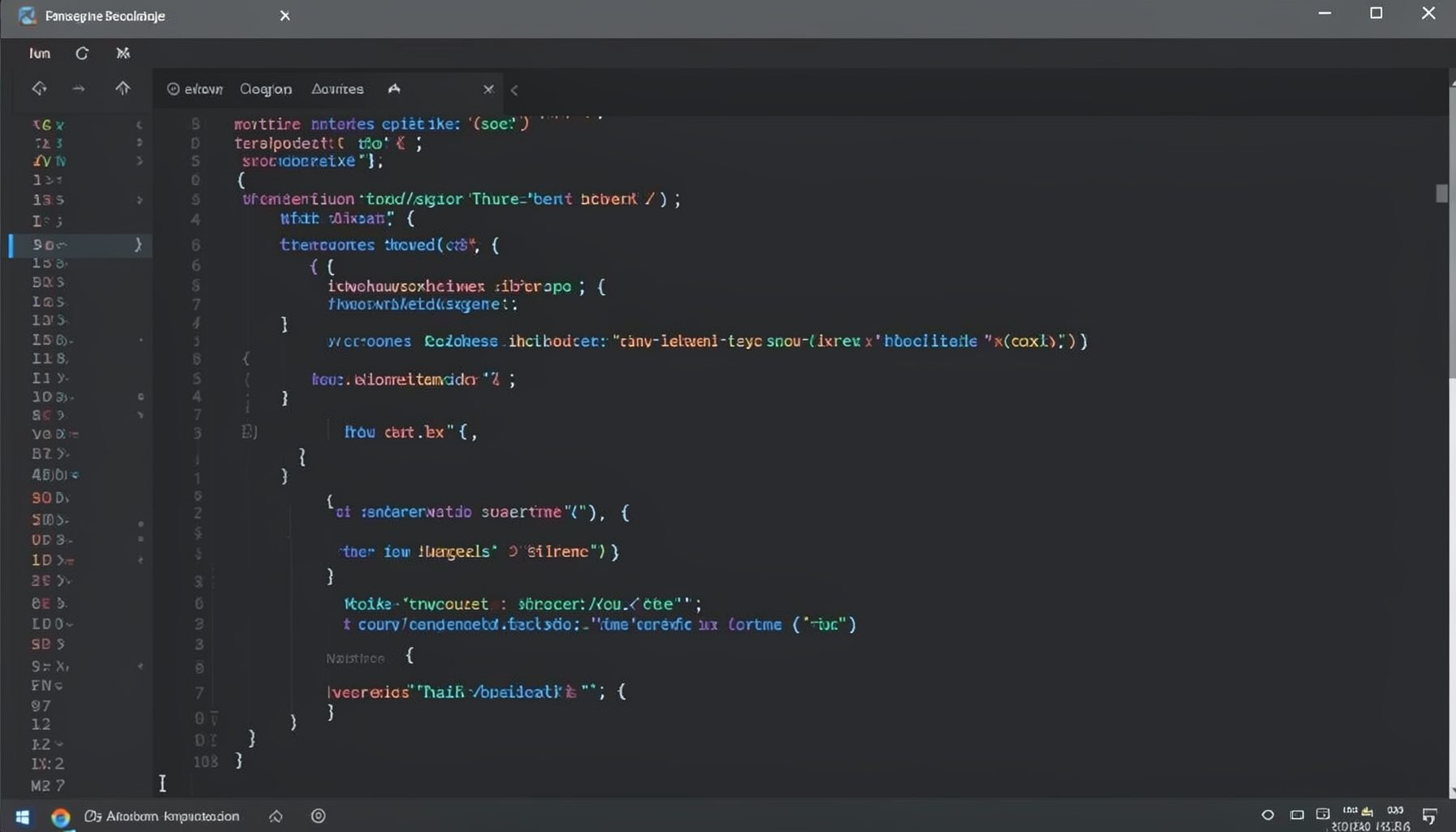
Screen-cast 1: Tab Mode, ECB & More
Covers tab-mode, ECB, Magik Smeller, code folding, visual bookmarks, pragma toggling, moving code, external editor, and MS Explorer.
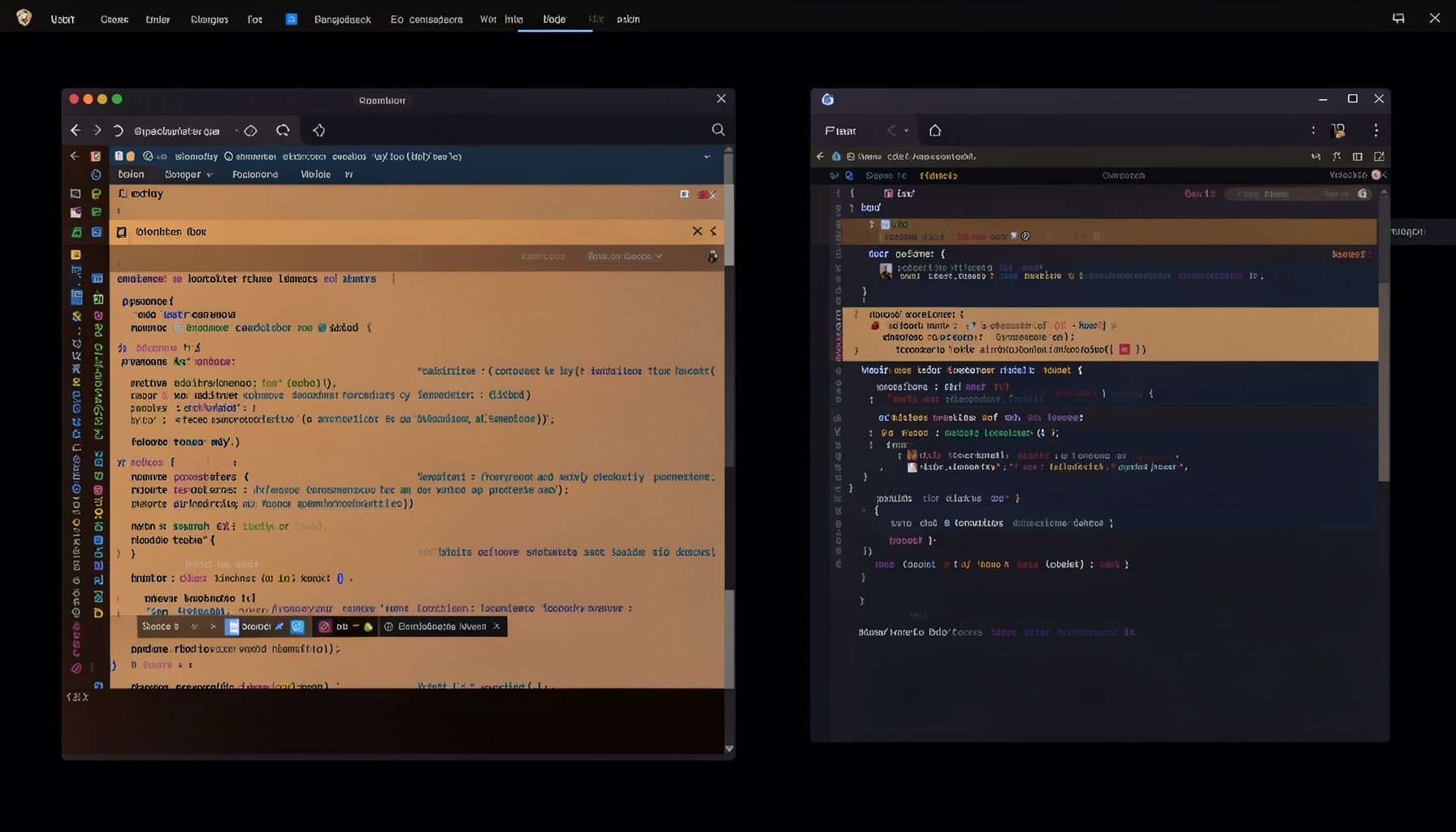
Screen-cast 5: Object Inspection & Deep Print
Inspect a Magik object, prompt for an expression evaluated within a Smallworld session, and display results in a Deep Print buffer.
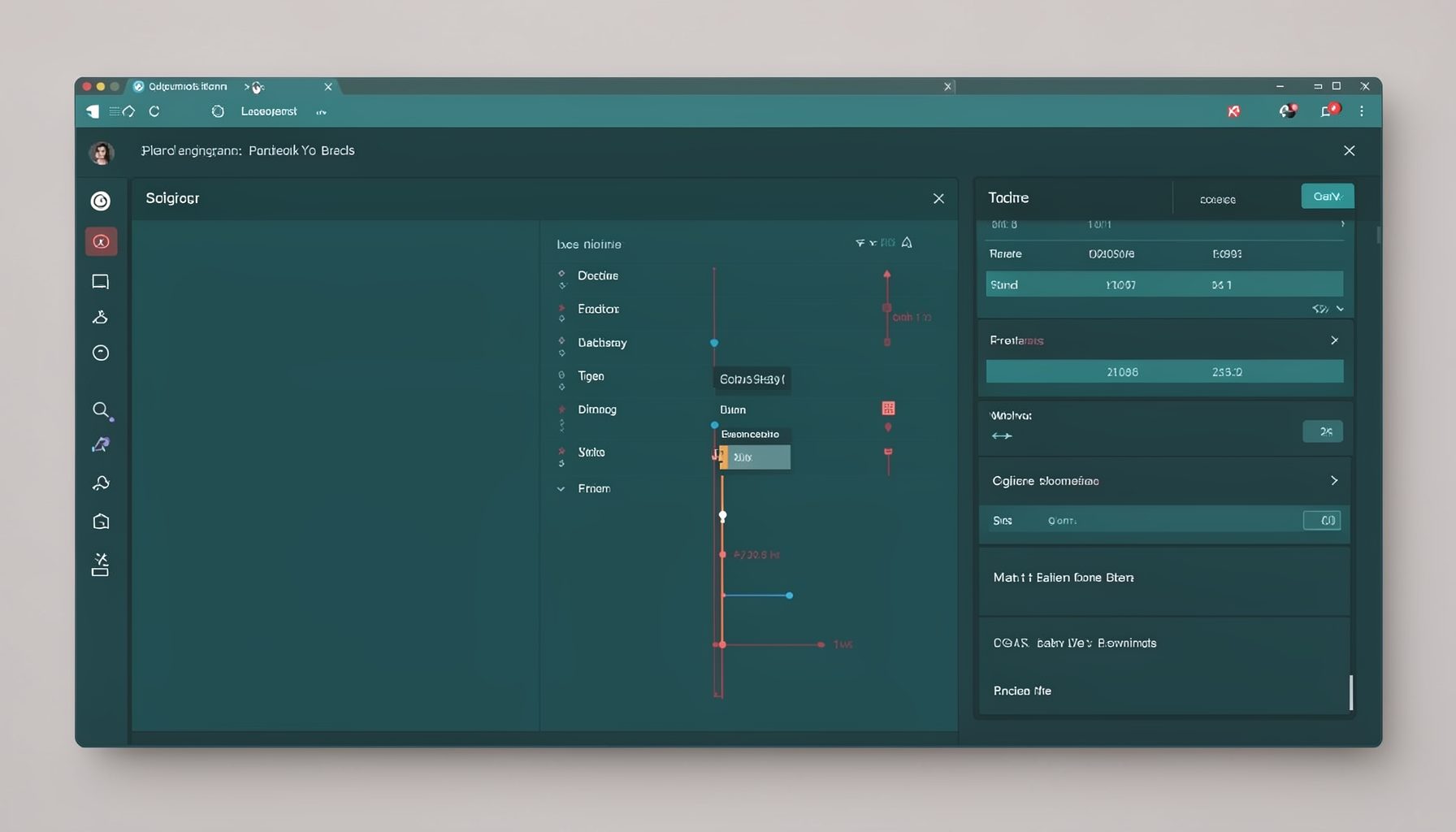
Screen-cast 7: Magik Debugger
Useful tools for application developers: Object Inspector and Magik Debugger with breakpoints and slot/variable monitoring.

Screen-cast 9: Tree Item GUI Control
Tree Item is a GUI control providing extensive facilities for displaying lists with rows, columns, trees, and in-place editing.