Emacs Extensions for
GE Smallworld Magik Development
Screen-casts, tutorials, and productivity tools for Magik programmers who use Emacs. From tab-mode and code folding to the Magik Debugger and object inspector — explore features built by a developer, for developers.
Learn MoreNine screen-casts published between November 2010 and January 2011 — covering everything from ECB mode to the Tree Item GUI control. Read the story behind the project →
Get in Touch
Magik’s style guide: enforcing with Emacs’ checklist
A Magik style guide is valuable only when it changes what developers type, save and merge. In Smallworld code, where packages and methods can live across a large repository, relying on memory and reviewer vigilance produces inconsistent formatting, stale naming patterns and arguments that look interchangeable. Using an Emacs checklist turns those conventions into a repeatable editing and verification routine, keeping the standard close to the code rather than buried in a separate document.
The practical approach is to turn each agreed rule into an observable check, run it in Emacs while the buffer is fresh, and repeat the same checks in shared automation. A checklist can cover whitespace, indentation, line width, naming and Magik-specific structure, while reviewers retain judgement calls about clarity and design. The result should be a small, version-controlled contract that works identically for a developer in Sydney, a distributed team in Melbourne and a customer-controlled environment in Perth.
From guidance to observable rules
Start with the organisation’s existing style guide and extract only statements that can be checked without asking what the author intended. “Use spaces rather than tabs” is observable; “write maintainable methods” is not. Give each rule a stable identifier, a short description and an expected result. This makes a finding actionable: instead of “style issue”, Emacs can report MGK-STYLE-004, explain the rule and point to the offending line.
Not every rule belongs in the automatic pass. Whitespace, trailing blank lines, inconsistent indentation, missing final newlines and agreed line lengths are straightforward to test. Naming can be tested when patterns are explicit, such as a package prefix or a method suffix. Structural checks can confirm that every _method has a matching _endmethod, but they should not pretend to assess whether the method is cohesive. Automatic checks govern visible form; human review governs behaviour and design.
Keeping these layers distinct prevents a checklist from becoming a rigid coding framework. A team may automate a naming convention today and leave method decomposition to review, then promote another rule after its false-positive rate falls. Record the scope of each check and the file types to which it applies, especially when a repository contains Magik, Elisp, configuration and generated files. This scope is the checklist’s main defence against noisy alerts and accidental edits.
Building the project checklist
The checklist should live with the project, normally under version control, and use a format Emacs can load without a custom development environment. A compact rule entry needs an identifier, pattern or predicate, severity, explanation and remediation hint. Store shared settings in the repository and keep personal preferences out of that file. If teams use different directory layouts, allow each buffer to select the nearest project configuration rather than hard-coding one absolute path.
Choose the smallest useful first release. For a typical Magik package, that may include spaces-only indentation, no trailing whitespace, a final newline, a project-specific line width and a naming pattern for public methods. Configure the severity deliberately: a missing newline can be an automatic fix, while a questionable identifier should produce a warning for a developer to confirm. Emacs’ checkdoc can provide a baseline for whitespace and structural warnings through M-x checkdoc-buffer, but Magik-aware rules will need small Elisp checks or carefully configured regular expressions.
Test every rule against known-good and known-bad Magik examples before enabling it for the whole team. A regex that matches my_method but accidentally matches a comment or string is not ready for automation. Likewise, a line-width limit may need exceptions for long resource names or data literals. Keep those exceptions narrow and documented. The checklist is valuable when its result is predictable, not when it catches every theoretical deviation at any cost.
Connecting checks to Emacs
Run the closest checks on save, but keep slower repository-wide checks available as a command. Emacs can load project-specific variables from a trusted .dir-locals.el or another agreed settings file, then use the checklist to provide immediate feedback in the current buffer. Developers should be able to inspect the rule, jump to the line and apply a safe correction without leaving the editor. This short feedback loop matters when a Magik change is being prepared for a Smallworld deployment test rather than reviewed in isolation.
Make commands explicit and memorable. M-x checkdoc-buffer can form part of a project check, while a custom command can run the Magik naming and structure checks and present a consolidated summary. The summary should name the file, line and rule, then finish with a non-zero status when blocking rules fail. Avoid binding an unfamiliar global shortcut that changes files unexpectedly. A dedicated command gives new starters a discoverable path and gives automated jobs a stable entry point.
Macros have a separate role: they can prepare consistent text before a rule is evaluated. A related Magik Emacs article on automating repetitive Magik tasks shows how captured patterns can remove repetitive edits from method bodies. Use macros for transformations that are easy to review, and use the checklist to prove the result meets the standard. A macro that silently rewrites names deserves more caution than one that inserts a standard comment header, because its effects can be harder to see in a diff.
Sharing the rules across teams
Put the authoritative checklist in the same repository as the Magik packages, then make local Emacs settings and continuous integration read the same rule definitions. That avoids a gap between the developer’s buffer and the build server. Australian teams often work across Sydney and Melbourne, and sometimes Perth, so a shared command and machine-readable output are more reliable than screenshots of local warnings. Record the project’s Australian English terms where relevant, including organisation and behaviour, to prevent spell-checkers from creating noise.
Customer and operational constraints also shape the runner. Australian mining programmes in the Pilbara and water or transport utilities in Queensland may run Smallworld systems on premises, with restricted network access and formal change controls. For these environments, keep the checker capable of running offline and let it produce a local report that can be attached to a deployment pack. The same approach suits a consulting team demonstrating a change in a Melbourne office before the code reaches the customer site.
Keep style enforcement separate from acceptance testing. Browser-facing workflows may receive broader coverage through Thucydides web tests, but a passing user journey does not prove that a Magik method follows the agreed layout. Conversely, a clean style report does not show that a collection update behaves correctly. Use the checklist as a fast, deterministic gate, then allow functional and end-to-end tests to answer different questions. Combining the reports in one dashboard can help release managers see both quality dimensions without conflating them.
Turning findings into better code
Make remediation fast for objective defects and easy to understand for contextual ones. Emacs’ whitespace tools can handle safe fixes, while custom checks can offer a narrower action such as renaming a variable at the reported occurrence. Every warning should include the rule identifier and a sentence explaining the expected result. This matters for maintainers who join an account months later and need to know whether a deviation is deliberate, inherited or newly introduced.
Use the findings to improve the checklist rather than blaming the person who triggered it. Repeated false positives indicate that a rule is ambiguous or too broad. Repeated misses on the same construct suggest a missing check. A short review after each Australian release cycle, with developers in Brisbane and the project’s support team included, can reveal which warnings remain useful. Avoid setting a vanity target such as zero messages; a lower count may simply mean that developers stopped reading the report.
Preserve the distinction between generated code and hand-maintained Magik. Generated files should be excluded only when their source is controlled and their style is fixed by the generator. Include hand-edited sections if they exist, or fail generation when they no longer match the template. Also record temporary waivers with an owner, reason and expiry date. That practice prevents “just this once” exceptions from becoming invisible rules and gives future maintainers a clear history when they inspect a Smallworld package.
HydePark Consulting’s Magik Emacs resources can support this workflow with material on folding, debugging, object inspection, method navigation and collection analysis. Start with one active package rather than an entire legacy estate. Copy the agreed rules into a shared project checklist, run M-x checkdoc-buffer and the custom checks against the buffer, then repeat the exercise in a build job. The first report becomes the baseline for measuring false positives and deciding which rules are ready to block a merge.
That small foundation keeps Magik code easier to inspect, review and transfer between developers, consultancy teams and customer environments across Australia. Make the standard executable today: choose one rule the team already agrees on, encode it in the checklist, demonstrate the result in Emacs, and assign its maintenance owner before the next stand-up.
Core Features
Tab Mode & ECB
Quick tab switching and Emacs Code Browsing mode for navigating Magik codebases efficiently.
Magik Smeller
Code analysis tool that helps identify potential issues in Magik source files.
Code Folding
Hide/Show mode for collapsing and expanding Magik code blocks to focus on what matters.
Visual Bookmarks
Quick visual bookmarks for jumping between key locations in your Smallworld session buffers.
Object Inspector
Inspect Magik objects and display them in an Emacs Deep Print buffer for detailed examination.
Magik Debugger
Set breakpoints and monitor slots and variables directly from within Emacs.
Development Tools
Direct links between Emacs and the Smallworld Development Tools application, including Click Monitor.
Screen-casts & Tutorials
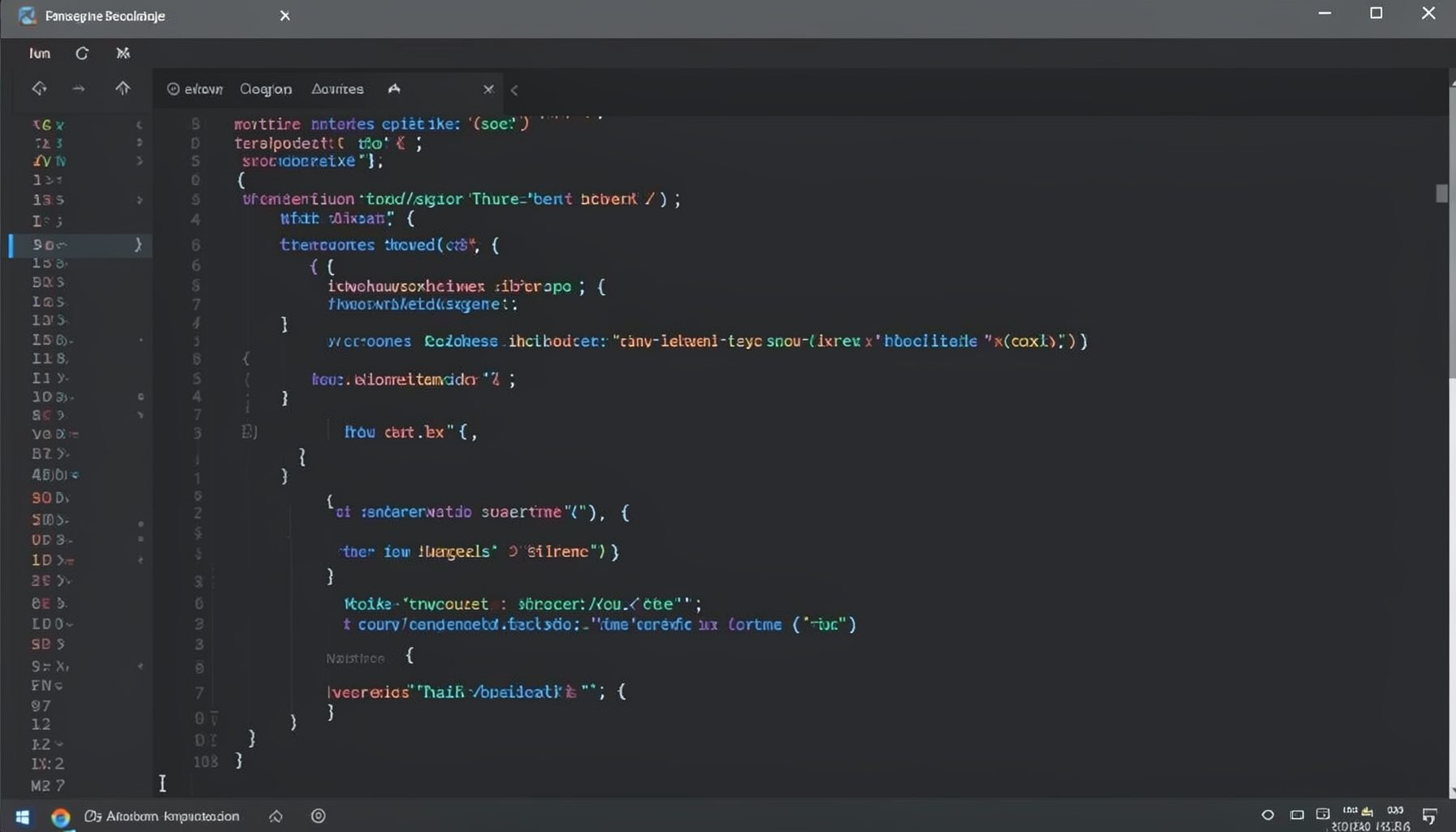
Screen-cast 1: Tab Mode, ECB & More
Covers tab-mode, ECB, Magik Smeller, code folding, visual bookmarks, pragma toggling, moving code, external editor, and MS Explorer.
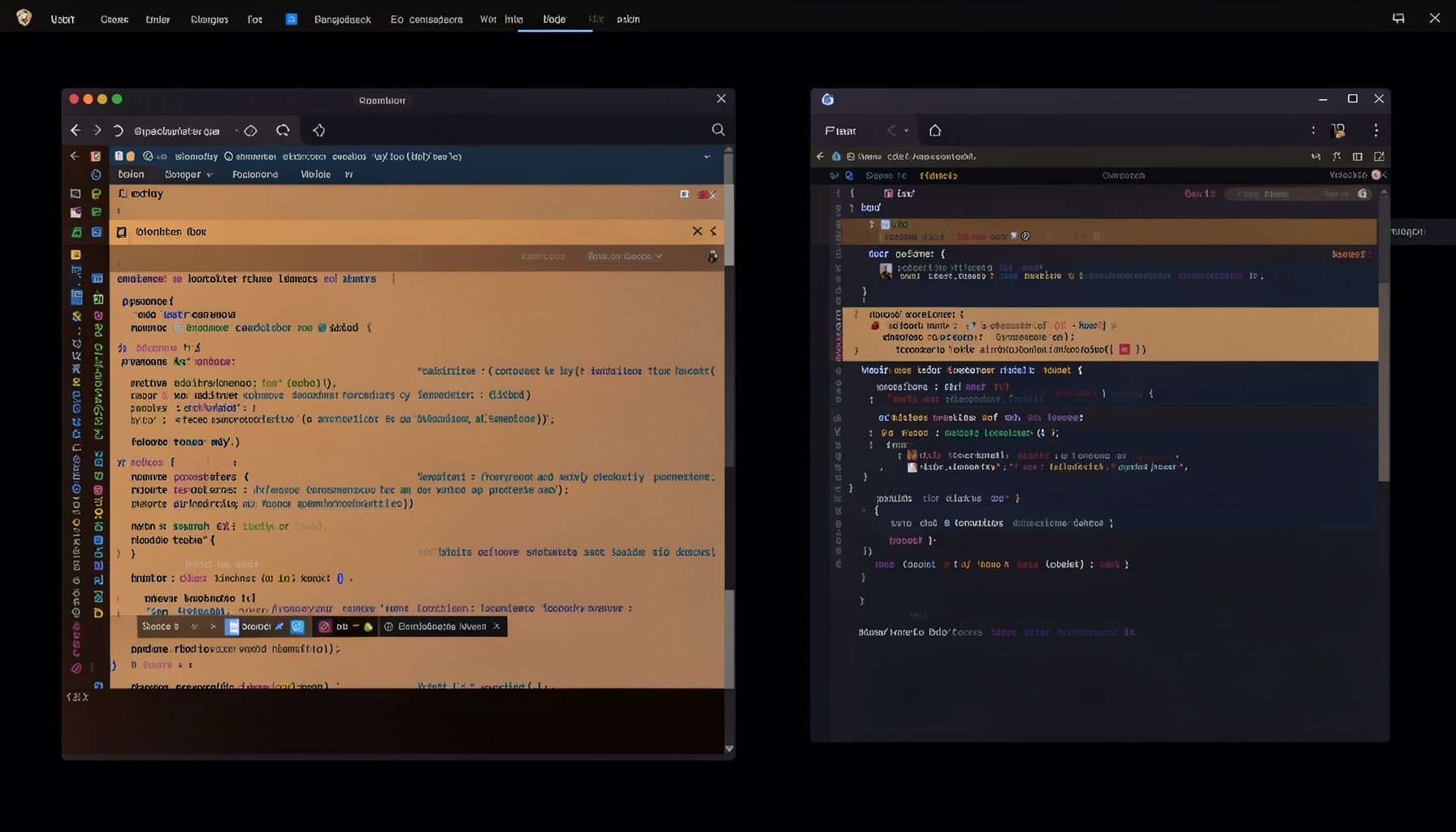
Screen-cast 5: Object Inspection & Deep Print
Inspect a Magik object, prompt for an expression evaluated within a Smallworld session, and display results in a Deep Print buffer.
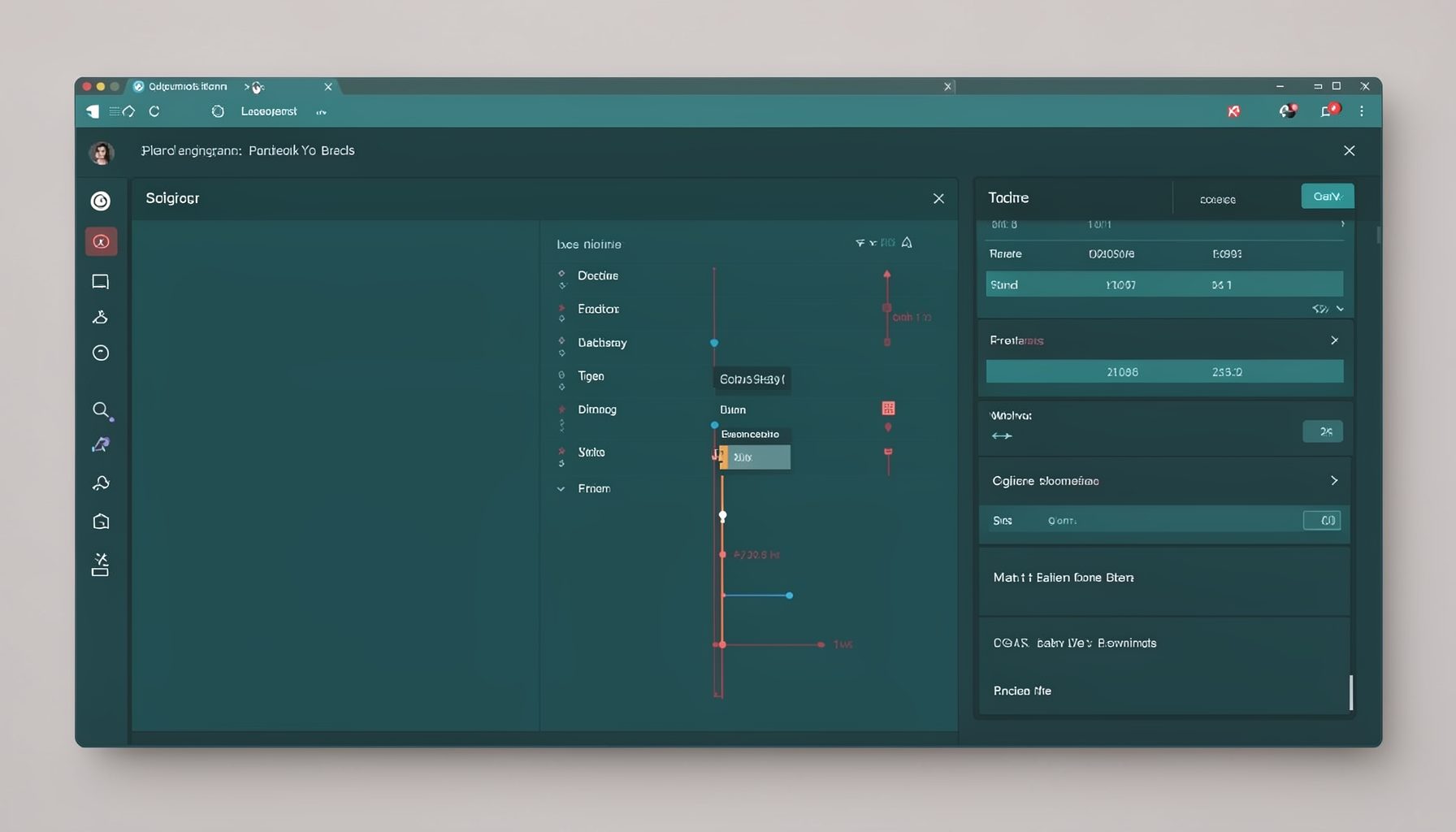
Screen-cast 7: Magik Debugger
Useful tools for application developers: Object Inspector and Magik Debugger with breakpoints and slot/variable monitoring.

Screen-cast 9: Tree Item GUI Control
Tree Item is a GUI control providing extensive facilities for displaying lists with rows, columns, trees, and in-place editing.