Emacs Extensions for
GE Smallworld Magik Development
Screen-casts, tutorials, and productivity tools for Magik programmers who use Emacs. From tab-mode and code folding to the Magik Debugger and object inspector — explore features built by a developer, for developers.
Learn MoreNine screen-casts published between November 2010 and January 2011 — covering everything from ECB mode to the Tree Item GUI control. Read the story behind the project →
Get in Touch
Blog
Running Magik tests from a terminal works well for a quick check, but it becomes less convenient when development involves repeated edits, debugging, method…
Large Magik applications can make method lookup feel slower than the actual coding. A method may be implemented in a class definition, inherited from a parent…
Magik development often depends on knowledge that sits outside a formal language reference. A useful method may appear in an old discussion, a Smallworld…
Refactoring a mature Magik system often begins with a change that looks harmless: a renamed method, a clearer slot name, or a consistent spelling for an…
A productive Magik workstation needs to bridge two worlds: the familiar Emacs editing model and the specialised tooling used with GE Smallworld. Doom Emacs…
When a Magik image or source tree becomes large, searching for a name is only the beginning. You may need to find every method declaration, inspect uses of…
Database work in GE Smallworld often becomes difficult at the point where Magik code, GIS data, and a long-running application session meet. A query may return…
GE Smallworld’s Magik language was designed for specialised geographic information systems, where developers work with network models, spatial data,…
Working with GE Smallworld Magik often means moving between several related environments: a customer application, a shared framework, a test database, and a…
Magik code lives in a world where variables take on whatever shape the surrounding logic demands. A single identifier can hold a rope, a sw:rb_tree, or a…
Core Features
Tab Mode & ECB
Quick tab switching and Emacs Code Browsing mode for navigating Magik codebases efficiently.
Magik Smeller
Code analysis tool that helps identify potential issues in Magik source files.
Code Folding
Hide/Show mode for collapsing and expanding Magik code blocks to focus on what matters.
Visual Bookmarks
Quick visual bookmarks for jumping between key locations in your Smallworld session buffers.
Object Inspector
Inspect Magik objects and display them in an Emacs Deep Print buffer for detailed examination.
Magik Debugger
Set breakpoints and monitor slots and variables directly from within Emacs.
Development Tools
Direct links between Emacs and the Smallworld Development Tools application, including Click Monitor.
Screen-casts & Tutorials
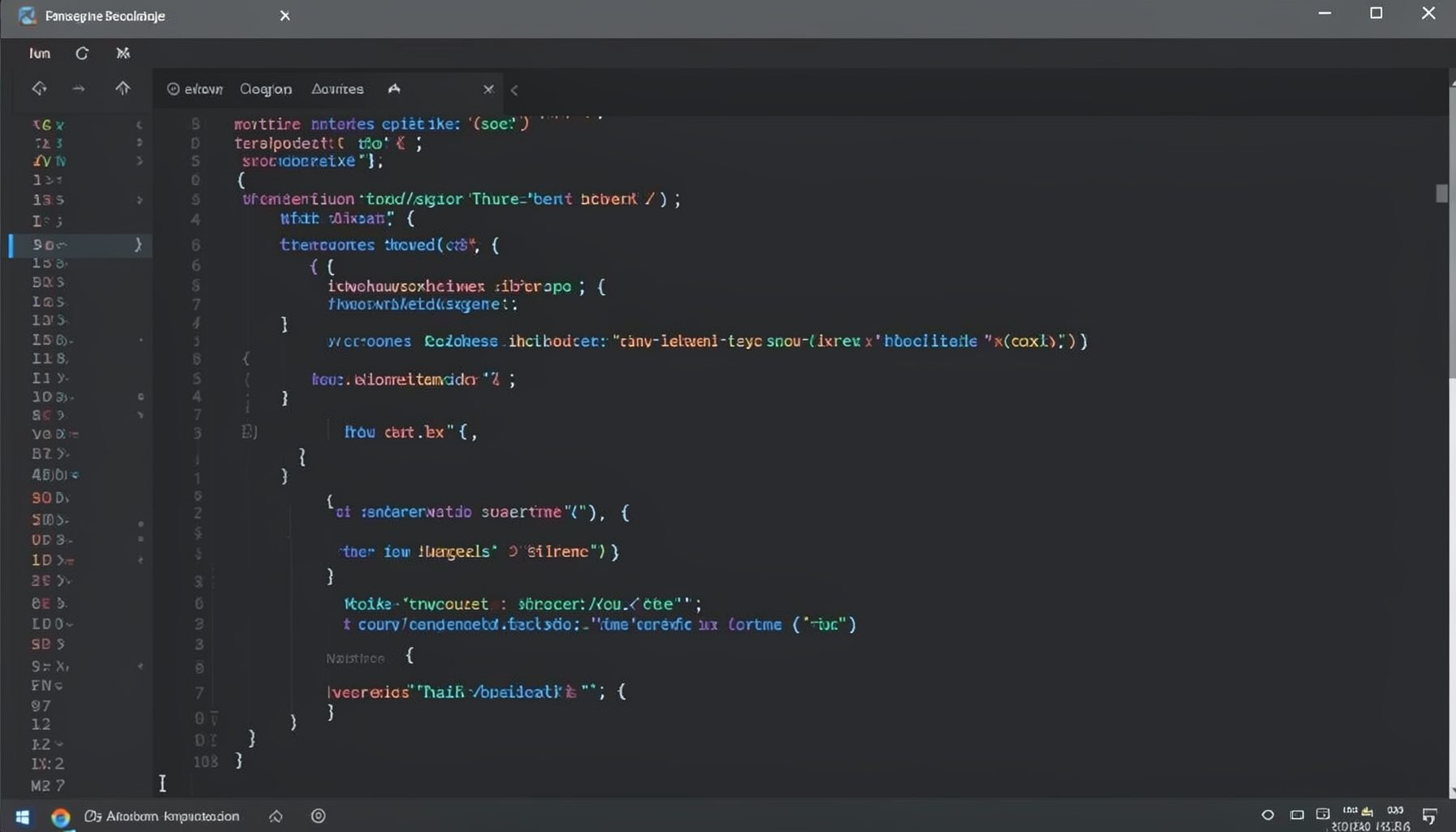
Screen-cast 1: Tab Mode, ECB & More
Covers tab-mode, ECB, Magik Smeller, code folding, visual bookmarks, pragma toggling, moving code, external editor, and MS Explorer.
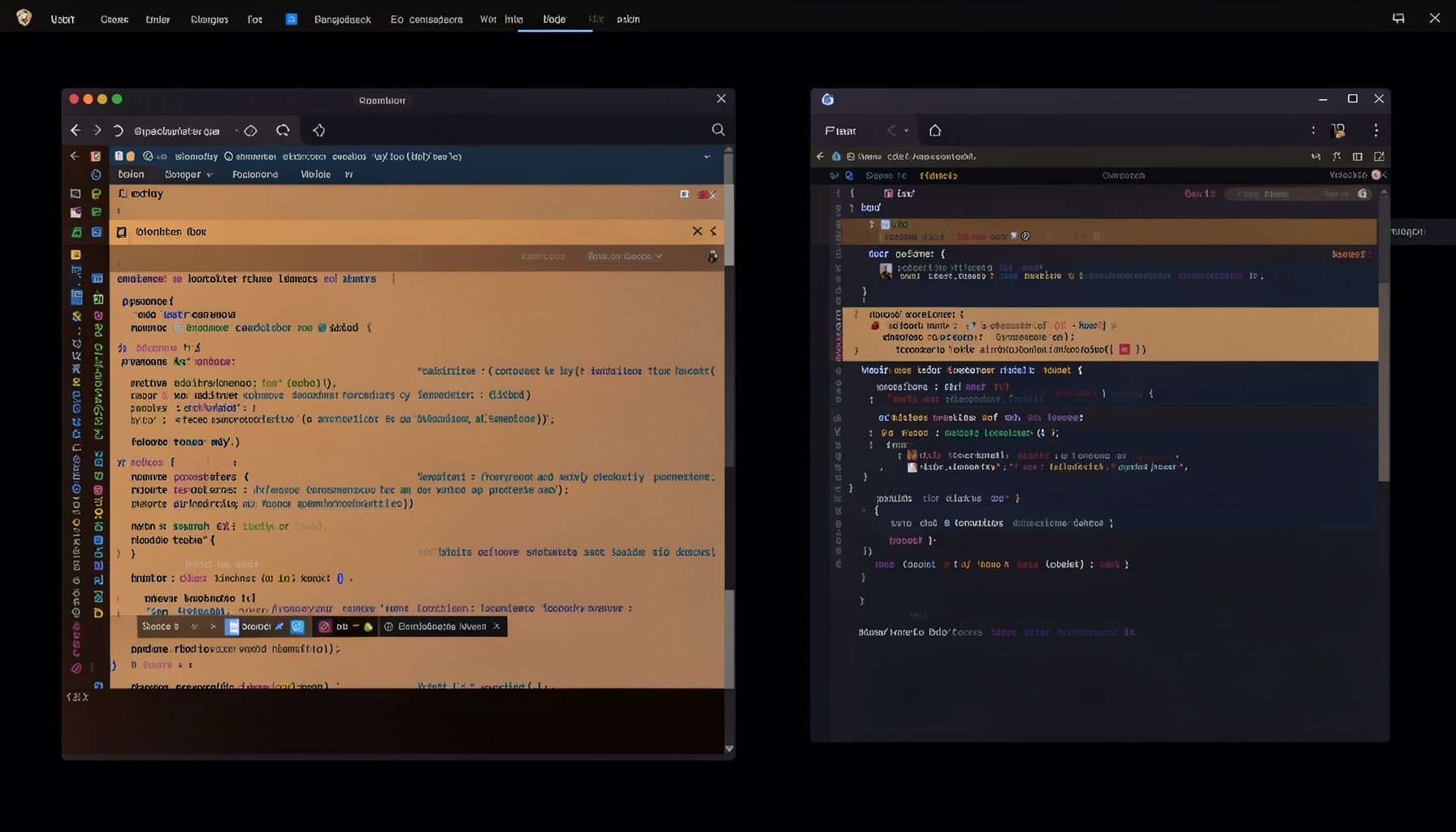
Screen-cast 5: Object Inspection & Deep Print
Inspect a Magik object, prompt for an expression evaluated within a Smallworld session, and display results in a Deep Print buffer.
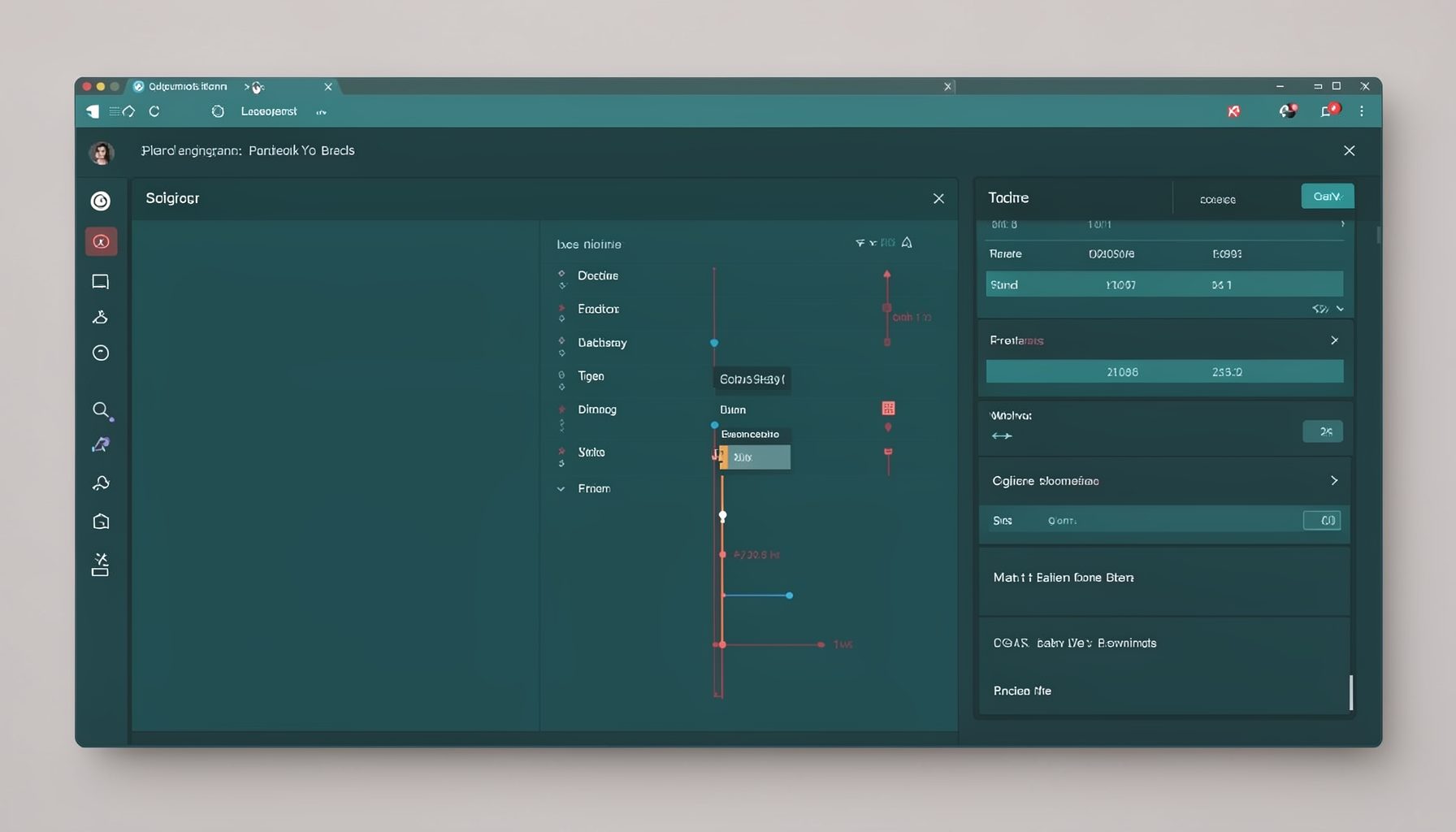
Screen-cast 7: Magik Debugger
Useful tools for application developers: Object Inspector and Magik Debugger with breakpoints and slot/variable monitoring.

Screen-cast 9: Tree Item GUI Control
Tree Item is a GUI control providing extensive facilities for displaying lists with rows, columns, trees, and in-place editing.